Alat AI untuk Semua Aset Game yang Anda Butuhkan
Dari concept art ke sprite piksel, latar level hingga tombol UI — tujuh alat AI menutupi seluruh pipeline seni game. Cocok untuk gaya piksel dan non-piksel.
Jelajahi Alur KerjaTidak perlu latar belakang seni. Ekspor PNG, GIF, dan sprite sheet siap untuk Unity, Godot, dan RPG Maker.

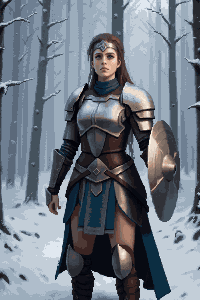
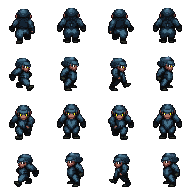
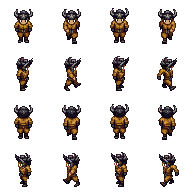
SPRITE KARAKTER
Karakter piksel 32×48, siap dianimasikan

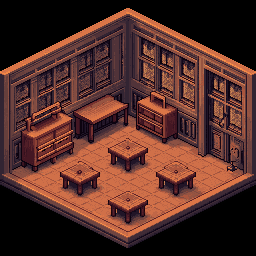
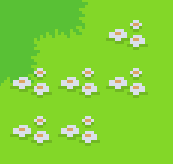
PETA & TILESET
Tile mulus dan lingkungan game

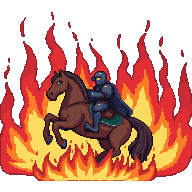
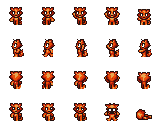
ANIMASI
Siklus jalan dan sprite sheet, siap GIF
Pilih Alur Kerja Anda
Tiga alur seni game — pilih yang sesuai proyek Anda.
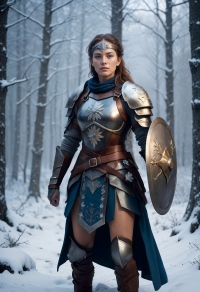
Concept Art & Latar Level
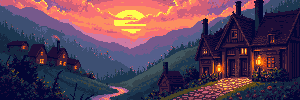
Mulai dari prompt teks atau gambar referensi, buat adegan lalu perluas ke lebar level penuh — 4096×450 untuk side-scroller atau 4096×720 untuk panorama tinggi.
Mulai alur kerjaKarakter, Sprite & Animasi
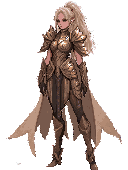
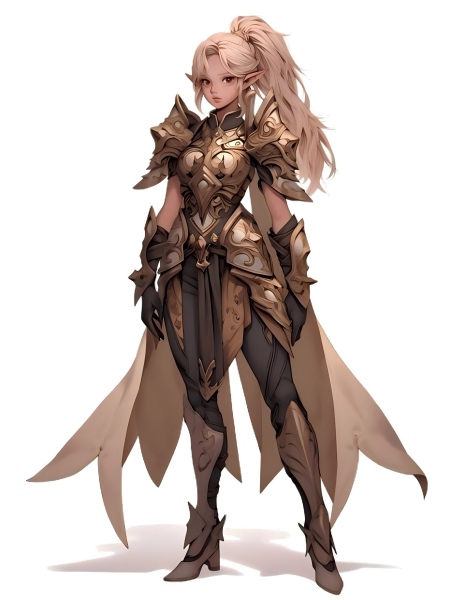
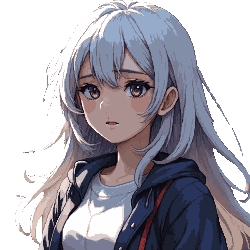
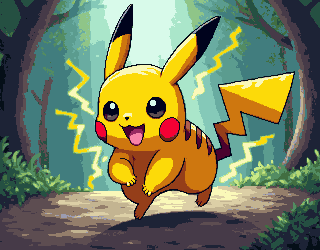
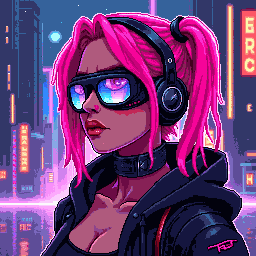
Buat konsep karakter, ubah ke gaya piksel, hapus latar untuk PNG transparan bersih, lalu animasikan jadi sprite sheet.
Mulai alur kerjaTileset, Ikon & Elemen UI
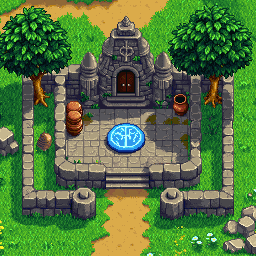
Buat tile piksel, ikon, dan tombol UI dengan dimensi game yang tepat. Rakit tileset dan ekspor dengan latar transparan.
Mulai alur kerja
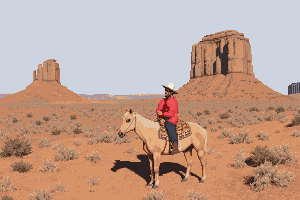
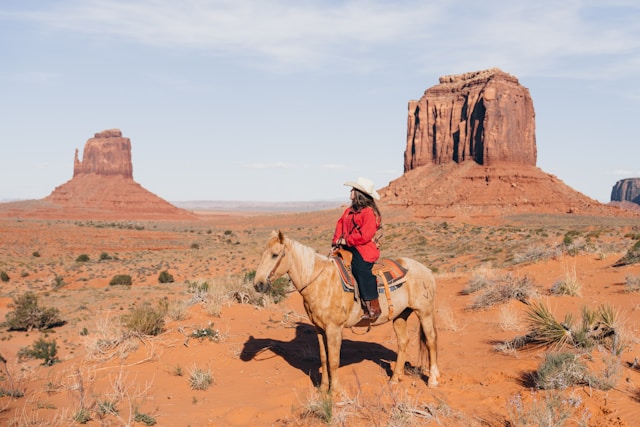
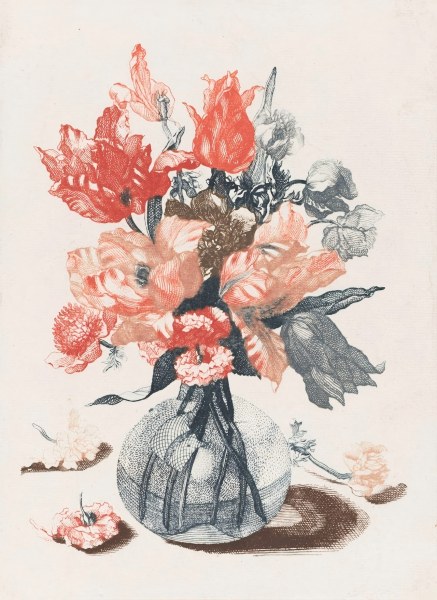
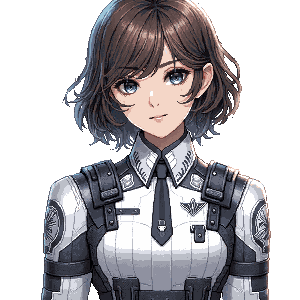
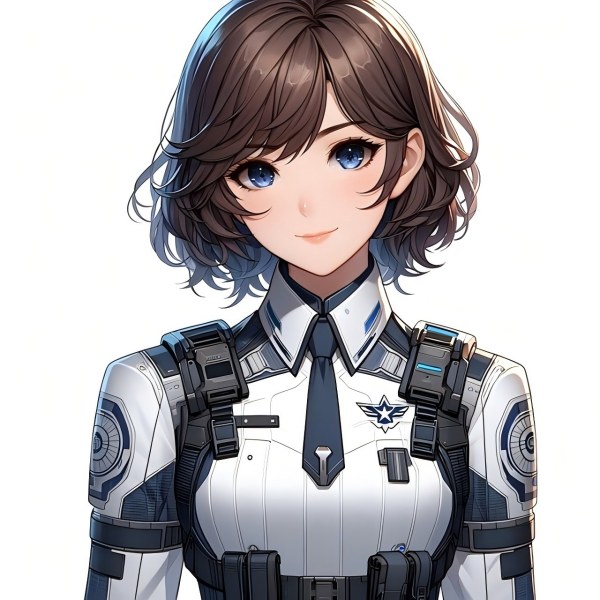
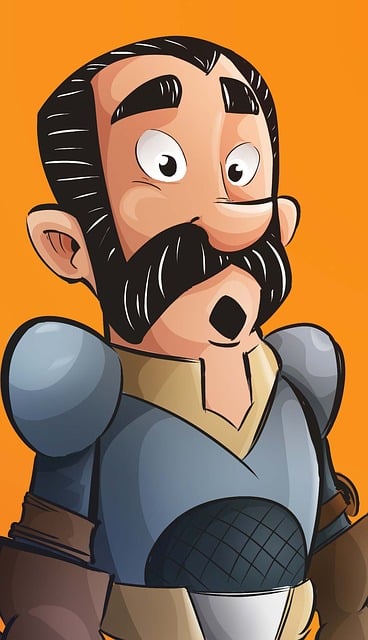
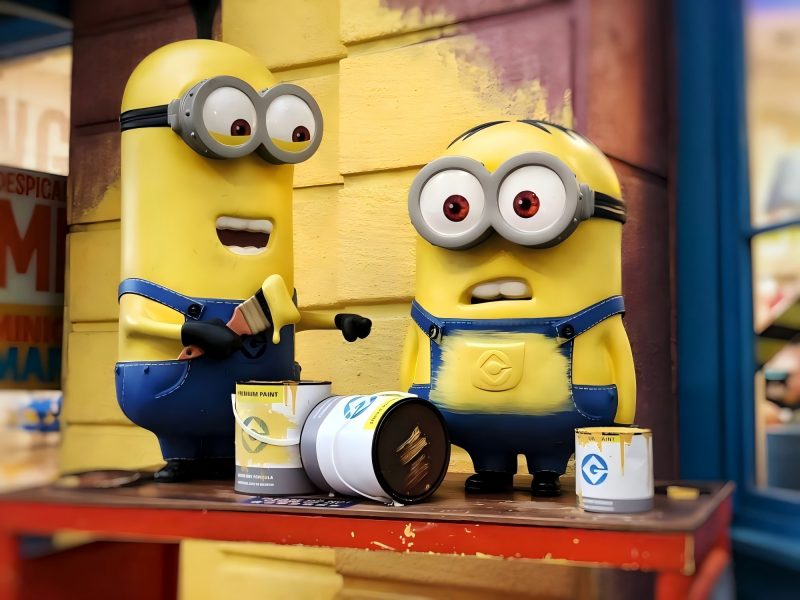
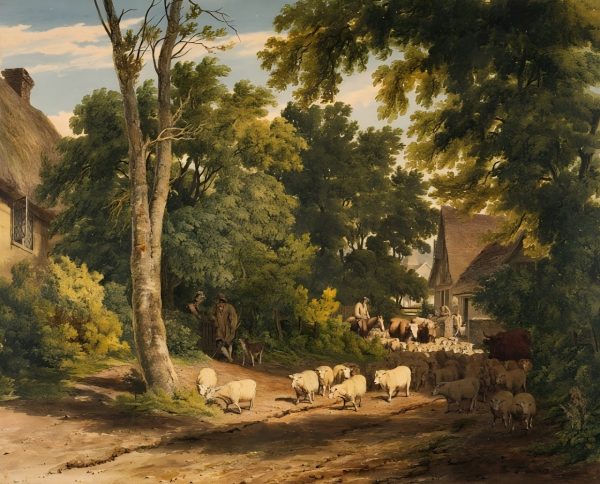









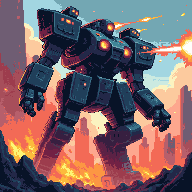

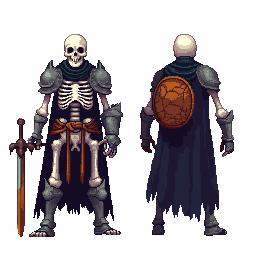
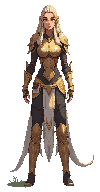
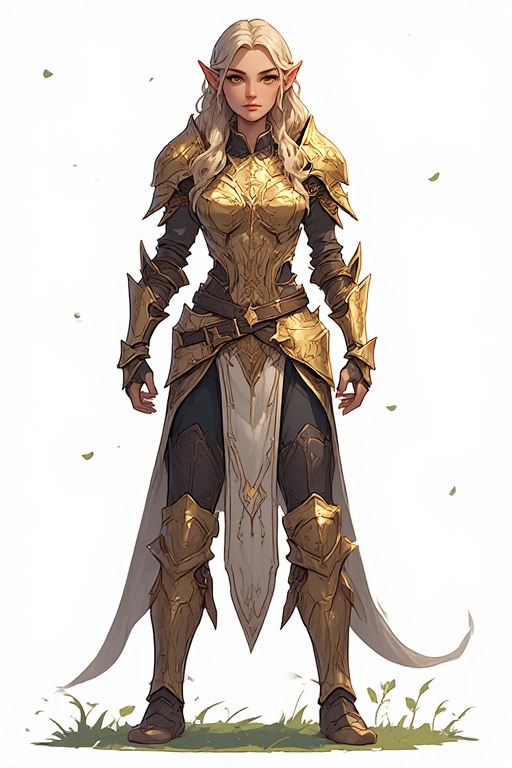
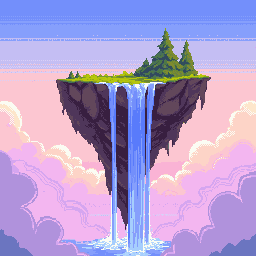
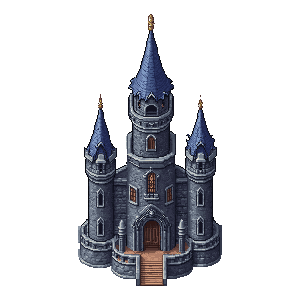



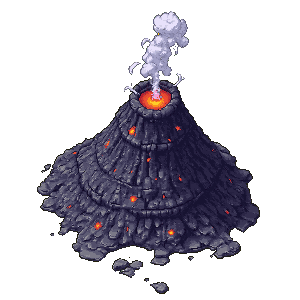







Toolkit Aset Game Lengkap
Tujuh alat AI untuk setiap jenis seni game — dari sketsa konsep hingga ekspor akhir.
Generator & Editor Gambar
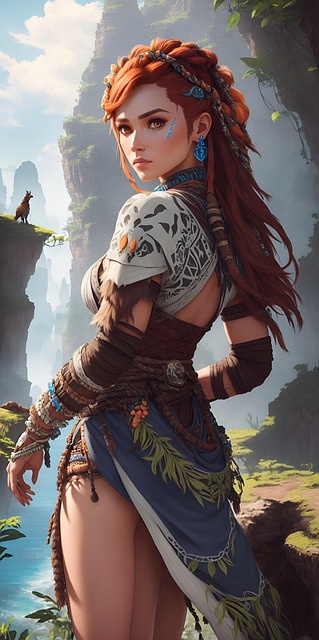
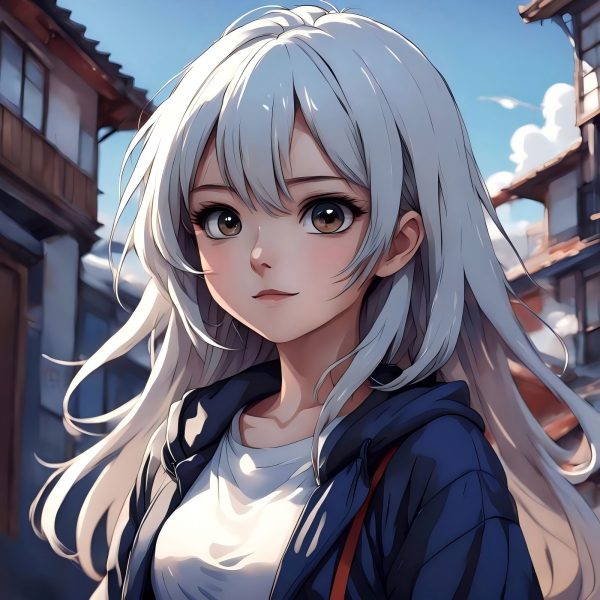
Teks-ke-gambar dan gambar-ke-gambar dalam satu alat. Buat concept art, latar adegan, desain karakter, dan properti — lalu edit, ubah warna, atau poles.
PerluasAI Image Extender
Rentangkan adegan jadi latar level selebar penuh. Ideal untuk backdrop side-scroller 4096×450 atau lingkungan panorama 4096×720.
PotongHapus Latar
Pisahkan karakter, item, dan elemen UI sekali klik. Hasil PNG transparan bersih untuk engine game mana pun.
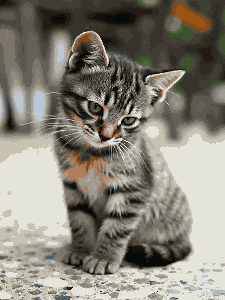
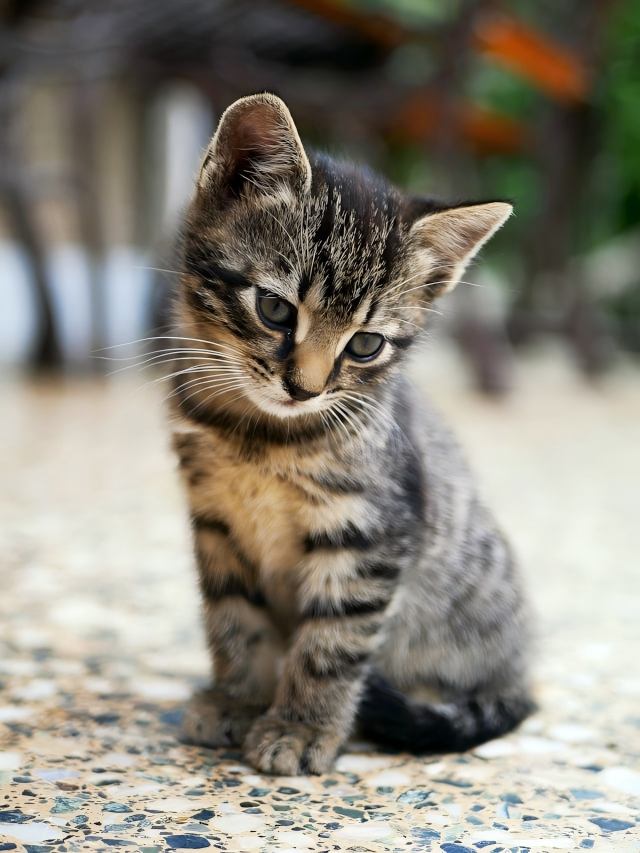
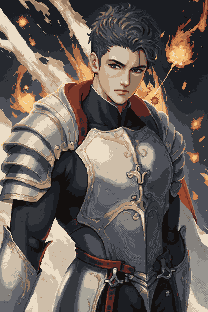
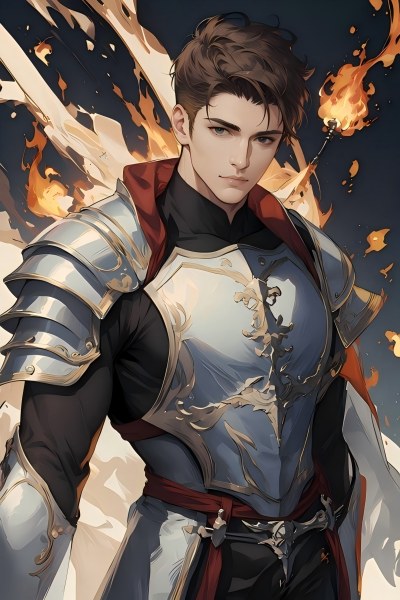
PikselkanGambar ke Pixel Art
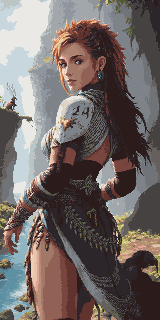
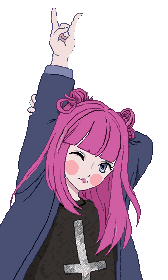
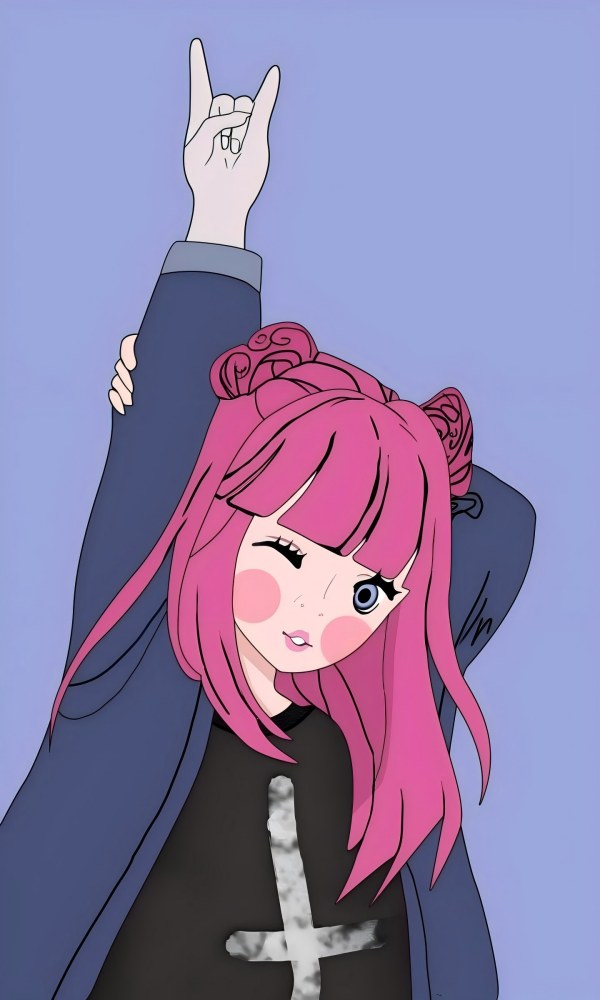
Ubah ilustrasi atau concept art jadi pixel art seketika. Komposisi tetap, render piksel otentik di resolusi pilihan Anda.
Buat PikselPixel Art Generator
Buat pixel art dari prompt teks dengan dimensi tepat — ikon 16×16, tile 32×32, karakter detail 64×64, dan lainnya.
TilesetPixel Tileset Generator
Bangun tileset mulus untuk peta RPG, level platformer, dan dunia top-down. Impor langsung ke Unity, Godot, dan RPG Maker.
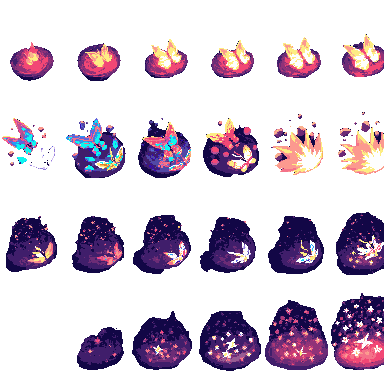
AnimasiPixel Animation Maker
Ubah sprite statis jadi siklus jalan, urutan serangan, dan VFX. Ekspor pratinjau GIF dan sprite sheet PNG.
Game Assets Prompt Templates
Create a 2D side-scrolling platformer background set in [ENVIRONMENT: enchanted forest / cyberpunk city / desert ruins / icy mountain / lava cave]. Use a layered parallax composition with clear foreground, midground, and background depth. The style should be [ART STYLE], with readable shapes, atmospheric lighting, and enough empty space for gameplay elements. No characters, no UI, no text.
Create a pixel art platformer tileset for [ENVIRONMENT: grassland / dungeon / snow mountain / lava cave / cyberpunk rooftop]. Include ground tiles, edge tiles, corners, slopes, floating platforms, decorative objects, and background details. Use a consistent [COLOR PALETTE] palette and a clean game-ready pixel art style. Make the tiles seamless and suitable for level building.
Create a game character sprite sheet for [CHARACTER NAME], a [CHARACTER TYPE]. Include idle, walk, run, jump, attack, hurt, and death poses. Use a consistent [ART STYLE] style, clean silhouette, transparent or plain background, and game-ready proportions. Keep all poses consistent in scale and design.
Create a pixel art character sprite for [CHARACTER TYPE]. Use a [16-bit / 32-bit / modern pixel art] style, strong silhouette, limited color palette, clean pixel edges, and game-ready readability. The character should face [front / side / three-quarter] view and stand in an idle pose on a transparent background.
Create a game item icon set for a [GAME GENRE] game. Include [ITEM TYPES: potions, coins, keys, gems, scrolls / swords, shields, helmets, boots / food, seeds, tools], each displayed as a clean, centered icon with consistent lighting, perspective, and style. Use a cohesive [ART STYLE] style, simple background, and strong readability at small sizes.
Create a fantasy game UI kit for a [GAME GENRE] game. Include buttons, panels, health bar, mana bar, inventory slots, dialog box, menu frame, and small decorative icons. Use a cohesive fantasy style with readable shapes, polished edges, and game-ready interface design.
Create pixel art animation frames for [CHARACTER OR OBJECT]. Include [ANIMATION TYPE: idle / walk cycle / run cycle / attack / jump / explosion / coin spin / fire effect] frames with consistent scale, clean motion, and readable silhouettes. Use a game-ready pixel art style with transparent or plain background.
Generate this game asset in the same visual style as the existing assets: [STYLE DESCRIPTION]. Maintain consistent color palette, lighting direction, perspective, outline thickness, level of detail, and overall mood. The asset should feel like it belongs in the same game world.
Create Steam capsule art for a [GAME GENRE] game titled "[GAME TITLE]". Show the main character, core environment, and emotional hook of the game. Use a polished promotional art style, strong composition, cinematic lighting, and space for the game title. Make it attractive for indie game players.
Create a social media promotional image for a [GAME GENRE] game. Feature the main character, key environment, and exciting gameplay mood. Use a polished indie game marketing style, strong contrast, and space for a short headline and call-to-action.
Create a fantasy game concept art scene for a [GAME GENRE: RPG / platformer / roguelike / strategy] game. The setting is [ENVIRONMENT: enchanted forest / ancient ruins / floating island / underground dungeon], with a strong mood of [MOOD: mysterious / magical / dark / cozy / epic]. Use a cohesive art style inspired by [ART STYLE], with dramatic lighting, clear visual hierarchy, and game-ready composition.
Create a dark fantasy dungeon tileset in pixel art style. Include stone floors, cracked walls, corners, doors, torches, treasure chests, traps, stairs, skulls, and decorative props. The tiles should be seamless, readable, and suitable for a roguelike or RPG dungeon map.
Referensi Ukuran Aset Game
Dimensi standar di engine dan genre — gunakan sebagai target saat membuat.
| Jenis Aset | Ukuran Umum |
|---|---|
| Latar Level (horizontal) | 4096×450 / 4096×720 |
| Latar Level (vertikal) | 720×1280 / 1080×1920 |
| Tanah / Jalur | 425×135 / 1200×80 |
| Tile | 32×32 / 64×64 |
| Sprite | 32×48 / 32×64 / 48×48 |
| Tombol UI | 192×57 / 320×50 |
| Ikon / Item | 64×64 / 128×128 |
| Sampul Game / Art Toko | 1280×720 / 600×900 |
Dibuat untuk Kreator Game
Developer Indie
Rilis game yang tampak lengkap tanpa merekrut artis khusus. Tujuh alat AI mencakup semua jenis aset di pipeline Anda.
Tim Game Jam
Set art lengkap dalam hitungan jam, bukan hari. Fokus pada mekanik gameplay, biarkan AI urus visual.
Penggemar Pixel Art
Pakai aset piksel dari AI sebagai dasar yang sudah rapi, lalu poles dengan edit dan gaya pribadi Anda.
Concept Artist
Prototipe cepat suasana adegan dan desain karakter sebelum mengunci arah seni final.
Paket mana yang paling cocok?
Pilih berdasarkan frekuensi — sesekali, bulanan, atau produksi skala besar.
Alur kerja khusus lainnya
Rangkai alat AI untuk e-commerce, game, dan iklan — jalur kreatif lebih jelas.
Toolkit visual untuk toko online
Banner, foto produk, paket kampanye sosial, dan iklan video — kebutuhan visual brand DTC dan toko Shopify.
Alur kerja kreasi iklan
Kreasi sesuai Google dan Meta dengan pixel presisi — satu gambar master untuk semua placement, gaya seragam.
Pertanyaan yang Sering Diajukan
Bolehkah aset ini dipakai di game komersial?
Boleh. Semua aset dari alat PixExact aman untuk komersial. Anda memiliki output dan bebas memakainya di game berbayar, rilis itch.io, judul App Store, atau kiriman game jam.
Engine game apa yang mendukung output ini?
Sprite PNG, tileset, dan potongan transparan berjalan di Unity, Godot, RPG Maker, GameMaker, dan Phaser. GIF dan sprite sheet dari Pixel Animation Maker kompatibel dengan AnimationPlayer Godot, Sprite Animator Unity, dan sebagian besar framework game web.
Apa bedanya Gambar ke Pixel Art dan Pixel Art Generator?
Gambar ke Pixel Art mengambil gambar yang ada — foto, concept art, atau sketsa — lalu mengubahnya ke gaya piksel sambil mempertahankan komposisi asli. Pixel Art Generator membuat pixel art dari nol lewat prompt teks, tanpa gambar sumber. Alur karakter umum: buat konsep di Generator & Editor Gambar, lalu konversi piksel dengan Gambar ke Pixel Art.
Bagaimana cara membuat latar level penuh?
Mulai di Generator & Editor Gambar dengan adegan ukuran standar (mis. 1024×576). Lalu pakai AI Image Extender untuk meregangkannya horizontal ke lebar target — 4096×450 untuk side-scroller atau 4096×720 untuk panorama lebih tinggi. AI mengisi area perluasan secara mulus.
Bisakah semua aset game punya gaya visual yang konsisten?
Bisa. Pakai kata kunci gaya yang sama di semua alat — misalnya «RPG retro 16-bit, warna earth tone redup, garis tepi gelap» — dan AI menjaga keselarasan visual di latar, karakter, tile, dan UI.
Perlu pengalaman menggambar untuk memakai alat ini?
Tidak. Jelaskan dalam bahasa biasa — «sprite ksatria fantasi, armor gelap, pixel art» atau «tileset rumput hutan, tampak atas, 32×32» — sisanya AI yang urus. Lihat tabel ukuran di halaman ini untuk dimensi tiap jenis aset.
Mulai Seni Game Anda Hari Ini
Tujuh alat AI, satu pipeline utuh — dari concept art ke sprite animasi, siap diekspor.