Strumenti IA per ogni asset di cui il tuo gioco ha bisogno
Dal concept art agli sprite pixel, dagli sfondi di livello ai pulsanti UI: sette strumenti IA che coprono l'intera pipeline artistica. Valido sia per lo stile pixel sia per quello non pixel.
Esplora i workflowNon serve esperienza artistica. Esporta PNG, GIF e sprite sheet pronti per Unity, Godot e RPG Maker.

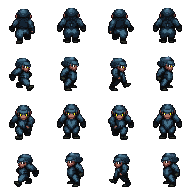
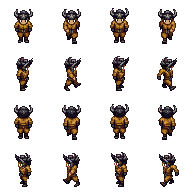
SPRITE PERSONAGGI
Personaggi pixel 32×48, pronti per l'animazione

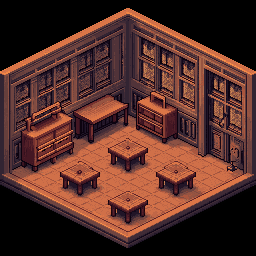
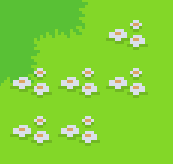
MAPPE E TILESET
Tile senza cuciture e ambienti di gioco

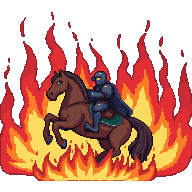
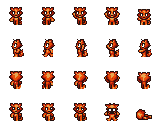
ANIMAZIONI
Cicli di camminata e sprite sheet, pronti in GIF
Scegli il tuo workflow
Tre workflow per la grafica di gioco — scegli quello adatto a ciò che stai realizzando.
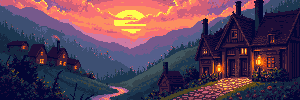
Concept art e sfondi di livello
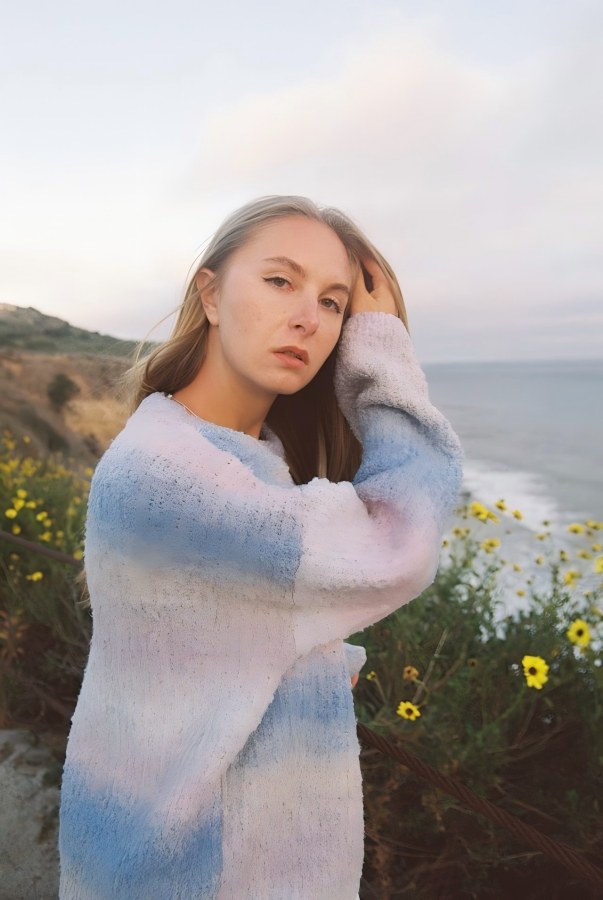
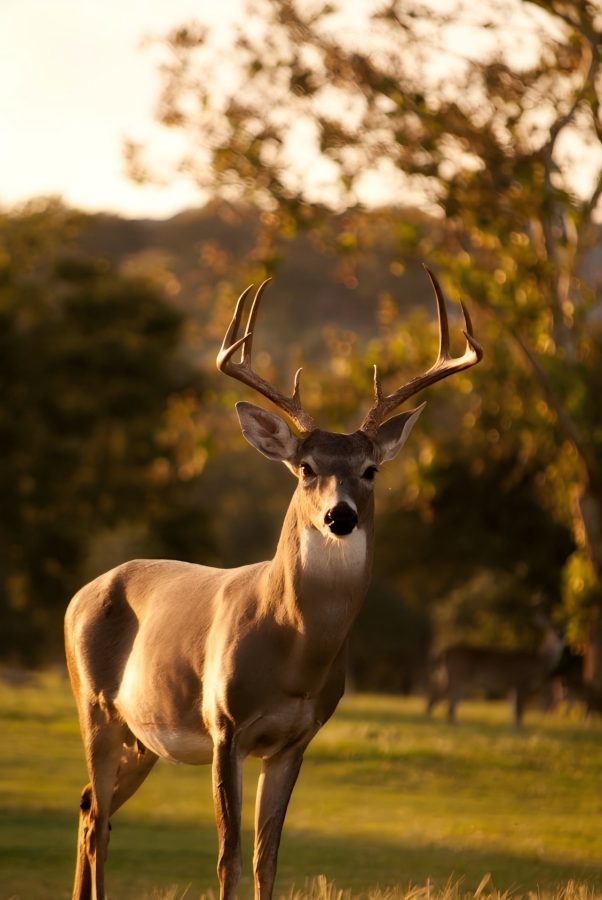
Parti da un prompt testuale o da un'immagine di riferimento per generare una scena, poi estendila alla larghezza completa del livello: 4096×450 per gli side-scroller o 4096×720 per panorami più alti.
Avvia il workflowPersonaggi, sprite e animazioni
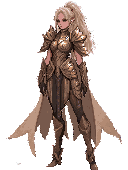
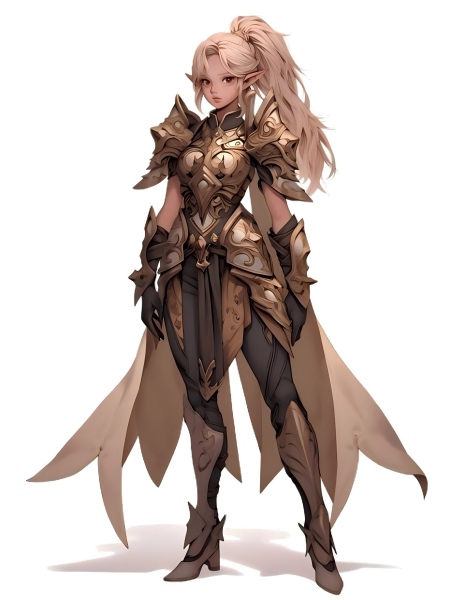
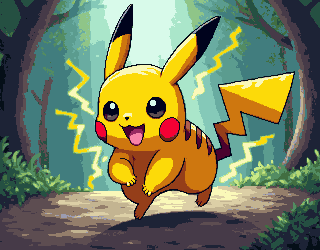
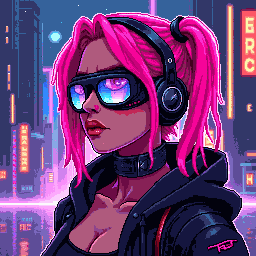
Genera un concept del personaggio, convertilo in stile pixel, rimuovi lo sfondo per ottenere un PNG trasparente pulito e anima il risultato in uno sprite sheet.
Avvia il workflowTileset, icone ed elementi UI
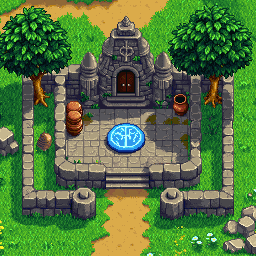
Genera tile pixel, icone e pulsanti UI nelle dimensioni esatte del gioco. Assemblali in tileset ed esporta con sfondo trasparente.
Avvia il workflow
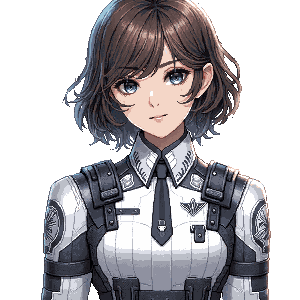
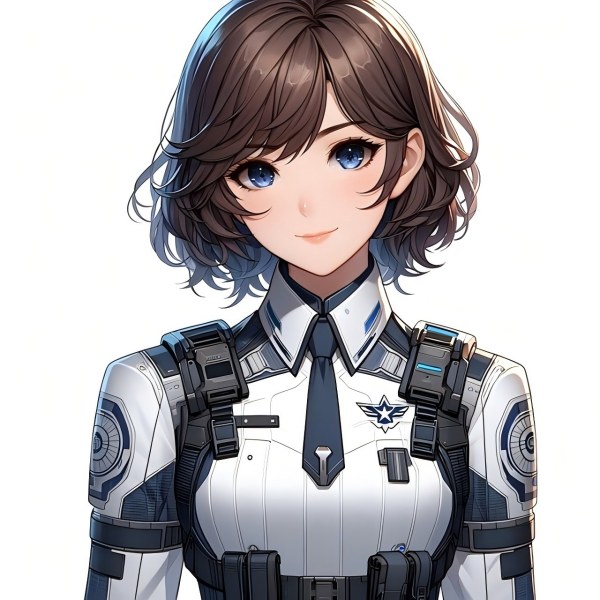
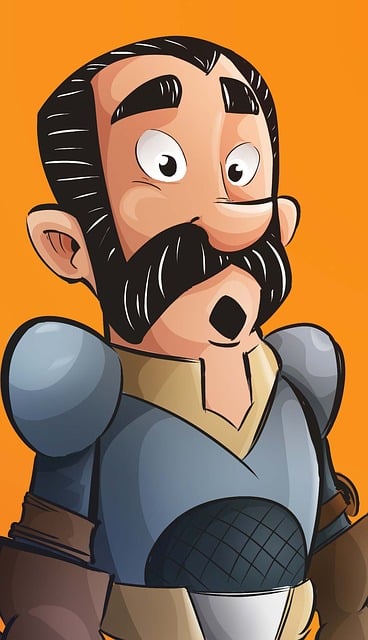









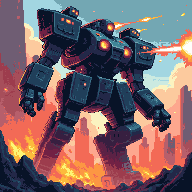

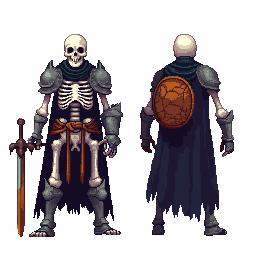
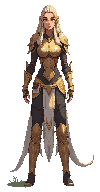
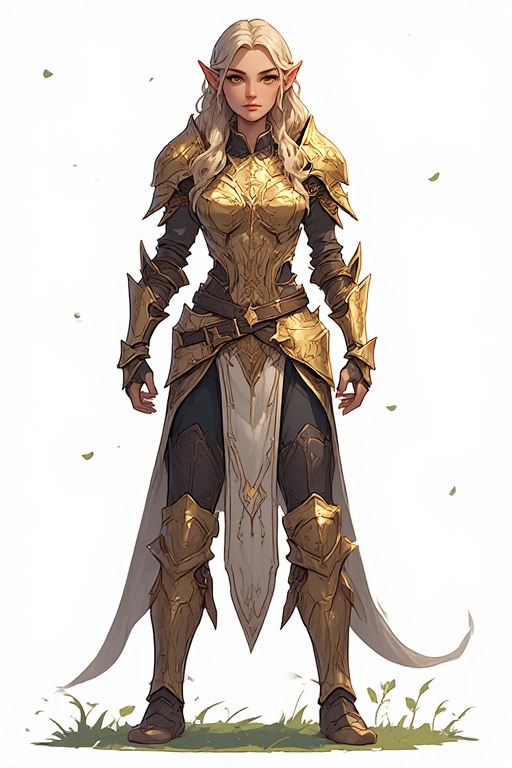
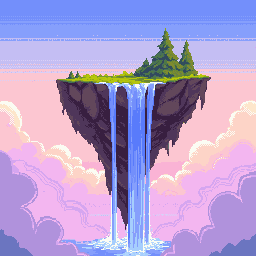
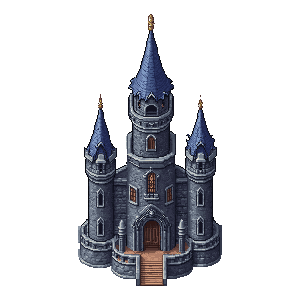



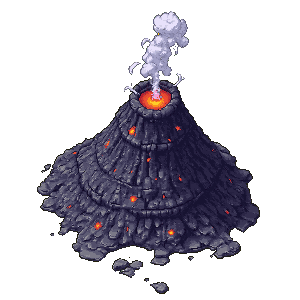







Il toolkit completo per asset di gioco
Sette strumenti IA per ogni tipo di grafica di gioco — dallo sketch concettuale all'export finale.
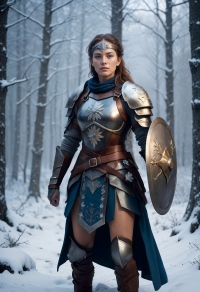
Generatore e editor di immagini
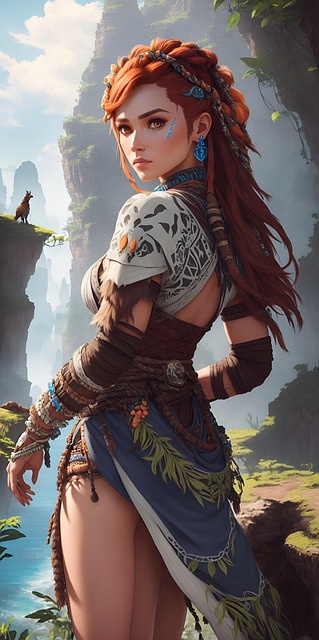
Testo-immagine e immagine-immagine in un unico strumento. Genera concept art, sfondi di scena, design dei personaggi e oggetti di scena, poi modifica, ricolora o perfeziona.
EstendiAI Image Extender
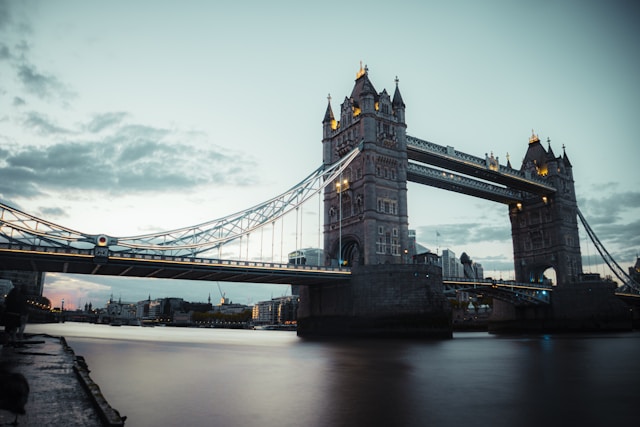
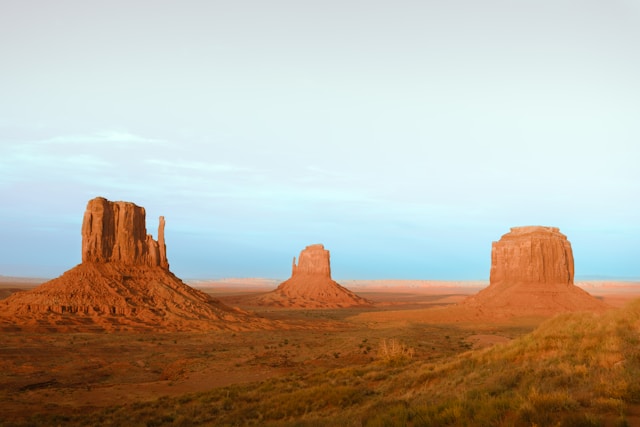
Trasforma qualsiasi scena in uno sfondo di livello a tutta larghezza. Ideale per backdrop side-scroller 4096×450 o ambienti panoramici 4096×720.
RitagliaBackground Remover
Isola personaggi, oggetti ed elementi UI con un clic. Restituisce PNG trasparenti puliti, pronti per qualsiasi motore di gioco.
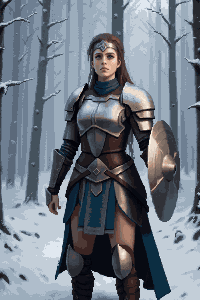
PixelizzaDa immagine a pixel art
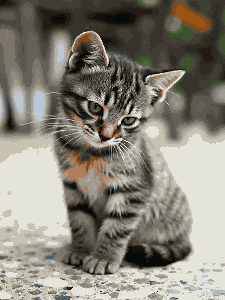
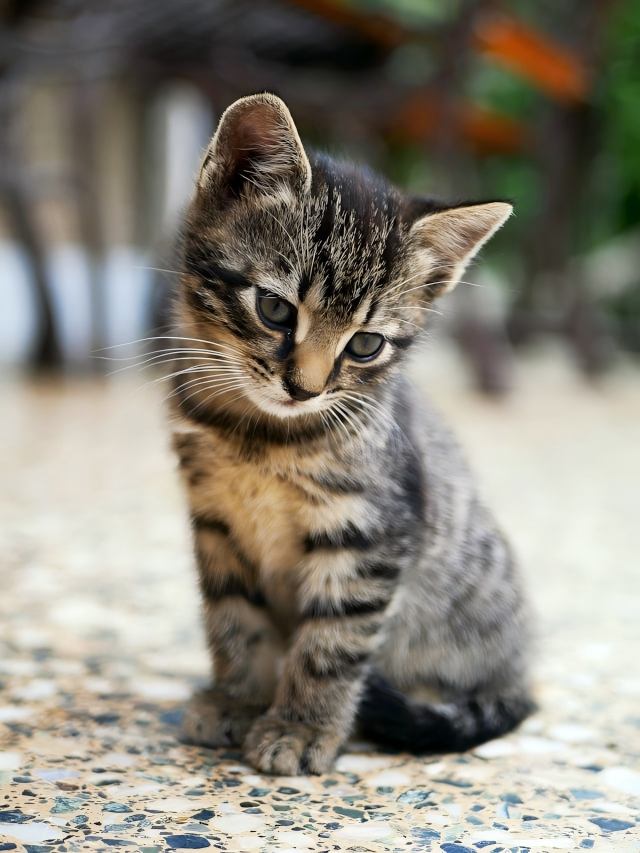
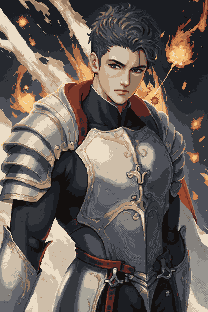
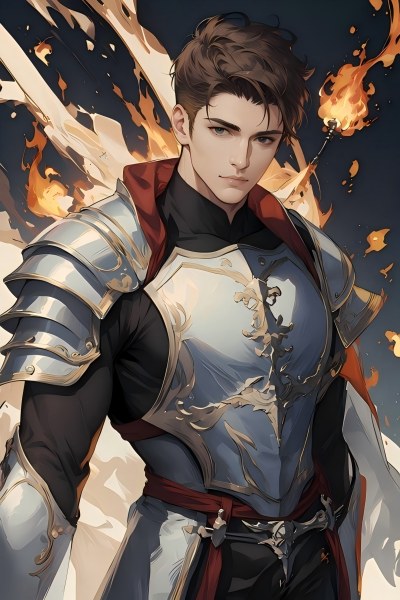
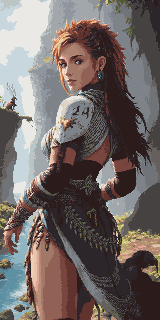
Converti qualsiasi illustrazione o concept art in pixel art all'istante. Mantiene la composizione e applica un rendering pixel autentico alla risoluzione scelta.
Genera pixelPixel Art Generator
Genera pixel art da un prompt testuale con dimensioni esatte: icone 16×16, tile 32×32, personaggi dettagliati 64×64 e altro ancora.
TilesetPixel Tileset Generator
Crea tileset senza cuciture per mappe RPG, livelli platform e mondi top-down. Importazione diretta in Unity, Godot e RPG Maker.
AnimaPixel Animation Maker
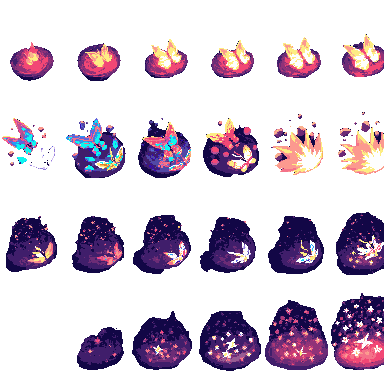
Trasforma sprite statici in cicli di camminata, sequenze d'attacco ed effetti VFX. Esporta in anteprima GIF e sprite sheet PNG.
Game Assets Prompt Templates
Create a 2D side-scrolling platformer background set in [ENVIRONMENT: enchanted forest / cyberpunk city / desert ruins / icy mountain / lava cave]. Use a layered parallax composition with clear foreground, midground, and background depth. The style should be [ART STYLE], with readable shapes, atmospheric lighting, and enough empty space for gameplay elements. No characters, no UI, no text.
Create a pixel art platformer tileset for [ENVIRONMENT: grassland / dungeon / snow mountain / lava cave / cyberpunk rooftop]. Include ground tiles, edge tiles, corners, slopes, floating platforms, decorative objects, and background details. Use a consistent [COLOR PALETTE] palette and a clean game-ready pixel art style. Make the tiles seamless and suitable for level building.
Create a game character sprite sheet for [CHARACTER NAME], a [CHARACTER TYPE]. Include idle, walk, run, jump, attack, hurt, and death poses. Use a consistent [ART STYLE] style, clean silhouette, transparent or plain background, and game-ready proportions. Keep all poses consistent in scale and design.
Create a pixel art character sprite for [CHARACTER TYPE]. Use a [16-bit / 32-bit / modern pixel art] style, strong silhouette, limited color palette, clean pixel edges, and game-ready readability. The character should face [front / side / three-quarter] view and stand in an idle pose on a transparent background.
Create a game item icon set for a [GAME GENRE] game. Include [ITEM TYPES: potions, coins, keys, gems, scrolls / swords, shields, helmets, boots / food, seeds, tools], each displayed as a clean, centered icon with consistent lighting, perspective, and style. Use a cohesive [ART STYLE] style, simple background, and strong readability at small sizes.
Create a fantasy game UI kit for a [GAME GENRE] game. Include buttons, panels, health bar, mana bar, inventory slots, dialog box, menu frame, and small decorative icons. Use a cohesive fantasy style with readable shapes, polished edges, and game-ready interface design.
Create pixel art animation frames for [CHARACTER OR OBJECT]. Include [ANIMATION TYPE: idle / walk cycle / run cycle / attack / jump / explosion / coin spin / fire effect] frames with consistent scale, clean motion, and readable silhouettes. Use a game-ready pixel art style with transparent or plain background.
Generate this game asset in the same visual style as the existing assets: [STYLE DESCRIPTION]. Maintain consistent color palette, lighting direction, perspective, outline thickness, level of detail, and overall mood. The asset should feel like it belongs in the same game world.
Create Steam capsule art for a [GAME GENRE] game titled "[GAME TITLE]". Show the main character, core environment, and emotional hook of the game. Use a polished promotional art style, strong composition, cinematic lighting, and space for the game title. Make it attractive for indie game players.
Create a social media promotional image for a [GAME GENRE] game. Feature the main character, key environment, and exciting gameplay mood. Use a polished indie game marketing style, strong contrast, and space for a short headline and call-to-action.
Create a fantasy game concept art scene for a [GAME GENRE: RPG / platformer / roguelike / strategy] game. The setting is [ENVIRONMENT: enchanted forest / ancient ruins / floating island / underground dungeon], with a strong mood of [MOOD: mysterious / magical / dark / cozy / epic]. Use a cohesive art style inspired by [ART STYLE], with dramatic lighting, clear visual hierarchy, and game-ready composition.
Create a dark fantasy dungeon tileset in pixel art style. Include stone floors, cracked walls, corners, doors, torches, treasure chests, traps, stairs, skulls, and decorative props. The tiles should be seamless, readable, and suitable for a roguelike or RPG dungeon map.
Riferimento dimensioni asset di gioco
Dimensioni standard nei motori di gioco e nei vari generi — usale come target per la generazione.
| Tipo di asset | Dimensioni comuni |
|---|---|
| Sfondo di livello (orizzontale) | 4096×450 / 4096×720 |
| Sfondo di livello (verticale) | 720×1280 / 1080×1920 |
| Terreno / sentieri | 425×135 / 1200×80 |
| Tile | 32×32 / 64×64 |
| Sprite | 32×48 / 32×64 / 48×48 |
| Pulsanti UI | 192×57 / 320×50 |
| Icone / oggetti | 64×64 / 128×128 |
| Copertina / store art | 1280×720 / 600×900 |
Pensato per chi crea giochi
Sviluppatori indie
Pubblica un gioco visivamente completo senza assumere un artista dedicato. Sette strumenti IA coprono ogni tipo di asset nella tua pipeline.
Team per game jam
Genera un set grafico completo in poche ore, non in giorni. Concentrati sul gameplay mentre l'IA si occupa della grafica.
Appassionati di pixel art
Usa gli asset pixel generati dall'IA come base curata, poi perfezionali con le tue modifiche e il tuo stile personale.
Concept artist
Prototipa rapidamente l'atmosfera delle scene e i design dei personaggi prima di definire la direzione artistica finale.
Quale piano fa per te?
Scegli in base a quanto crei — uso saltuario, mensile o produzione su larga scala.
Altri flussi per scenario
Strumenti collegati per e-commerce, giochi e pubblicità — percorsi creativi più chiari.
Toolkit visivo per lo shop online
Banner, foto prodotto, pack social e video ads — tutto ciò che serve a brand DTC e negozi Shopify.
Workflow creatività pubblicitarie
Creatività conformi a Google e Meta con pixel esatti — un'immagine master per ogni placement, stile coerente.
Domande frequenti
Posso usare questi asset in un gioco commerciale?
Sì. Tutti gli asset generati con gli strumenti PixExact sono utilizzabili a fini commerciali. Sei proprietario dell'output e puoi usarlo in giochi a pagamento, release su itch.io, titoli su App Store o partecipazioni a game jam.
Quali motori di gioco supportano questi output?
Sprite PNG, tileset e ritagli con sfondo trasparente funzionano in Unity, Godot, RPG Maker, GameMaker e Phaser. Gli output GIF e sprite sheet di Pixel Animation Maker sono compatibili con AnimationPlayer di Godot, Sprite Animator di Unity e la maggior parte dei framework web per giochi.
Qual è la differenza tra Da immagine a pixel art e Pixel Art Generator?
Da immagine a pixel art parte da un'immagine esistente — foto, concept art o sketch — e la converte in stile pixel mantenendo la composizione originale. Pixel Art Generator crea pixel art da zero con un prompt testuale, senza immagine sorgente. Workflow tipico per un personaggio: genera il concept nel Generatore e editor di immagini, poi convertilo in pixel con Da immagine a pixel art.
Come creo uno sfondo di livello completo?
Inizia nel Generatore e editor di immagini creando la scena in una dimensione standard (es. 1024×576). Poi usa AI Image Extender per allargarla orizzontalmente alla larghezza desiderata — 4096×450 per side-scroller o 4096×720 per panorami più alti. L'IA riempie le aree estese in modo fluido.
Posso mantenere uno stile visivo coerente su tutti gli asset del gioco?
Sì. Usa le stesse parole chiave di stile in tutti gli strumenti — ad esempio «RPG retro 16-bit, toni terra smorzati, contorni scuri» — e l'IA manterrà coerenza visiva tra sfondi, personaggi, tile ed elementi UI.
Serve esperienza artistica per usare questi strumenti?
No. Descrivi in linguaggio naturale ciò che vuoi — «sprite di cavaliere fantasy, armatura scura, pixel art» o «tileset erba da foresta, vista dall'alto, 32×32» — e l'IA fa il resto. Consulta la tabella dimensioni in questa pagina per trovare le misure esatte del tuo tipo di asset.
Inizia oggi a creare la grafica del tuo gioco
Sette strumenti IA, una pipeline completa — dal concept art agli sprite animati, tutto pronto per l'export.