AI-tools voor elk game-asset dat je nodig hebt
Van concept art tot pixel-sprites, van level-achtergronden tot UI-knoppen — zeven AI-tools voor de hele game-art-pipeline. Geschikt voor zowel pixel- als niet-pixelstijlen.
Workflows bekijkenGeen artistieke ervaring nodig. Exporteer PNG, GIF en sprite sheets — klaar voor Unity, Godot en RPG Maker.

KARAKTER-SPRITES
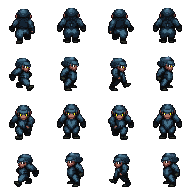
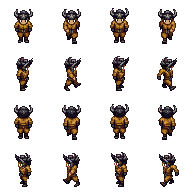
Pixel-personages 32×48, klaar om te animeren

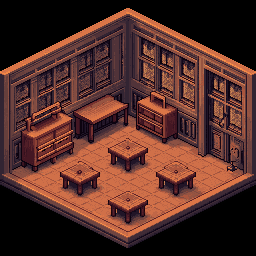
KAARTEN EN TILESETS
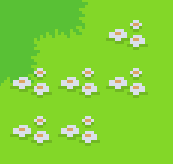
Naadloze tiles en game-omgevingen

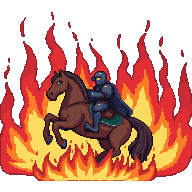
ANIMATIES
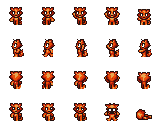
Loopcycli en sprite sheets, GIF-klaar
Kies je workflow
Drie game-art-workflows — kies degene die past bij wat je bouwt.
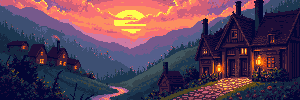
Concept art en level-achtergronden
Begin met een tekstprompt of referentiebeeld, genereer een scène en breid die uit tot volledige levelbreedte — 4096×450 voor side-scrollers of 4096×720 voor hoge panorama's.
Workflow startenPersonages, sprites en animaties
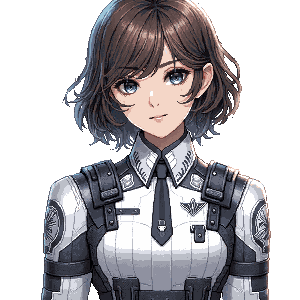
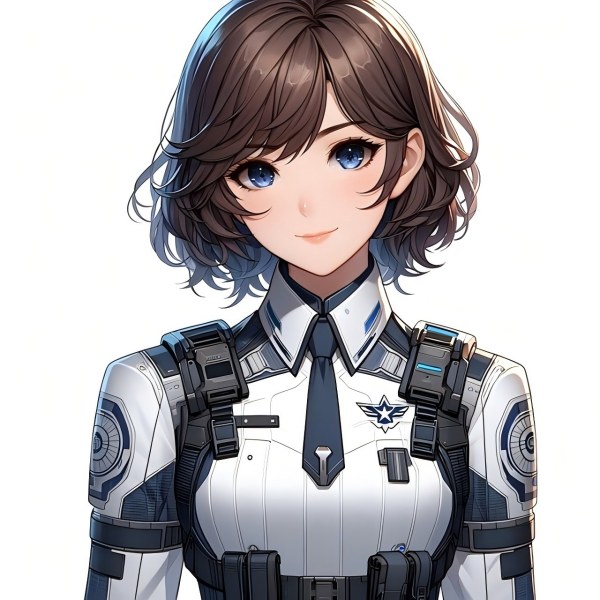
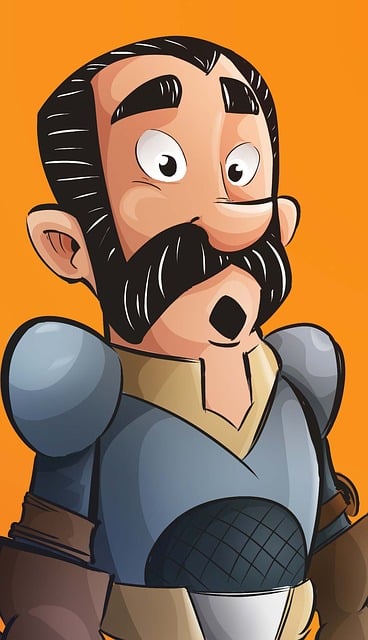
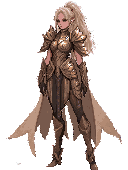
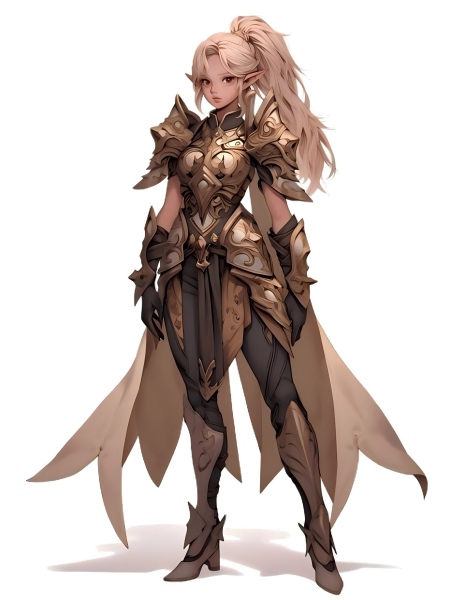
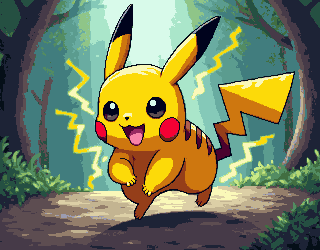
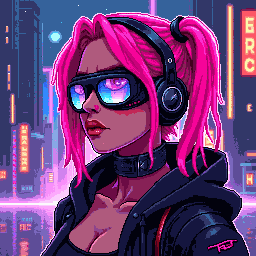
Genereer een personageconcept, zet het om naar pixelstijl, verwijder de achtergrond voor een schoon transparant PNG en animeer het tot een sprite sheet.
Workflow startenTilesets, iconen en UI-elementen
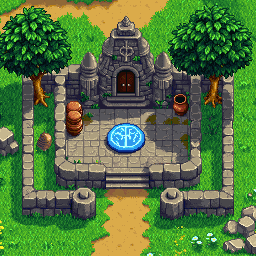
Genereer pixel-tiles, iconen en UI-knoppen in exacte game-afmetingen. Bundel ze tot tilesets en exporteer met transparante achtergrond.
Workflow starten
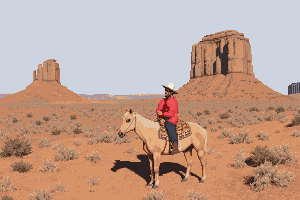
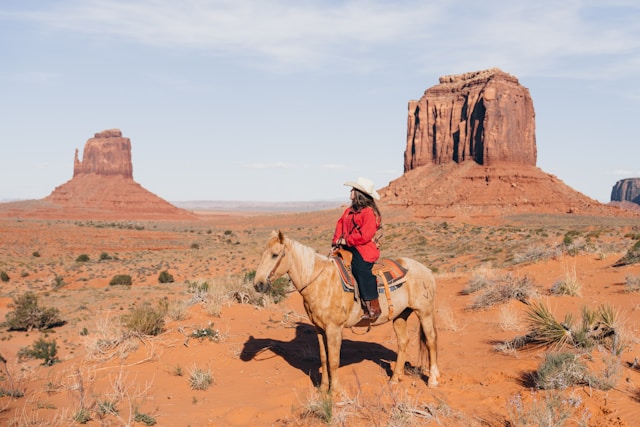
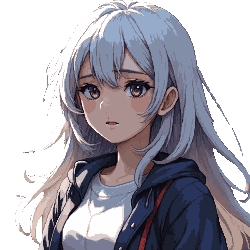
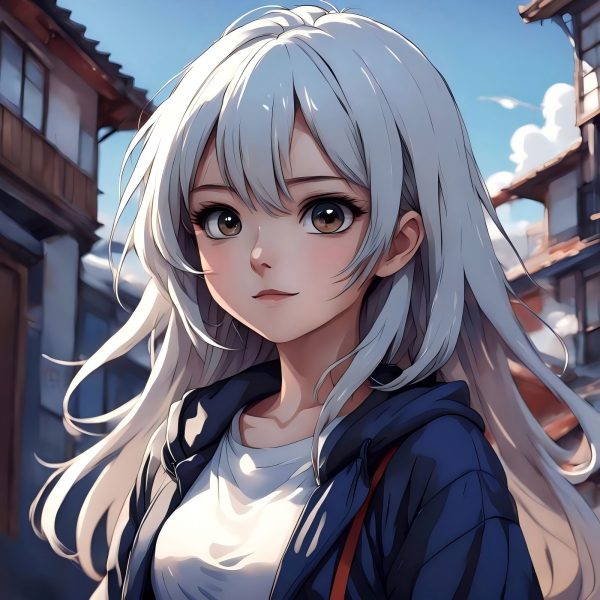
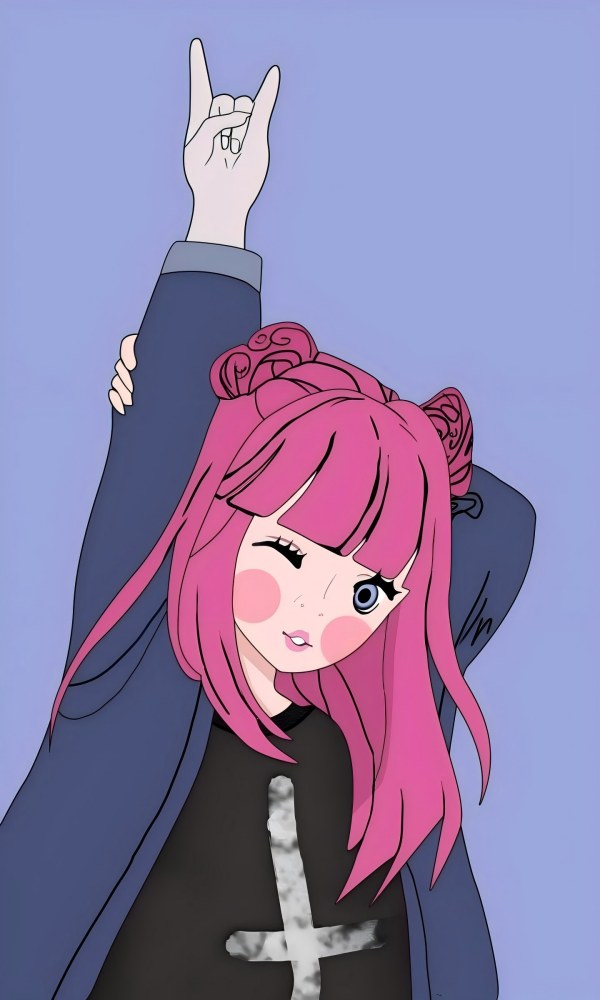
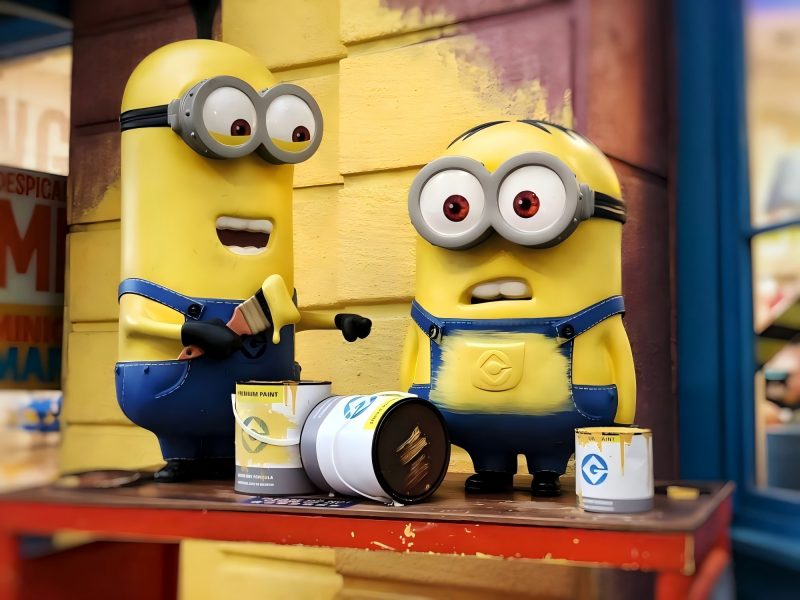
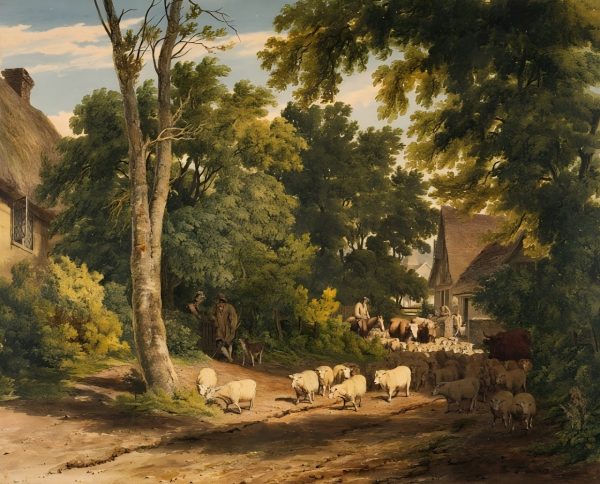









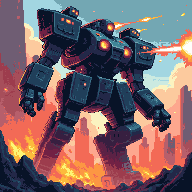

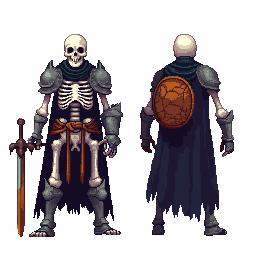
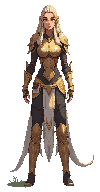
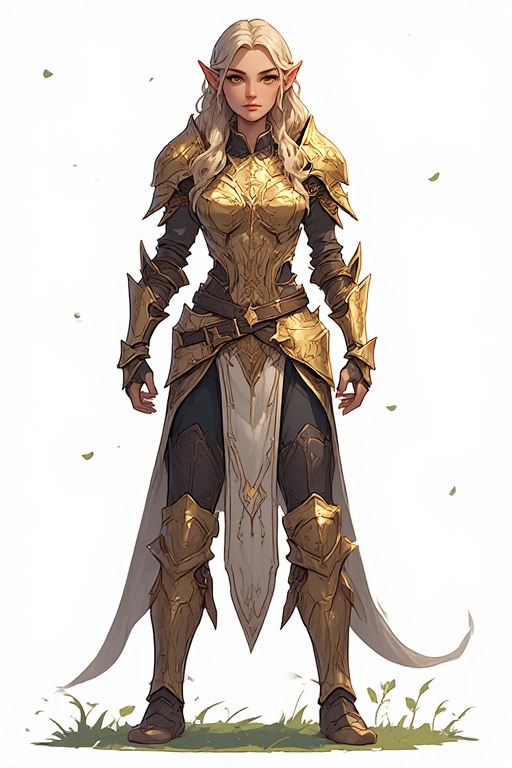
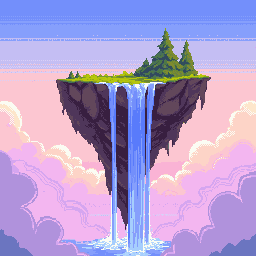
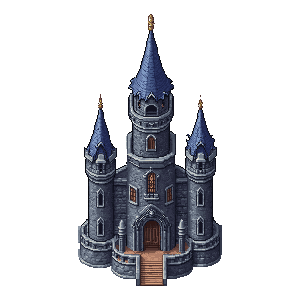



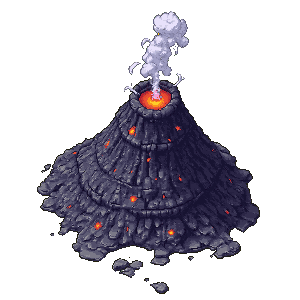







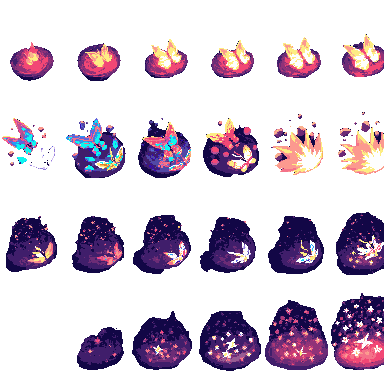
De complete game-asset-toolkit
Zeven AI-tools voor elk type game-art — van conceptschets tot finale export.
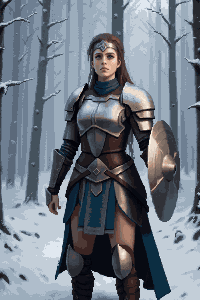
Afbeeldingsgenerator en -editor
Tekst-naar-beeld en beeld-naar-beeld in één tool. Maak concept art, scène-achtergronden, personagedesigns en props — en bewerk, herkleur of verfijn ze daarna.
UitbreidenAI Image Extender
Rek elke scène uit tot een level-achtergrond over de volledige breedte. Ideaal voor 4096×450 side-scroller-backdrops of 4096×720 panorama-omgevingen.
UitsnijdenBackground Remover
Isoleer personages, items en UI-elementen met één klik. Levert schone transparante PNG's, klaar voor elke game-engine.
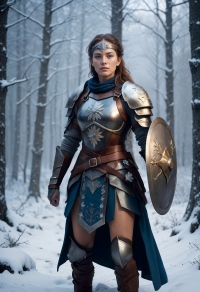
PixeliserenAfbeelding naar pixel art
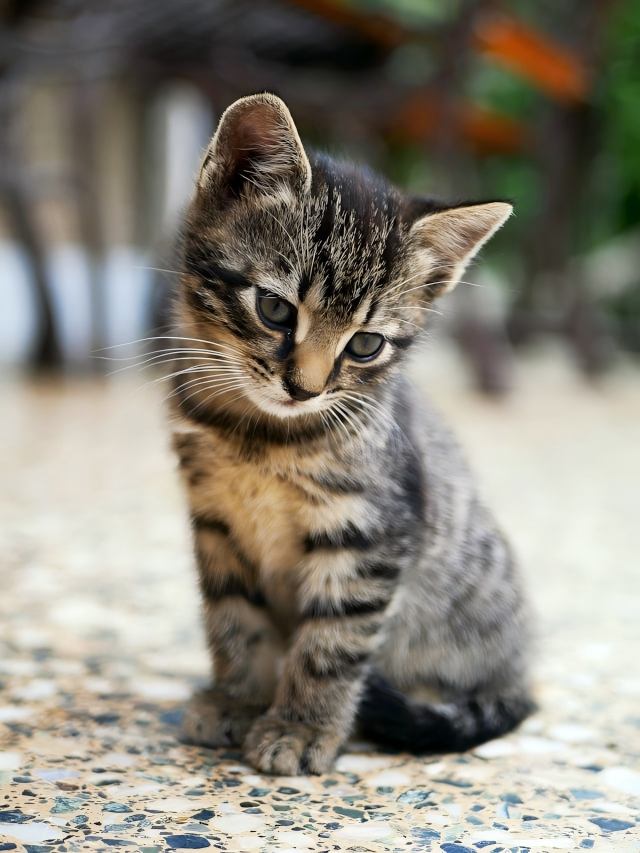
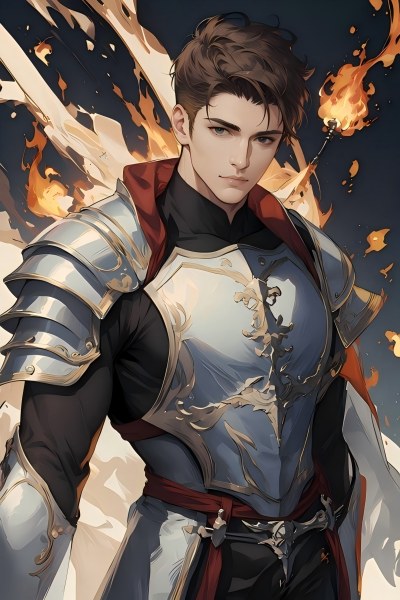
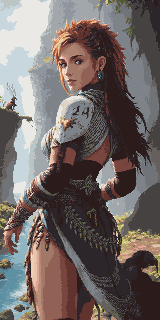
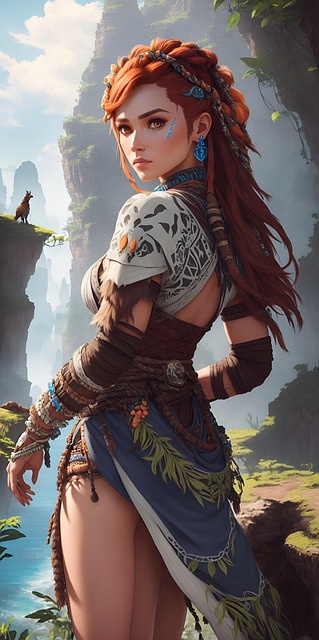
Zet elke illustratie of concept art direct om naar pixel art. Behoudt je compositie en past authentieke pixel-rendering toe in de gekozen resolutie.
Pixel genererenPixel Art Generator
Genereer pixel art via een tekstprompt in exacte afmetingen — 16×16 iconen, 32×32 tiles, 64×64 gedetailleerde personages en meer.
TilesetPixel Tileset Generator
Bouw naadloze tilesets voor RPG-kaarten, platformlevels en top-down-werelden. Direct te importeren in Unity, Godot en RPG Maker.
AnimerenPixel Animation Maker
Maak van statische sprites loopcycli, aanvalssequenties en VFX. Export als GIF-preview en PNG sprite sheets.
Game Assets Prompt Templates
Create a 2D side-scrolling platformer background set in [ENVIRONMENT: enchanted forest / cyberpunk city / desert ruins / icy mountain / lava cave]. Use a layered parallax composition with clear foreground, midground, and background depth. The style should be [ART STYLE], with readable shapes, atmospheric lighting, and enough empty space for gameplay elements. No characters, no UI, no text.
Create a pixel art platformer tileset for [ENVIRONMENT: grassland / dungeon / snow mountain / lava cave / cyberpunk rooftop]. Include ground tiles, edge tiles, corners, slopes, floating platforms, decorative objects, and background details. Use a consistent [COLOR PALETTE] palette and a clean game-ready pixel art style. Make the tiles seamless and suitable for level building.
Create a game character sprite sheet for [CHARACTER NAME], a [CHARACTER TYPE]. Include idle, walk, run, jump, attack, hurt, and death poses. Use a consistent [ART STYLE] style, clean silhouette, transparent or plain background, and game-ready proportions. Keep all poses consistent in scale and design.
Create a pixel art character sprite for [CHARACTER TYPE]. Use a [16-bit / 32-bit / modern pixel art] style, strong silhouette, limited color palette, clean pixel edges, and game-ready readability. The character should face [front / side / three-quarter] view and stand in an idle pose on a transparent background.
Create a game item icon set for a [GAME GENRE] game. Include [ITEM TYPES: potions, coins, keys, gems, scrolls / swords, shields, helmets, boots / food, seeds, tools], each displayed as a clean, centered icon with consistent lighting, perspective, and style. Use a cohesive [ART STYLE] style, simple background, and strong readability at small sizes.
Create a fantasy game UI kit for a [GAME GENRE] game. Include buttons, panels, health bar, mana bar, inventory slots, dialog box, menu frame, and small decorative icons. Use a cohesive fantasy style with readable shapes, polished edges, and game-ready interface design.
Create pixel art animation frames for [CHARACTER OR OBJECT]. Include [ANIMATION TYPE: idle / walk cycle / run cycle / attack / jump / explosion / coin spin / fire effect] frames with consistent scale, clean motion, and readable silhouettes. Use a game-ready pixel art style with transparent or plain background.
Generate this game asset in the same visual style as the existing assets: [STYLE DESCRIPTION]. Maintain consistent color palette, lighting direction, perspective, outline thickness, level of detail, and overall mood. The asset should feel like it belongs in the same game world.
Create Steam capsule art for a [GAME GENRE] game titled "[GAME TITLE]". Show the main character, core environment, and emotional hook of the game. Use a polished promotional art style, strong composition, cinematic lighting, and space for the game title. Make it attractive for indie game players.
Create a social media promotional image for a [GAME GENRE] game. Feature the main character, key environment, and exciting gameplay mood. Use a polished indie game marketing style, strong contrast, and space for a short headline and call-to-action.
Create a fantasy game concept art scene for a [GAME GENRE: RPG / platformer / roguelike / strategy] game. The setting is [ENVIRONMENT: enchanted forest / ancient ruins / floating island / underground dungeon], with a strong mood of [MOOD: mysterious / magical / dark / cozy / epic]. Use a cohesive art style inspired by [ART STYLE], with dramatic lighting, clear visual hierarchy, and game-ready composition.
Create a dark fantasy dungeon tileset in pixel art style. Include stone floors, cracked walls, corners, doors, torches, treasure chests, traps, stairs, skulls, and decorative props. The tiles should be seamless, readable, and suitable for a roguelike or RPG dungeon map.
Referentie game-assetformaten
Standaardafmetingen in game-engines en genres — gebruik ze als doelformaat bij het genereren.
| Assettype | Gangbare formaten |
|---|---|
| Level-achtergrond (horizontaal) | 4096×450 / 4096×720 |
| Level-achtergrond (verticaal) | 720×1280 / 1080×1920 |
| Grond / paden | 425×135 / 1200×80 |
| Tiles | 32×32 / 64×64 |
| Sprites | 32×48 / 32×64 / 48×48 |
| UI-knoppen | 192×57 / 320×50 |
| Iconen / items | 64×64 / 128×128 |
| Gamecover / store art | 1280×720 / 600×900 |
Gemaakt voor game-makers
Indie-developers
Lanceer een visueel complete game zonder een vaste artist in te huren. Zeven AI-tools dekken elk assettype in je pipeline.
Game jam-teams
Maak een compleet art-pakket in uren, niet dagen. Focus op gameplay terwijl de AI het visuele werk doet.
Pixel art-liefhebbers
Gebruik AI-pixel-assets als verfijnde basis en werk ze bij met je eigen aanpassingen en persoonlijke stijl.
Concept artists
Prototypeer snel de sfeer van scènes en personagedesigns voordat je de definitieve art direction vastlegt.
Welk abonnement past bij jou?
Kies op basis van hoe vaak je creëert — eenmalig, maandelijks of op productieschaal.
Meer workflows per scenario
Tools aan elkaar gekoppeld voor e-commerce, games en advertenties — duidelijkere creatieroutes.
Visuele toolkit voor webshops
Banners, productfoto's, social campagnepakketten en videoads — wat DTC- en Shopify-merken visueel nodig hebben.
Workflow advertentiecreaties
Google- en Meta-conforme creaties in exacte pixels — één masterbeeld voor alle plaatsingen, uniforme stijl.
Veelgestelde vragen
Mag ik deze assets in een commerciële game gebruiken?
Ja. Alle assets die met PixExact-tools zijn gegenereerd, zijn geschikt voor commercieel gebruik. Jij bent eigenaar van de output en mag die in betaalde games, itch.io-releases, App Store-titels of game jam-inzendingen gebruiken.
Welke game-engines ondersteunen deze bestanden?
PNG-sprites, tilesets en transparante uitsnedes werken in Unity, Godot, RPG Maker, GameMaker en Phaser. GIF- en sprite sheet-output van Pixel Animation Maker is compatibel met Godot's AnimationPlayer, Unity's Sprite Animator en de meeste webgebaseerde gameframeworks.
Wat is het verschil tussen Afbeelding naar pixel art en Pixel Art Generator?
Afbeelding naar pixel art neemt een bestaande afbeelding — foto, concept art of schets — en zet die om naar pixelstijl met behoud van de oorspronkelijke compositie. Pixel Art Generator maakt pixel art vanaf nul met een tekstprompt, zonder bronbeeld. Typische personageworkflow: concept in de afbeeldingsgenerator en -editor, daarna omzetten met Afbeelding naar pixel art.
Hoe maak ik een volledige level-achtergrond?
Begin in de afbeeldingsgenerator en -editor met je scène in standaardformaat (bijv. 1024×576). Gebruik daarna AI Image Extender om die horizontaal uit te rekken naar de gewenste breedte — 4096×450 voor side-scrollers of 4096×720 voor hogere panorama's. De AI vult de uitgebreide delen naadloos in.
Kan ik alle game-assets in één consistente visuele stijl houden?
Ja. Gebruik dezelfde stijlwoorden in alle tools — bijvoorbeeld "retro 16-bit RPG, gedempte aardetinten, donkere contouren" — en de AI houdt visuele samenhang aan over achtergronden, personages, tiles en UI.
Heb ik artistieke ervaring nodig om deze tools te gebruiken?
Nee. Beschrijf in gewone taal wat je wilt — "fantasy-ridder-sprite, donker harnas, pixel art" of "bosgras-tileset, top-down, 32×32" — en de AI doet de rest. Raadpleeg de formaattabel op deze pagina voor de exacte afmetingen van je assettype.
Begin vandaag met je game-art
Zeven AI-tools, één complete pipeline — van concept art tot geanimeerde sprites, alles exportklaar.