Công cụ AI cho mọi asset game bạn cần
Từ concept art đến sprite pixel, nền màn chơi đến nút UI — bảy công cụ AI bao phủ toàn bộ pipeline họa game. Dùng được cho cả game pixel lẫn không pixel.
Khám phá quy trìnhKhông cần nền tảng hội họa. Xuất PNG, GIF và sprite sheet sẵn sàng cho Unity, Godot và RPG Maker.

SPRITE NHÂN VẬT
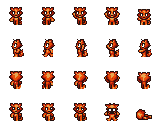
Nhân vật pixel 32×48, sẵn sàng làm hoạt ảnh

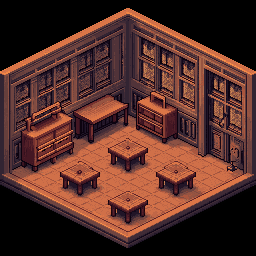
BẢN ĐỒ & TILESET
Tile khớp viền và môi trường game

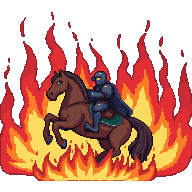
HOẠT ẢNH
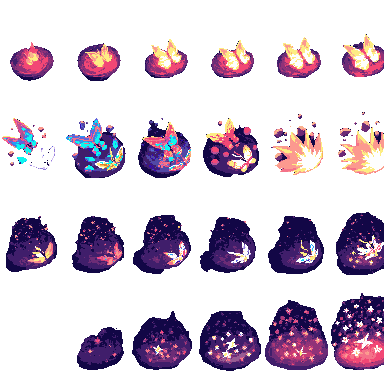
Chu kỳ đi bộ và sprite sheet, xuất GIF
Chọn quy trình phù hợp
Ba quy trình họa game — chọn theo thứ bạn đang làm.
Concept art & nền màn chơi
Bắt đầu bằng mô tả văn bản hoặc ảnh tham chiếu, tạo cảnh rồi kéo rộng ra full chiều ngang màn — 4096×450 cho game cuộn ngang hoặc 4096×720 cho panorama cao.
Bắt đầu quy trìnhNhân vật, sprite & hoạt ảnh
Tạo concept nhân vật, chuyển sang pixel, tách nền lấy PNG trong suốt sạch, rồi làm hoạt ảnh thành sprite sheet.
Bắt đầu quy trìnhTileset, icon & thành phần UI
Tạo tile pixel, icon và nút UI đúng kích thước game. Ghép thành tileset và xuất nền trong suốt.
Bắt đầu quy trình
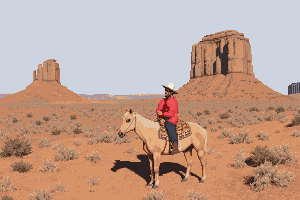
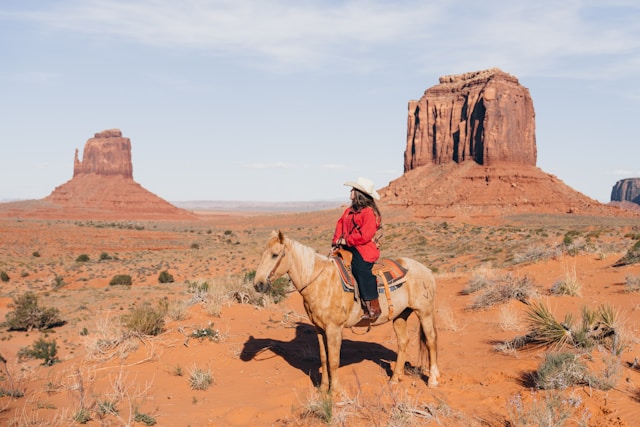
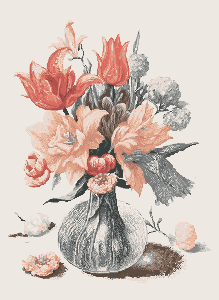
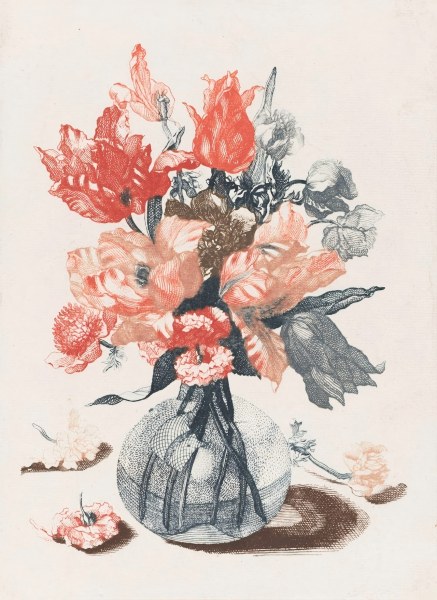
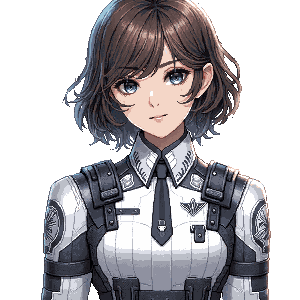
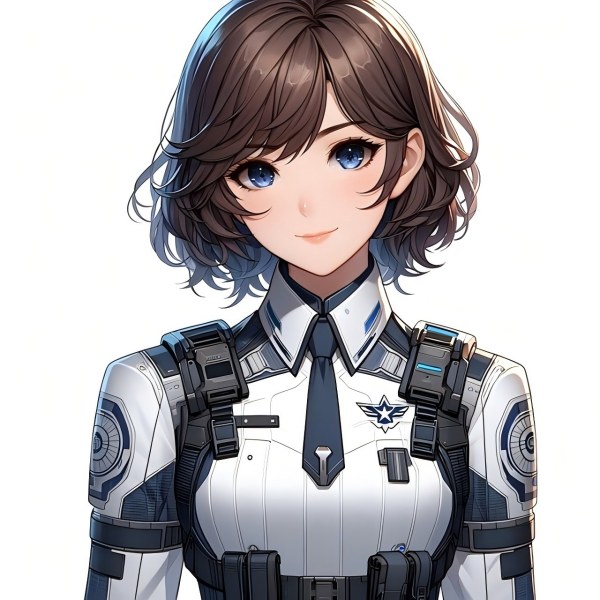
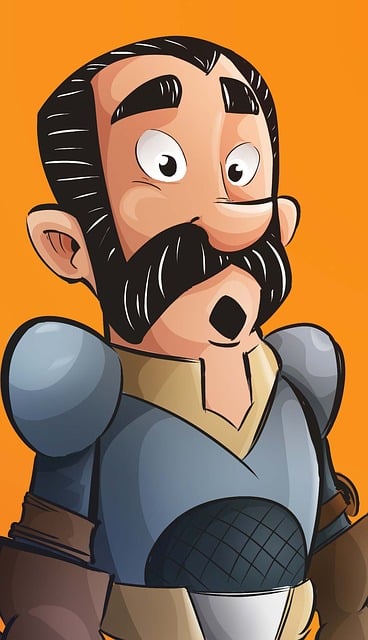
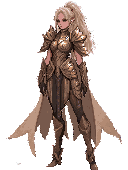
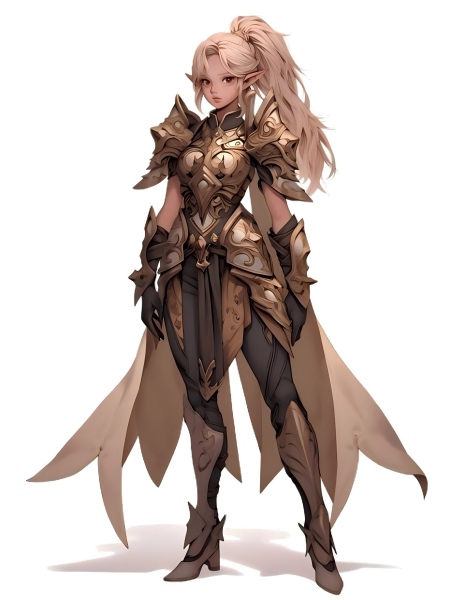
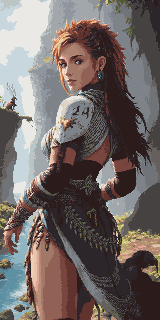
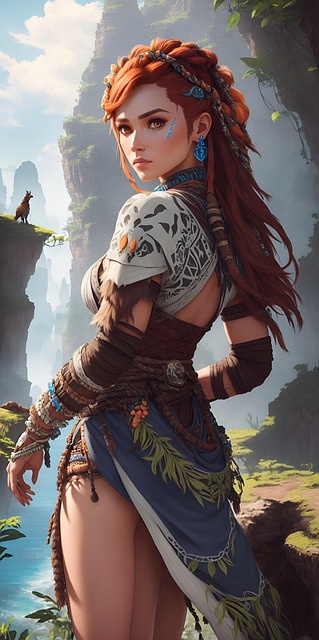
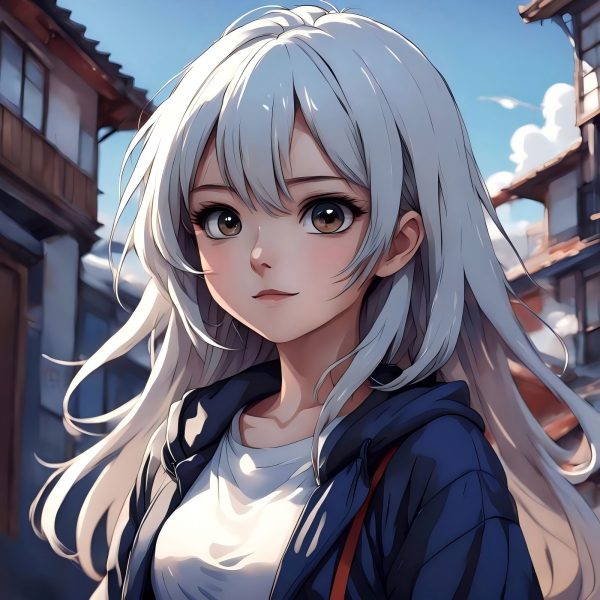
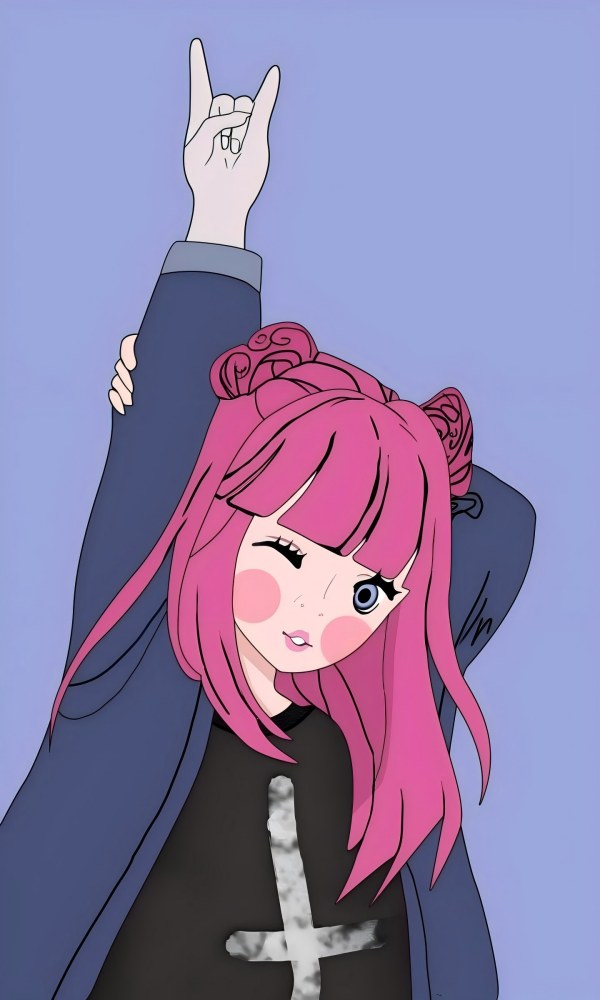
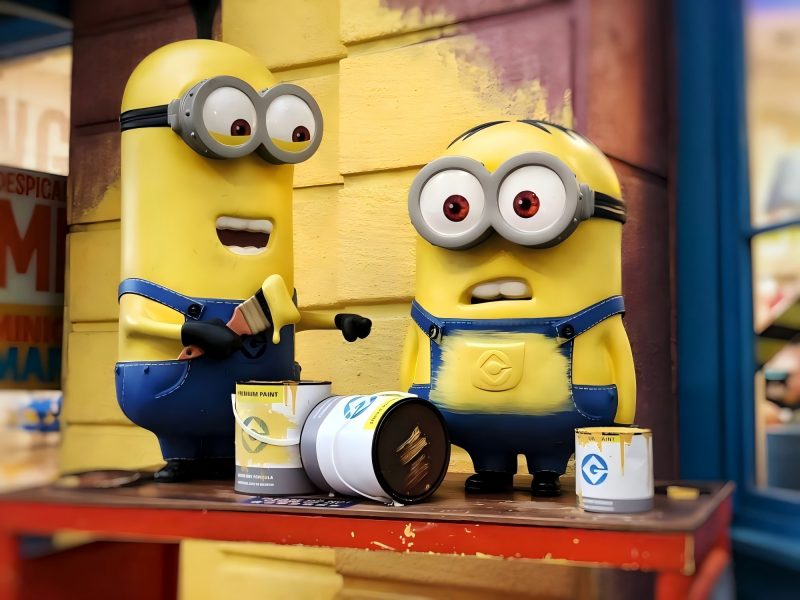
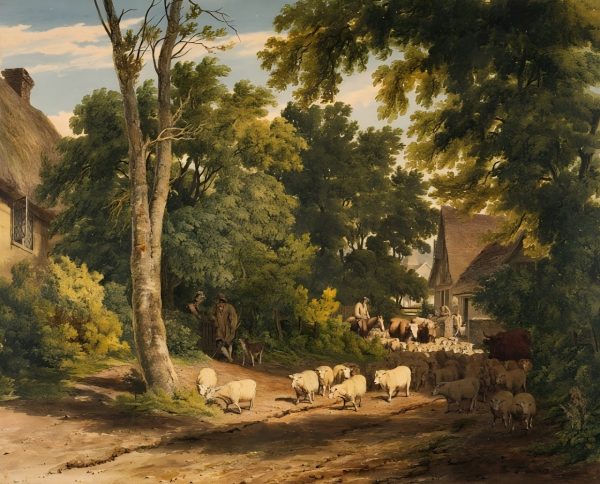


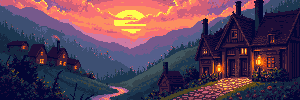
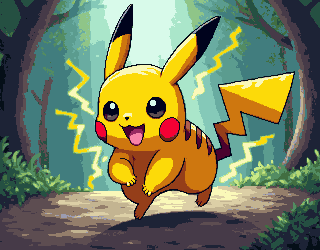

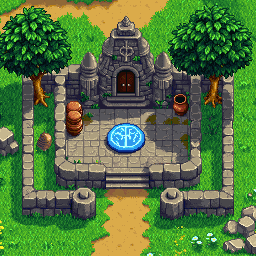

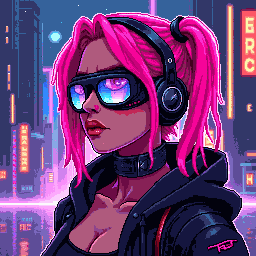





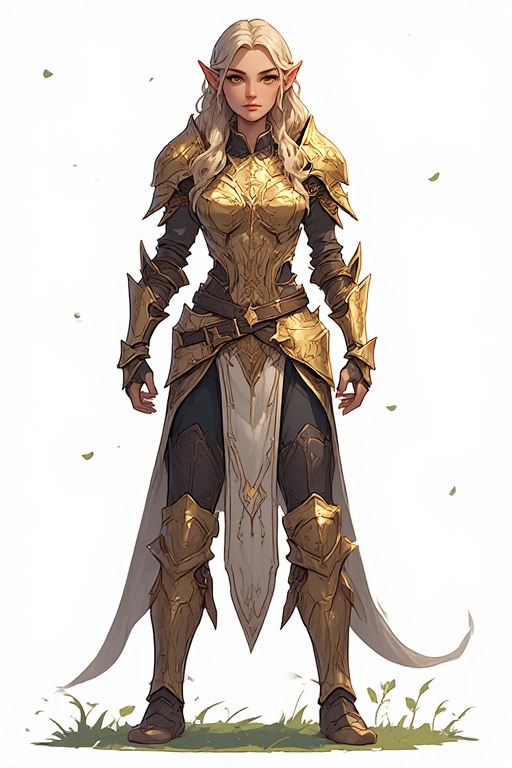
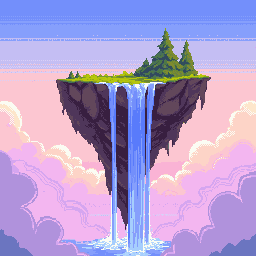
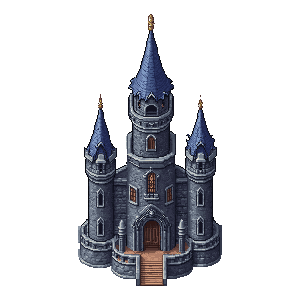



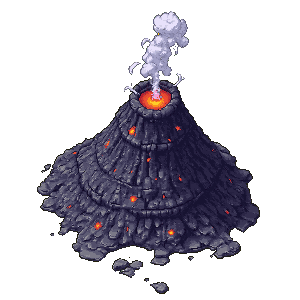


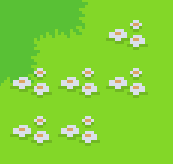


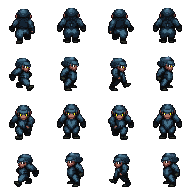

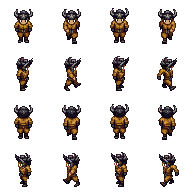


Bộ công cụ asset game đầy đủ
Bảy công cụ AI cho mọi loại họa game — từ phác thảo concept đến file xuất cuối.
Tạo & chỉnh sửa ảnh
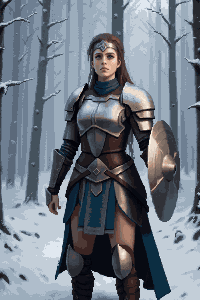
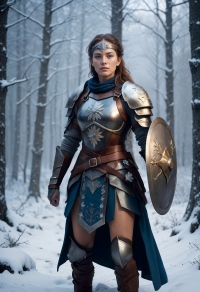
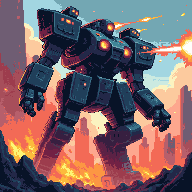
Text-to-image và image-to-image trong một công cụ. Tạo concept art, nền cảnh, thiết kế nhân vật và đạo cụ — rồi chỉnh, đổi màu hoặc tinh chỉnh tiếp.
Mở rộngAI mở rộng ảnh
Kéo dài cảnh thành nền màn chơi full chiều ngang. Phù hợp nền side-scroller 4096×450 hoặc môi trường panorama 4096×720.
Tách nềnXóa nền
Tách nhân vật, vật phẩm và thành phần UI chỉ một cú nhấp. Xuất PNG trong suốt sạch, dùng được mọi engine.
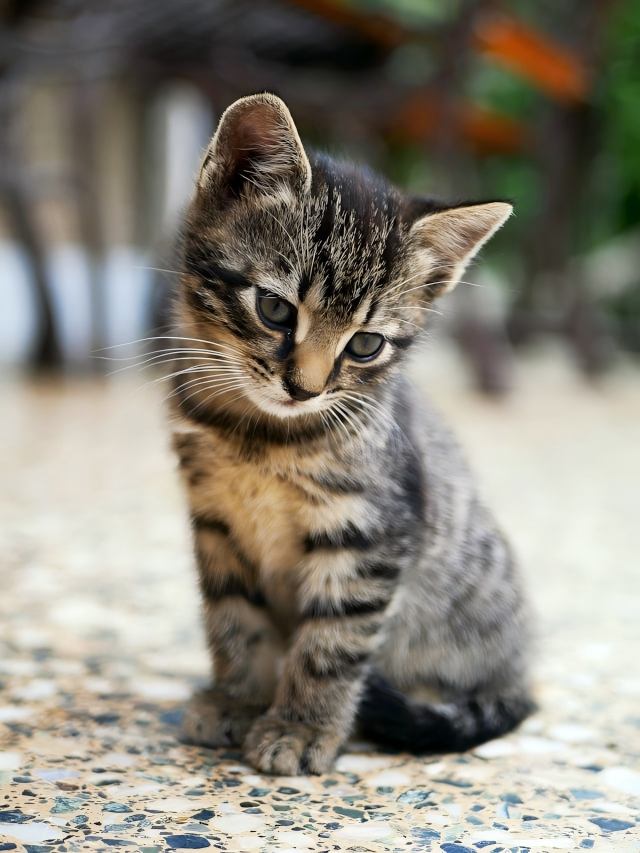
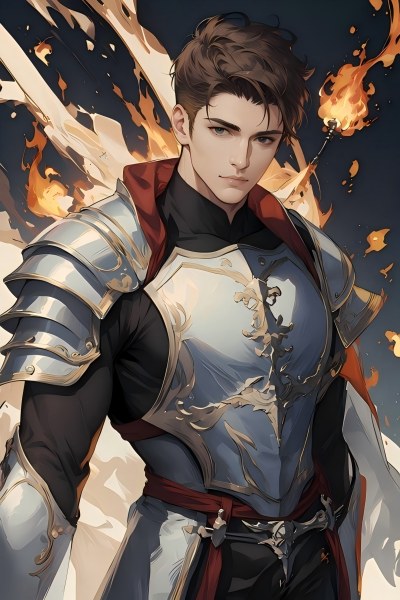
Pixel hóaẢnh sang pixel art
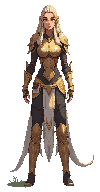
Chuyển minh họa hoặc concept art sang pixel art tức thì. Giữ bố cục gốc, render pixel chân thực ở độ phân giải bạn chọn.
Tạo pixelPixel Art Generator
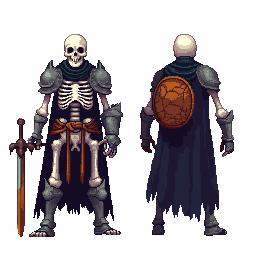
Tạo pixel art từ mô tả văn bản với kích thước chính xác — icon 16×16, tile 32×32, nhân vật chi tiết 64×64 và hơn thế.
TilesetPixel Tileset Generator
Dựng tileset khớp viền cho bản đồ RPG, màn platformer và thế giới top-down. Import thẳng vào Unity, Godot và RPG Maker.
Hoạt ảnhPixel Animation Maker
Biến sprite tĩnh thành chu kỳ đi bộ, combo tấn công và VFX. Xuất xem trước GIF và sprite sheet PNG.
Game Assets Prompt Templates
Create a 2D side-scrolling platformer background set in [ENVIRONMENT: enchanted forest / cyberpunk city / desert ruins / icy mountain / lava cave]. Use a layered parallax composition with clear foreground, midground, and background depth. The style should be [ART STYLE], with readable shapes, atmospheric lighting, and enough empty space for gameplay elements. No characters, no UI, no text.
Create a pixel art platformer tileset for [ENVIRONMENT: grassland / dungeon / snow mountain / lava cave / cyberpunk rooftop]. Include ground tiles, edge tiles, corners, slopes, floating platforms, decorative objects, and background details. Use a consistent [COLOR PALETTE] palette and a clean game-ready pixel art style. Make the tiles seamless and suitable for level building.
Create a game character sprite sheet for [CHARACTER NAME], a [CHARACTER TYPE]. Include idle, walk, run, jump, attack, hurt, and death poses. Use a consistent [ART STYLE] style, clean silhouette, transparent or plain background, and game-ready proportions. Keep all poses consistent in scale and design.
Create a pixel art character sprite for [CHARACTER TYPE]. Use a [16-bit / 32-bit / modern pixel art] style, strong silhouette, limited color palette, clean pixel edges, and game-ready readability. The character should face [front / side / three-quarter] view and stand in an idle pose on a transparent background.
Create a game item icon set for a [GAME GENRE] game. Include [ITEM TYPES: potions, coins, keys, gems, scrolls / swords, shields, helmets, boots / food, seeds, tools], each displayed as a clean, centered icon with consistent lighting, perspective, and style. Use a cohesive [ART STYLE] style, simple background, and strong readability at small sizes.
Create a fantasy game UI kit for a [GAME GENRE] game. Include buttons, panels, health bar, mana bar, inventory slots, dialog box, menu frame, and small decorative icons. Use a cohesive fantasy style with readable shapes, polished edges, and game-ready interface design.
Create pixel art animation frames for [CHARACTER OR OBJECT]. Include [ANIMATION TYPE: idle / walk cycle / run cycle / attack / jump / explosion / coin spin / fire effect] frames with consistent scale, clean motion, and readable silhouettes. Use a game-ready pixel art style with transparent or plain background.
Generate this game asset in the same visual style as the existing assets: [STYLE DESCRIPTION]. Maintain consistent color palette, lighting direction, perspective, outline thickness, level of detail, and overall mood. The asset should feel like it belongs in the same game world.
Create Steam capsule art for a [GAME GENRE] game titled "[GAME TITLE]". Show the main character, core environment, and emotional hook of the game. Use a polished promotional art style, strong composition, cinematic lighting, and space for the game title. Make it attractive for indie game players.
Create a social media promotional image for a [GAME GENRE] game. Feature the main character, key environment, and exciting gameplay mood. Use a polished indie game marketing style, strong contrast, and space for a short headline and call-to-action.
Create a fantasy game concept art scene for a [GAME GENRE: RPG / platformer / roguelike / strategy] game. The setting is [ENVIRONMENT: enchanted forest / ancient ruins / floating island / underground dungeon], with a strong mood of [MOOD: mysterious / magical / dark / cozy / epic]. Use a cohesive art style inspired by [ART STYLE], with dramatic lighting, clear visual hierarchy, and game-ready composition.
Create a dark fantasy dungeon tileset in pixel art style. Include stone floors, cracked walls, corners, doors, torches, treasure chests, traps, stairs, skulls, and decorative props. The tiles should be seamless, readable, and suitable for a roguelike or RPG dungeon map.
Bảng kích thước asset game
Kích thước phổ biến theo engine và thể loại — dùng làm mục tiêu khi tạo ảnh.
| Loại asset | Kích thước thường dùng |
|---|---|
| Nền màn (ngang) | 4096×450 / 4096×720 |
| Nền màn (dọc) | 720×1280 / 1080×1920 |
| Mặt đất / lối đi | 425×135 / 1200×80 |
| Tile | 32×32 / 64×64 |
| Sprite | 32×48 / 32×64 / 48×48 |
| Nút UI | 192×57 / 320×50 |
| Icon / vật phẩm | 64×64 / 128×128 |
| Ảnh bìa / store | 1280×720 / 600×900 |
Dành cho người làm game
Nhà phát triển indie
Ra mắt game nhìn hoàn chỉnh mà không cần thuê họa sĩ riêng. Bảy công cụ AI phủ mọi loại asset trong pipeline.
Đội game jam
Có bộ art đầy đủ trong vài giờ, không phải vài ngày. Tập trung gameplay, để AI lo phần hình ảnh.
Người đam mê pixel art
Dùng asset pixel do AI tạo làm nền chỉnh sửa, rồi thêm dấu ấn cá nhân của bạn.
Họa sĩ concept
Thử nhanh mood cảnh và thiết kế nhân vật trước khi chốt hướng nghệ thuật cuối.
Gói nào hợp với bạn?
Chọn theo tần suất sáng tạo — một lần, hàng tháng hoặc quy mô sản xuất.
Thêm quy trình theo từng lĩnh vực
Chuỗi công cụ AI cho thương mại điện tử, game và quảng cáo — lộ trình sáng tạo rõ ràng hơn.
Bộ công cụ hình ảnh cho shop online
Banner, ảnh sản phẩm, gói chiến dịch mạng xã hội và quảng cáo video — đủ nhu cầu hình ảnh cho thương hiệu DTC và Shopify.
Quy trình creative quảng cáo
Creative đúng chuẩn Google và Meta với pixel chính xác — một ảnh gốc cho mọi vị trí, đồng bộ phong cách.
Câu hỏi thường gặp
Tôi có thể dùng asset này trong game thương mại không?
Có. Mọi asset tạo bằng công cụ PixExact đều dùng được cho mục đích thương mại. Bạn sở hữu kết quả và có thể dùng trong game trả phí, bản phát hành itch.io, tiêu đề App Store hoặc bài dự thi game jam.
Engine nào hỗ trợ file xuất ra?
Sprite PNG, tileset và ảnh tách nền trong suốt dùng được trên Unity, Godot, RPG Maker, GameMaker và Phaser. GIF và sprite sheet từ Pixel Animation Maker tương thích AnimationPlayer của Godot, Sprite Animator của Unity và hầu hết framework game web.
Ảnh sang pixel art và Pixel Art Generator khác nhau thế nào?
Ảnh sang pixel art lấy ảnh có sẵn — ảnh chụp, concept hoặc phác thảo — chuyển sang pixel mà vẫn giữ bố cục gốc. Pixel Art Generator tạo pixel art từ đầu bằng mô tả văn bản, không cần ảnh nguồn. Quy trình nhân vật thường gặp: tạo concept trong Tạo & chỉnh sửa ảnh, rồi chuyển pixel bằng Ảnh sang pixel art.
Làm sao tạo nền màn chơi đầy đủ?
Bắt đầu trong Tạo & chỉnh sửa ảnh với cảnh ở kích thước chuẩn (ví dụ 1024×576). Sau đó dùng AI mở rộng ảnh kéo ngang tới chiều rộng mục tiêu — 4096×450 cho side-scroller hoặc 4096×720 cho panorama cao hơn. AI lấp phần mở rộng một cách liền mạch.
Có thể giữ một phong cách hình ảnh thống nhất cho mọi asset không?
Có. Dùng cùng từ khóa phong cách trên mọi công cụ — ví dụ «RPG retro 16-bit, tông đất trầm, viền tối» — AI sẽ giữ đồng nhất giữa nền, nhân vật, tile và UI.
Tôi có cần biết vẽ để dùng các công cụ này không?
Không. Mô tả bằng lời thường — «sprite hiệp sĩ fantasy, giáp tối, pixel art» hoặc «tileset cỏ rừng, nhìn từ trên, 32×32» — phần còn lại do AI xử lý. Xem bảng kích thước trên trang để chọn đúng thông số từng loại asset.
Bắt đầu làm họa game hôm nay
Bảy công cụ AI, một pipeline trọn vẹn — từ concept art đến sprite có hoạt ảnh, sẵn sàng xuất file.