KI-Tools für jedes Game-Asset, das du brauchst
Von Concept Art über Pixel-Sprites bis zu Level-Hintergründen und UI-Buttons — sieben KI-Tools für die gesamte Game-Art-Pipeline. Funktioniert für Pixel- und Nicht-Pixel-Stile gleichermaßen.
Workflows entdeckenKeine Grafikerfahrung nötig. Export als PNG, GIF und Sprite Sheets — bereit für Unity, Godot und RPG Maker.

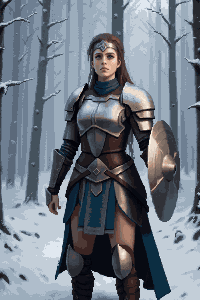
CHARAKTER-SPRITES
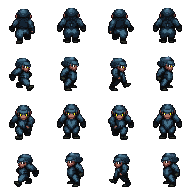
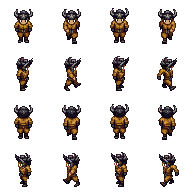
Pixel-Charaktere in 32×48, animationsfertig

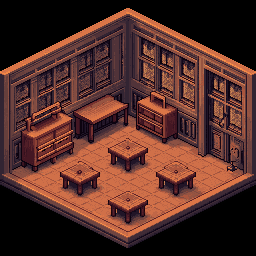
KARTEN & TILESETS
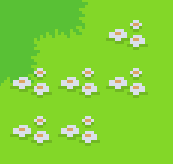
Nahtlose Tiles und Spielumgebungen

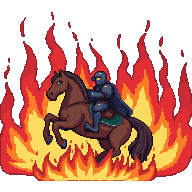
ANIMATIONEN
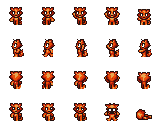
Walk Cycles und Sprite Sheets, GIF-fertig
Wähle deinen Workflow
Drei Game-Art-Workflows — wähle den, der zu deinem Projekt passt.
Concept Art & Level-Hintergründe
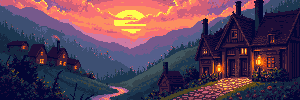
Starte mit einem Text-Prompt oder Referenzbild, generiere eine Szene und erweitere sie auf volle Level-Breite — 4096×450 für Side-Scroller oder 4096×720 für hohe Panoramen.
Workflow startenCharaktere, Sprites & Animationen
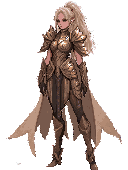
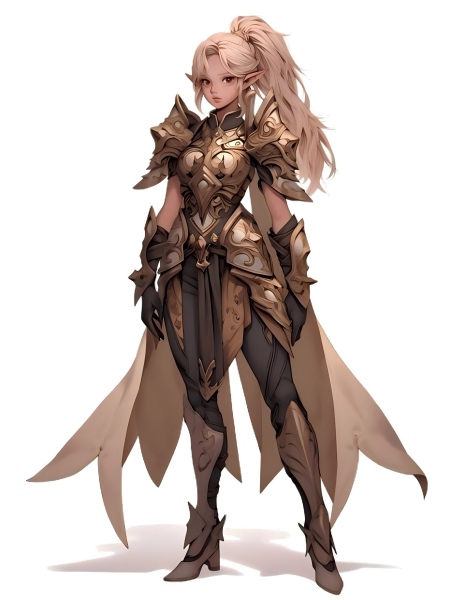
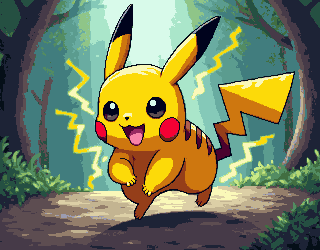
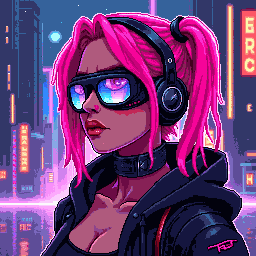
Generiere ein Charakter-Konzept, wandle es in Pixel-Stil um, entferne den Hintergrund für ein sauberes transparentes PNG und animiere es zu einem Sprite Sheet.
Workflow startenTilesets, Icons & UI-Elemente
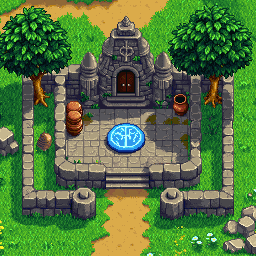
Generiere Pixel-Tiles, Icons und UI-Buttons in exakten Spielabmessungen. Füge sie zu Tilesets zusammen und exportiere mit transparentem Hintergrund.
Workflow starten
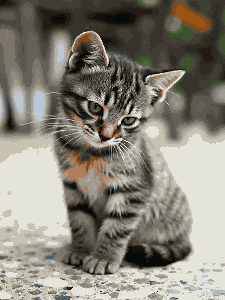
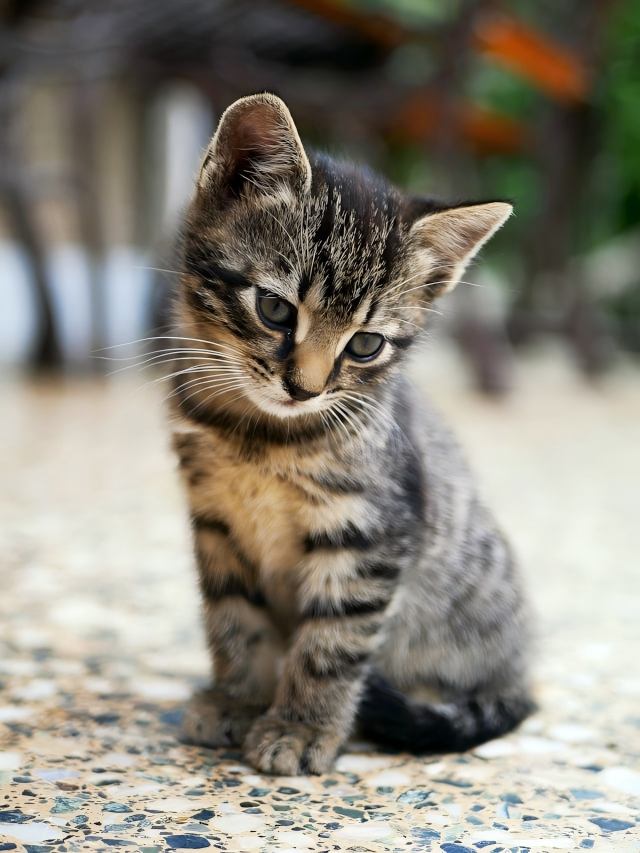
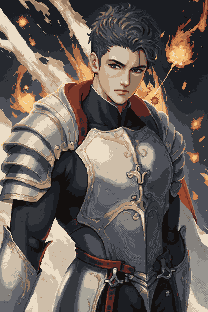
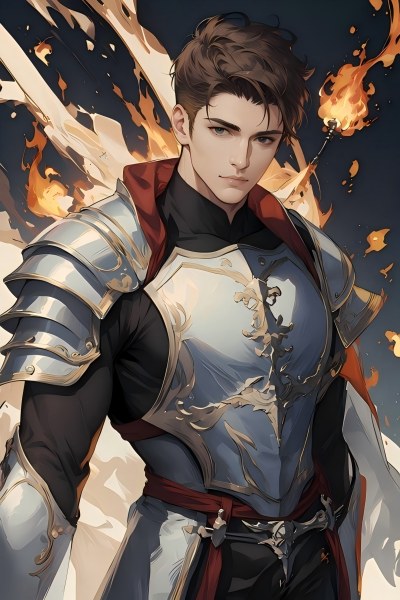
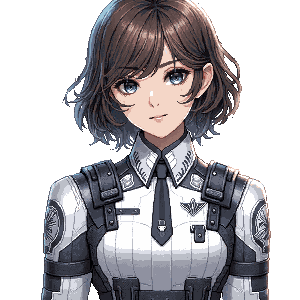
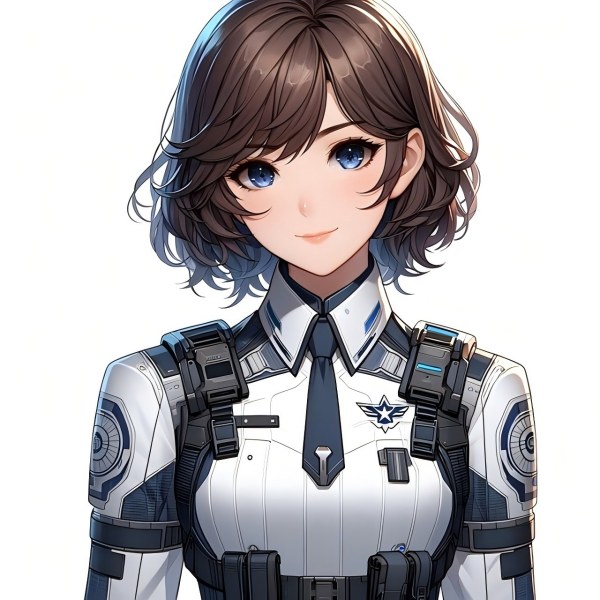
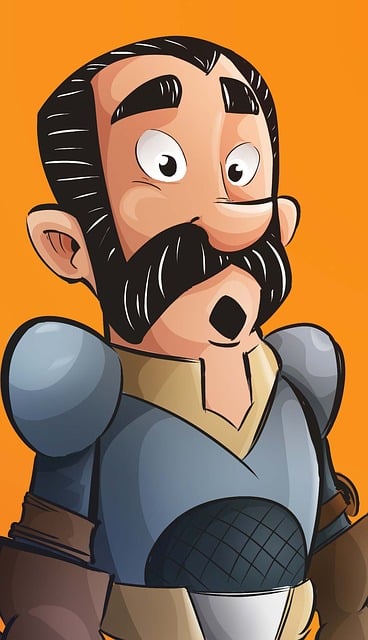
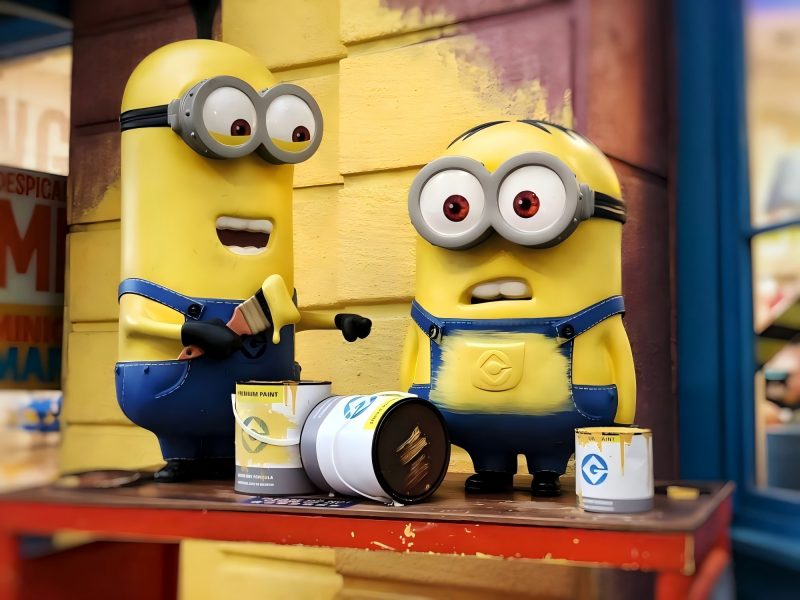
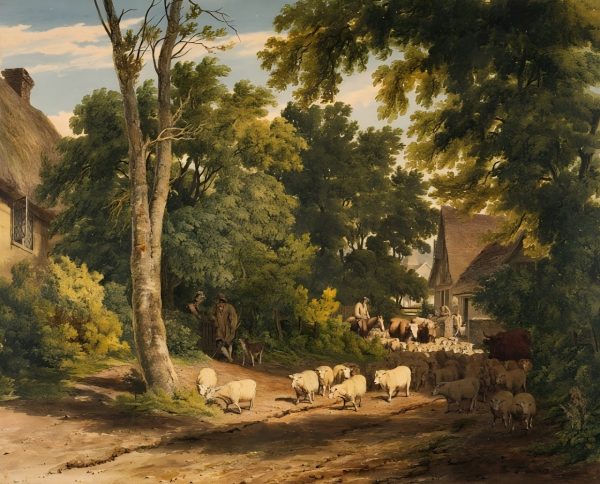









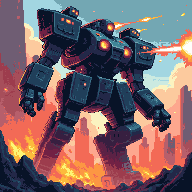

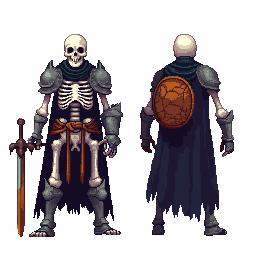
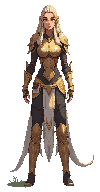
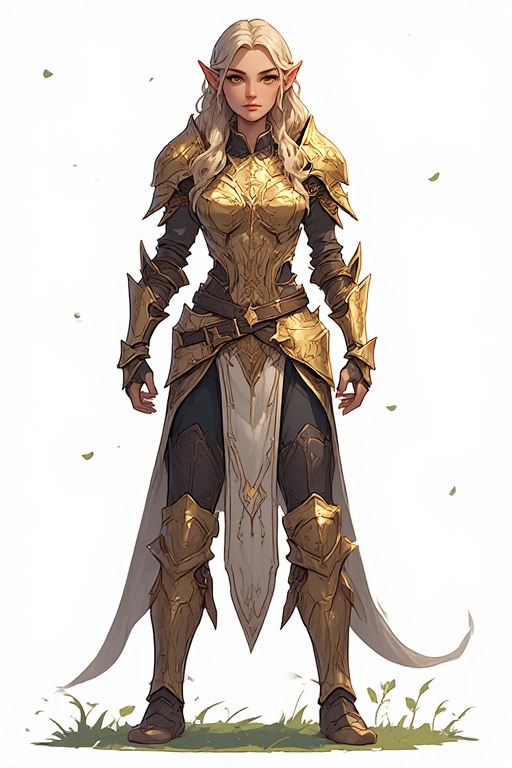
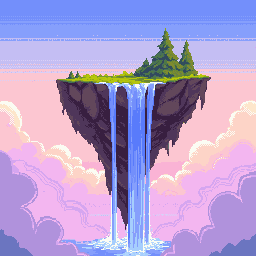
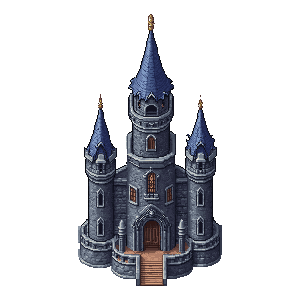



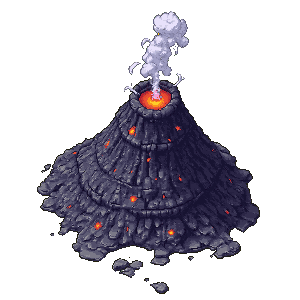







Das komplette Game-Asset-Toolkit
Sieben KI-Tools für jeden Game-Art-Typ — vom Concept-Sketch bis zum finalen Export.
Bildgenerator & -editor
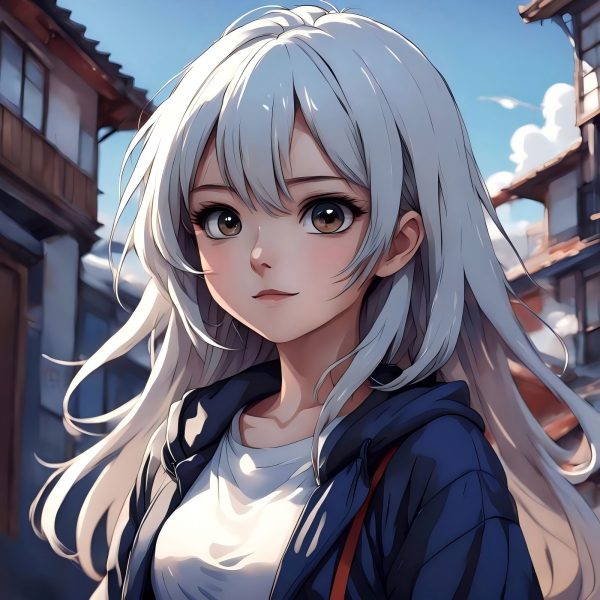
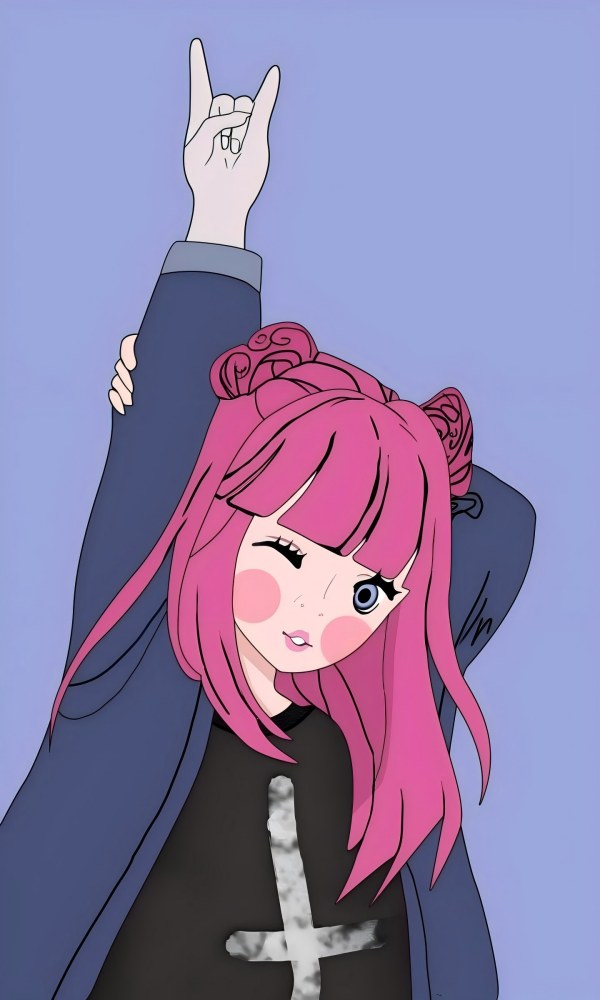
Text-zu-Bild und Bild-zu-Bild in einem Tool. Generiere Concept Art, Szenen-Hintergründe, Charakterdesigns und Requisiten — und bearbeite, färbe um oder verfeinere sie im Anschluss.
ErweiternKI-Bilderweiterung
Dehne jede Szene zu einem vollbreiten Level-Hintergrund aus. Ideal für 4096×450 Side-Scroller-Backdrops oder 4096×720 Panorama-Umgebungen.
FreistellenHintergrundentferner
Isoliere Charaktere, Items und UI-Elemente mit einem Klick. Liefert saubere transparente PNGs, bereit für jede Game-Engine.
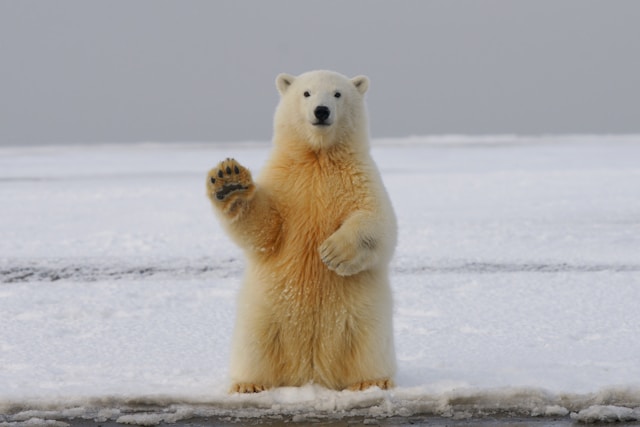
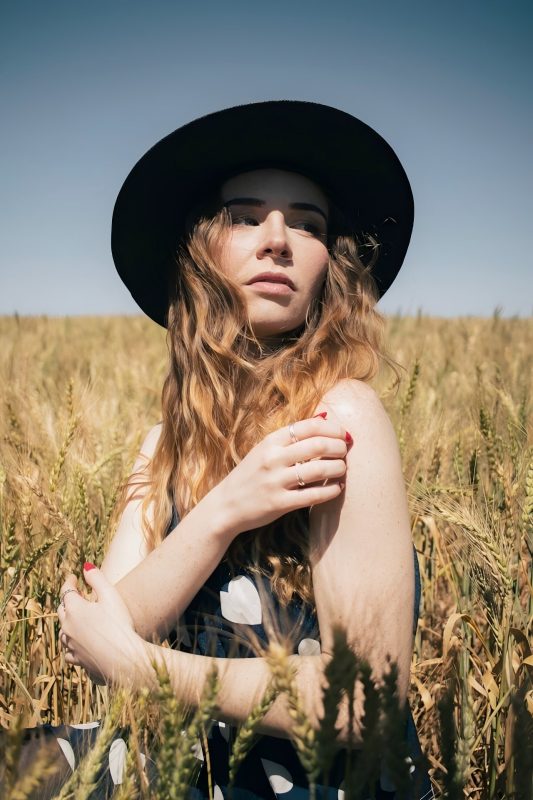
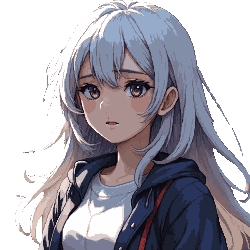
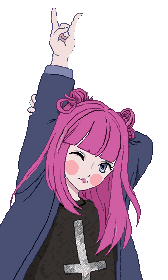
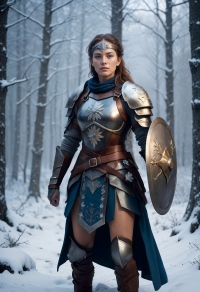
PixelisierenBild zu Pixel Art
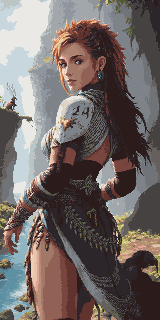
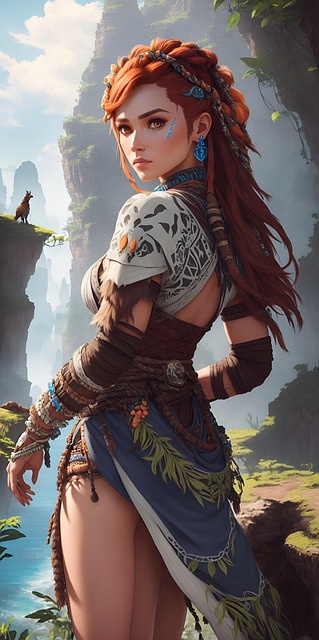
Wandle jede Illustration oder Concept Art sofort in Pixel Art um. Behält die Komposition bei und rendert authentische Pixel in deiner gewählten Auflösung.
Pixel generierenPixel Art Generator
Generiere Pixel Art per Text-Prompt in exakten Abmessungen — 16×16 Icons, 32×32 Tiles, 64×64 detaillierte Charaktere und mehr.
TilesetPixel Tileset Generator
Erstelle nahtlose Tilesets für RPG-Karten, Platformer-Level und Top-Down-Welten. Direkt in Unity, Godot und RPG Maker importierbar.
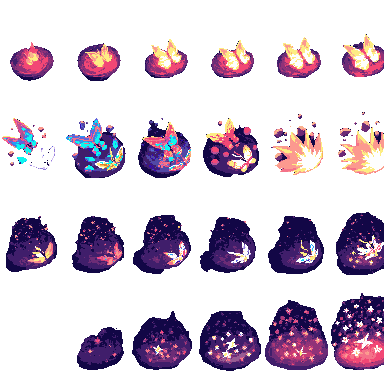
AnimierenPixel Animation Maker
Verwandle statische Sprites in Walk Cycles, Angriffssequenzen und VFX. Export als GIF-Vorschau und PNG-Sprite Sheets.
Game Assets Prompt Templates
Create a 2D side-scrolling platformer background set in [ENVIRONMENT: enchanted forest / cyberpunk city / desert ruins / icy mountain / lava cave]. Use a layered parallax composition with clear foreground, midground, and background depth. The style should be [ART STYLE], with readable shapes, atmospheric lighting, and enough empty space for gameplay elements. No characters, no UI, no text.
Create a pixel art platformer tileset for [ENVIRONMENT: grassland / dungeon / snow mountain / lava cave / cyberpunk rooftop]. Include ground tiles, edge tiles, corners, slopes, floating platforms, decorative objects, and background details. Use a consistent [COLOR PALETTE] palette and a clean game-ready pixel art style. Make the tiles seamless and suitable for level building.
Create a game character sprite sheet for [CHARACTER NAME], a [CHARACTER TYPE]. Include idle, walk, run, jump, attack, hurt, and death poses. Use a consistent [ART STYLE] style, clean silhouette, transparent or plain background, and game-ready proportions. Keep all poses consistent in scale and design.
Create a pixel art character sprite for [CHARACTER TYPE]. Use a [16-bit / 32-bit / modern pixel art] style, strong silhouette, limited color palette, clean pixel edges, and game-ready readability. The character should face [front / side / three-quarter] view and stand in an idle pose on a transparent background.
Create a game item icon set for a [GAME GENRE] game. Include [ITEM TYPES: potions, coins, keys, gems, scrolls / swords, shields, helmets, boots / food, seeds, tools], each displayed as a clean, centered icon with consistent lighting, perspective, and style. Use a cohesive [ART STYLE] style, simple background, and strong readability at small sizes.
Create a fantasy game UI kit for a [GAME GENRE] game. Include buttons, panels, health bar, mana bar, inventory slots, dialog box, menu frame, and small decorative icons. Use a cohesive fantasy style with readable shapes, polished edges, and game-ready interface design.
Create pixel art animation frames for [CHARACTER OR OBJECT]. Include [ANIMATION TYPE: idle / walk cycle / run cycle / attack / jump / explosion / coin spin / fire effect] frames with consistent scale, clean motion, and readable silhouettes. Use a game-ready pixel art style with transparent or plain background.
Generate this game asset in the same visual style as the existing assets: [STYLE DESCRIPTION]. Maintain consistent color palette, lighting direction, perspective, outline thickness, level of detail, and overall mood. The asset should feel like it belongs in the same game world.
Create Steam capsule art for a [GAME GENRE] game titled "[GAME TITLE]". Show the main character, core environment, and emotional hook of the game. Use a polished promotional art style, strong composition, cinematic lighting, and space for the game title. Make it attractive for indie game players.
Create a social media promotional image for a [GAME GENRE] game. Feature the main character, key environment, and exciting gameplay mood. Use a polished indie game marketing style, strong contrast, and space for a short headline and call-to-action.
Create a fantasy game concept art scene for a [GAME GENRE: RPG / platformer / roguelike / strategy] game. The setting is [ENVIRONMENT: enchanted forest / ancient ruins / floating island / underground dungeon], with a strong mood of [MOOD: mysterious / magical / dark / cozy / epic]. Use a cohesive art style inspired by [ART STYLE], with dramatic lighting, clear visual hierarchy, and game-ready composition.
Create a dark fantasy dungeon tileset in pixel art style. Include stone floors, cracked walls, corners, doors, torches, treasure chests, traps, stairs, skulls, and decorative props. The tiles should be seamless, readable, and suitable for a roguelike or RPG dungeon map.
Referenz für Game-Asset-Größen
Standardabmessungen in Game-Engines und Genres — nutze sie als Zielgrößen für die Generierung.
| Asset-Typ | Gängige Größen |
|---|---|
| Level-Hintergrund (horizontal) | 4096×450 / 4096×720 |
| Level-Hintergrund (vertikal) | 720×1280 / 1080×1920 |
| Boden / Wege | 425×135 / 1200×80 |
| Tiles | 32×32 / 64×64 |
| Sprites | 32×48 / 32×64 / 48×48 |
| UI-Buttons | 192×57 / 320×50 |
| Icons / Items | 64×64 / 128×128 |
| Spielcover / Store-Art | 1280×720 / 600×900 |
Für Game-Entwickler gemacht
Indie-Entwickler
Veröffentliche ein visuell stimmiges Spiel — ohne einen dedizierten Artist einzustellen. Sieben KI-Tools decken jeden Asset-Typ in deiner Pipeline ab.
Game-Jam-Teams
Generiere ein vollständiges Art-Set in Stunden statt Tagen. Konzentriere dich auf Gameplay, während die KI die Visuals übernimmt.
Pixel-Art-Enthusiasten
Nutze KI-generierte Pixel-Assets als ausgereifte Basis und verfeinere sie mit eigenen Bearbeitungen und deinem persönlichen Stil.
Concept Artists
Prototypisiere schnell Szenenstimmungen und Charakterdesigns, bevor du dich auf eine finale Art Direction festlegst.
Welcher Plan passt zu deinem Workflow?
Wähle nach deiner Nutzungshäufigkeit — einmalig, monatlich oder im Team-Tempo.
Weitere Workflows nach Szenario
Tools für E-Commerce, Spiele und Werbung — sinnvoll verknüpft statt einzeln suchen.
Visuelles Toolkit für Online-Shops
Banner, Produktbilder, Social-Pakete und Video-Ads — alles, was DTC- und Shopify-Marken visuell brauchen.
Ad-Creative-Workflow
Google- und Meta-konforme Creatives in exakten Pixelmaßen — ein Master-Bild für alle Placements.
Häufig gestellte Fragen
Darf ich diese Assets in einem kommerziellen Spiel verwenden?
Ja. Alle mit PixExact-Tools generierten Assets sind kommerziell nutzbar. Du besitzt die Ausgabe und kannst sie in kostenpflichtigen Spielen, itch.io-Releases, App-Store-Titeln oder Game-Jam-Einreichungen einsetzen.
Welche Game-Engines unterstützen diese Ausgaben?
PNG-Sprites, Tilesets und transparente Freistellungen funktionieren in Unity, Godot, RPG Maker, GameMaker und Phaser. GIF- und Sprite-Sheet-Ausgaben aus dem Pixel Animation Maker sind mit Godots AnimationPlayer, Unitys Sprite Animator und den meisten webbasierten Game-Frameworks kompatibel.
Was ist der Unterschied zwischen Bild zu Pixel Art und Pixel Art Generator?
Bild zu Pixel Art nimmt ein vorhandenes Bild — Foto, Concept Art oder Skizze — und wandelt es in Pixel-Stil um, während die ursprüngliche Komposition erhalten bleibt. Der Pixel Art Generator erstellt Pixel Art von Grund auf per Text-Prompt, ohne Quellbild. Typischer Charakter-Workflow: Konzept im Bildgenerator & -editor erstellen, dann mit Bild zu Pixel Art in Pixel-Stil umwandeln.
Wie erstelle ich einen vollständigen Level-Hintergrund?
Starte im Bildgenerator & -editor und erstelle deine Szene in Standardgröße (z. B. 1024×576). Nutze dann die KI-Bilderweiterung, um sie horizontal auf deine Zielbreite zu strecken — 4096×450 für Side-Scroller oder 4096×720 für höhere Panoramen. Die KI füllt die erweiterten Bereiche nahtlos aus.
Kann ich alle Game-Assets in einem einheitlichen visuellen Stil halten?
Ja. Verwende dieselben Stil-Keywords in allen Tools — zum Beispiel „Retro-16-Bit-RPG, gedeckte Erdtöne, dunkle Konturen“ — und die KI sorgt für visuelle Konsistenz über Hintergründe, Charaktere, Tiles und UI-Elemente hinweg.
Brauche ich Grafikerfahrung für diese Tools?
Nein. Beschreibe in normaler Sprache, was du möchtest — „ein Fantasy-Ritter-Sprite, dunkle Rüstung, Pixel Art“ oder „Wald-Gras-Tileset, Top-Down-Ansicht, 32×32“ — und die KI übernimmt den Rest. Nutze die Größentabelle auf dieser Seite, um die exakten Abmessungen für deinen Asset-Typ zu finden.
Starte heute mit deiner Game Art
Sieben KI-Tools, eine komplette Pipeline — von Concept Art bis zu animierten Sprites, alles exportfertig.