Herramientas IA para cada asset que necesita tu juego
Desde concept art hasta sprites pixel, fondos de nivel y botones de interfaz — siete herramientas IA cubren toda la pipeline de arte de juego. Funciona tanto para estilos pixel como no pixel.
Explorar workflowsNo necesitas experiencia artística. Exporta PNG, GIF y hojas de sprites listas para Unity, Godot y RPG Maker.

SPRITES DE PERSONAJES
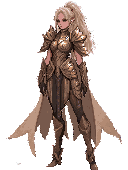
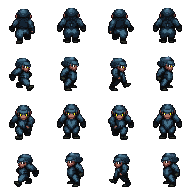
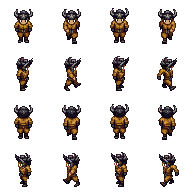
Personajes pixel en 32×48, listos para animar

MAPAS Y TILESETS
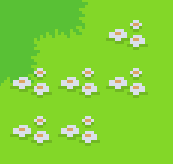
Tiles sin costuras y entornos de juego

ANIMACIONES
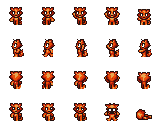
Ciclos de marcha y hojas de sprites, listos en GIF
Elige tu workflow
Tres workflows de arte de juego — elige el que encaje con lo que estás creando.
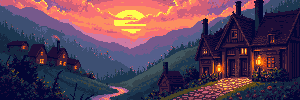
Concept art y fondos de nivel
Parte de un prompt de texto o imagen de referencia para generar una escena, luego extiéndela a todo el ancho del nivel — 4096×450 para juegos de desplazamiento lateral o 4096×720 para panoramas altos.
Iniciar workflowPersonajes, sprites y animaciones
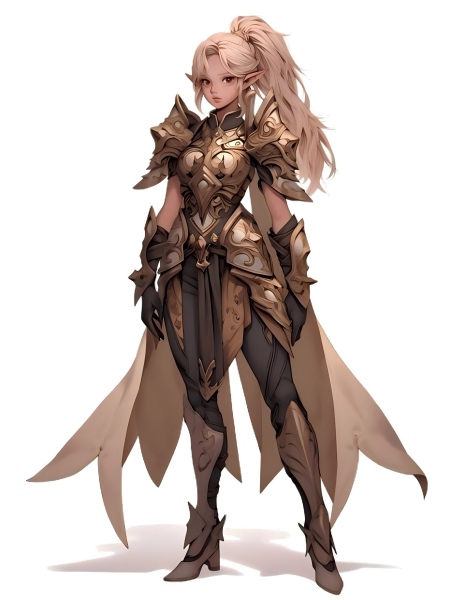
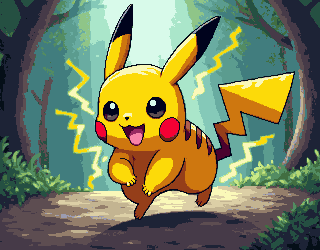
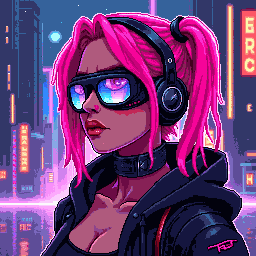
Genera un concepto de personaje, conviértelo a estilo pixel, elimina el fondo para obtener un PNG transparente limpio y anímalo en una hoja de sprites.
Iniciar workflowTilesets, iconos y elementos de interfaz
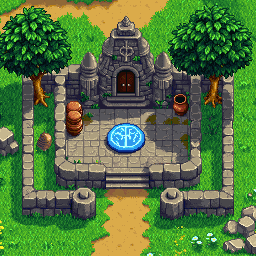
Genera tiles pixel, iconos y botones de interfaz en las dimensiones exactas de tu juego. Ensámblalos en tilesets y exporta con fondo transparente.
Iniciar workflow
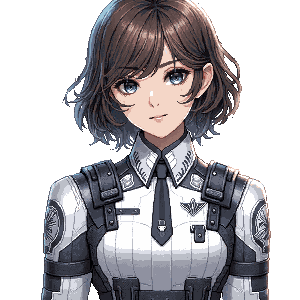
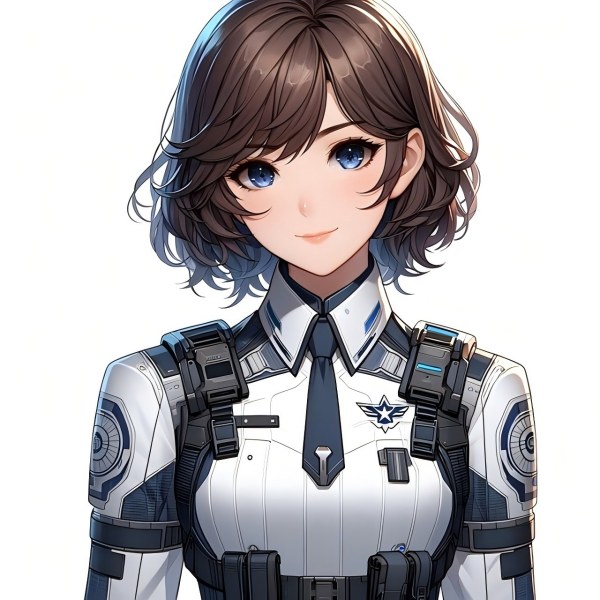
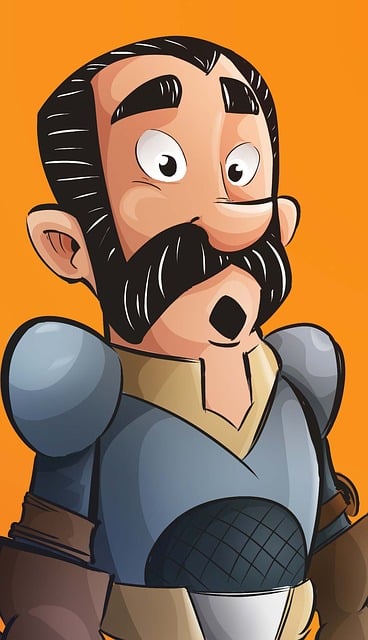
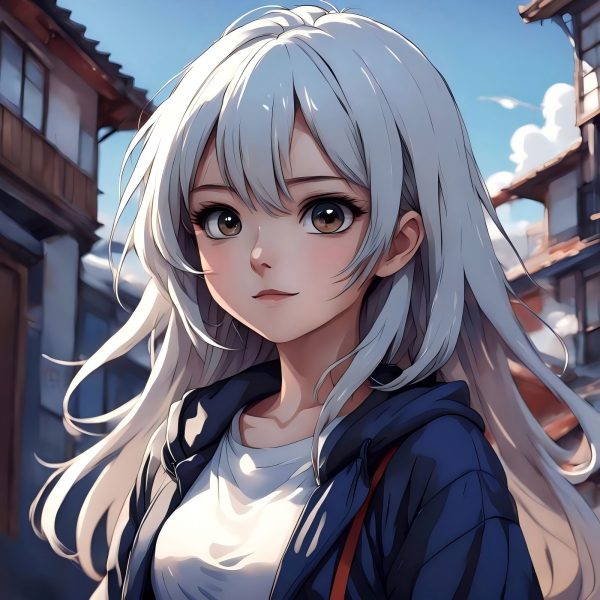
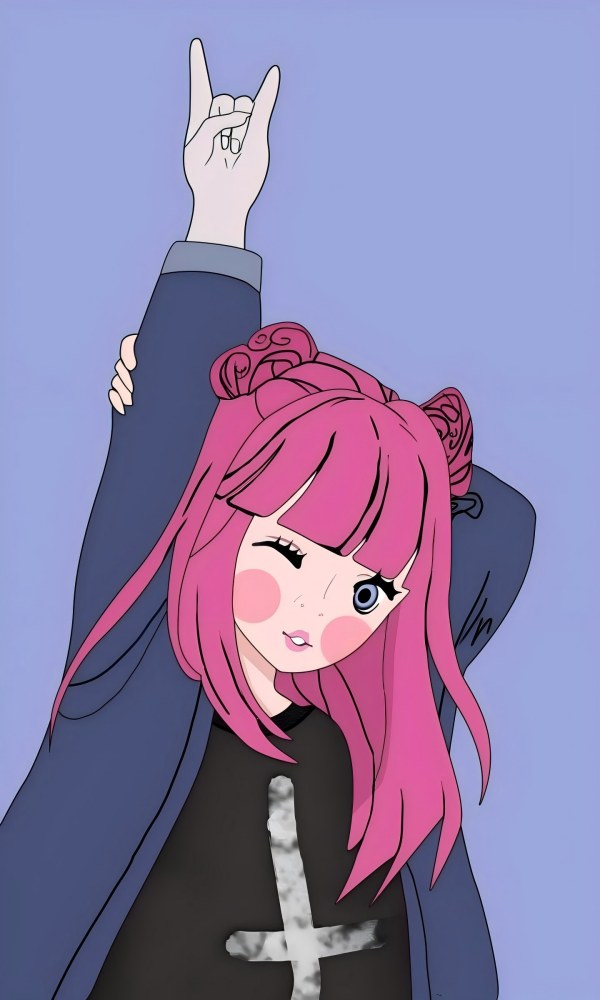
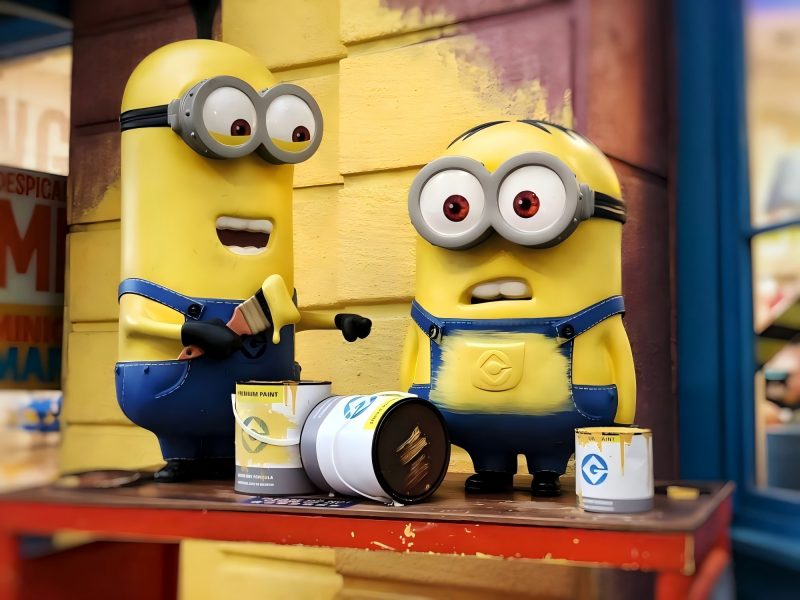
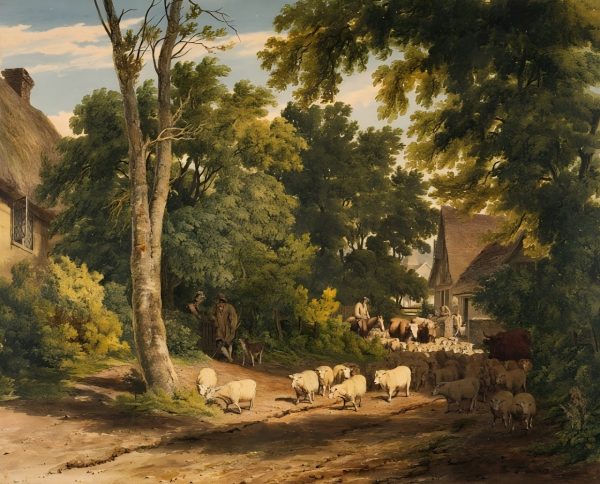









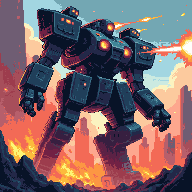

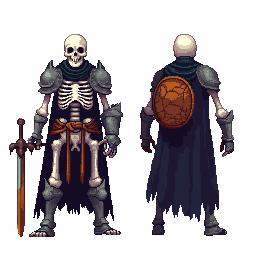
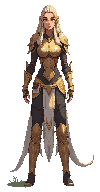
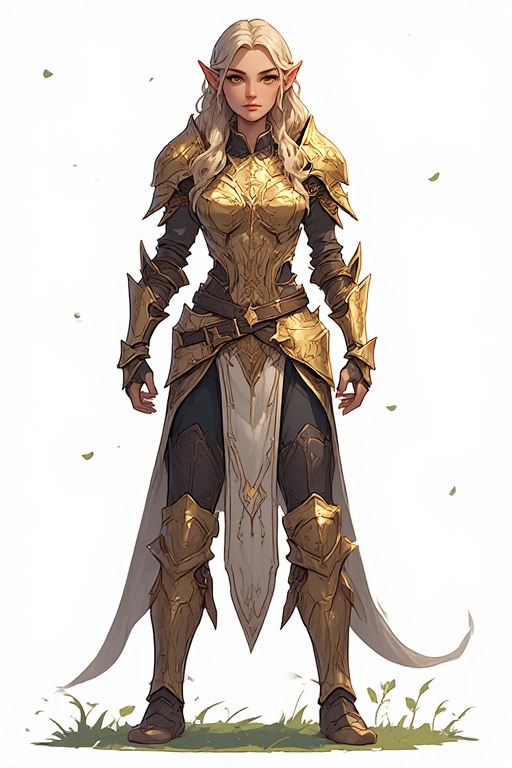
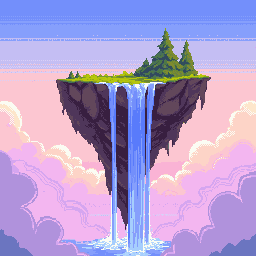
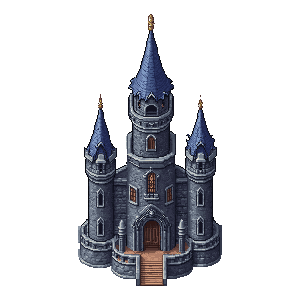



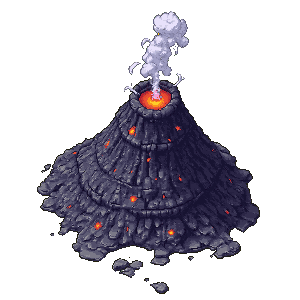







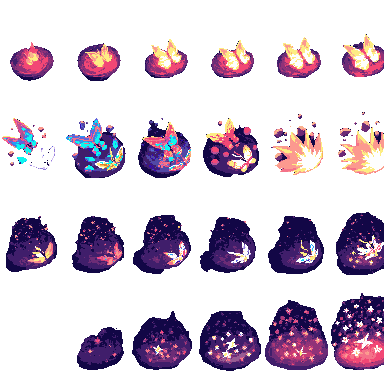
El kit completo de herramientas para assets de juego
Siete herramientas IA que cubren cada tipo de arte de juego — del boceto conceptual al export final.
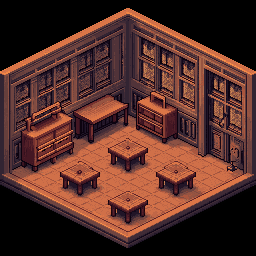
Generador y editor de imágenes
Texto a imagen e imagen a imagen en una sola herramienta. Genera concept art, fondos de escena, diseños de personajes y objetos — y luego edita, recolorea o refina.
ExtenderAmplificador de imágenes IA
Estira cualquier escena hasta convertirla en un fondo de nivel a ancho completo. Ideal para fondos 4096×450 de juegos de desplazamiento lateral o entornos panorámicos 4096×720.
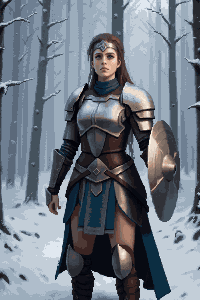
RecortarEliminador de fondo
Aísla personajes, objetos y elementos de interfaz con un clic. Genera PNG transparentes limpios, listos para cualquier motor de juego.
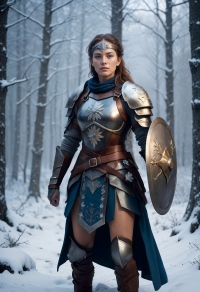
PixelarImagen a pixel art
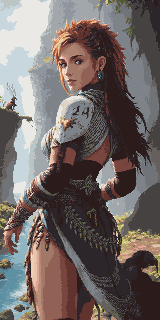
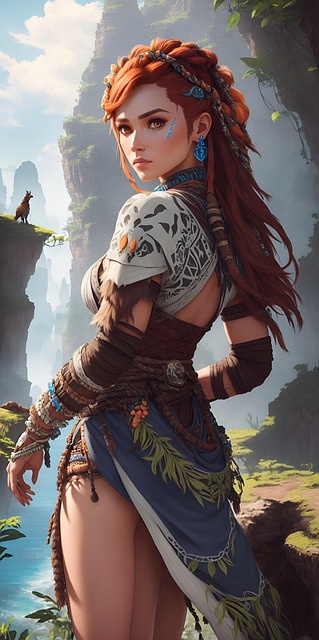
Convierte al instante cualquier ilustración o concept art en pixel art. Conserva la composición y aplica un renderizado pixel auténtico en la resolución elegida.
Generar pixelPixel Art Generator
Genera pixel art a partir de un prompt de texto en dimensiones exactas — iconos 16×16, tiles 32×32, personajes detallados 64×64 y más.
TilesetPixel Tileset Generator
Crea tilesets sin costuras para mapas RPG, niveles de plataformas y mundos en vista cenital. Importación directa en Unity, Godot y RPG Maker.
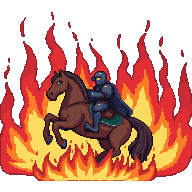
AnimarPixel Animation Maker
Convierte sprites estáticos en ciclos de marcha, secuencias de ataque y efectos visuales. Exporta como vista previa GIF y hojas de sprites PNG.
Game Assets Prompt Templates
Create a 2D side-scrolling platformer background set in [ENVIRONMENT: enchanted forest / cyberpunk city / desert ruins / icy mountain / lava cave]. Use a layered parallax composition with clear foreground, midground, and background depth. The style should be [ART STYLE], with readable shapes, atmospheric lighting, and enough empty space for gameplay elements. No characters, no UI, no text.
Create a pixel art platformer tileset for [ENVIRONMENT: grassland / dungeon / snow mountain / lava cave / cyberpunk rooftop]. Include ground tiles, edge tiles, corners, slopes, floating platforms, decorative objects, and background details. Use a consistent [COLOR PALETTE] palette and a clean game-ready pixel art style. Make the tiles seamless and suitable for level building.
Create a game character sprite sheet for [CHARACTER NAME], a [CHARACTER TYPE]. Include idle, walk, run, jump, attack, hurt, and death poses. Use a consistent [ART STYLE] style, clean silhouette, transparent or plain background, and game-ready proportions. Keep all poses consistent in scale and design.
Create a pixel art character sprite for [CHARACTER TYPE]. Use a [16-bit / 32-bit / modern pixel art] style, strong silhouette, limited color palette, clean pixel edges, and game-ready readability. The character should face [front / side / three-quarter] view and stand in an idle pose on a transparent background.
Create a game item icon set for a [GAME GENRE] game. Include [ITEM TYPES: potions, coins, keys, gems, scrolls / swords, shields, helmets, boots / food, seeds, tools], each displayed as a clean, centered icon with consistent lighting, perspective, and style. Use a cohesive [ART STYLE] style, simple background, and strong readability at small sizes.
Create a fantasy game UI kit for a [GAME GENRE] game. Include buttons, panels, health bar, mana bar, inventory slots, dialog box, menu frame, and small decorative icons. Use a cohesive fantasy style with readable shapes, polished edges, and game-ready interface design.
Create pixel art animation frames for [CHARACTER OR OBJECT]. Include [ANIMATION TYPE: idle / walk cycle / run cycle / attack / jump / explosion / coin spin / fire effect] frames with consistent scale, clean motion, and readable silhouettes. Use a game-ready pixel art style with transparent or plain background.
Generate this game asset in the same visual style as the existing assets: [STYLE DESCRIPTION]. Maintain consistent color palette, lighting direction, perspective, outline thickness, level of detail, and overall mood. The asset should feel like it belongs in the same game world.
Create Steam capsule art for a [GAME GENRE] game titled "[GAME TITLE]". Show the main character, core environment, and emotional hook of the game. Use a polished promotional art style, strong composition, cinematic lighting, and space for the game title. Make it attractive for indie game players.
Create a social media promotional image for a [GAME GENRE] game. Feature the main character, key environment, and exciting gameplay mood. Use a polished indie game marketing style, strong contrast, and space for a short headline and call-to-action.
Create a fantasy game concept art scene for a [GAME GENRE: RPG / platformer / roguelike / strategy] game. The setting is [ENVIRONMENT: enchanted forest / ancient ruins / floating island / underground dungeon], with a strong mood of [MOOD: mysterious / magical / dark / cozy / epic]. Use a cohesive art style inspired by [ART STYLE], with dramatic lighting, clear visual hierarchy, and game-ready composition.
Create a dark fantasy dungeon tileset in pixel art style. Include stone floors, cracked walls, corners, doors, torches, treasure chests, traps, stairs, skulls, and decorative props. The tiles should be seamless, readable, and suitable for a roguelike or RPG dungeon map.
Referencia de tamaños de assets de juego
Dimensiones estándar en motores de juego y géneros — úsalas como objetivo de generación.
| Tipo de asset | Tamaños habituales |
|---|---|
| Fondo de nivel (horizontal) | 4096×450 / 4096×720 |
| Fondo de nivel (vertical) | 720×1280 / 1080×1920 |
| Suelo / caminos | 425×135 / 1200×80 |
| Tiles | 32×32 / 64×64 |
| Sprites | 32×48 / 32×64 / 48×48 |
| Botones de interfaz | 192×57 / 320×50 |
| Iconos / objetos | 64×64 / 128×128 |
| Portada / arte de tienda | 1280×720 / 600×900 |
Hecho para creadores de juegos
Desarrolladores indie
Publica un juego visualmente completo sin contratar a un artista dedicado. Siete herramientas IA cubren cada tipo de asset de tu pipeline.
Equipos de game jam
Genera un set de arte completo en horas, no en días. Concéntrate en la jugabilidad mientras la IA se encarga del visual.
Aficionados al pixel art
Usa los assets pixel generados por IA como base sólida y refínalos con tus propias ediciones y estilo personal.
Concept artists
Prototipa rápidamente ambientes de escena y diseños de personajes antes de definir una dirección artística final.
¿Qué plan encaja con tu ritmo?
Elige según la frecuencia con la que creas: uso puntual, mensual o producción a gran escala.
Más flujos por escenario
Herramientas conectadas para e-commerce, videojuegos y publicidad — rutas de creación más claras.
Kit visual para tiendas online
Banners, fotos de producto, packs para redes y anuncios en vídeo — lo esencial para marcas DTC y tiendas Shopify.
Flujo de creativos publicitarios
Creativos conformes a Google y Meta en píxeles exactos — una imagen maestra para todos los formatos, con estilo unificado.
Preguntas frecuentes
¿Puedo usar estos assets en un juego comercial?
Sí. Todos los assets generados con las herramientas de PixExact son aptos para uso comercial. Eres propietario del resultado y puedes utilizarlo en juegos de pago, lanzamientos en itch.io, títulos de App Store o envíos a game jams.
¿Qué motores de juego admiten estos formatos de salida?
Los sprites PNG, tilesets y recortes transparentes funcionan en Unity, Godot, RPG Maker, GameMaker y Phaser. Los GIF y hojas de sprites del Pixel Animation Maker son compatibles con el AnimationPlayer de Godot, el Sprite Animator de Unity y la mayoría de frameworks de juego web.
¿Cuál es la diferencia entre Imagen a pixel art y Pixel Art Generator?
Imagen a pixel art toma una imagen existente — foto, concept art o boceto — y la convierte a estilo pixel conservando la composición original. Pixel Art Generator crea pixel art desde cero con un prompt de texto, sin imagen de origen. Workflow típico de personaje: genera un concepto en el Generador y editor de imágenes, luego conviértelo a pixel art con Imagen a pixel art.
¿Cómo creo un fondo de nivel completo?
Empieza en el Generador y editor de imágenes para crear tu escena en un tamaño estándar (p. ej. 1024×576). Luego usa el Amplificador de imágenes IA para estirarla horizontalmente hasta el ancho objetivo — 4096×450 para juegos de desplazamiento lateral o 4096×720 para panoramas más altos. La IA rellena las zonas extendidas sin costuras.
¿Puedo mantener un estilo visual uniforme en todos los assets de mi juego?
Sí. Usa las mismas palabras clave de estilo en todas las herramientas — por ejemplo, «RPG retro 16 bits, tonos tierra apagados, contornos oscuros» — y la IA mantendrá la coherencia visual entre fondos, personajes, tiles y elementos de interfaz.
¿Necesito experiencia artística para usar estas herramientas?
No. Describe lo que quieres en lenguaje sencillo — «un sprite de caballero de fantasía, armadura oscura, pixel art» o «tileset de hierba de bosque, vista cenital, 32×32» — y la IA se encarga del resto. Consulta la tabla de tamaños de esta página para encontrar las dimensiones exactas de tu tipo de asset.
Empieza hoy con el arte de tu juego
Siete herramientas IA, una pipeline completa — de concept art a sprites animados, todo listo para exportar.