必要なゲームアセットをすべてカバーする AI ツール
コンセプトアートからピクセルスプライト、レベル背景、UI ボタンまで — 7 つの AI ツールがゲームアート制作パイプライン全体をカバー。ピクセル・非ピクセルどちらのスタイルにも対応します。
ワークフローを見るアート経験は不要。PNG・GIF・スプライトシートをエクスポートして、Unity・Godot・RPG Maker にすぐ使えます。

キャラクタースプライト
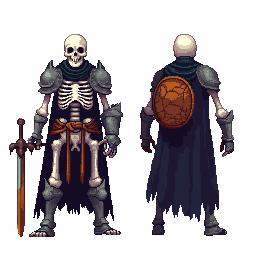
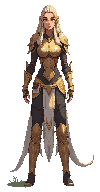
32×48 のピクセルキャラ、アニメーション対応

マップ & タイルセット
シームレスなタイルとゲーム環境

アニメーション
歩行サイクルとスプライトシート、GIF 出力対応
ワークフローを選ぶ
3 つのゲームアートワークフロー — 制作内容に合ったものを選んでください。
コンセプトアート & レベル背景
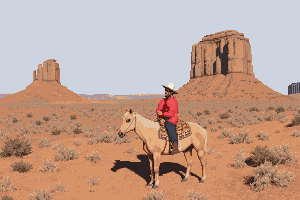
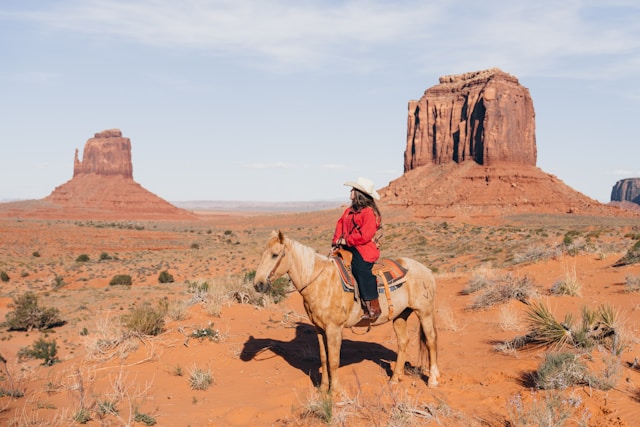
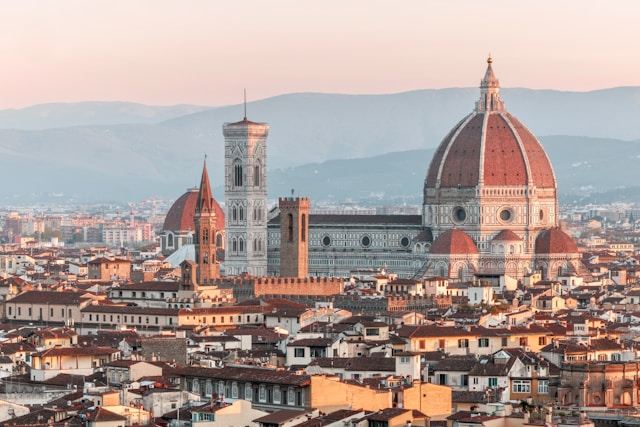
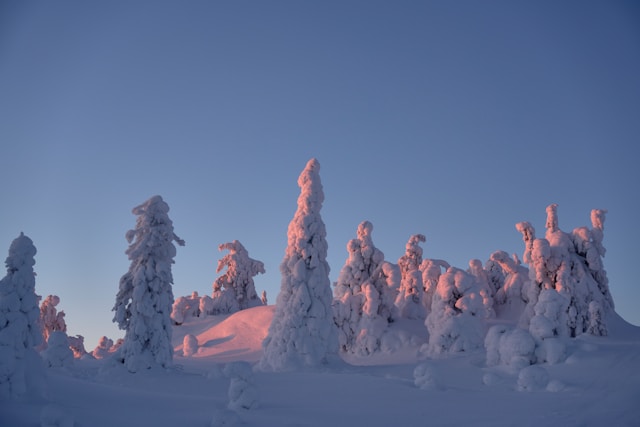
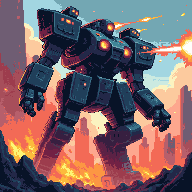
テキストプロンプトまたは参考画像からシーンを生成し、レベル全体の幅まで拡張 — 横スクロール向け 4096×450、縦長パノラマ向け 4096×720。
ワークフローを開始キャラクター・スプライト・アニメーション
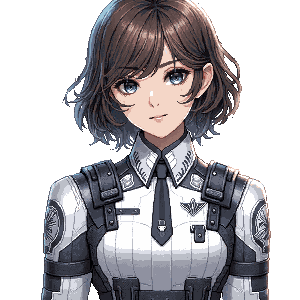
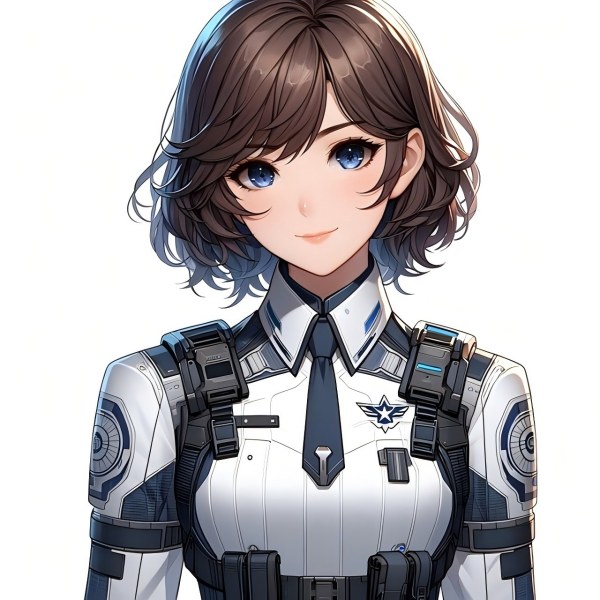
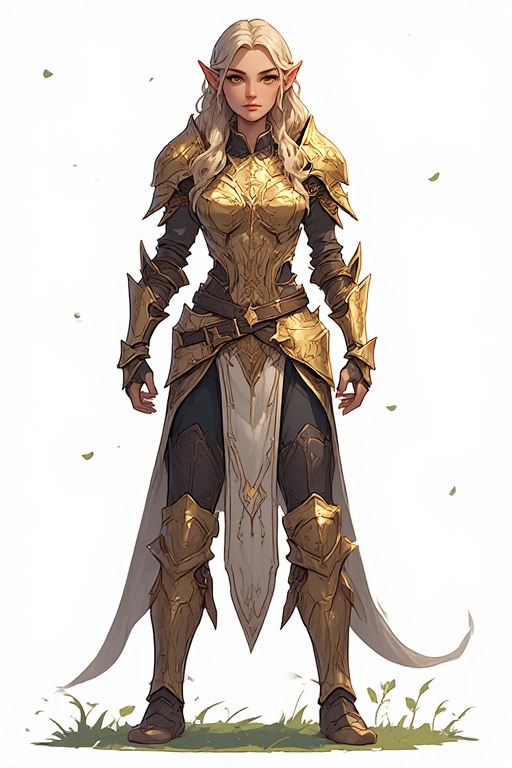
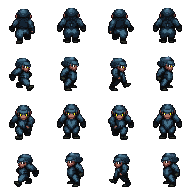
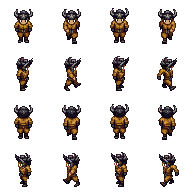
キャラクターコンセプトを生成し、ピクセルスタイルに変換。背景を除去して透明 PNG に仕上げ、スプライトシートとしてアニメーション化します。
ワークフローを開始
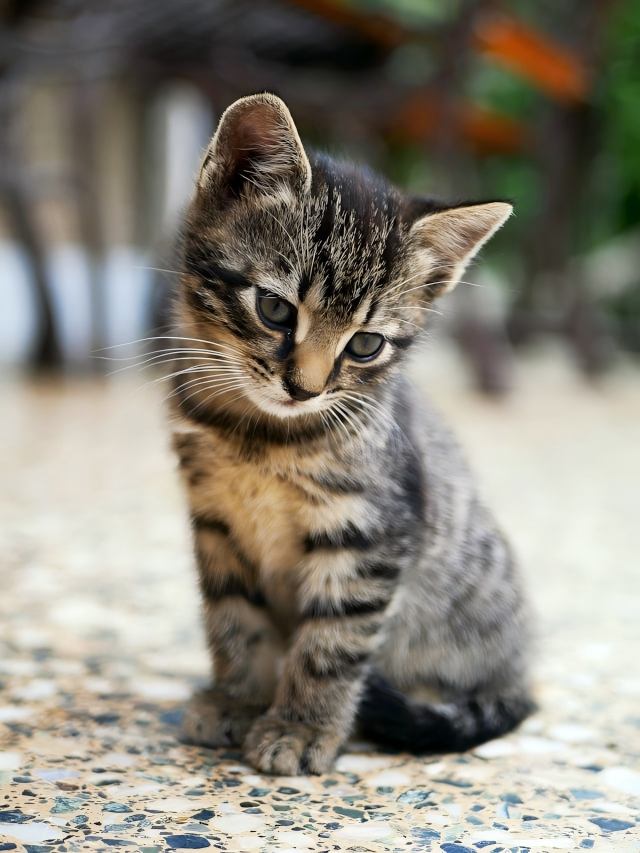
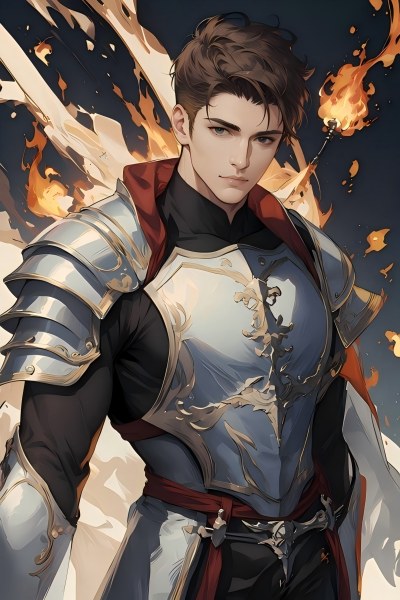
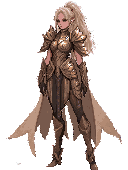
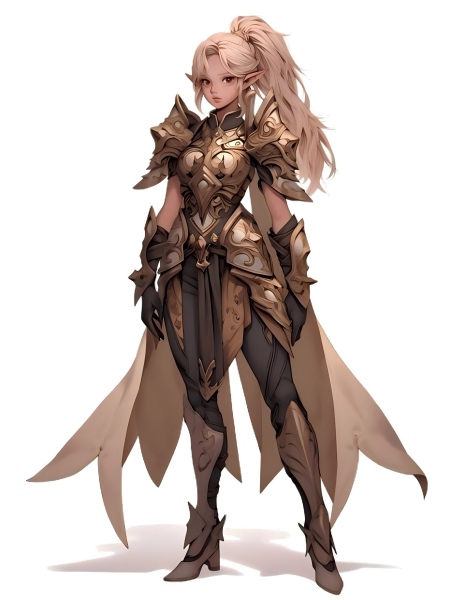
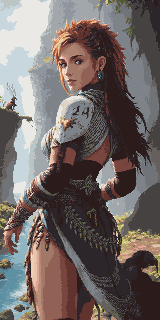
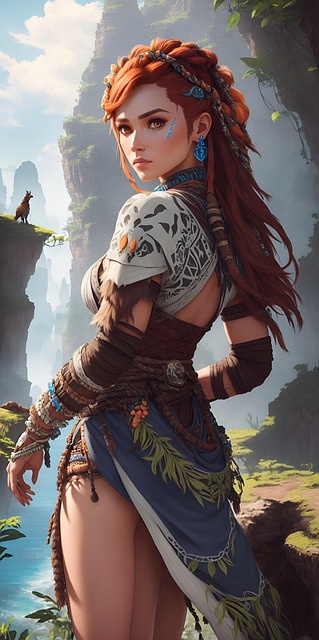
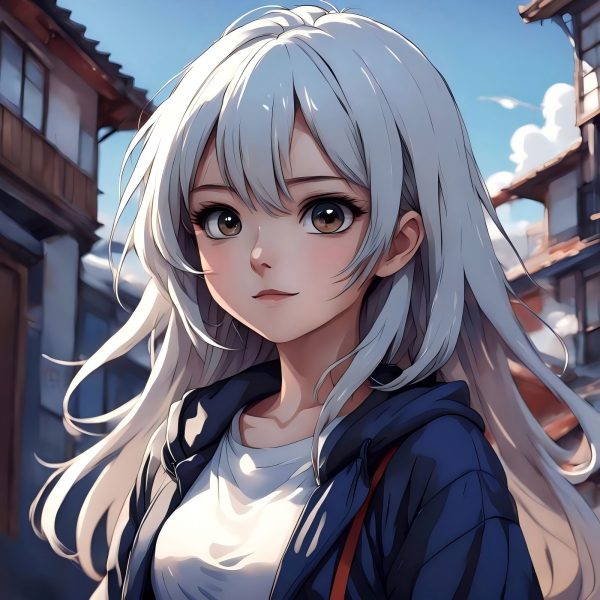
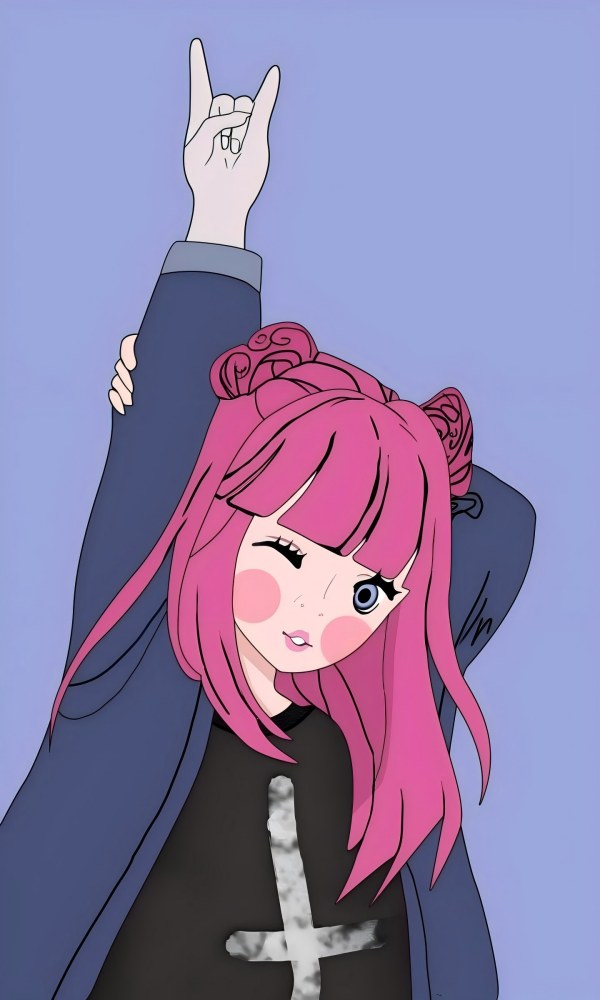
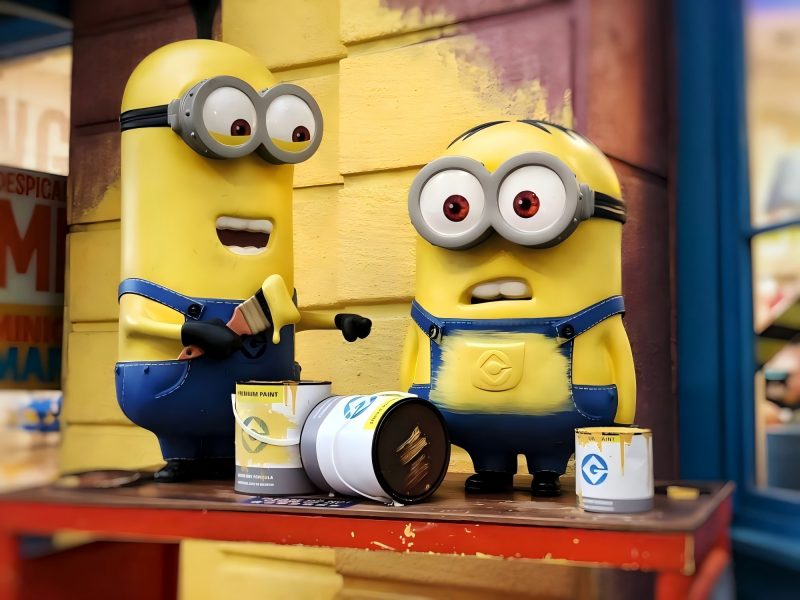
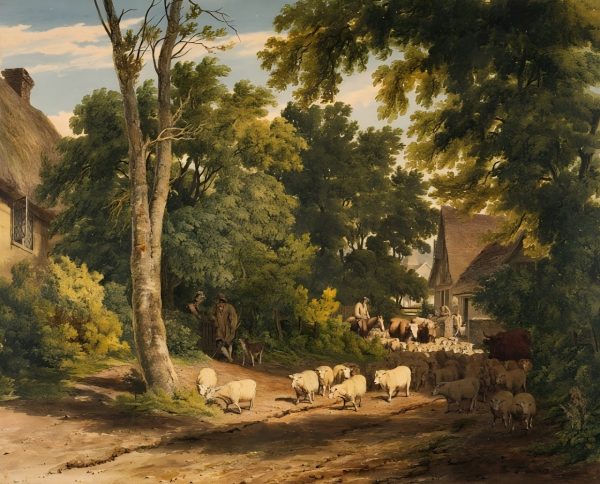


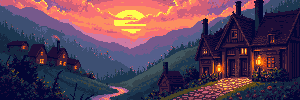
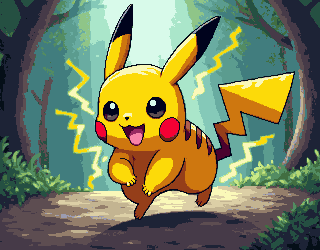

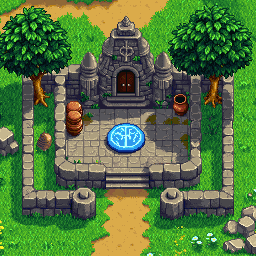

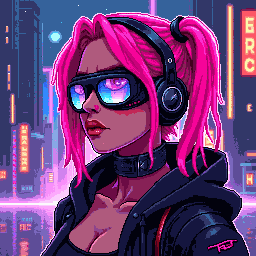


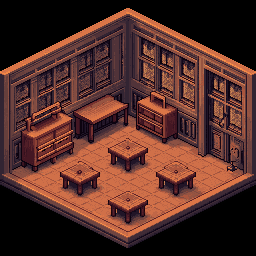

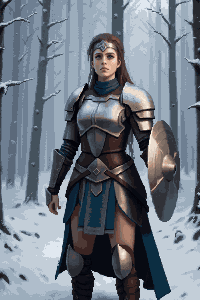
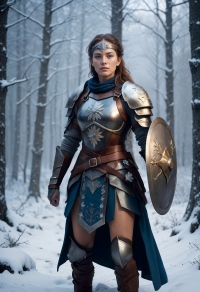


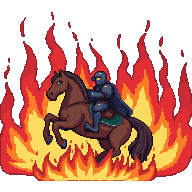

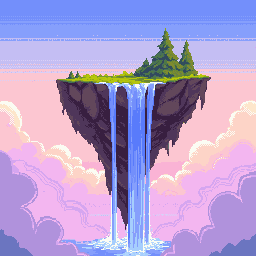
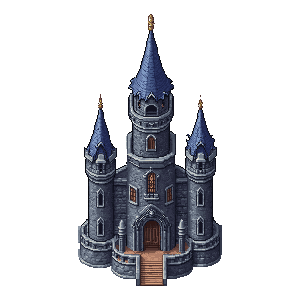


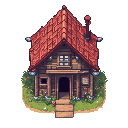

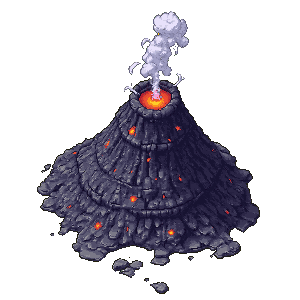







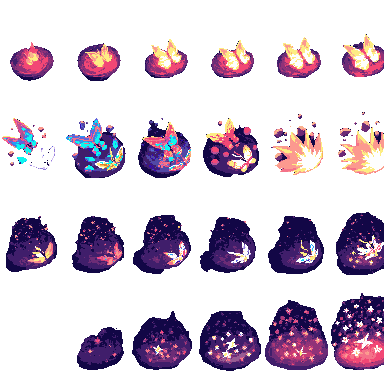
ゲームアセット制作の完全ツールキット
コンセプトスケッチから最終エクスポートまで、あらゆるゲームアートをカバーする 7 つの AI ツール。
画像ジェネレーター & エディター
テキスト→画像と画像→画像を 1 つのツールで。コンセプトアート、シーン背景、キャラクターデザイン、小道具を生成 — 編集・色変更・仕上げもその場で。
拡張AI 画像拡張
任意のシーンをフルワイドのレベル背景に拡張。横スクロール向け 4096×450 やパノラマ環境 4096×720 に最適。
切り抜き背景リムーバー
キャラクター、アイテム、UI 要素をワンクリックで切り抜き。どのゲームエンジンにも使えるクリーンな透明 PNG を出力。
ピクセル化画像→ピクセルアート
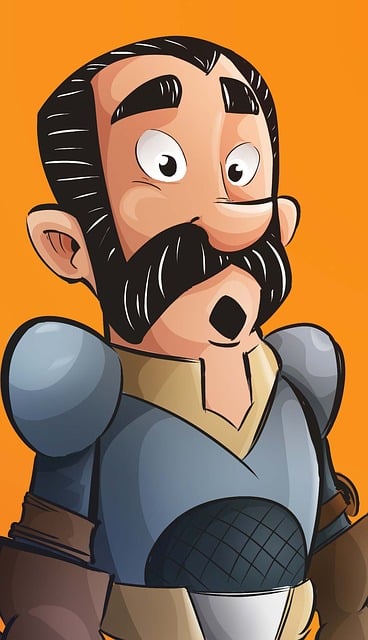
イラストやコンセプトアートを即座にピクセルアートに変換。構図を保ったまま、指定解像度で本格的なピクセルレンダリングを適用。
ピクセル生成Pixel Art Generator
テキストプロンプトから正確なサイズでピクセルアートを生成 — 16×16 アイコン、32×32 タイル、64×64 詳細キャラなど。
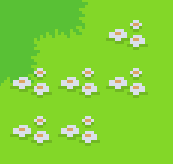
タイルセットPixel Tileset Generator
RPG マップ、プラットフォーマーレベル、トップダウンワールド向けのシームレスなタイルセットを作成。Unity・Godot・RPG Maker に直接インポート可能。
アニメーションPixel Animation Maker
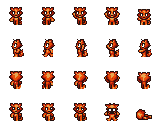
静止スプライトを歩行サイクル、攻撃モーション、VFX に変換。GIF プレビューと PNG スプライトシートでエクスポート。
Game Assets Prompt Templates
Create a 2D side-scrolling platformer background set in [ENVIRONMENT: enchanted forest / cyberpunk city / desert ruins / icy mountain / lava cave]. Use a layered parallax composition with clear foreground, midground, and background depth. The style should be [ART STYLE], with readable shapes, atmospheric lighting, and enough empty space for gameplay elements. No characters, no UI, no text.
Create a pixel art platformer tileset for [ENVIRONMENT: grassland / dungeon / snow mountain / lava cave / cyberpunk rooftop]. Include ground tiles, edge tiles, corners, slopes, floating platforms, decorative objects, and background details. Use a consistent [COLOR PALETTE] palette and a clean game-ready pixel art style. Make the tiles seamless and suitable for level building.
Create a game character sprite sheet for [CHARACTER NAME], a [CHARACTER TYPE]. Include idle, walk, run, jump, attack, hurt, and death poses. Use a consistent [ART STYLE] style, clean silhouette, transparent or plain background, and game-ready proportions. Keep all poses consistent in scale and design.
Create a pixel art character sprite for [CHARACTER TYPE]. Use a [16-bit / 32-bit / modern pixel art] style, strong silhouette, limited color palette, clean pixel edges, and game-ready readability. The character should face [front / side / three-quarter] view and stand in an idle pose on a transparent background.
Create a game item icon set for a [GAME GENRE] game. Include [ITEM TYPES: potions, coins, keys, gems, scrolls / swords, shields, helmets, boots / food, seeds, tools], each displayed as a clean, centered icon with consistent lighting, perspective, and style. Use a cohesive [ART STYLE] style, simple background, and strong readability at small sizes.
Create a fantasy game UI kit for a [GAME GENRE] game. Include buttons, panels, health bar, mana bar, inventory slots, dialog box, menu frame, and small decorative icons. Use a cohesive fantasy style with readable shapes, polished edges, and game-ready interface design.
Create pixel art animation frames for [CHARACTER OR OBJECT]. Include [ANIMATION TYPE: idle / walk cycle / run cycle / attack / jump / explosion / coin spin / fire effect] frames with consistent scale, clean motion, and readable silhouettes. Use a game-ready pixel art style with transparent or plain background.
Generate this game asset in the same visual style as the existing assets: [STYLE DESCRIPTION]. Maintain consistent color palette, lighting direction, perspective, outline thickness, level of detail, and overall mood. The asset should feel like it belongs in the same game world.
Create Steam capsule art for a [GAME GENRE] game titled "[GAME TITLE]". Show the main character, core environment, and emotional hook of the game. Use a polished promotional art style, strong composition, cinematic lighting, and space for the game title. Make it attractive for indie game players.
Create a social media promotional image for a [GAME GENRE] game. Feature the main character, key environment, and exciting gameplay mood. Use a polished indie game marketing style, strong contrast, and space for a short headline and call-to-action.
Create a fantasy game concept art scene for a [GAME GENRE: RPG / platformer / roguelike / strategy] game. The setting is [ENVIRONMENT: enchanted forest / ancient ruins / floating island / underground dungeon], with a strong mood of [MOOD: mysterious / magical / dark / cozy / epic]. Use a cohesive art style inspired by [ART STYLE], with dramatic lighting, clear visual hierarchy, and game-ready composition.
Create a dark fantasy dungeon tileset in pixel art style. Include stone floors, cracked walls, corners, doors, torches, treasure chests, traps, stairs, skulls, and decorative props. The tiles should be seamless, readable, and suitable for a roguelike or RPG dungeon map.
ゲームアセットサイズ早見表
ゲームエンジンやジャンルでよく使われる標準サイズ — 生成時の目標値としてご利用ください。
| アセット種別 | 一般的なサイズ |
|---|---|
| レベル背景(横長) | 4096×450 / 4096×720 |
| レベル背景(縦長) | 720×1280 / 1080×1920 |
| 地面 / 通路 | 425×135 / 1200×80 |
| タイル | 32×32 / 64×64 |
| スプライト | 32×48 / 32×64 / 48×48 |
| UI ボタン | 192×57 / 320×50 |
| アイコン / アイテム | 64×64 / 128×128 |
| ゲームカバー / ストア画像 | 1280×720 / 600×900 |
ゲームクリエイターのために
インディー開発者
専任アーティストを雇わずに、ビジュアル面で完成度の高いゲームをリリース。7 つの AI ツールがパイプライン上のあらゆるアセットタイプをカバーします。
ゲームジャムチーム
フルアートセットを数日ではなく数時間で用意。ビジュアルは AI に任せ、ゲームプレイに集中できます。
ピクセルアート愛好家
AI 生成のピクセルアセットを洗練された出発点として使い、自分の編集とスタイルで仕上げられます。
コンセプトアーティスト
最終的なアートディレクションを決める前に、シーンの雰囲気やキャラクターデザインを素早くプロトタイピング。
あなたのペースに合うプランは?
使う頻度で選べます — たまに使う、毎月更新、チーム規模の制作向け。
ほかの制作フローも見てみる
EC・ゲーム・広告など、用途別にツールをつないだワークフローを用意しています。
よくある質問
生成したアセットを商業ゲームに使えますか?
はい。PixExact のツールで生成したアセットはすべて商用利用可能です。生成物の権利はあなたに帰属し、有料ゲーム、itch.io リリース、App Store タイトル、ゲームジャム提出作品などに自由に使用できます。
どのゲームエンジンに対応していますか?
PNG スプライト、タイルセット、透明切り抜きは Unity・Godot・RPG Maker・GameMaker・Phaser で使用できます。Pixel Animation Maker の GIF とスプライトシート出力は、Godot の AnimationPlayer、Unity の Sprite Animator、主要な Web ゲームフレームワークに対応しています。
画像→ピクセルアートと Pixel Art Generator の違いは?
画像→ピクセルアートは既存の画像 — 写真、コンセプトアート、スケッチ — を元の構図を保ったままピクセルスタイルに変換します。Pixel Art Generator はテキストプロンプトからゼロでピクセルアートを生成し、元画像は不要です。典型的なキャラクター制作:画像ジェネレーター & エディターでコンセプトを生成 → 画像→ピクセルアートでピクセル化。
フルサイズのレベル背景はどう作りますか?
画像ジェネレーター & エディターで標準サイズ(例:1024×576)のシーンを作成し、AI 画像拡張で横方向に目標幅まで拡張 — 横スクロール向け 4096×450、より高いパノラマ向け 4096×720。AI が拡張部分を自然につなぎます。
ゲーム全体のアセットを統一したビジュアルスタイルにできますか?
はい。すべてのツールで同じスタイルキーワードを使いましょう — 例:「レトロ 16 ビット RPG、くすんだアースカラー、ダーク輪郭」 — AI が背景、キャラクター、タイル、UI 要素全体で視覚的な統一感を維持します。
アート経験がなくても使えますか?
はい。平易な言葉で説明するだけ — 「ファンタジーの騎士スプライト、暗い鎧、ピクセルアート」や「森の草タイルセット、トップダウン、32×32」 — AI が残りを処理します。このページのサイズ早見表でアセット種別ごとの正確な寸法を確認できます。
今日からゲームアート制作を始めよう
7 つの AI ツール、1 本の完全パイプライン — コンセプトアートからアニメーションスプライトまで、すべてエクスポート可能。