

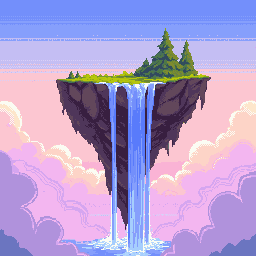
선명한 색상과 윤곽선의 기본 픽셀 아트

이미지 크기*
사용자 정의16–384 px
너비
높이
팔레트 이미지 업로드
공개 표시
필요한 크레딧
5
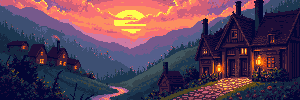
A cozy medieval village at sunset with glowing lanterns and cobblestone streets
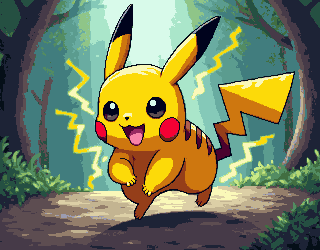
Dynamic pose of Pikachu running forward energetically, determined expression, sparks of electricity around body, action scene, forest path background, dramatic lighting, epic atmosphere, Pokémon anime style, highly detailed fur, cinematic composition, vibrant colors
pixel art RPG item icon, golden treasure chest, high contrast, clear outline, game UI
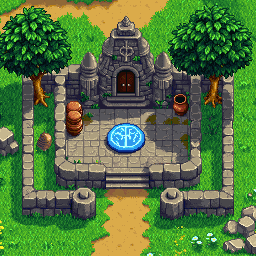
Top-down pixel art view of an ancient ruined stone temple complex in a lush green meadow, 16-bit retro RPG style. A central elevated stone platform features a circular ritual altar with glowing blue runes (H, O, X symbols) on the floor. Weathered gray stone walls, broken stairs, and crumbling pathways surround the area. Scattered clay pots, large boulders, small stone statues of a meditating monk, and low stone fences. Two large leafy green trees frame the scene. Bright daylight with soft shadows, vibrant grass with small white and yellow flowers, detailed pixel art, isometric perspective, cozy yet mysterious atmosphere, high detail, clean lines, game asset style
pixel art potion bottle icon, blue magic liquid, simple clean design, transparent background
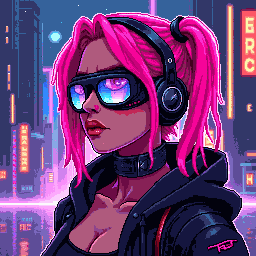
pixel art portrait of a cyberpunk girl with neon pink hair and futuristic goggles, glowing city background, high detail, 64-bit
pixel art gamer avatar, boy with headset and neon blue hair, dark background with glowing pixels, discord profile style
pixel art indie game hero, young warrior with sword and blue cape, bright colors, clear silhouette, front view
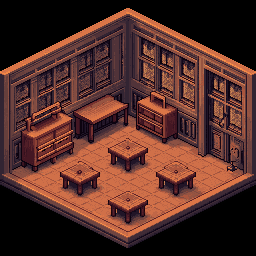
isometric pixel art small tavern interior, wooden tables, warm lighting, 256x256, detailed but clean, indie game background
cute pixel art avatar, female software developer at desk with laptop, soft pastel palette, clear face, white background
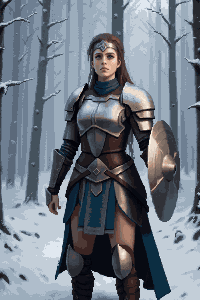
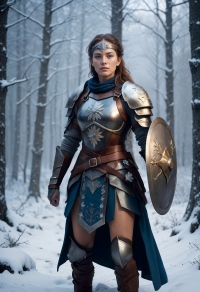
Transform this image into pixel art style
original
pixel art cat avatar, orange tabby cat, big eyes, simple clean background
pixel art small house icon, red roof, blue windows, simple design, perler beads template style
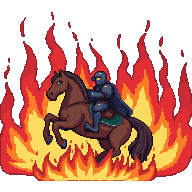
A dark medieval knight riding a heavily armored steed charging out of an intense wall of roaring flames
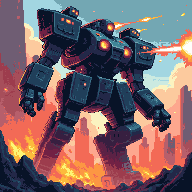
A massive heavily-armored bipedal mech crushing the ruins of a burning futuristic city, launching a barrage of glowing missiles from its shoulder pods
single red rose pixel art, simple cross stitch pattern style, green leaves, clean geometry, white background, retro 8-bit
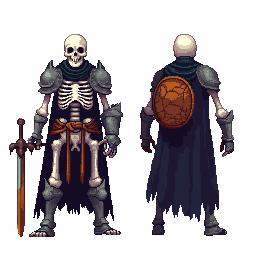
Skeleton warrior in ancient armor
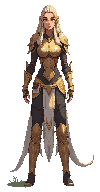
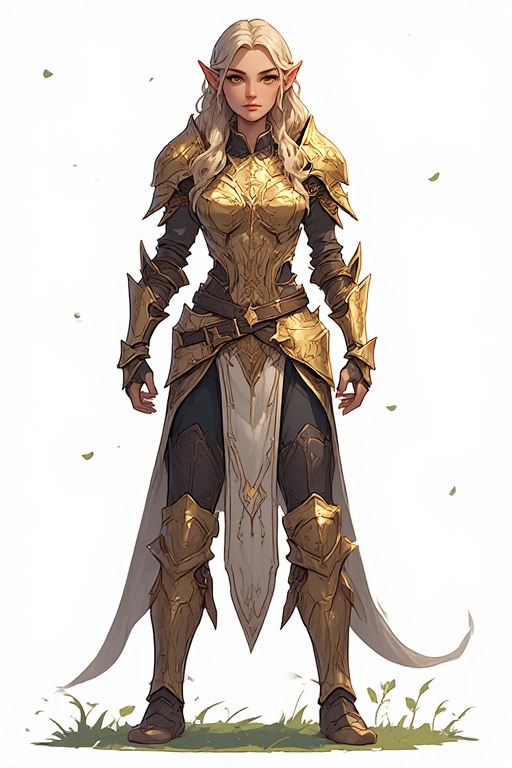
Transform this image into pixel art style
original
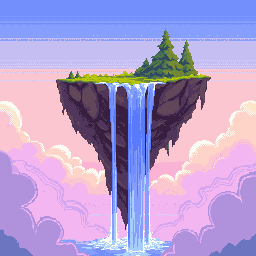
surreal floating island in the sky with waterfalls cascading into clouds, dreamlike atmosphere, pixel art masterpiece, sunset lighting, high resolution
More Pixel Art Generators:16×1632×3248×4850×50

16×16 픽셀 아트 생성기 — 클래식 게임 스프라이트와 아이콘

16×16 그리드는 레트로 게임의 출발점입니다. 초기 패미컴풍 캐릭터부터 요즘 인디 게임 스프라이트까지 이 해상도가 기본이죠. PixExact AI 생성기는 텍스트 프롬프트만으로 몇 초 만에 정확한 스프라이트·아이콘·파비콘·게임 에셋으로 바꿔 줍니다. 그림 실력은 필요 없습니다.

AI로 생성한 16×16 픽셀 아트 스프라이트와 아이콘

AI로 16×16 픽셀 아트 만드는 방법

1

스프라이트를 말로 설명하기

전사 캐릭터, 불꽃 아이콘, 검 아이템처럼 원하는 것을 입력하면 AI가 16×16 픽셀 해상도에 맞게 해석합니다.

2

크기는 이미 16×16으로 고정

설정할 필요 없습니다. 캔버스는 16×16 픽셀로 고정되어 있어 게임 스프라이트·파비콘·레트로 아이콘에 딱 맞습니다.

3

생성하고 내보내기

16×16 픽셀 아트를 즉시 만들고 투명 배경 PNG로 받으세요. Unity, Godot, Aseprite에 바로 넣거나 파비콘으로 쓸 수 있습니다.

왜 16×16 전용 AI 픽셀 아트 생성기를 쓸까요?

16×16은 픽셀 아트에서 가장 상징적인 해상도입니다. 이 그리드에 맞춰 최적화되어 매번 또렷하고 읽기 쉬운 결과를 드립니다.

픽셀 단위까지 정확한 16×16 출력

이 크기에서는 픽셀 하나하나가 중요합니다. AI가 16×16에서 깔끔하고 알아보기 쉬운 스프라이트를 만들어 주며, 흐릿한 확대나 손으로 도트 찍는 수고는 줄입니다.

게임 엔진에 바로 넣기 좋게

투명 PNG로 내보내 Unity, Godot, Tiled, Aseprite 등에 그대로 넣을 수 있습니다. 후처리 없이 가져와서 바로 쓰면 됩니다.

정통 레트로 무드

패미컴풍 스프라이트, 게임보이 느낌, 클래식 RPG 캐릭터, 최신 인디 에셋까지 모두 익숙한 16×16 해상도로 만들어 보세요.

즉시 생성, 실력 불필요

도트를 하나하나 찍는 시간을 줄이세요. 아이디어만 적으면 몇 초 만에 다듬어진 16×16 스프라이트가 나옵니다.

16×16 픽셀 아트로 무엇을 만들 수 있나요?

작지만 강력한 16×16 — 크리에이터들이 가장 많이 쓰는 용도입니다.
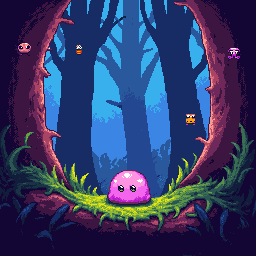
AI로 생성한 16×16 레트로 게임 스프라이트

레트로 게임 스프라이트

클래식 RPG 주인공, 플랫포머 영웅, 아케이드 적까지 상징적인 16×16 크기로 만드세요. 패미컴·게임보이풍과 레트로 감성 2D 프로젝트에 잘 어울립니다.
16×16 픽셀 아트 파비콘·앱 아이콘 예시

파비콘·앱 아이콘

브라우저 탭에 표시되는 대표적인 파비콘 크기가 16×16입니다. 웹사이트·북마크·작은 앱 아이콘용으로 또렷한 픽셀 아트를 만들어 보세요.
Discord용 16×16 커스텀 이모지·스티커

레트로 이모지·Discord 스티커

Discord 서버, Slack, Twitch용 16×16 커스텀 이모지를 디자인해 보세요. 작아도 윤곽이 선명해 썸네일로도 바로 알아볼 수 있습니다.
16×16 픽셀 아트 맵 타일·아이콘 세트

맵 타일·아이콘 세트

탑뷰 던전이나 횡스크롤 플랫포머용 16×16 타일 에셋을 만드세요. 인벤토리·UI·HUD 아이콘 팩을 통일감 있게 구성하기에도 좋습니다.

16×16 픽셀 아트 — 자주 묻는 질문

16×16 픽셀 아트란 무엇인가요?

가로 16·세로 16픽셀, 총 256픽셀짜리 캔버스에 그리는 디지털 아트입니다. 패미컴·게임보이 스프라이트와 파비콘·레트로 아이콘의 클래식 해상도입니다. AI 생성기로 바로 만들 수 있어 손으로 도트를 일일이 찍지 않아도 깔끔한 스프라이트를 얻을 수 있습니다.

Unity나 Godot에서 16×16 픽셀 아트를 쓸 수 있나요?

네. 투명 배경 PNG를 받아 Unity, Godot 등 2D 엔진에 바로 넣으면 됩니다. Unity에서는 Pixels Per Unit을 16으로, 텍스처 필터는 Point(필터 없음)로 두면 픽셀이 또렷합니다. Godot에서는 임포트 시 손실 없는 방식으로 두고 필터링을 끄세요.

웹사이트 파비콘으로 16×16이 맞나요?

네. 브라우저 탭이나 북마크 목록에 자주 쓰이는 표준 크기입니다. PNG를 HTML에서 파비콘으로 연결하거나, 무료 변환 도구로 .ico로 바꿔 호환성을 넓힐 수 있습니다.

16×16에는 어떤 화풍이 잘 맞나요?

굵은 외곽선, 제한된 색 팔레트, 또렷한 실루엣이 유리합니다. 패미컴 스프라이트, 게임보이 단색, SNES RPG풍을 떠올려 보세요. 지나치게 사실적이거나 디테일한 프롬프트는 피하는 편이 좋고, AI가 작은 캔버스에 맞게 단순하고 깔끔한 픽셀 형태로 정리해 줍니다.

내보낸 PNG는 배경이 투명인가요?

네. 모든 이미지에 알파 채널이 포함된 투명 배경이 있어 게임·웹·디자인 작업에서 추가 편집 없이 위에 올릴 수 있습니다.

이 메이커로 스프라이트를 몇 개까지 만들 수 있나요?

가입 시 체험용 크레딧을 드립니다. 소진 후에는 추가 패키지를 구매할 수 있어 게임 개발자와 프로젝트 용도에 맞습니다.

지금 16×16 픽셀 아트를 만들어 보세요

프로그램 설치도, 그림 실력도 필요 없습니다. 아이디어만 입력하면 PixExact AI가 몇 초 만에 알맞은 16×16 스프라이트를 만들어 줍니다.