게임에 필요한 모든 에셋을 위한 AI 툴
컨셉 아트부터 픽셀 스프라이트, 레벨 배경, UI 버튼까지 — 7가지 AI 툴이 게임 아트 파이프라인 전체를 커버합니다. 픽셀·비픽셀 스타일 모두 가능합니다.
워크플로 둘러보기아트 경험이 필요 없습니다. PNG, GIF, 스프라이트 시트를 내보내 Unity, Godot, RPG Maker에 바로 사용하세요.

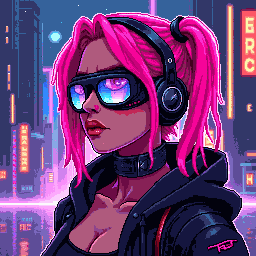
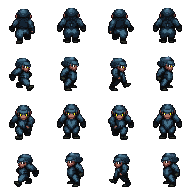
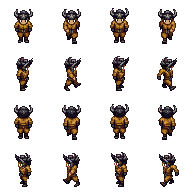
캐릭터 스프라이트
32×48 픽셀 캐릭터, 애니메이션 준비 완료

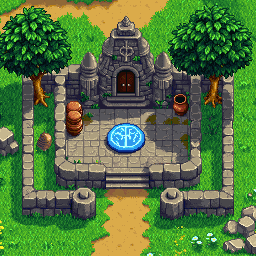
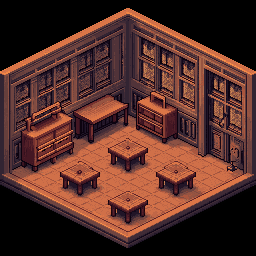
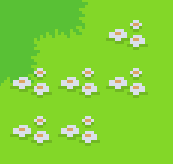
맵 & 타일셋
이음새 없는 타일과 게임 환경

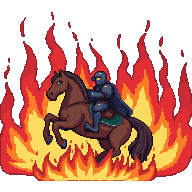
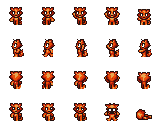
애니메이션
걷기 사이클과 스프라이트 시트, GIF 출력
워크플로 선택
3가지 게임 아트 워크플로 — 지금 만들고 있는 것에 맞는 것을 고르세요.
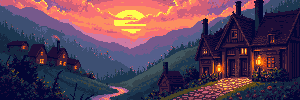
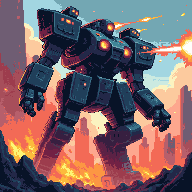
컨셉 아트 & 레벨 배경
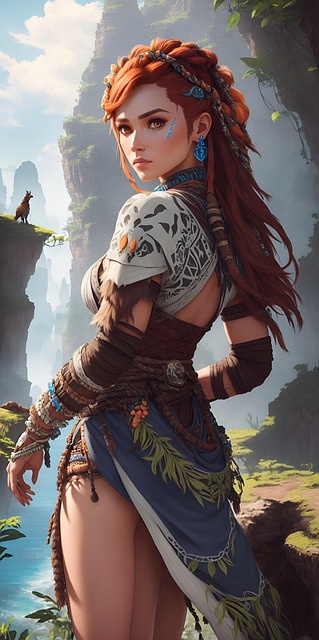
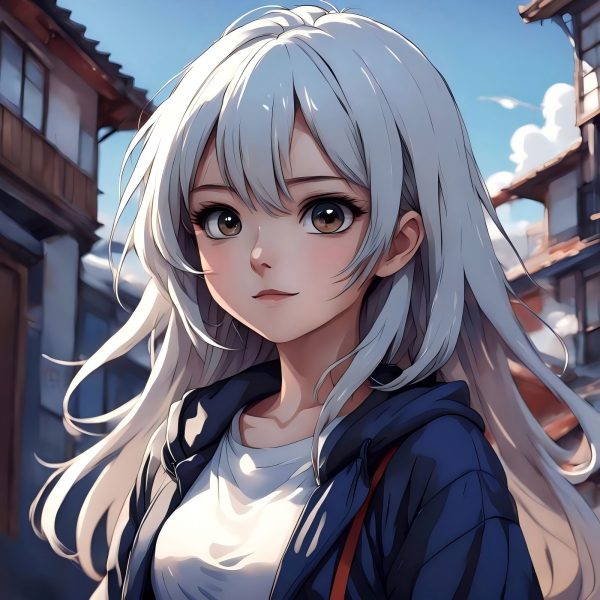
텍스트 프롬프트나 참고 이미지로 씬을 생성한 뒤, 레벨 전체 너비까지 확장 — 횡스크롤용 4096×450, 세로 파노라마용 4096×720.
워크플로 시작캐릭터, 스프라이트 & 애니메이션
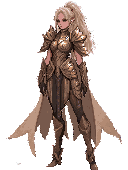
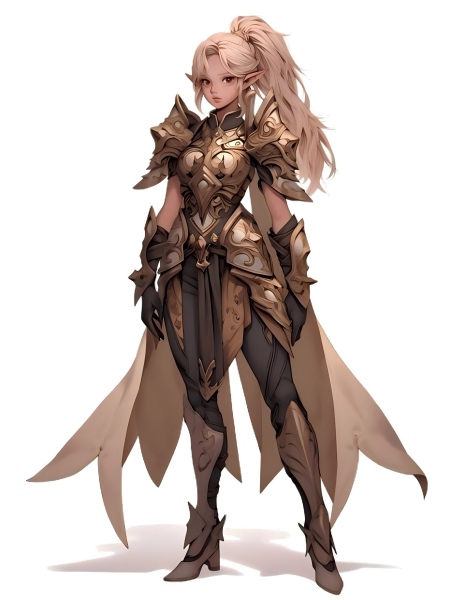
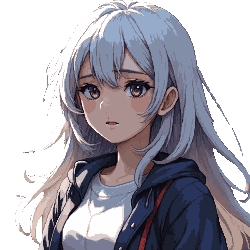
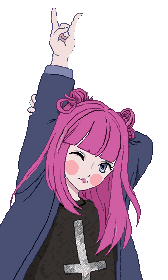
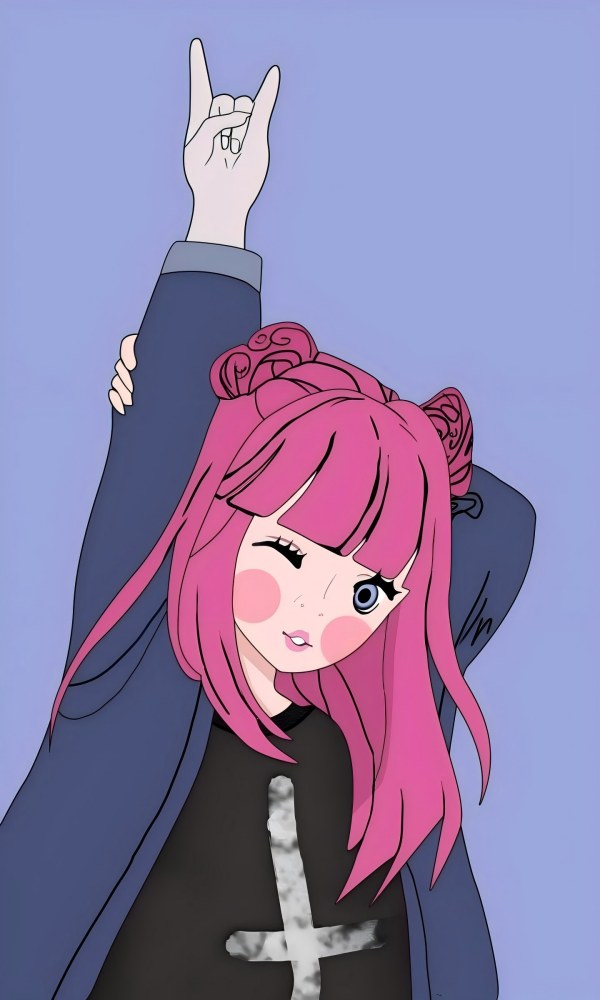
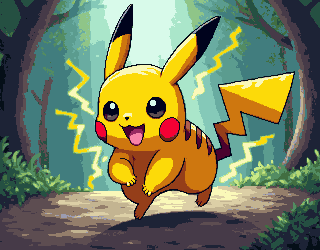
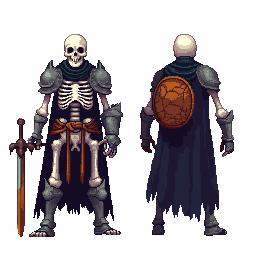
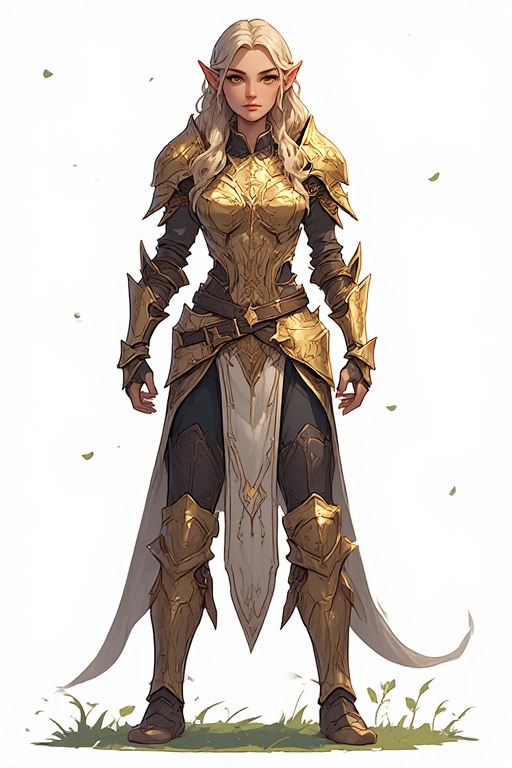
캐릭터 컨셉을 생성하고 픽셀 스타일로 변환한 뒤, 배경을 제거해 깔끔한 투명 PNG로 만들고 스프라이트 시트로 애니메이션화합니다.
워크플로 시작
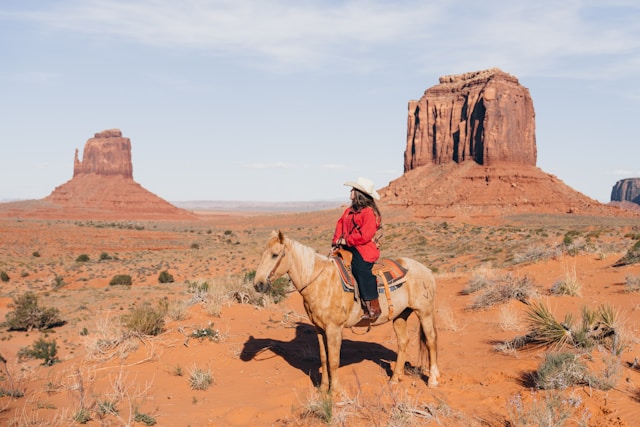
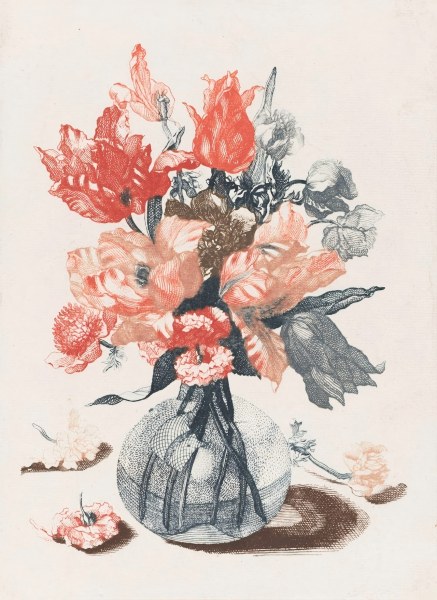
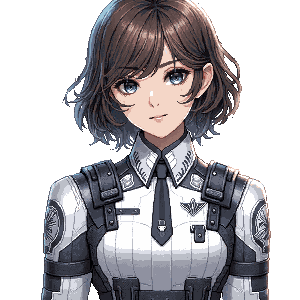
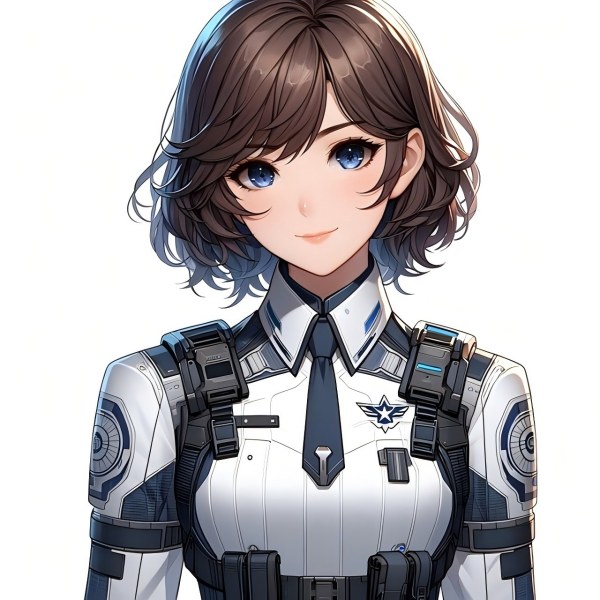
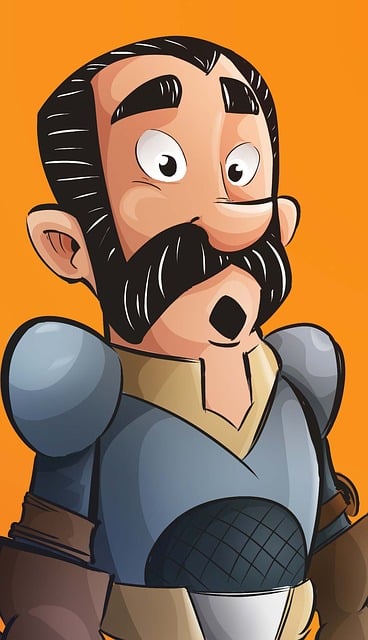
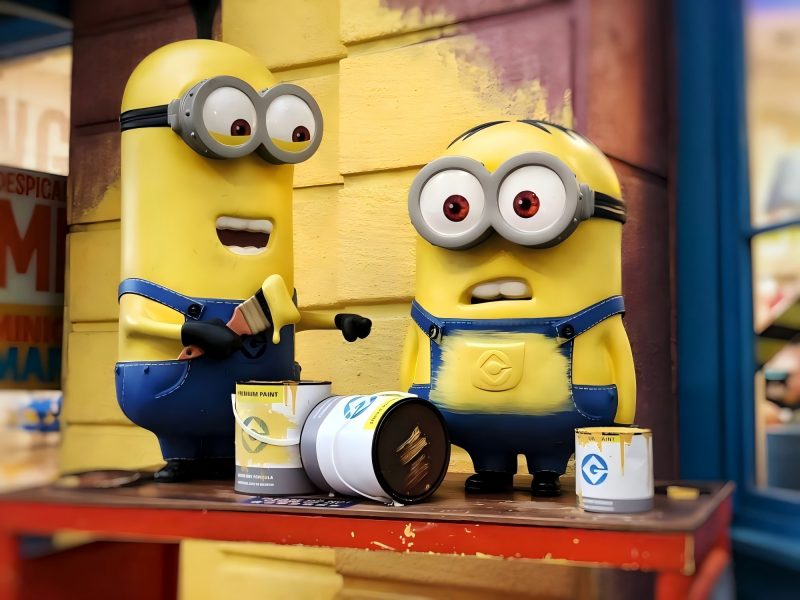
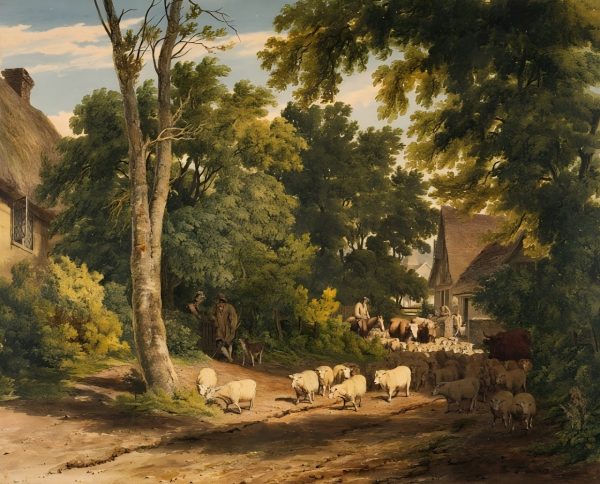










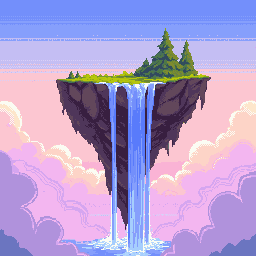
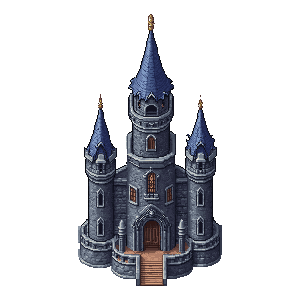


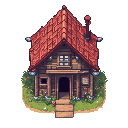

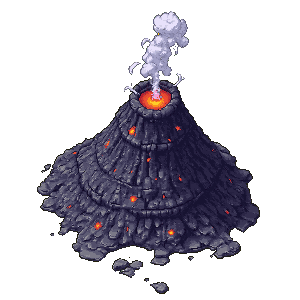







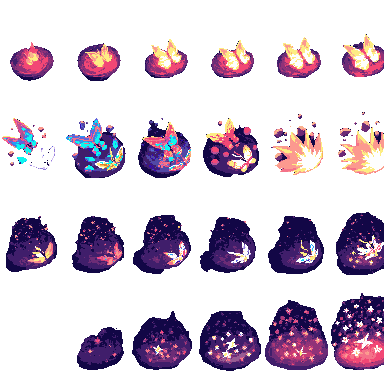
게임 에셋 제작의 완전한 툴킷
컨셉 스케치부터 최종 내보내기까지, 모든 게임 아트를 다루는 7가지 AI 툴.
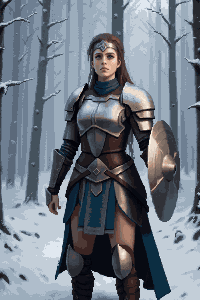
이미지 생성기 & 편집기
텍스트→이미지와 이미지→이미지를 하나의 툴에서. 컨셉 아트, 씬 배경, 캐릭터 디자인, 소품을 생성 — 편집, 색상 변경, 다듬기까지.
확장AI 이미지 확장
어떤 씬이든 풀와이드 레벨 배경으로 확장합니다. 횡스크롤용 4096×450 배경이나 4096×720 파노라마 환경에 최적입니다.
누끼배경 제거기
캐릭터, 아이템, UI 요소를 클릭 한 번으로 분리합니다. 어떤 게임 엔진에도 바로 쓸 수 있는 깔끔한 투명 PNG를 출력합니다.
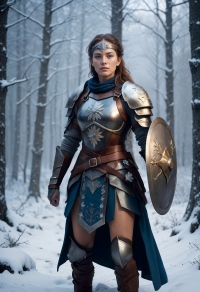
픽셀화이미지→픽셀 아트
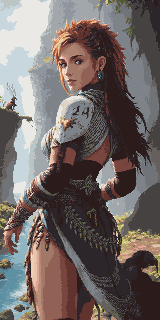
일러스트나 컨셉 아트를 즉시 픽셀 아트로 변환합니다. 구도는 유지하고, 선택한 해상도로 진정한 픽셀 렌더링을 적용합니다.
픽셀 생성Pixel Art Generator
텍스트 프롬프트로 정확한 크기의 픽셀 아트를 생성 — 16×16 아이콘, 32×32 타일, 64×64 상세 캐릭터 등.
타일셋Pixel Tileset Generator
RPG 맵, 플랫폼 레벨, 탑다운 월드를 위한 이음새 없는 타일셋을 만듭니다. Unity, Godot, RPG Maker에 직접 임포트 가능.
애니메이션Pixel Animation Maker
정적 스프라이트를 걷기 사이클, 공격 시퀀스, VFX로 변환합니다. GIF 미리보기와 PNG 스프라이트 시트로 내보냅니다.
Game Assets Prompt Templates
Create a 2D side-scrolling platformer background set in [ENVIRONMENT: enchanted forest / cyberpunk city / desert ruins / icy mountain / lava cave]. Use a layered parallax composition with clear foreground, midground, and background depth. The style should be [ART STYLE], with readable shapes, atmospheric lighting, and enough empty space for gameplay elements. No characters, no UI, no text.
Create a pixel art platformer tileset for [ENVIRONMENT: grassland / dungeon / snow mountain / lava cave / cyberpunk rooftop]. Include ground tiles, edge tiles, corners, slopes, floating platforms, decorative objects, and background details. Use a consistent [COLOR PALETTE] palette and a clean game-ready pixel art style. Make the tiles seamless and suitable for level building.
Create a game character sprite sheet for [CHARACTER NAME], a [CHARACTER TYPE]. Include idle, walk, run, jump, attack, hurt, and death poses. Use a consistent [ART STYLE] style, clean silhouette, transparent or plain background, and game-ready proportions. Keep all poses consistent in scale and design.
Create a pixel art character sprite for [CHARACTER TYPE]. Use a [16-bit / 32-bit / modern pixel art] style, strong silhouette, limited color palette, clean pixel edges, and game-ready readability. The character should face [front / side / three-quarter] view and stand in an idle pose on a transparent background.
Create a game item icon set for a [GAME GENRE] game. Include [ITEM TYPES: potions, coins, keys, gems, scrolls / swords, shields, helmets, boots / food, seeds, tools], each displayed as a clean, centered icon with consistent lighting, perspective, and style. Use a cohesive [ART STYLE] style, simple background, and strong readability at small sizes.
Create a fantasy game UI kit for a [GAME GENRE] game. Include buttons, panels, health bar, mana bar, inventory slots, dialog box, menu frame, and small decorative icons. Use a cohesive fantasy style with readable shapes, polished edges, and game-ready interface design.
Create pixel art animation frames for [CHARACTER OR OBJECT]. Include [ANIMATION TYPE: idle / walk cycle / run cycle / attack / jump / explosion / coin spin / fire effect] frames with consistent scale, clean motion, and readable silhouettes. Use a game-ready pixel art style with transparent or plain background.
Generate this game asset in the same visual style as the existing assets: [STYLE DESCRIPTION]. Maintain consistent color palette, lighting direction, perspective, outline thickness, level of detail, and overall mood. The asset should feel like it belongs in the same game world.
Create Steam capsule art for a [GAME GENRE] game titled "[GAME TITLE]". Show the main character, core environment, and emotional hook of the game. Use a polished promotional art style, strong composition, cinematic lighting, and space for the game title. Make it attractive for indie game players.
Create a social media promotional image for a [GAME GENRE] game. Feature the main character, key environment, and exciting gameplay mood. Use a polished indie game marketing style, strong contrast, and space for a short headline and call-to-action.
Create a fantasy game concept art scene for a [GAME GENRE: RPG / platformer / roguelike / strategy] game. The setting is [ENVIRONMENT: enchanted forest / ancient ruins / floating island / underground dungeon], with a strong mood of [MOOD: mysterious / magical / dark / cozy / epic]. Use a cohesive art style inspired by [ART STYLE], with dramatic lighting, clear visual hierarchy, and game-ready composition.
Create a dark fantasy dungeon tileset in pixel art style. Include stone floors, cracked walls, corners, doors, torches, treasure chests, traps, stairs, skulls, and decorative props. The tiles should be seamless, readable, and suitable for a roguelike or RPG dungeon map.
게임 에셋 크기 참고표
게임 엔진과 장르에서 널리 쓰이는 표준 크기 — 생성 시 목표값으로 활용하세요.
| 에셋 유형 | 일반적인 크기 |
|---|---|
| 레벨 배경 (가로) | 4096×450 / 4096×720 |
| 레벨 배경 (세로) | 720×1280 / 1080×1920 |
| 지면 / 길 | 425×135 / 1200×80 |
| 타일 | 32×32 / 64×64 |
| 스프라이트 | 32×48 / 32×64 / 48×48 |
| UI 버튼 | 192×57 / 320×50 |
| 아이콘 / 아이템 | 64×64 / 128×128 |
| 게임 커버 / 스토어 아트 | 1280×720 / 600×900 |
게임 크리에이터를 위해
인디 개발자
전담 아티스트 없이도 비주얼적으로 완성도 높은 게임을 출시하세요. 7가지 AI 툴이 파이프라인의 모든 에셋 유형을 커버합니다.
게임 잼 팀
며칠이 아닌 몇 시간 만에 풀 아트 세트를 완성하세요. 비주얼은 AI에 맡기고 게임플레이에 집중할 수 있습니다.
픽셀 아트 애호가
AI가 생성한 픽셀 에셋을 다듬어진 출발점으로 활용하고, 자신만의 편집과 스타일로 완성하세요.
컨셉 아티스트
최종 아트 디렉션을 확정하기 전에 씬 분위기와 캐릭터 디자인을 빠르게 프로토타이핑하세요.
어떤 요금제가 맞을까요?
사용 빈도에 따라 고르세요 — 가끔, 매달, 팀 단위 생산.
다른 맞춤형 워크플로
이커머스, 게임, 광고 등 시나리오별로 도구를 연결해 제작 경로를 더 명확하게.
자주 묻는 질문
이 에셋을 상업용 게임에 사용해도 되나요?
네. PixExact 툴로 생성한 모든 에셋은 상업적 이용이 가능합니다. 결과물의 권리는 본인에게 있으며, 유료 게임, itch.io 출시작, App Store 타이틀, 게임 잼 제출작에 자유롭게 활용할 수 있습니다.
어떤 게임 엔진을 지원하나요?
PNG 스프라이트, 타일셋, 투명 누끼는 Unity, Godot, RPG Maker, GameMaker, Phaser에서 사용할 수 있습니다. Pixel Animation Maker의 GIF 및 스프라이트 시트 출력은 Godot의 AnimationPlayer, Unity의 Sprite Animator, 대부분의 웹 기반 게임 프레임워크와 호환됩니다.
이미지→픽셀 아트와 Pixel Art Generator의 차이는?
이미지→픽셀 아트는 기존 이미지 — 사진, 컨셉 아트, 스케치 — 를 원래 구도를 유지한 채 픽셀 스타일로 변환합니다. Pixel Art Generator는 텍스트 프롬프트로 처음부터 픽셀 아트를 만들며, 원본 이미지가 필요 없습니다. 일반적인 캐릭터 워크플로: 이미지 생성기 & 편집기에서 컨셉 생성 → 이미지→픽셀 아트로 픽셀화.
풀사이즈 레벨 배경은 어떻게 만드나요?
이미지 생성기 & 편집기에서 표준 크기(예: 1024×576)로 씬을 만든 뒤, AI 이미지 확장으로 가로 방향 목표 너비까지 확장 — 횡스크롤용 4096×450, 더 높은 파노라마용 4096×720. AI가 확장 영역을 자연스럽게 채웁니다.
게임 에셋 전체를 통일된 비주얼 스타일로 만들 수 있나요?
네. 모든 툴에서 동일한 스타일 키워드를 사용하세요 — 예: '레트로 16비트 RPG, 차분한 어스톤, 짙은 외곽선' — AI가 배경, 캐릭터, 타일, UI 요소 전반에 걸쳐 비주얼 통일성을 유지합니다.
아트 경험이 없어도 사용할 수 있나요?
네. 평범한 말로 설명하기만 하면 됩니다 — '판타지 기사 스프라이트, 어두운 갑옷, 픽셀 아트' 또는 '숲 풀밭 타일셋, 탑뷰, 32×32' — AI가 나머지를 처리합니다. 이 페이지의 크기 참고표에서 에셋 유형별 정확한 치수를 확인하세요.
오늘부터 게임 아트 제작을 시작하세요
7가지 AI 툴, 하나의 완전한 파이프라인 — 컨셉 아트부터 애니메이션 스프라이트까지, 모두 내보내기 가능.