
AI LinkedIn Banner Maker - Elevate Your Professional Brand
Transform your LinkedIn profile with professional banners in seconds. Our AI LinkedIn Banner Maker creates perfect 1584x396 pixel banners that captivate recruiters, clients, and professional connections.

Why Choose Our AI LinkedIn Banner Maker
Generate LinkedIn Banners in Seconds
Create professional LinkedIn profile banners instantly with our AI LinkedIn Banner Maker. No design experience needed - just describe your vision and get stunning results in seconds. Transform your LinkedIn presence effortlessly.
Perfect LinkedIn Banner Dimensions
Our AI LinkedIn Banner Maker creates banners at the exact 1584x396 pixels size recommended by LinkedIn. Ensures perfect display across all devices - desktop, mobile, and tablet. No cropping, no resizing needed.
Professional Brand Identity
From corporate professionals to entrepreneurs, freelancers to thought leaders - the AI LinkedIn Banner Generator adapts to any industry. Create banners that match your personal brand and resonate with your professional network.
Boost Profile Credibility
Professional banners increase profile views and connection acceptance rates by up to 40%. First impressions matter on LinkedIn - make yours count with eye-catching banners that attract recruiters, clients, and partners.
Save Hours of Design Time
Traditional banner design can take hours or cost hundreds of dollars. Our AI LinkedIn Banner Generator delivers professional results instantly, letting you focus on networking and building your career instead of struggling with design tools.
Stand Out to Recruiters
With over 930 million LinkedIn users worldwide, standing out is crucial. Our AI LinkedIn Banner Maker helps you create banners that capture attention, showcase your expertise, and make recruiters remember your profile.
LinkedIn Banner Examples for Every Professional
See how the AI LinkedIn Banner Maker creates stunning professional banners for executives, entrepreneurs, freelancers, and thought leaders.
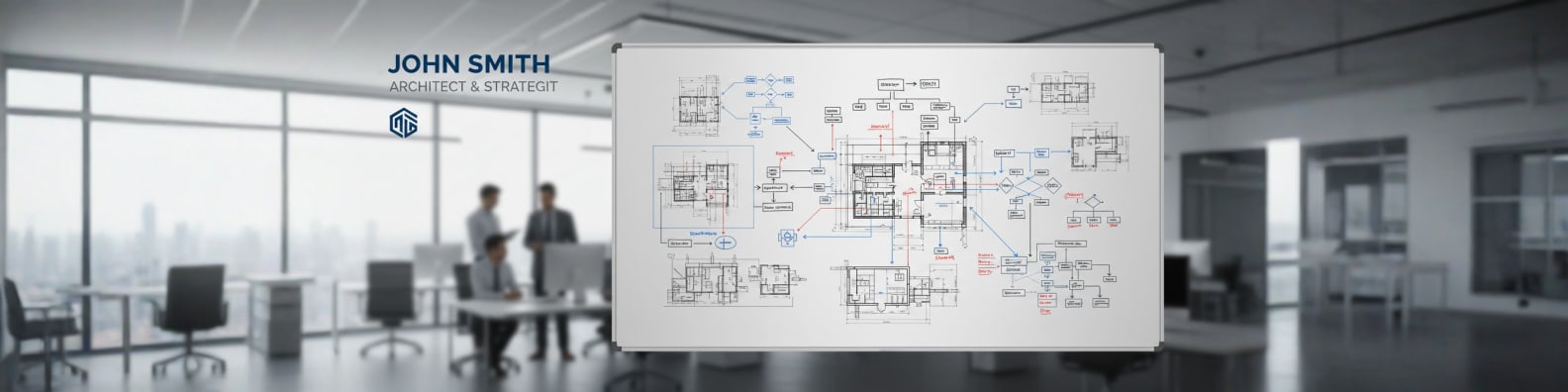
Corporate Professional LinkedIn Banners
Create polished, professional banners for executives, managers, and corporate professionals. The AI LinkedIn Banner Generator crafts sophisticated designs that establish authority and credibility. Perfect for C-suite executives, senior managers, consultants, and business leaders looking to make a powerful first impression on potential employers, clients, and industry peers.
Design Tips:
- Use professional color schemes like navy, grey, or corporate brand colors
- Include your title, industry, or value proposition
- Add subtle professional imagery related to your field
- Maintain clean, organized layouts with clear typography

Entrepreneur & Business Owner Banners
Design dynamic banners for entrepreneurs, startup founders, and business owners. Our AI LinkedIn Banner Generator creates banners that showcase your vision, highlight your business, and attract investors, partners, and customers. Stand out in the entrepreneurial ecosystem with banners that communicate innovation, leadership, and business acumen.
Design Tips:
- Highlight your company name or business value proposition
- Use energetic colors that reflect your brand personality
- Include growth-oriented imagery or success indicators
- Add your contact information or website URL

Freelancer & Creative Professional Banners
Generate eye-catching banners for freelancers, designers, writers, and creative professionals. The AI LinkedIn Banner Generator helps you showcase your creativity while maintaining professionalism. Perfect for attracting clients, demonstrating your style, and differentiating yourself in competitive creative markets.
Design Tips:
- Showcase your creative style through unique visuals
- Include your specialty or service offerings
- Use portfolio-quality imagery that demonstrates your work
- Balance creativity with professional credibility
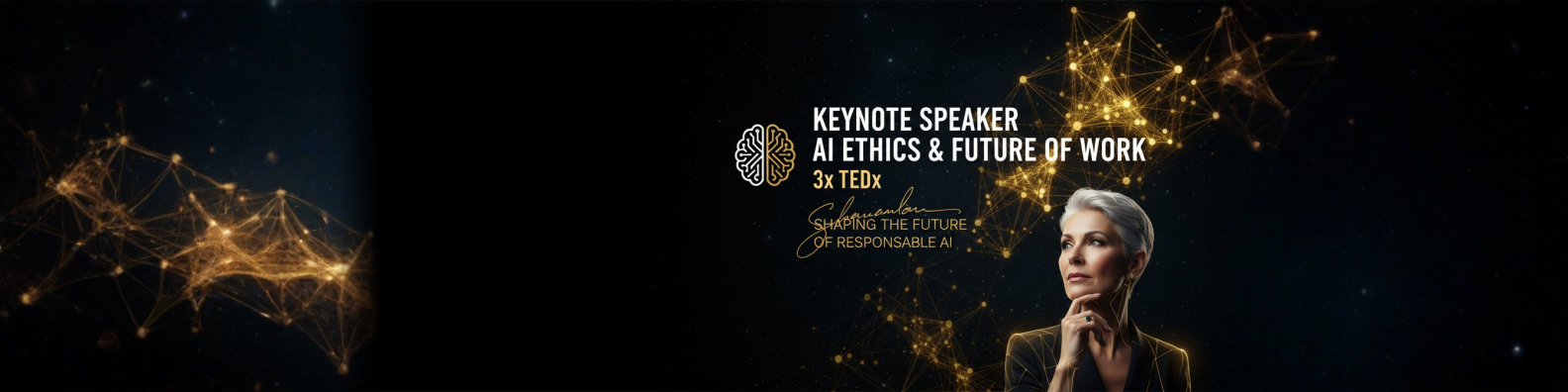
Thought Leader & Expert Banners
Create authoritative banners for industry experts, speakers, authors, and thought leaders. Our AI LinkedIn Banner Maker produces banners that position you as a trusted authority in your field. Ideal for keynote speakers, published authors, coaches, and consultants building their personal brand and expanding their influence.
Design Tips:
- Include your credentials, achievements, or certifications
- Use professional headshots or speaking engagement photos
- Add book covers, podcast logos, or media appearances
- Incorporate your tagline or area of expertise prominently
The Complete Guide to LinkedIn Banners for Professionals
Master LinkedIn banner design with these essential tips and best practices
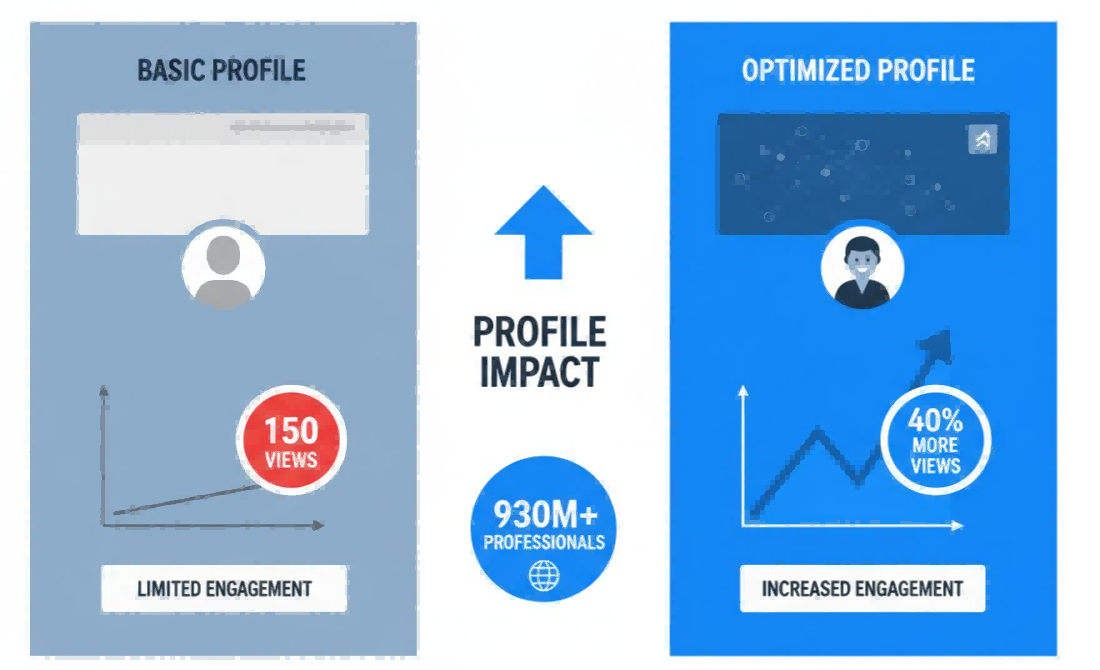
Why Your LinkedIn Banner Matters
Your LinkedIn banner is the first thing people notice on your profile. With 930+ million users, a professional banner is crucial for standing out.
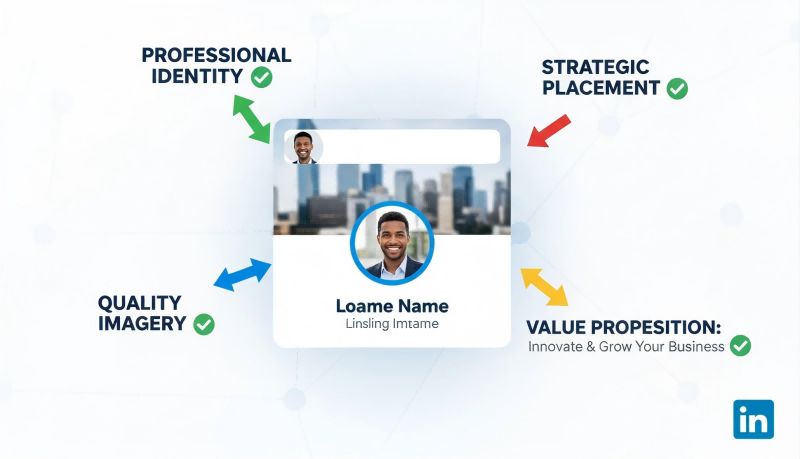
Understanding LinkedIn Banner Dimensions
LinkedIn's recommended size is 1584x396 pixels. Our AI automatically optimizes for all screen sizes and devices.
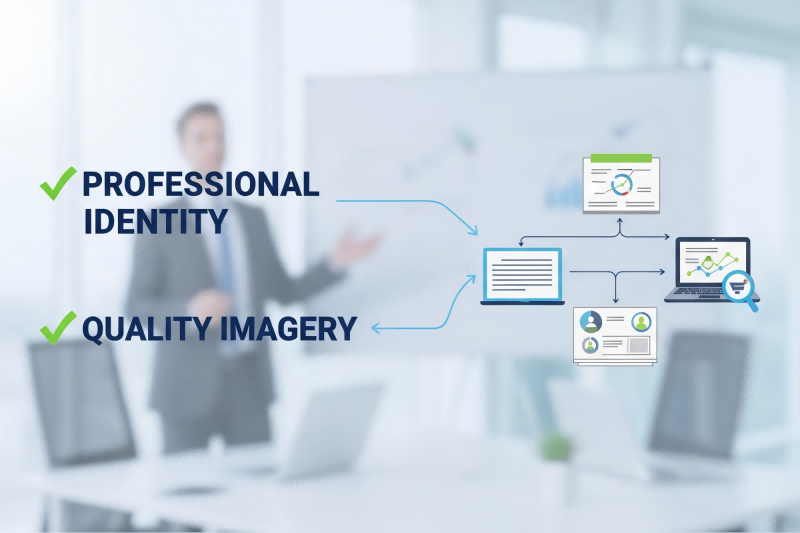
Key Elements of High-Impact Banners
Successful banners share key characteristics that drive engagement and professional opportunities.
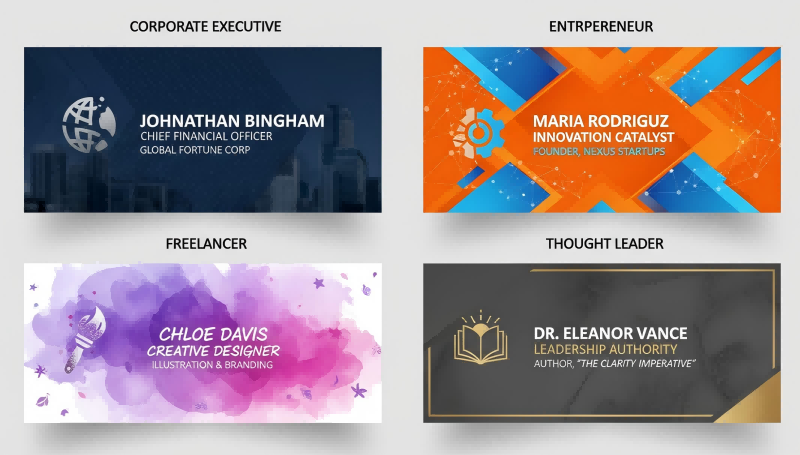
Banner Styles for Different Professionals
Different professional contexts need different approaches. The AI adapts to your specific role and industry.
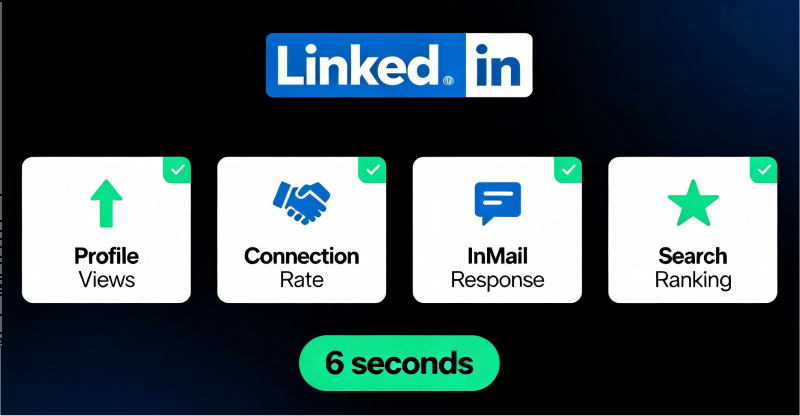
Impact on Professional Opportunities
Professional banners directly impact your career. Recruiters spend just 6 seconds reviewing profiles - your banner is a key factor.
How to Create LinkedIn Banners with AI
Describe Your Professional Banner
Tell the AI LinkedIn Banner Maker about your profession, industry, and style. Describe your role (executive, entrepreneur, freelancer), preferred colors, and any specific elements like your title, company, or value proposition.
Select LinkedIn Dimensions
Choose the LinkedIn preset (1584x396 pixels) for profile banners or Company Page option (1128x191 pixels). The AI LinkedIn Banner Maker optimizes composition for perfect LinkedIn display across all devices.
Generate & Download Your Banner
Click generate and watch the AI LinkedIn Banner Generator create your professional banner in seconds. Download in high quality and upload directly to your LinkedIn profile to boost your professional presence immediately.
Common banner and header sizes
The exact banner, header and cover dimensions each platform expects, from YouTube to LinkedIn.
| Format / Use | Dimensions | Aspect ratio |
|---|---|---|
| YouTube channel banner | 2560 × 1440 px | 16:9 |
| Twitter / X header | 1500 × 500 px | 3:1 |
| LinkedIn profile banner | 1584 × 396 px | 4:1 |
| Facebook cover | 851 × 315 px | ≈2.7:1 |
| Twitch banner | 1200 × 480 px | 5:2 |
| Shopify store banner | 2048 × 1024 px | 2:1 |
What's the difference between aspect ratio and exact size?
Aspect ratio (like 16:9 or 4:5) describes an image's shape, the proportion of width to height. It doesn't tell you the real size. Two images can share the same 4:5 ratio while one is 1080 × 1350 px and the other is 4000 × 5000 px.
Exact size (like 1080 × 1350 px) locks in the precise width and height in pixels. That's exactly what social platforms, print shops and ad slots require. PixExact is built to hand you those exact dimensions, not just the right shape.
AI LinkedIn Banner Generator - Frequently Asked Questions
What is an AI LinkedIn Banner Generator?
An AI LinkedIn Banner Maker is an advanced tool that uses artificial intelligence to create professional LinkedIn profile banners automatically. Simply describe what you want, and the AI LinkedIn Banner Maker creates custom banners at the perfect 1584x396 pixel dimensions. No design skills, expensive software, or technical expertise required - the AI handles all the creative work instantly.
What are the correct LinkedIn banner dimensions?
LinkedIn recommends profile banners at exactly 1584x396 pixels for optimal display across all devices. Our AI LinkedIn Banner Maker automatically creates banners at this precise size, ensuring your banner displays perfectly on desktop computers, mobile phones, and tablets. The banner appears behind your profile photo and spans the full width of your profile page.
How does the AI LinkedIn Banner Maker work?
The AI LinkedIn Banner Generator uses advanced AI models trained on professional design principles to create custom banners. You describe your profession, industry, style preferences, and desired elements in plain language. The AI analyzes your description and generates a professional LinkedIn banner at 1584x396 pixels, perfectly composed with proper text placement, visual hierarchy, and professional aesthetics. The entire process takes just seconds.
Can I customize the banners created by the AI LinkedIn Banner Maker?
Yes! The AI LinkedIn Banner Generator allows extensive customization through your text descriptions. Generate multiple variations by adjusting your prompt, specify different styles, colors, themes, or professional elements, and iterate until you achieve exactly what you want. Each generation is unique, giving you unlimited creative possibilities to find the perfect banner for your professional brand.
Do I need design experience to use the AI LinkedIn Banner Maker?
Absolutely not! The AI LinkedIn Banner Maker is specifically built for professionals without design experience. If you can describe what you want in plain language, the AI LinkedIn Banner Generator can create it. The tool eliminates the need for Photoshop, Canva expertise, graphic design skills, or technical knowledge. Professionals can focus on their career while the LinkedIn Banner Generator handles the design work.
What makes a great LinkedIn banner for professionals?
A great LinkedIn banner should clearly communicate your professional identity and expertise, use high-quality professional imagery or graphics, include key information like your title, industry, or value proposition, maintain consistent branding with your overall professional image, and be updated regularly to stay current. Our LinkedIn Banner Generator automatically optimizes for all these factors, creating banners that follow LinkedIn best practices and professional design standards.
Can I use AI LinkedIn Banner Maker results commercially?
Yes! All banners created with our AI LinkedIn Banner Maker under paid plans include a full commercial license. You can use them for personal LinkedIn profiles, business LinkedIn pages, employee profiles for your company, client LinkedIn profiles if you're a consultant or agency, or any professional purpose. The AI LinkedIn Banner Generator gives you complete rights to use, modify, and publish the generated banners without restrictions.
How often should I update my LinkedIn banner?
LinkedIn experts recommend updating your banner every 3-6 months to keep your profile fresh and relevant. Update when you change jobs or get promoted, when rebranding or starting a new business venture, when launching new services or products, or to highlight recent achievements or certifications. With the AI LinkedIn Banner Generator, creating new banners takes just seconds, making regular updates effortless and affordable.
Can the AI LinkedIn Banner Maker create banners for different industries?
Absolutely! The AI LinkedIn Banner Maker excels across all professional industries. It understands the visual language of technology and software development, finance and banking, healthcare and medical professions, marketing and creative services, consulting and professional services, education and academia, real estate and sales, and many more. Simply describe your industry and profession, and the LinkedIn Banner Generator creates banners that resonate with your specific professional audience.
What's the difference between the AI LinkedIn Banner Generator and template-based tools?
Template-based tools limit you to pre-made designs that thousands of other professionals use, making your profile look generic. The AI LinkedIn Banner Generator creates completely unique banners from scratch based on your specific description and professional needs. Every banner is one-of-a-kind, tailored to your personal brand, and never looks cookie-cutter or overused. The AI LinkedIn Banner Generator offers unlimited creative possibilities, not just template variations.
How many LinkedIn banners can I generate?
You can generate as many LinkedIn banners as you need. New users receive free credits to try the AI LinkedIn Banner Generator. Each generation uses credits based on the complexity and AI model used. Paid plans offer generous credit packages, and you can generate unlimited variations until you find the perfect banner for your professional profile. There's no daily limit or monthly cap.
Will my LinkedIn banner look professional and credible?
Yes! The AI LinkedIn Banner Generator follows professional design principles and LinkedIn best practices. It understands professional aesthetics, proper composition and layout, color theory for business contexts, typography for credibility, and industry-specific visual standards. The result is banners that look professionally designed by a graphic designer, even though they're created instantly by AI. Many users report receiving compliments and increased profile engagement after using AI-generated banners.
Can I add my company logo or photo to the AI LinkedIn Banner Generator?
Yes! The AI LinkedIn Banner Generator supports reference image uploads. You can upload your company logo, professional headshot, product images, or brand elements, and the AI will incorporate them into your banner design. This ensures brand consistency and personalization while maintaining professional quality and proper LinkedIn banner dimensions.
Does the AI LinkedIn Banner Generator work for LinkedIn Company Pages?
Yes! While LinkedIn Company Pages use different dimensions (1128x191 pixels for cover images), the AI LinkedIn Banner Generator can create banners for both personal profiles (1584x396) and company pages. Simply specify which type you need, and the AI will generate banners at the correct dimensions with appropriate professional styling for corporate branding.
How does the AI LinkedIn Banner Generator help with personal branding?
The AI LinkedIn Banner Generator is a powerful personal branding tool that creates consistent visual identity across your LinkedIn presence, communicates your unique value proposition clearly, positions you as a credible professional in your field, differentiates you from competitors and peers, and reinforces your professional messaging. A strong banner is crucial for personal branding on LinkedIn, where first impressions can lead to job offers, client contracts, speaking opportunities, and valuable professional connections.
More Tools
Explore more AI-powered tools to supercharge your creative workflow.


Transform Your LinkedIn Profile with AI Today
Join thousands of professionals using our AI LinkedIn Banner Generator to create stunning profile banners in seconds. No design skills needed, just your professional vision.