







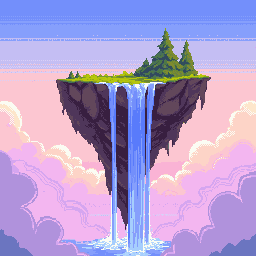
AI Pixel Art Generator: Create Stunning Retro Art in Seconds
PixExact is the ultimate AI pixel art generator that transforms your ideas into stunning 8-bit graphics in seconds. Whether you need game sprites, artistic avatars, or just want to explore nostalgia, our tool supports both text-to-image and image-to-image creation. Simply enter a prompt or upload a photo, set your precise canvas size (16px–384px), and generate pixel art instantly without the need for complex software like Photoshop.

How to Create Pixel Art with AI
Enter Text Prompt
Start by typing a descriptive text prompt or upload the image (JPG/PNG) you want to reference.
Set Your Pixel Size
Customize your canvas size anywhere from 16px to 384px. Whether you are making low-res retro game assets, 8-bit sprites, or detailed concept art, you have total control over the output.
Generate and Download
Click the button and watch our AI pixel art generator render your unique pixel art image in seconds. Download your pixel creation as a high-quality PNG.
Why Choose PixExact AI Pixel Art Generator?
We designed PixExact AI Pixel Art Generator to be the most versatile pixel art generator on the web. Here is why creators prefer our platform.
AI-Powered Precision
Skip the hours of manual dot placement. Our AI-powered pixel art engine creates stunning pixel art that looks hand-crafted, understanding context and lighting to deliver professional results in seconds.
Versatile Style
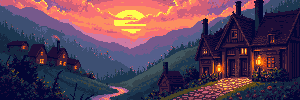
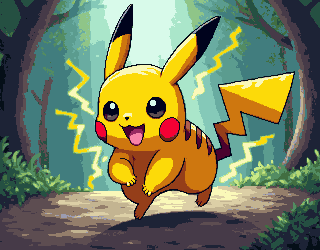
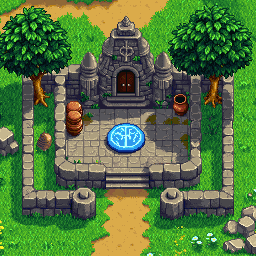
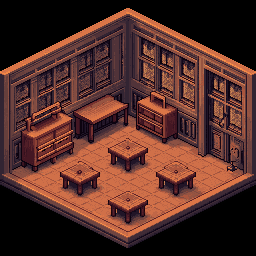
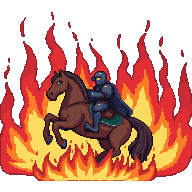
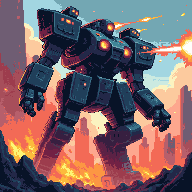
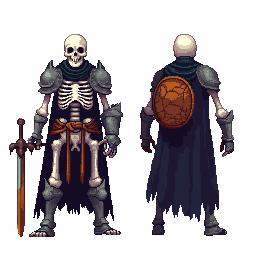
From isometric worlds to classic retro art, our tool adapts to your needs. Create detailed game sprites, nostalgic backgrounds, or unique pixel art characters instantly from text.
Custom Size (16–384px)
Resolution is key. Whether you need a 16-bit avatar or a large scene, our art tool gives you precise control over canvas size (from 16px to 384px) to fit your specific project requirements.
Image-to-Pixel Conversion
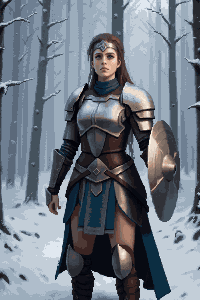
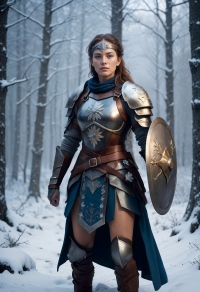
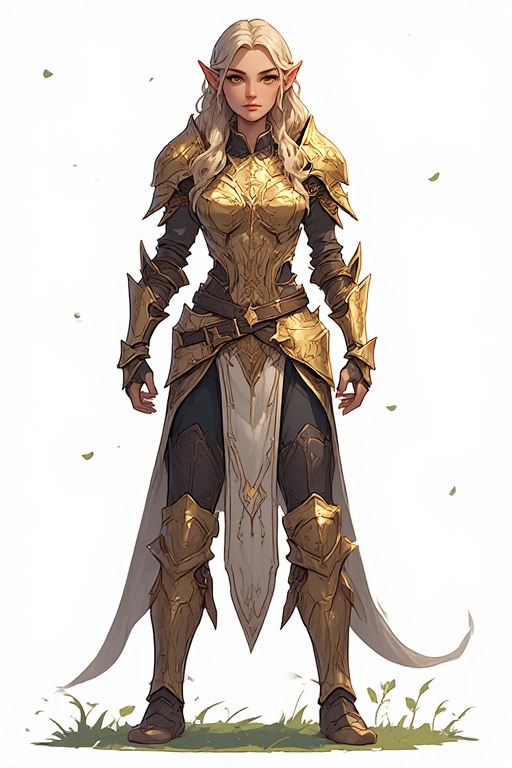
Our advanced image processing doesn't just blur your photo; it intelligently pixelates the original image to reconstruct it into a perfect retro aesthetic.
Unlock Creativity with Our AI Pixel Art Generator
From game dev to social avatars to DIY crafts—see how creators use pixel art.
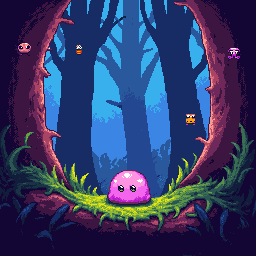
Indie Game Assets
Time is money for developers. Rapidly prototype game assets like tilesets, items, and character sprites without drawing by hand. It is the perfect tool to speed up your video game production pipeline.
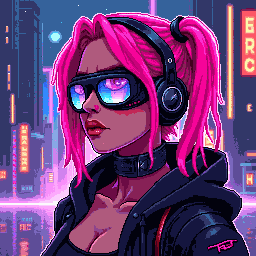
Social Media Avatars
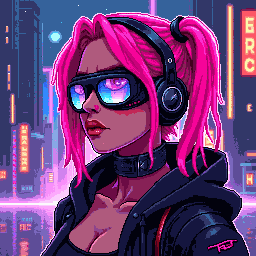
The retro art aesthetic is timeless. Use our AI generator to create stunning variations of characters or unique concept art pieces to build your digital art portfolio or NFT collection.
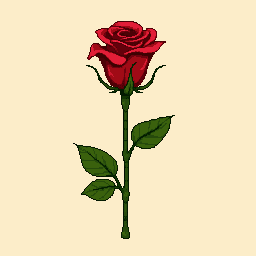
Merchandise & DIY Patterns
Bring digital designs into the real world. Use your generated pixel art image as a precise template for cross-stitch, Perler bead crafts, or to print custom retro stickers and apparel.
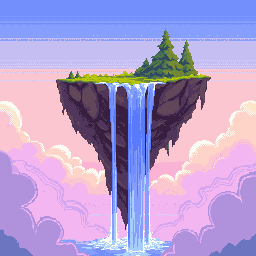
Digital Art & NFTs
The retro art aesthetic is timeless. Use our AI generator to create stunning variations of characters or unique concept art pieces to build your digital art portfolio or NFT collection.
Frequently Asked Questions
Is this pixel art generator free to use?
Yes, PixExact offers free credits to all new users. You can try our free pixel art generator immediately to see the magic for yourself.
How can I convert an image to pixel art?
First, enter a text description of your desired outcome, then upload your image as a reference. Our tool will combine your prompt and the photo to convert images into a pixelated masterpiece.
Can I use the generated images commercially?
Yes! The generated images are yours to use. You can incorporate them into commercial video games, use them as game assets, sell them as prints, or use them in marketing materials.
What is the best size for pixel art?
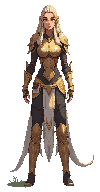
It depends on your goal. 16px–32px: Best for small icons and minimal game sprites; 64px–128px: Best for detailed characters and portraits; 256px+: Best for full scenes, wallpapers, and complex illustrations.
Can I use this pixel art generator to build something in Minecraft?
Absolutely! Many players use our tool to create blueprints. You can generate a pixel art image (try setting the size to 32px or 64px), and then use it to build structures, murals, or character statues in Minecraft.
Do I need to install software?
No. PixExact is a fully online tool. You do not need to download or install anything. You can create stunning art directly in your web browser, whether you are on a desktop or mobile device.
How does the AI pixel art generator work?
PixExact utilizes state-of-the-art AI-powered technology. We leverage advanced machine learning models that understand text descriptions and visual patterns. The AI analyzes your input to predict the precise placement of pixels, resulting in high-quality generated images that mimic the style of professional human artists.
More Tools
Explore more AI-powered tools to supercharge your creative workflow.


Start Creating Pixel Art Image Now
Don't let a lack of drawing skills hold you back. With PixExact, you have a powerful free AI pixel art generator at your fingertips. Whether you are looking to make pixel characters for a game, convert a photo into pixel art, or just create fun designs, our tool is ready.