Free Online Image Cropper - Crop, Resize & Edit Photos Easily
Easily crop photos and adjust aspect ratios with our free online image cropper. No sign-up or software needed, simply upload, edit, and instantly download your pixel-perfect images.

How to Use the Image Cropper
Upload Your Image
Simply upload. Our image cropper tool supports a wide range of image files, including JPEG, PNG images, and WebP. Whether you are on desktop and mobile, the interface is responsive and fast.
Adjust Crop Size
Manually adjust the crop frame for a freeform crop, or choose preset aspect ratios like 1:1 or 16:9. You can also input specific width and height dimensions or crop an image into a circle for profiles.
Crop Image & Download
Once satisfied, select your preferred output format (JPG, PNG, or WebP) and click to instantly download your cropped, high-quality new image.
Why Choose Our Free Online Image Cropper?
With so many editing tools available, why is Pixexact the best free image cropper for your needs? Here are the reasons why users love our platform.
Completely Free Image Cropper
Our tool is completely free. There are no hidden fees, no watermarks, and no premium subscriptions required to access standard cropping features. You can use the image cropper as many times as you like.
Supports All Major Formats
Whether you are working with a high-quality JPG, a transparent PNG, or a modern WebP file, our system handles it. We ensure that when you crop photos, the image quality remains crisp.
Preset and Custom Ratios
Don't guess the dimensions. We provide preset aspect ratios for all major platforms. Need a YouTube thumbnail? A Facebook cover? An Instagram story? Just select the preset. Alternatively, use custom ratios for unique project requirements.
Privacy First
We respect your security. Your files are processed locally in your web browser. Your photos are never uploaded to our server, meaning your data stays safe and private on your device while you crop photos.
Mobile and Desktop Friendly
You don't need a specific mobile app to crop photo on your phone. Pixexact works seamlessly directly in your web browser, making it the perfect photo cropper for users on the go.
Pixel-Perfect Precision
Get the exact cut you need. Our interface allows you to zoom in and adjust the cropping area with precision. Whether you need a specific pixel dimension or a visual balance, our tool ensures your image crop is pixel-perfect every time.
Easily Crop Image Online for Any Project
Use our free image cropper for social media, profiles, e-commerce, and more. Each use case below links to the tool above.
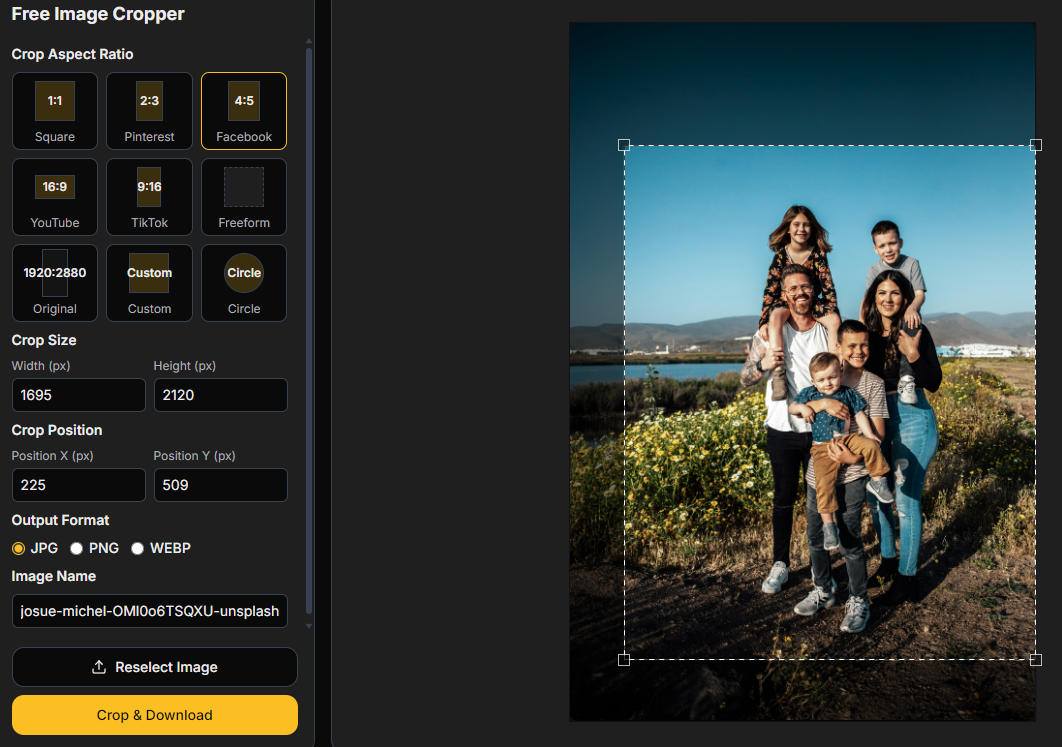
Social Media Posts
Ensure your content fits every platform. Quickly crop images to the exact aspect ratio needed for an Instagram Story, Facebook post, or Twitter header. No more awkwardly cut-off faces or text.
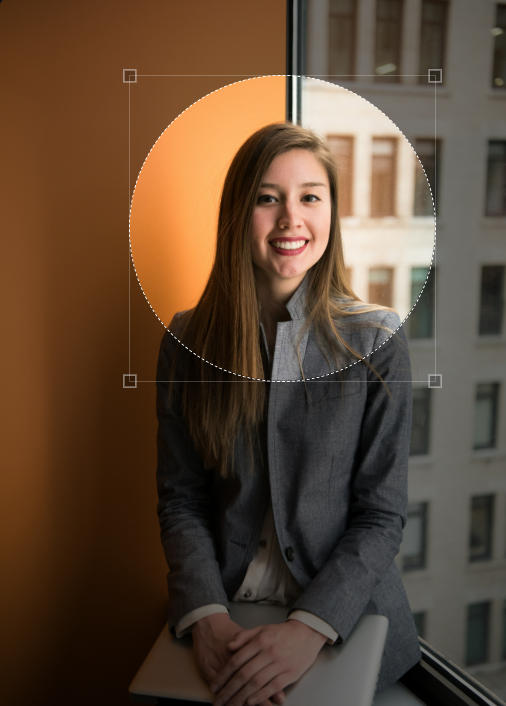
Profile Pictures & Avatars
Need a professional look for LinkedIn or a team page? Use our tool to crop directly into a circle. Download as a PNG to keep the corners transparent, ready to upload as your new profile icon.
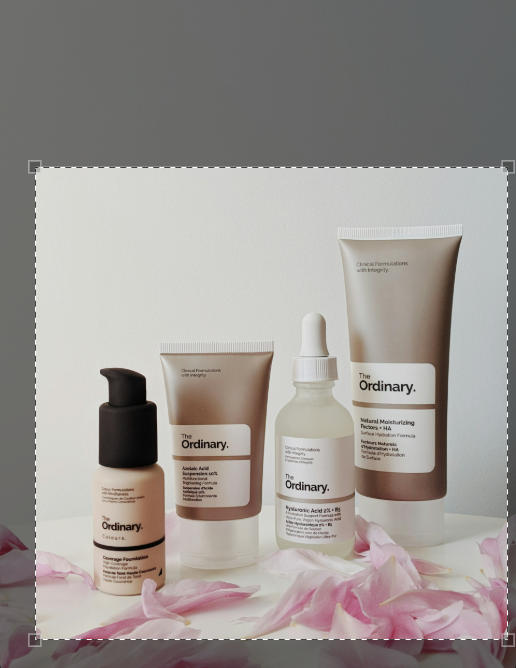
E-commerce Product Photos
Sellers can crop photos to remove excess background and focus entirely on the product. Maintain consistent image sizes across your online store to give your brand a polished, professional look.
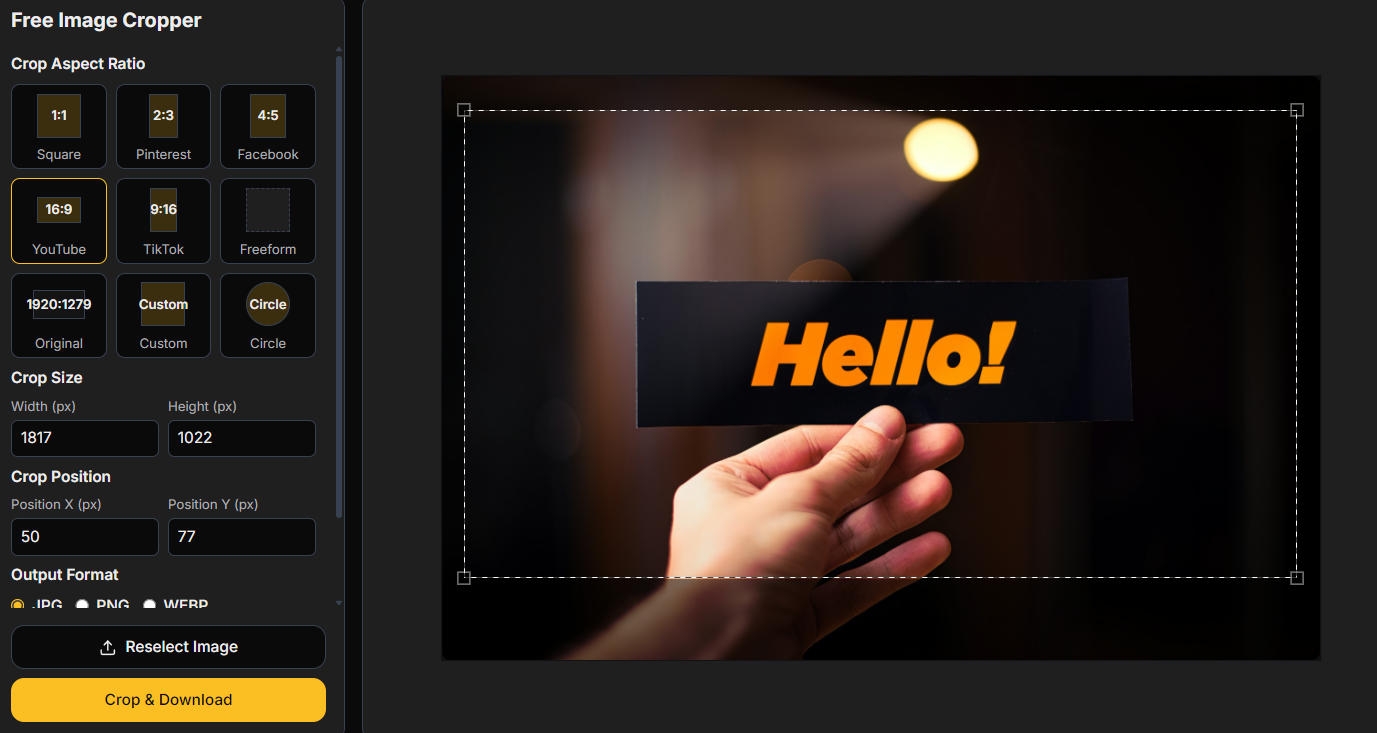
YouTube Thumbnails & Blog Headers
Capture attention immediately. Use the 16:9 preset to create a pixel-perfect YouTube thumbnail or blog header. Resize and crop your high-res photos to fit web layouts without slowing down your site.
Who Needs an Image Cropper?
Who Needs an Image Cropper These Days Anyway? Almost everyone.
E-commerce Sellers
Crop images of products to remove white space and focus on the item. Uniform image sizes make your store look professional.
Content Creators
Quickly crop for social media posts without opening heavy software like Photoshop.
Web Developers
Optimize site speed by cropping and converting images to WebP format.
Everyday Users
Crop photo files to remove strangers from the background or fix the framing of a family picture.
Understanding Aspect Ratios for Social Media
To get the most out of our online image cropper, it helps to understand aspect ratio. This is the proportional relationship between the width and height of an image. Here is a quick guide to help you crop images for social media:
| Aspect Ratio | Name | Best For |
|---|---|---|
| 1:1 | Square | Instagram posts and Facebook profile pictures |
| 9:16 | Vertical | Instagram Stories, TikTok, and Snapchat |
| 16:9 | Landscape | YouTube videos and thumbnails, Twitter posts |
| 4:5 | Portrait | Instagram feed (maximum screen real estate) |
Frequently Asked Questions
What is the best free online image cropper?
Pixexact offers one of the best experiences because it combines speed, pixel-perfect accuracy, and privacy. It is free to use, requires no installation, and supports multiple image formats.
How do I crop an image without losing quality?
To crop images without losing quality, avoid enlarging the image after cropping. Our tool maintains the resolution of the remaining pixels. Always save in high-quality formats like PNG or JPG with high quality settings.
Can I resize an image into a circle?
Yes! Select the "Circle" option in the crop menu. This is ideal for profile pictures. When you download as a PNG, the corners will be transparent.
How can I crop a photo for social media?
Upload your image to Pixexact. Select the preset aspect ratios matching your platform (e.g., 9:16 for Stories). Drag the cropping area to fit your subject, then click download.
What file formats are supported for cropping?
We support JPEG, JPG, PNG, and WebP. You can upload a JPG and download it as a PNG or vice versa, effectively using the tool as a converter as well.
Is it safe to upload my photos?
Yes. Your privacy is paramount. We process images securely, and they are not used for public data unless you are using our community AI generation features. For simple cropping, your images are your own.
Can I use the crop tool on mobile?
Absolutely. Our website is optimized for mobile browsers. You can crop photos on your phone without an app by simply visiting Pixexact.com.
How do I crop to a specific pixel size?
After uploading, you can enter the exact pixel width and height in the settings panel. The crop box will lock to those dimensions, allowing you to move it over the image to select the area.
More Tools
Explore more AI-powered tools to supercharge your creative workflow.


Start Cropping Now with Pixexact
Don't let poor framing ruin a great picture. Whether you need to resize images, fix a thumbnail, or just crop a photo, Pixexact is your reliable online tool. Simply upload your file to our free image cropper to get the perfect size instantly, and be sure to explore our AI image generation features to create stunning visuals from scratch!