
Create Stunning Icons with the Best AI Icon Generator
Instantly transform your ideas into professional assets with PixExact. Our AI icon generator supports both text to image and image to image, giving you complete creative freedom. PixExact lets you generate icons in custom sizes and specific dimensions, ensuring a perfect fit for your app, website, or logo design every time.

Why Use the PixExact AI Icon Generator
Create Unique Icons and Logos
Our free AI icon generator creates entirely new assets, ensuring your brand identity remains exclusive unlike generic stock photos. As your personal icon maker, simply describe the icon you envision to create unique icons that truly stand out.
High-Quality Icons in Custom Dimensions
Generate icons at specific sizes to fit any need, from favicons to large web graphics. Unlike basic tools, PixExact delivers high-quality PNG and JPG files, providing scalable assets ready for professional commercial projects.
Convert Text Prompts and Sketches
Enjoy creative freedom with flexible text to image and image to image options. Type a detail-rich prompt or upload a rough sketch, and watch the AI image generator refine your concepts into stunning icons.
How to Use the AI Icon Generator
Enter Prompt or Upload
Simply type a text prompt to describe the icon or upload a reference image. This input guides the AI to understand your concept and match your desired style perfectly.
Set Custom Dimensions
Select your exact resolution and aspect ratio. This allows you to generate icons in custom sizes that fit your specific app or website requirements without needing to resize later.
Generate Icons
Click the button to see your icon options in seconds. Review the AI-generated results, select your favorite unique icon, and export it immediately as a high-quality PNG.
One-Click Styles with Our AI Icon Generator
Not sure how to write a prompt? PixExact makes it effortless. We provide built-in templates for the most popular aesthetics. Simply select a style, and our AI icon generator will auto-fill the optimized prompt for you.
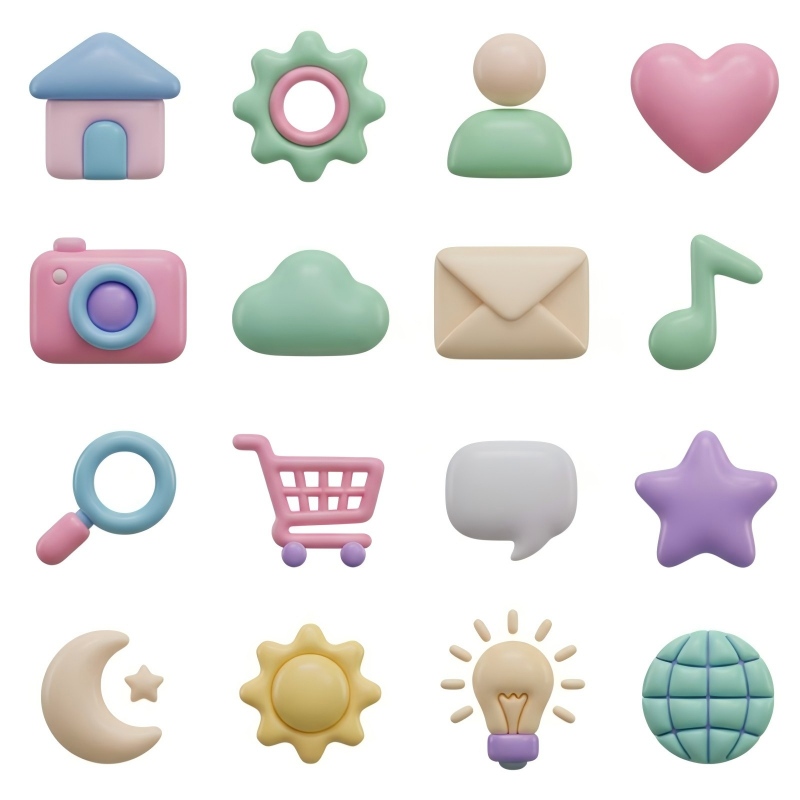
Soft 3D & Clay
Perfect for modern, friendly app interfaces and trendy presentations.
Soft 3D icon of [ ], clay morphism style, glossy finish, cute and isometric, plain background.
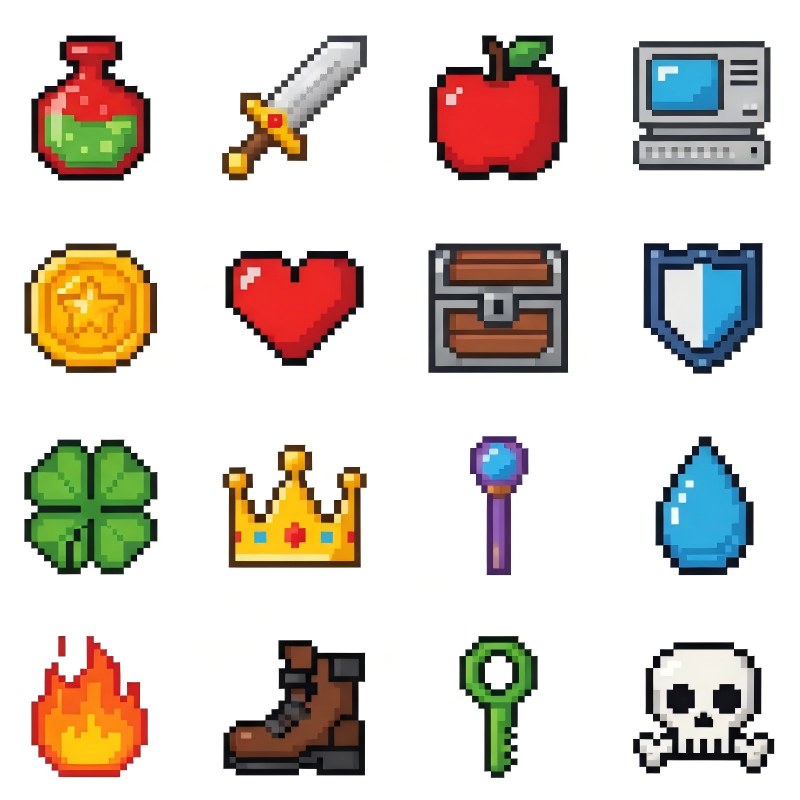
Pixel Art
Generate retro, 8-bit graphics ideal for gaming assets or nostalgic branding.
Pixel art icon of [ ], 8-bit retro game style, clean lines, vibrant colors, white background.
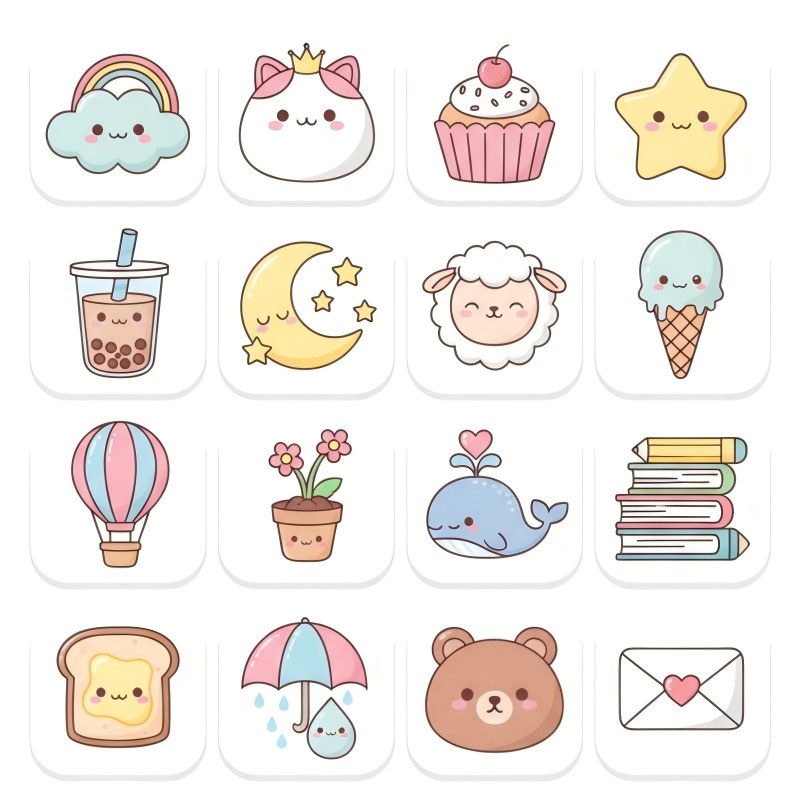
Cute & Kawaii
Engage your audience with adorable mascots and approachable visuals.
Adorable cartoon icon of [ ], kawaii style, rounded shapes, pastel colors, soft lighting, minimalism.
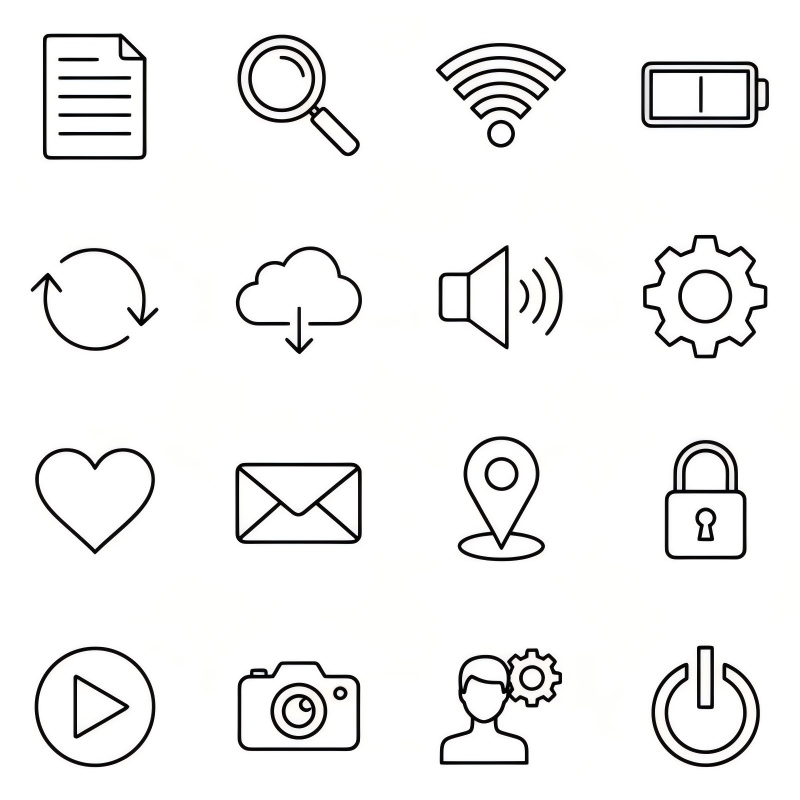
Minimalist Line Art
Create sleek, professional assets that mimic vector illustrations.
Minimalist line art icon of [ ], black outline, white background, simple vector graphics, clean strokes.
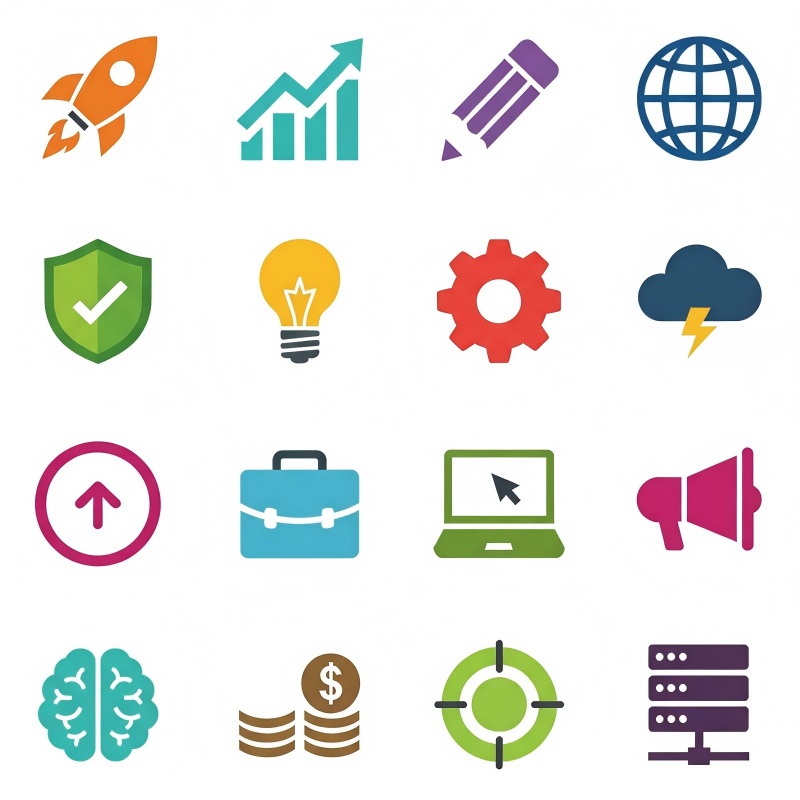
Modern Flat Design
The industry standard for clean UI and logo icons, ensuring readability at any size.
Modern flat design icon of [ ], vector illustration, solid colors, no shadows, minimalist and clean.
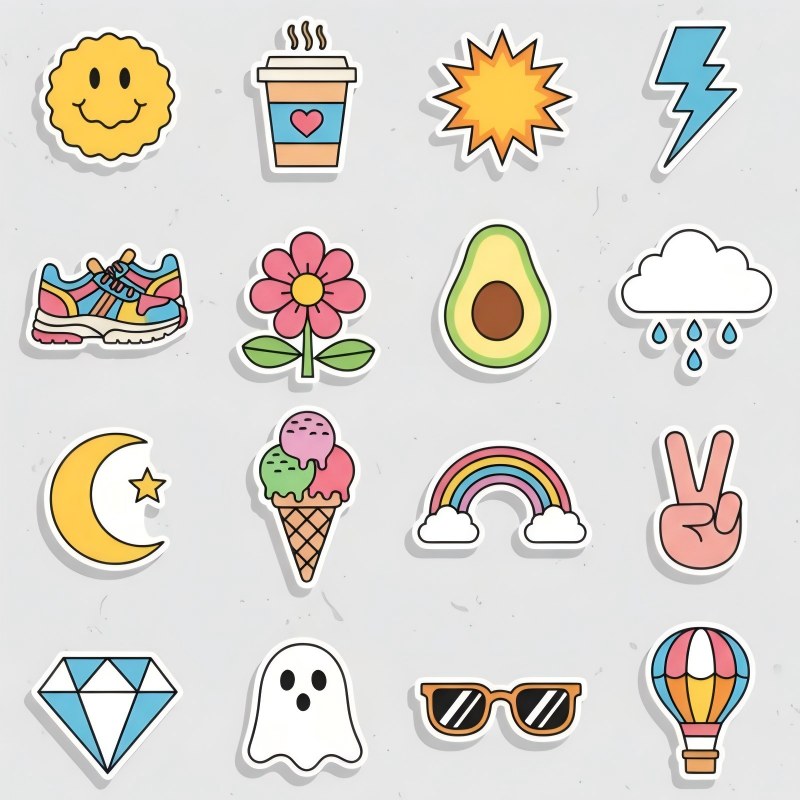
Sticker & Badge
Ready-to-print designs with distinct borders, perfect for merchandising.
Die-cut sticker of [ ], thick white border, vector style, high contrast, isolated on white background.
Master Prompts for the AI Icon Generator
To get the best results from our AI icon generator, the magic lies in the details. Here is how to write text prompts that work:
Be Specific
Instead of "dog," try "golden retriever face icon, flat vector art, white background" to help the tool generate icons accurately.
Define the Style
Always include keywords like "minimalist," "isometric," "line art," or "realistic" to control the look and feel.
Mention Lighting and Color
Specify details like "soft lighting," "neon colors," or "black and white" to match your brand's palette.
Use Negative Prompts
Tell the AI what to avoid, such as "no text" or "no background noise," to ensure a clean unique icon.
With these tips, you can effortlessly create stunning icons that look professionally designed.
Perfect for Commercial Projects and Use Cases
App Developers
Create icons for your mobile applications without hiring a graphic designer. Ensure all your menu items have a cohesive style.
Web Designers
Easily generate favicons, bullet point graphics, and feature icons that elevate your landing pages.
Marketers
Generate badge icons or stickers for promotional materials.
Brand Owners
Use the tool as a logo icon generator to brainstorm unique icon concepts before finalizing your brand identity.
Common icon sizes
Standard square icon dimensions for favicons, app icons and PWAs.
| Format / Use | Dimensions | Aspect ratio |
|---|---|---|
| Favicon | 32 × 32 px | 1:1 |
| Favicon (large) | 48 × 48 px | 1:1 |
| Apple touch icon | 180 × 180 px | 1:1 |
| PWA / Android | 192 × 192 px | 1:1 |
| PWA maskable / Android | 512 × 512 px | 1:1 |
| iOS App Store | 1024 × 1024 px | 1:1 |
What's the difference between aspect ratio and exact size?
Aspect ratio (like 16:9 or 4:5) describes an image's shape, the proportion of width to height. It doesn't tell you the real size. Two images can share the same 4:5 ratio while one is 1080 × 1350 px and the other is 4000 × 5000 px.
Exact size (like 1080 × 1350 px) locks in the precise width and height in pixels. That's exactly what social platforms, print shops and ad slots require. PixExact is built to hand you those exact dimensions, not just the right shape.
Frequently Asked Questions
What is an AI icon generator?
An AI icon generator is a tool that uses artificial intelligence to generate icons based on text descriptions or uploaded images. It interprets your request and creates a unique graphic asset instantly.
How does an AI icon generator work?
The tool utilizes advanced machine learning algorithms trained on millions of images. When you enter a prompt, the generator AI processes your text, understands the context (like style, color, and object), and constructs a brand-new visual pixel by pixel. This ensures every result is a unique icon.
Is the PixExact AI icon generator free?
We offer a trial for new users. Upon signing up, you will receive free credits to use the AI icon generator and test its capabilities. This allows you to generate icons for free to see if they match your needs before purchasing additional credits for larger projects.
Can I use AI-generated icons for commercial purposes?
Generally, yes. Images created with PixExact can be used for commercial projects, including apps, websites, and marketing materials. However, we always recommend reviewing our terms of service regarding copyright and ownership.
Can I create a logo with this tool?
Absolutely. Many users use our tool as an icon maker for logos. You can generate a logo icon, which serves as the graphic symbol for your brand. While it creates the visual part, you might need external editing tools to add typography.
Are the icons unique?
Yes. Because the AI will generate the image pixel-by-pixel based on your specific prompt, the result is a unique icon that doesn't exist anywhere else.
Can I customize AI-generated icons?
Yes. You have full control over the output. You can refine your results by tweaking your text prompts or using the image to image feature to guide the structure. Uniquely, PixExact also allows you to generate custom icons at specific resolutions and dimensions, so you get the exact size you need without external editing.
How does "Image to Image" work?
This feature lets you upload a rough drawing or a photo. The AI analyzes the structure and composition of your upload and transforms it into the icon style you selected. It's great for refining a sketch into a polished digital asset.
More Tools
Explore more AI-powered tools to supercharge your creative workflow.


Start Creating with Our AI Icon Generator
Don't settle for overused stock assets or wait for designers. With PixExact's one-click solution, you can create stunning icons instantly. Whether you need a sleek logo or a playful illustration, simply resize, refine, and generate your perfect, unique icon today.