AI Twitch Banner Maker - Create Stunning Twitch Banners in Seconds
Instantly generate unique, high-resolution Twitch banners with PixExact. Turn simple text prompts or reference images into stunning channel art in seconds, no design skills required.
Max: 4096x4096 px
Why You Need a Professional Twitch Banner Maker
Your Twitch banner is often the first thing new viewers see. Make every first impression count with a design that communicates your style, professionalism, and brand instantly.
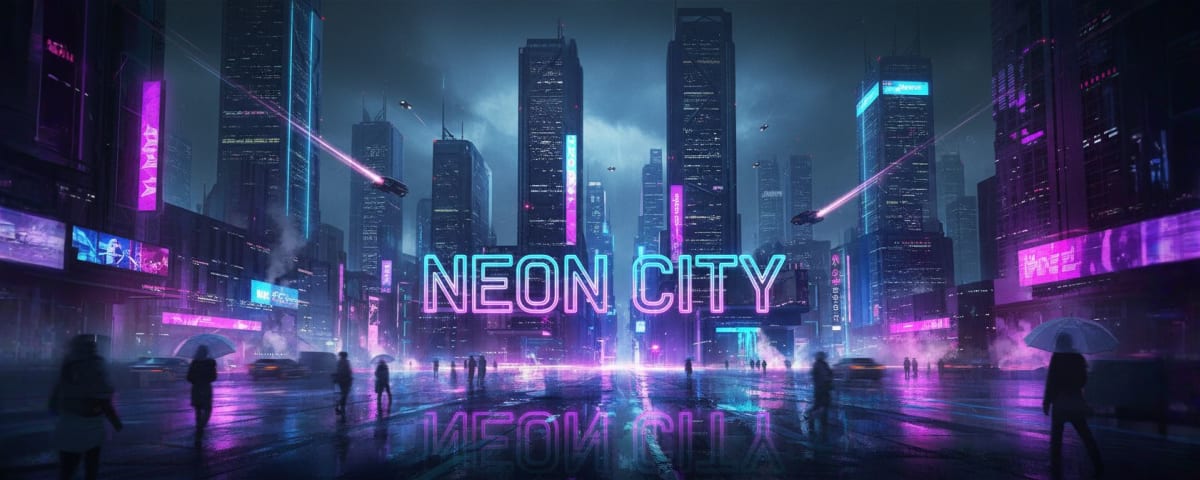
Make an Unforgettable First Impression
When a new viewer lands on your profile, the first thing they see is your profile banner. A beautiful Twitch banner grabs attention immediately and shows you are a serious creator, not an amateur.
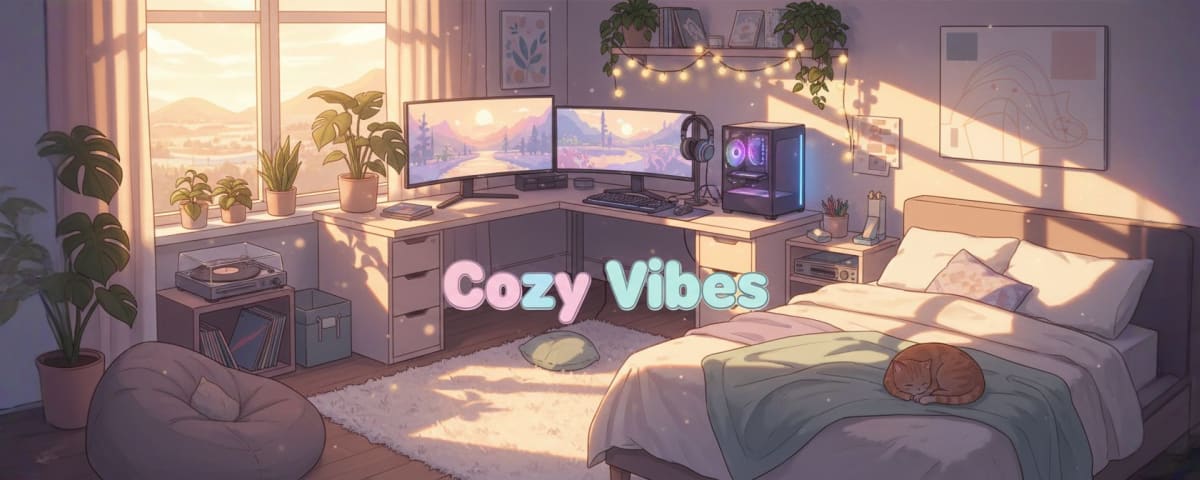
Establish Your Unique Identity
Your Twitch banner should reflect your personality and content style, whether you are a cozy streamer or a competitive FPS player. Design a custom Twitch banner that tells your story at a glance.
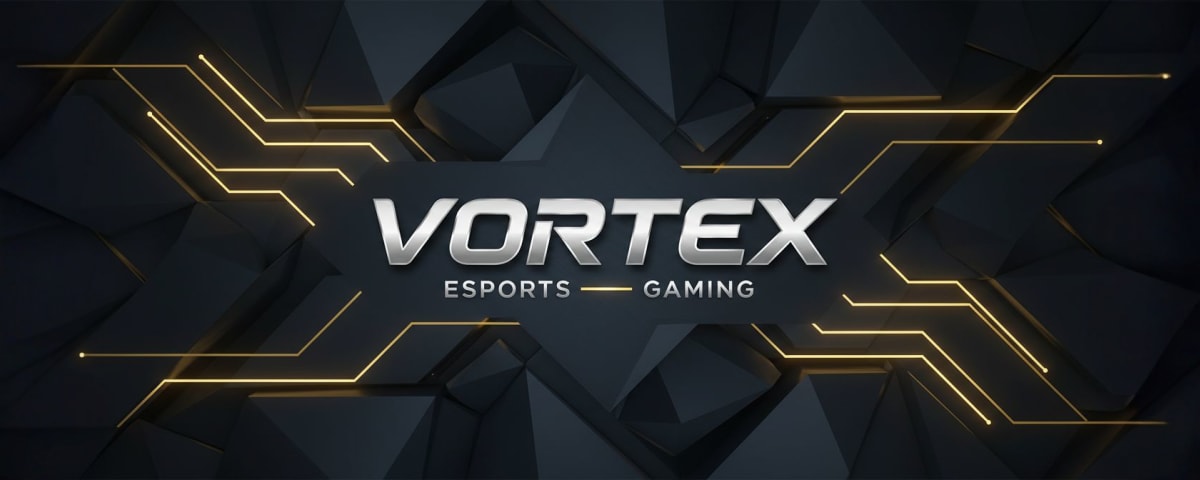
Signal Professionalism
A professionally designed Twitch aesthetic signals that you are committed to your craft. Even if you are just starting, a custom banner instantly elevates your perceived production value.
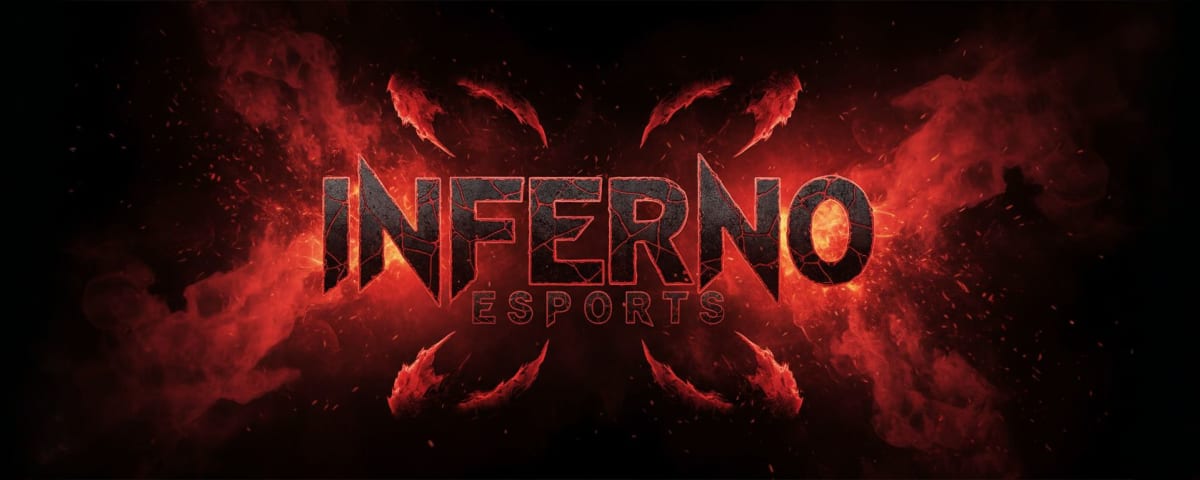
Build a Cohesive Brand
Consistent visuals help viewers remember you. Use PixExact to generate Twitch banners that align with your logo and color scheme so your channel looks like a recognizable brand, not a hobby.
How to Make Stunning Twitch Banners
Creating professional Twitch visuals does not have to be complicated. With PixExact, you can skip complex design tools and turn ideas into custom banners in just a few clicks.
Describe Your Twitch Channel
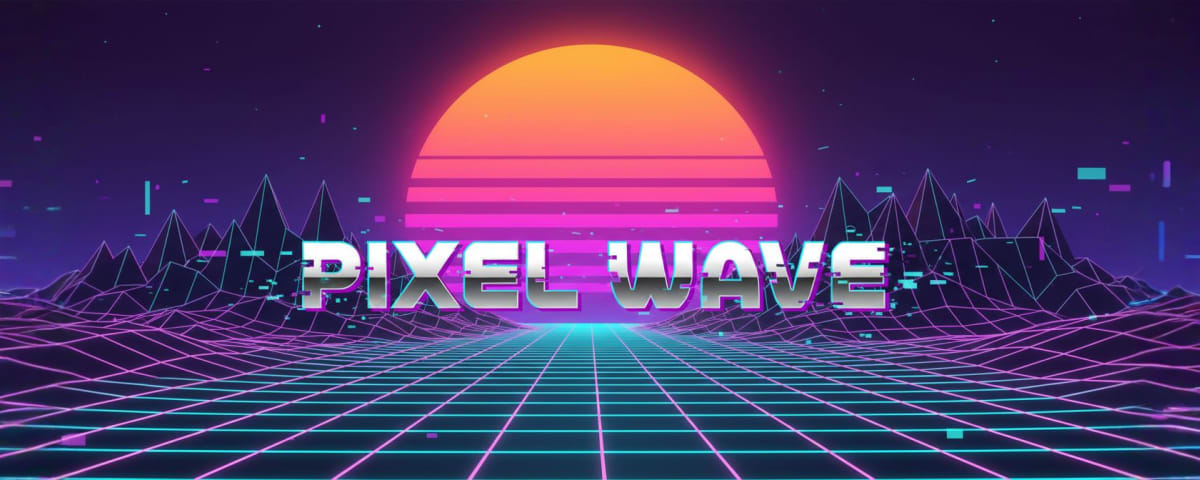
Tell our AI exactly what Twitch banner you want. Describe a scene like "retro arcade neon style" or upload a reference image. The Twitch banner maker interprets your prompt to match your channel's vibe.
Design a Twitch Banner in Seconds
PixExact automatically creates art at the recommended Twitch banner size of 1200 x 480 pixels. Unlike static templates, every banner is generated uniquely for you, giving you a truly custom design.
Download Your Twitch Banner
Instantly download your banner in high resolution. Your new Twitch banner is ready to upload, perfectly tuned to your brand colors and personality.
Forget Static Twitch Banner Design Templates
Most tools force you to browse thousands of Twitch banner templates that all look similar. You select a template, change the text, and hope no one else is using the same design.
With PixExact, your imagination becomes the template. Our AI generates unique artwork every time you create a banner, so you never have to worry about sharing the same background with another streamer.
If you are not sure how to write prompts, you can start from style presets that act like smart templates—for example, Sci-Fi or Retro styles. You get the structure of professionally designed templates, with the originality of fully AI-generated art.
Mastering Twitch Banner Design: Tips for Success
When you use our Twitch banner maker, keep these practical design principles in mind to ensure your channel always looks its best.
The Perfect Size
The recommended Twitch banner size is 1200 pixels wide by 480 pixels tall. Uploading the wrong size can cause stretching, cropping, or pixelation. PixExact automatically generates banners at 1200 x 480 (or lets you resize), so your visuals are always crisp and high resolution.
Keep It Simple
A minimalist approach works best because the Twitch interface overlays elements on top of your banner. Avoid busy designs. Use PixExact for a strong, clean background, then add your logo or minimal text later.
Brand Consistency
If your profile picture, offline screen, and other assets already follow a color palette, your banner should match. Upload your logo or existing artwork as a reference, and PixExact will generate a banner that fits your established brand colors and style.
Typography Matters
Fonts are a huge part of banner design. You can describe your desired text style in the prompt (for example, "bold futuristic lettering") or upload an image with typography you like. This ensures your visuals and text style align with your channel theme.
PixExact vs. Traditional Template Editors
Standard editors rely on overused Twitch banner templates. PixExact generates original artwork from scratch so your channel truly stands out.
| Feature | PixExact AI | Standard Template Editors |
|---|---|---|
| Originality | 100% unique designs generated just for your Twitch channel. | Generic design templates reused by many other creators. |
| Creativity | Limitless—anything you can describe in a text prompt. | Limited to the tool's built-in stock library. |
| Process | Twitch banner in seconds with automatic AI generation. | Time-consuming template browsing and manual customization. |
| Exclusivity | Truly custom banners that no one else has. | High risk of looking identical to other Twitch channels. |
Common banner and header sizes
The exact banner, header and cover dimensions each platform expects, from YouTube to LinkedIn.
| Format / Use | Dimensions | Aspect ratio |
|---|---|---|
| YouTube channel banner | 2560 × 1440 px | 16:9 |
| Twitter / X header | 1500 × 500 px | 3:1 |
| LinkedIn profile banner | 1584 × 396 px | 4:1 |
| Facebook cover | 851 × 315 px | ≈2.7:1 |
| Twitch banner | 1200 × 480 px | 5:2 |
| Shopify store banner | 2048 × 1024 px | 2:1 |
What's the difference between aspect ratio and exact size?
Aspect ratio (like 16:9 or 4:5) describes an image's shape, the proportion of width to height. It doesn't tell you the real size. Two images can share the same 4:5 ratio while one is 1080 × 1350 px and the other is 4000 × 5000 px.
Exact size (like 1080 × 1350 px) locks in the precise width and height in pixels. That's exactly what social platforms, print shops and ad slots require. PixExact is built to hand you those exact dimensions, not just the right shape.
Frequently Asked Questions
What is a Twitch banner and what is it used for?
A Twitch banner (or profile banner) is the header image on your Twitch channel page. It sets the tone for your community and visually represents your brand.
What are the ideal Twitch banner size and format?
The recommended Twitch banner dimensions are 1200 x 480 pixels. File size should be under 10MB, and formats like PNG, JPEG, or GIF work best. PixExact generates PNG files optimized for Twitch.
Is this a free Twitch banner maker?
Yes. PixExact provides free trial credits to all new users so you can test the Twitch banner maker with no upfront cost.
How do I create Twitch banners with PixExact?
Go to the PixExact Twitch banner maker page, type a prompt describing what you want (for example, "futuristic neon city"), and optionally upload reference images. Our AI generates professional visuals in seconds.
Do I need design experience to use this?
No. PixExact is built for content creators who are not graphic designers. You provide the ideas and prompts, and the AI handles the visual design for you.
Can I use my own images in a Twitch banner?
Yes. With the Image to Image feature, you can upload a logo, screenshot, or photo, and PixExact will stylize it into a banner that fits Twitch specifications.
What information should I include on my Twitch banner?
Keep it simple to avoid clutter. Most creators include their channel name, streaming schedule, and social media handles, then use PixExact to generate a strong visual background.
Do I really need a Twitch banner?
Yes. Your profile banner acts like a billboard for your channel. Leaving it blank looks unprofessional, while a custom banner shows new viewers that you take streaming seriously.
More Tools
Explore more AI-powered tools to supercharge your creative workflow.


Start Creating a Twitch Banner Today
Stop searching through generic templates and design your own Twitch banner with AI. Join creators using PixExact to generate eye-catching, professional Twitch art in just a few minutes.