
AI Video Generator
Use top video models on one credit balance. If a video fails or gets blocked, your credits are refunded automatically.
- Seedance 2.0
- Veo 3.1
- Kling 4.0
- Grok Imagine
- MiniMax H3
Why Creators Choose PixExact
PixExact brings Seedance, Veo, Kling, Grok, MiniMax, GPT Image and Nano Banana together in one AI video and image generator. Turn images or text into video, or create images at the exact size you need.
Get It Right the First Time
Control the frames, motion and exact size, so the result matches what you pictured. Spend less time regenerating and more time using what you made.
Minutes, Not Hours
Go from idea to a finished video or image in minutes. No editing software, design skills or learning curve required.
Look Professional Without a Team
Make ad-ready videos, product shots and social content on your own, without hiring a video crew or designer.
Never Waste a Credit
If a generation fails or gets blocked, your credits come back automatically. One-time credits never expire, so nothing goes to waste.
Create images to exact dimensions with PixExact
From banners and thumbnails to product photos and UI, enter the precise pixels you need and download production-ready images.
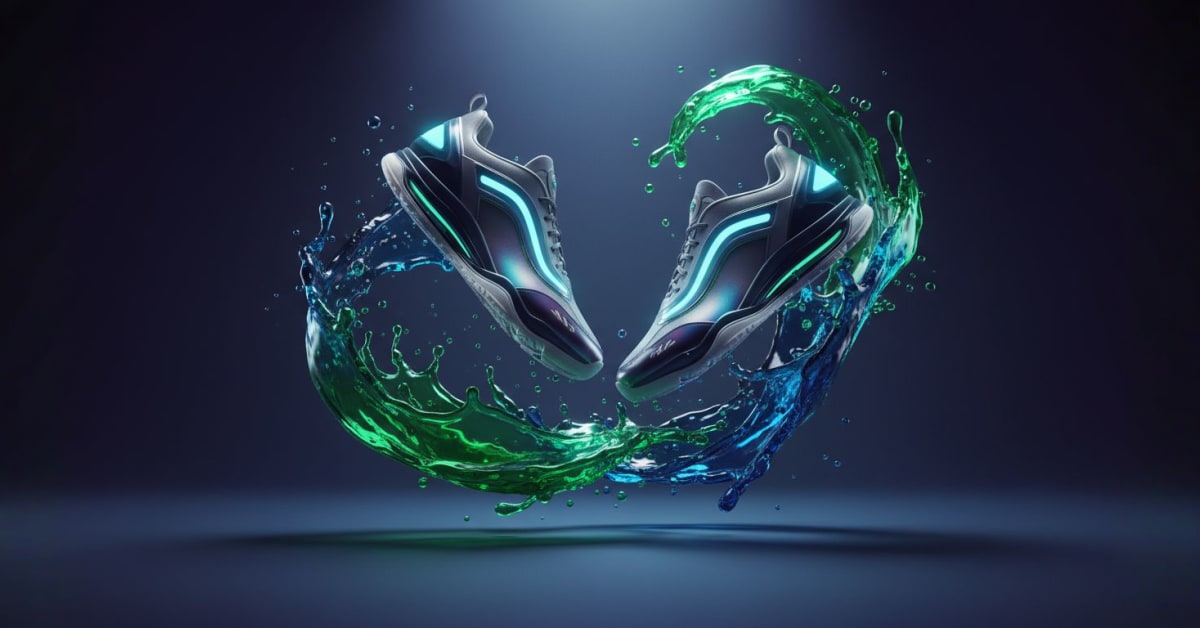
Craft Website and Ad Banners
Design pixel perfect web and ad banners in exact sizes like 1200x628, or 1080x1920, without ratio only workarounds or manual cropping. Enter your prompt, set precise width and height, and export assets that meet Google and Meta specs in one step.
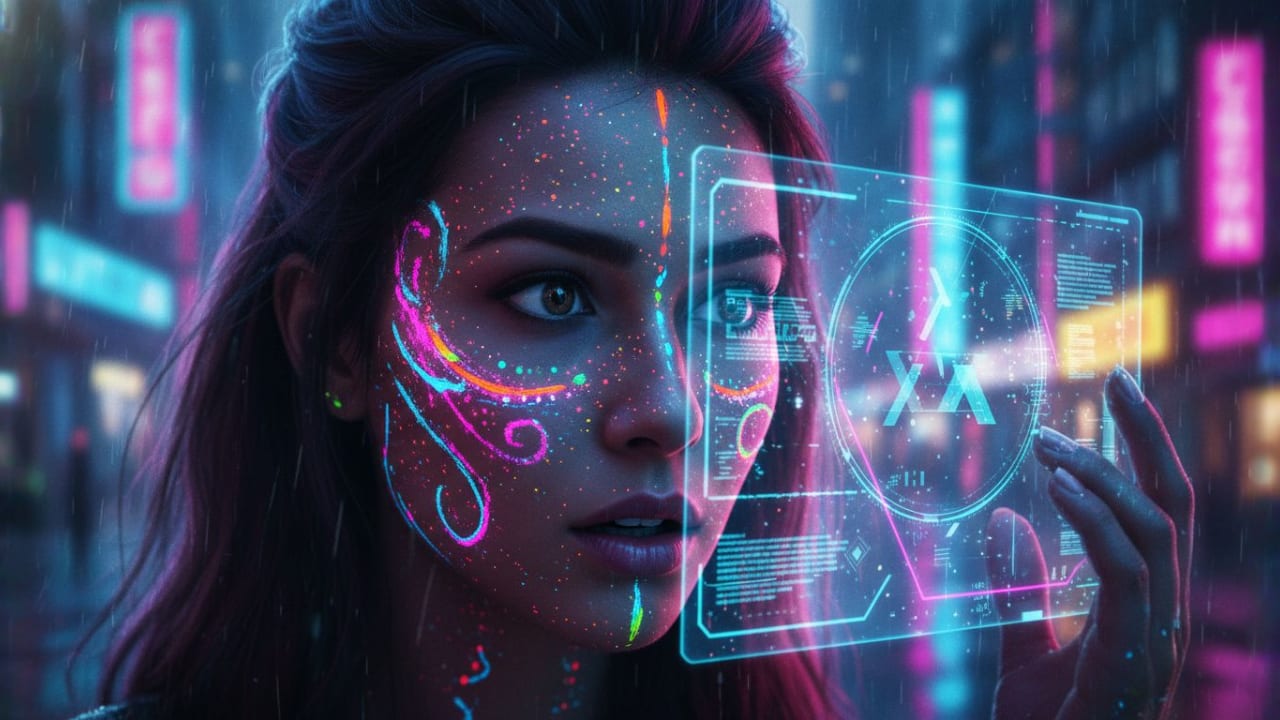
Design YouTube Thumbnails
Generate thumbnails at the recommended 1280x720 for clear display across devices, so your visuals stay sharp on every screen. Keep the composition intact by generating at the target canvas, then download for instant publishing.
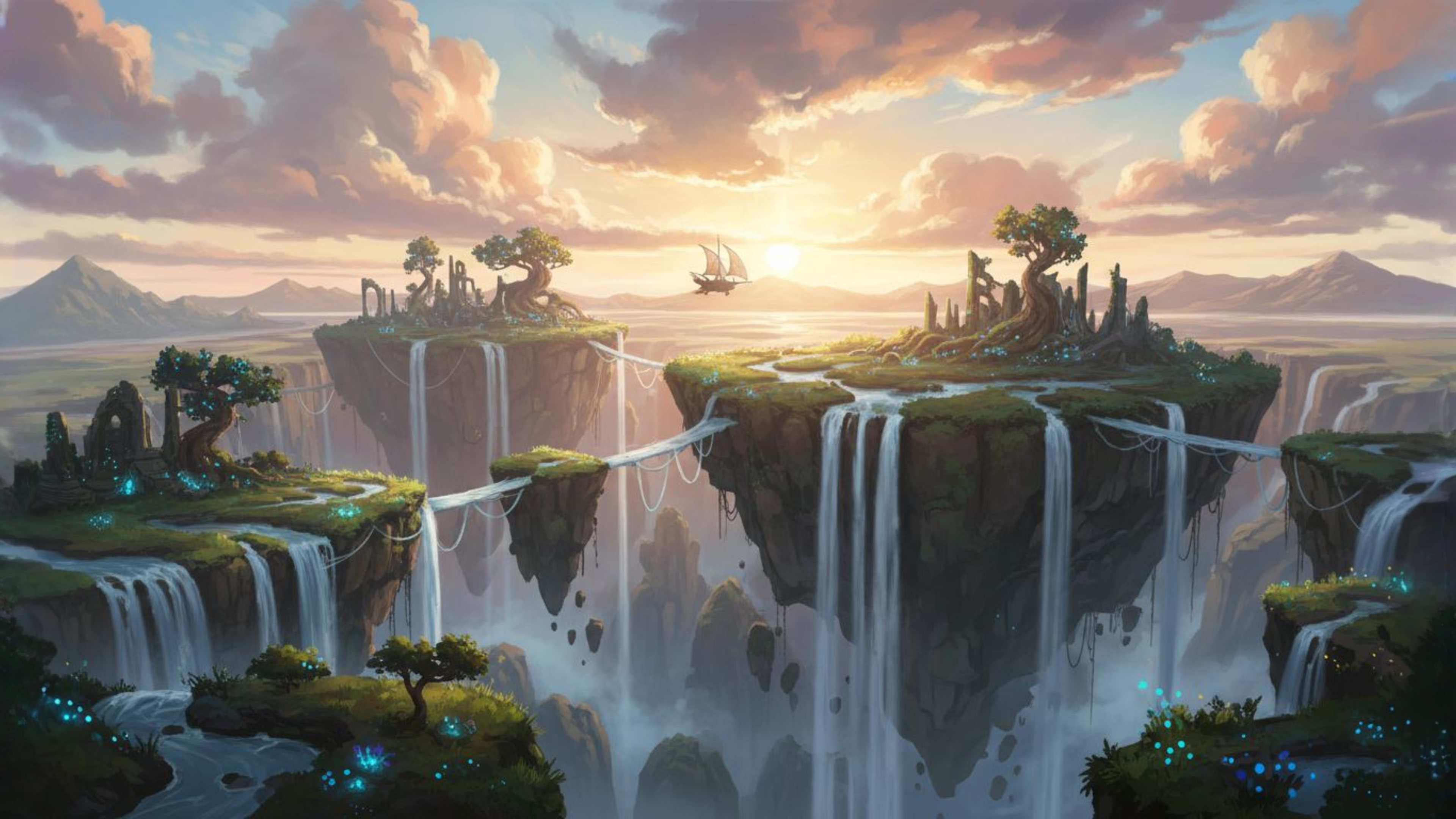
Create Custom Wallpapers and Backgrounds
Create desktop and mobile wallpapers at your exact resolutions, so they fit without distortion or post resize quality loss. Set a precise pixel canvas up to 4096x4096 and get results that match your screens with no extra editing.
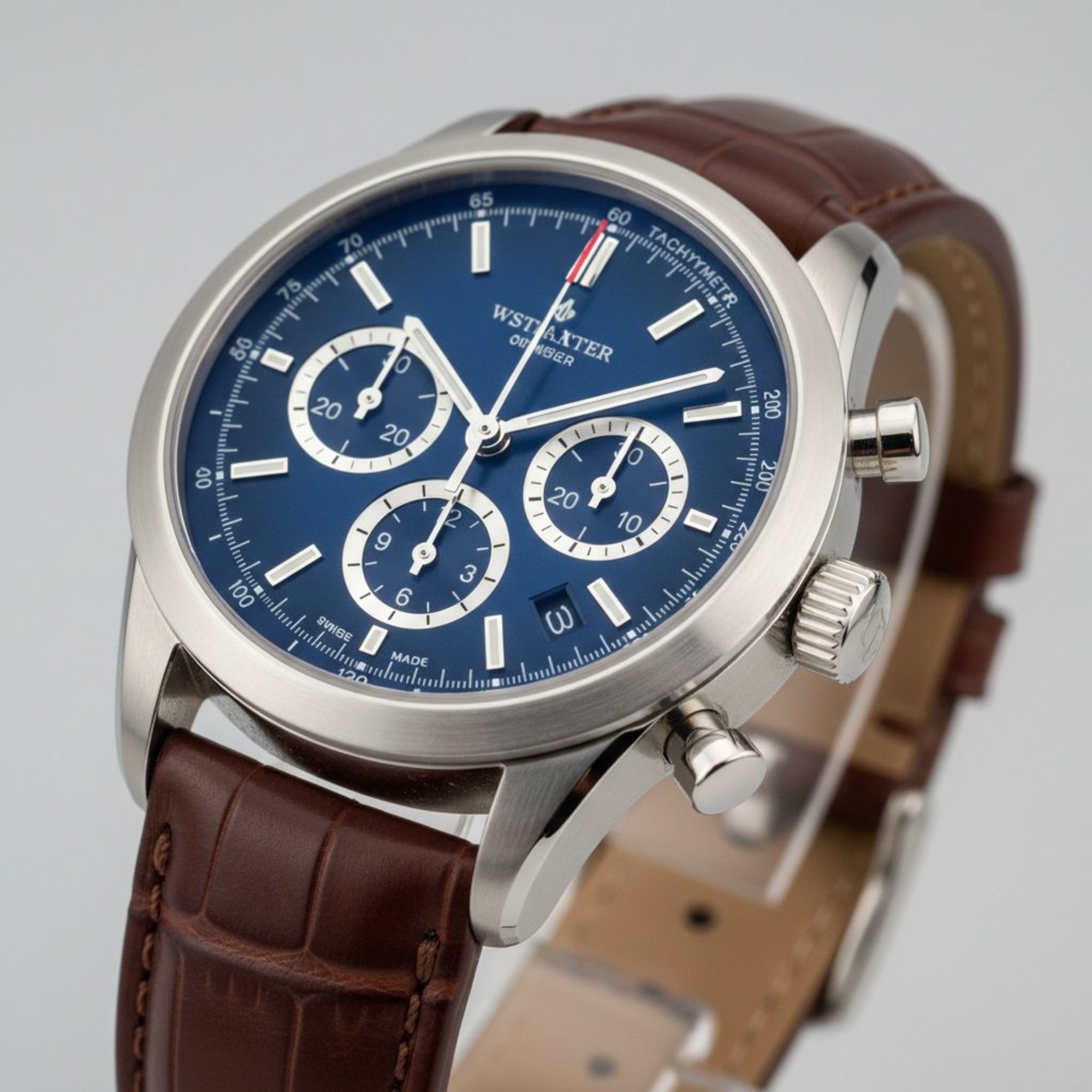
Produce E-commerce Product Images
Produce images that meet marketplace pixel requirements, such as at least 1000x1000 and often 2000x2000 for zoom and listing quality checks. Generate to spec in one step, and export without watermarks under a commercial license for immediate use.
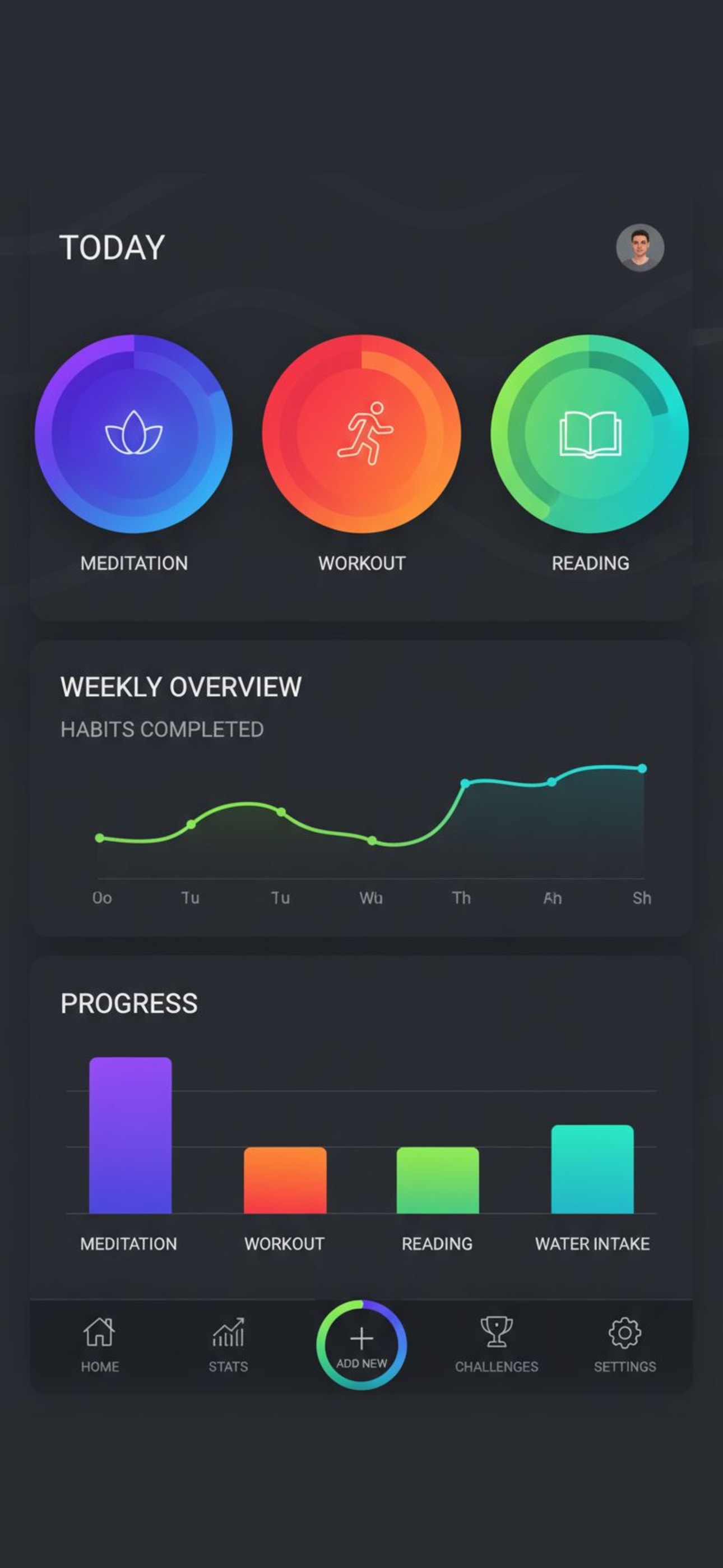
Prepare App Store Screenshots
Generate screenshots at fixed device pixels required by App Store Connect to avoid rejections and unwanted scaling in review. Use exact device canvases to speed submission and keep visuals consistent across sizes.
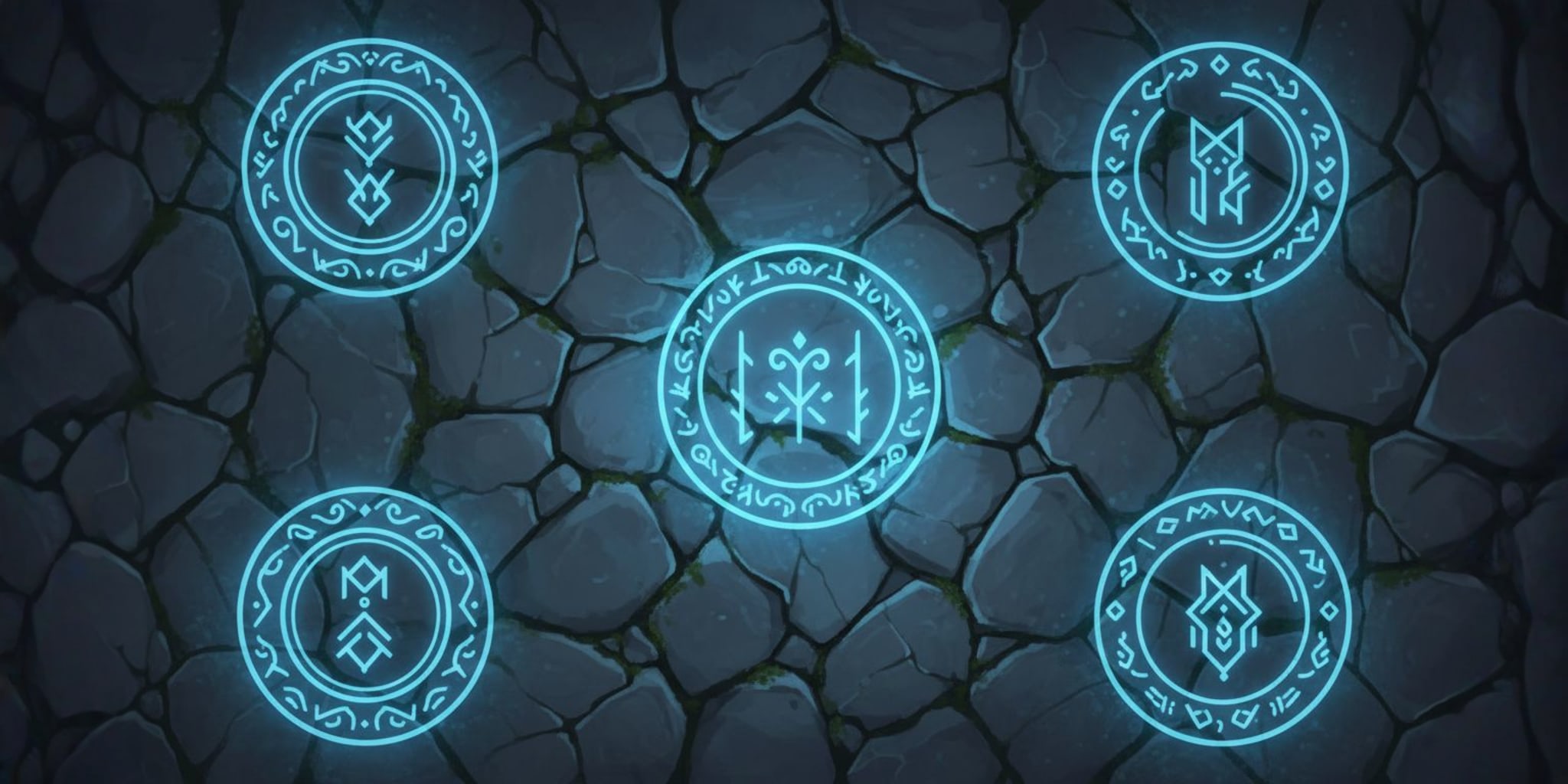
Generate Game Assets and UI
Create exact sizes for textures, sprites, and UI so assets fit UVs and atlases without engine rescaling, including common power of two options like 256x256, 512x512, 1024x1024, and 2048x1024. Stay within typical engine and platform limits for atlases and sprite sheets.
PixExact vs Other AI Image Generators
Most AI generators only support aspect ratios, forcing you to crop later. PixExact lets you specify exact pixel dimensions from the start, no compromise, no extra work.
✓ With PixExact
Pixel-perfect precision
- Exact pixel dimensions (e.g., 1920×1080, 2000×2000)
- No cropping or resizing needed
- Perfect composition maintained
- Up to 4096×4096 resolution
- One prompt, multiple sizes
- Professional platform requirements met
✗ Other AI Image Generators
Limited to aspect ratios
- Only aspect ratios (16:9, 1:1, 4:3, etc.)
- Manual cropping required
- Composition often lost or compromised
- Limited size options
- Single ratio only
- Requires post-processing adjustments
Stop compromising on your image dimensions
PixExact is built specifically for exact pixel dimensions,no more cropping, resizing, or composition loss.
Common image sizes people need
A quick reference to popular dimensions across social, print, web and wallpaper.
| Format / Use | Dimensions | Aspect ratio |
|---|---|---|
| Instagram square | 1080 × 1080 px | 1:1 |
| Story / Reel | 1080 × 1920 px | 9:16 |
| YouTube thumbnail | 1280 × 720 px | 16:9 |
| Desktop Full HD | 1920 × 1080 px | 16:9 |
| 4K wallpaper | 3840 × 2160 px | 16:9 |
| YouTube banner | 2560 × 1440 px | 16:9 |
| Pinterest pin | 1000 × 1500 px | 2:3 |
| A4 print (300 DPI) | 2480 × 3508 px | ≈5:7 |
What's the difference between aspect ratio and exact size?
Aspect ratio (like 16:9 or 4:5) describes an image's shape, the proportion of width to height. It doesn't tell you the real size. Two images can share the same 4:5 ratio while one is 1080 × 1350 px and the other is 4000 × 5000 px.
Exact size (like 1080 × 1350 px) locks in the precise width and height in pixels. That's exactly what social platforms, print shops and ad slots require. PixExact is built to hand you those exact dimensions, not just the right shape.
Generate Images for Every Platform with Exact Dimensions
Perfect for social media, e-commerce, photography, and creative content with precise sizing
Social Media Content
Generate images with exact dimensions for Instagram, Facebook, LinkedIn posts
E-commerce Products
Create product images in precise marketplace-required dimensions
Professional Photography
Generate high-quality images with custom exact specifications
Creative Design
Create artwork, banners, and designs in pixel-perfect dimensions
Pricing for PixExact
New users get free credits to start!
Basic
$10.8/month
$129 billed yearly
- 3,000 Credits / Year
Use across all image & video tools
- Max Image: 3000×3000
- Batch Processing (Extender/BG Remover)
- Save 10 Favorite Sizes
- No Watermark
- Commercial Use
- Private Generation
Creator
$20.8/month
$249 billed yearly
- 6,600 Credits / Year
Use across all image & video tools
- Max Image: 3000×3000
- Batch Processing (Extender/BG Remover)
- Save 10 Favorite Sizes
- No Watermark
- Commercial Use
- Private Generation
Master
$41.6/month
$499 billed yearly
- 14,400 Credits / Year
Use across all image & video tools
- Max Image: 4096×4096
- Batch Processing (Extender/BG Remover)
- Save 10 Favorite Sizes
- No Watermark
- Commercial Use
- Private Generation
Frequently Asked Questions
What is PixExact?
PixExact is an AI video and image generator that helps you get exactly the result you want. Use top models like Seedance, Veo, Kling, GPT Image and Nano Banana, all on one credit balance. Control your videos with start and end frames or motion control. Create images at the exact pixel size you need, up to 4096×4096. And if a generation fails, your credits come back automatically.
Which AI video models can I use on PixExact?
You can use Seedance, Veo 3.1, Kling, Grok Imagine and MiniMax H3, all on one credit balance. Switch models with the same prompt or image to compare results. Turn images into videos, generate from text, use reference images, control motion, extend clips or edit them with AI.
Do I lose credits if a video fails?
No. If a generation fails or a model's safety filter blocks it, your credits are refunded automatically. No support ticket needed.
What is the maximum image size I can generate?
PixExact supports image generation up to 4096x4096 px, giving you the flexibility to create high-resolution images for professional use, large prints, and detailed designs.
How does PixExact differ from other AI image generators?
Most AI generators only support aspect ratios (like 16:9 or 1:1), forcing you to crop or resize later. PixExact lets you specify exact pixel dimensions from the start, saving time and ensuring your images fit platform requirements perfectly.
Can I generate multiple image sizes with a single prompt?
Yes! With our new Multi-Size feature, you can select multiple dimensions (e.g., 1080x1080, 1920x1080) and generate them all at once. You'll get a perfectly matching set of images, keeping the same subject and style across every size, saving you time while ensuring consistency.
Do I need to sign up to use PixExact?
New users receive free credits upon login to get started. For continued use, you can choose from flexible credit packs or subscription plans that best fit your needs.
Can I use PixExact videos and images commercially?
Yes! All paid plans include a commercial license, allowing you to use generated videos and images for business purposes, marketing materials, products, and client projects without restrictions.
What happens to unused credits?
Credits from one-time packs never expire, so you can use them at your own pace. Subscription credits renew monthly or yearly depending on your plan, giving you fresh credits each billing period.
What's the difference between text-to-image and image-to-image?
Text-to-image generates completely new images from your text descriptions, perfect for creating original artwork, designs, or scenes from scratch. Image-to-image transforms existing photos by applying your text prompts, ideal for style transfers, enhancements, or creative modifications. Both modes support exact pixel dimensions up to 4096x4096 px.
Create AI Videos and Images – Try Free Today
Turn ideas into videos with top AI models, or create images at the exact pixel size you need. Get free credits to start.