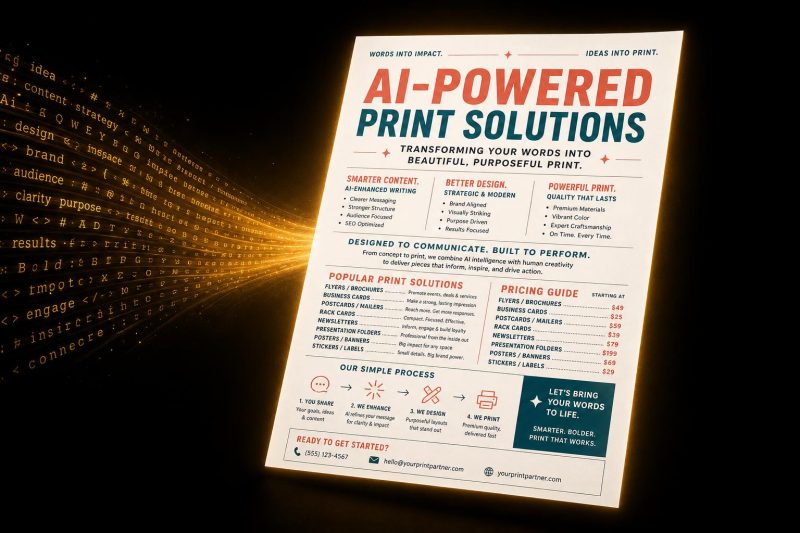
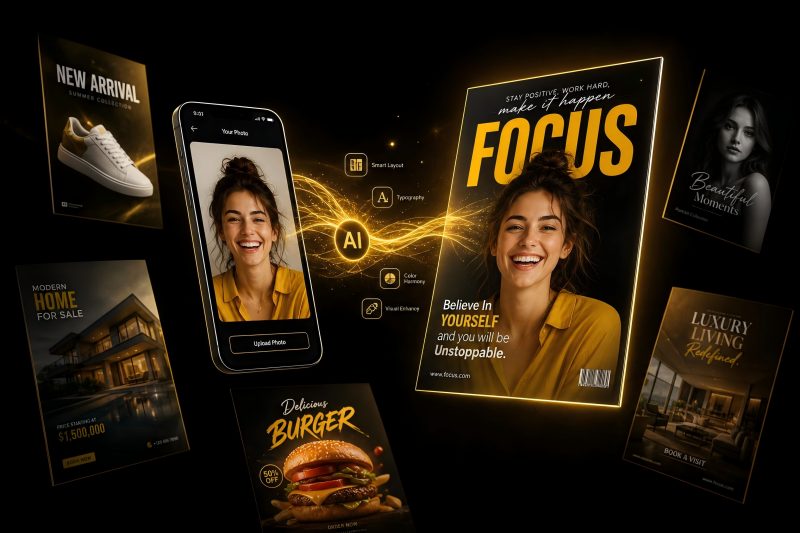
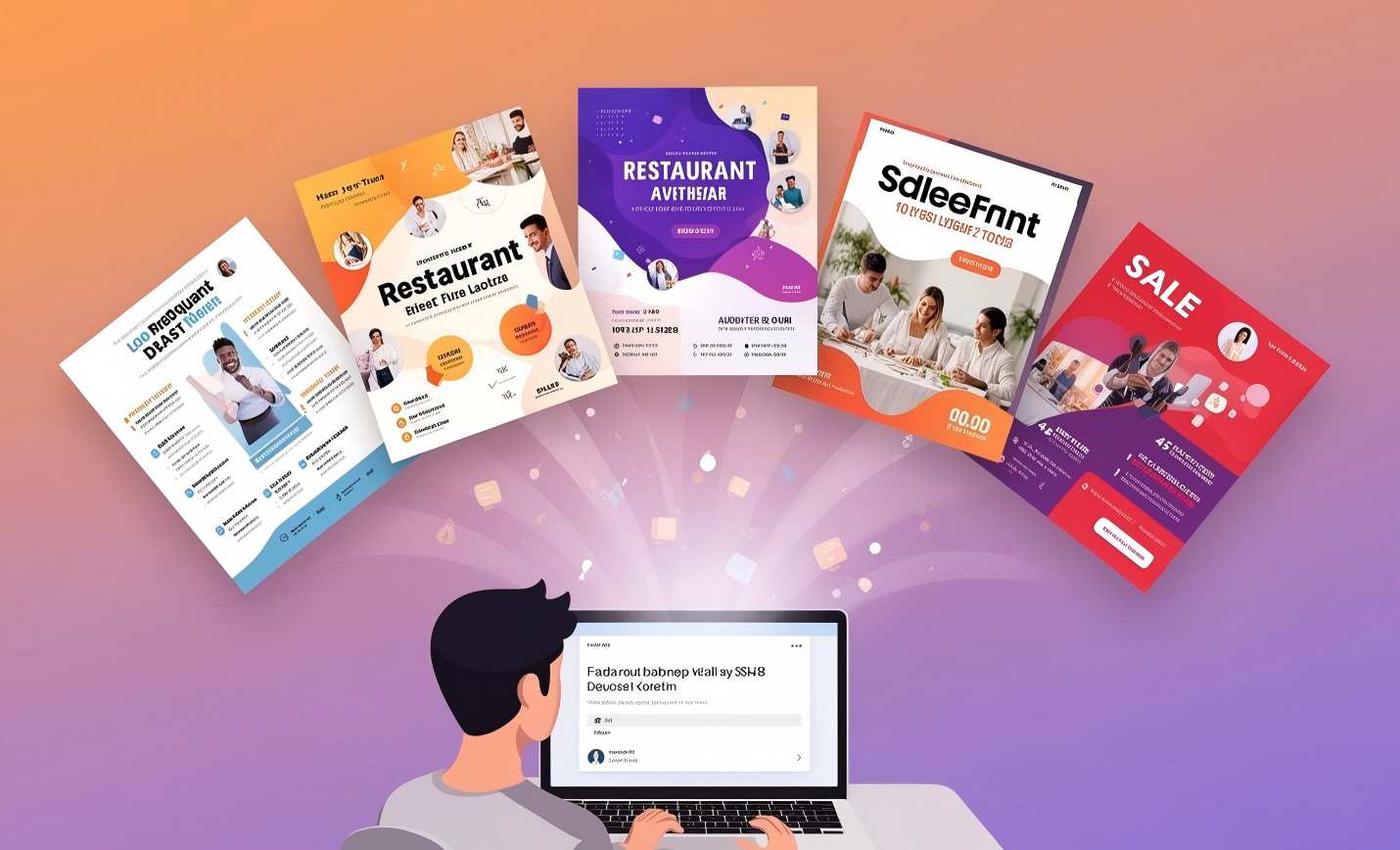
Your visual content is everything. It's your first impression on every digital platform. But for most marketers, it's also a chaotic mess.
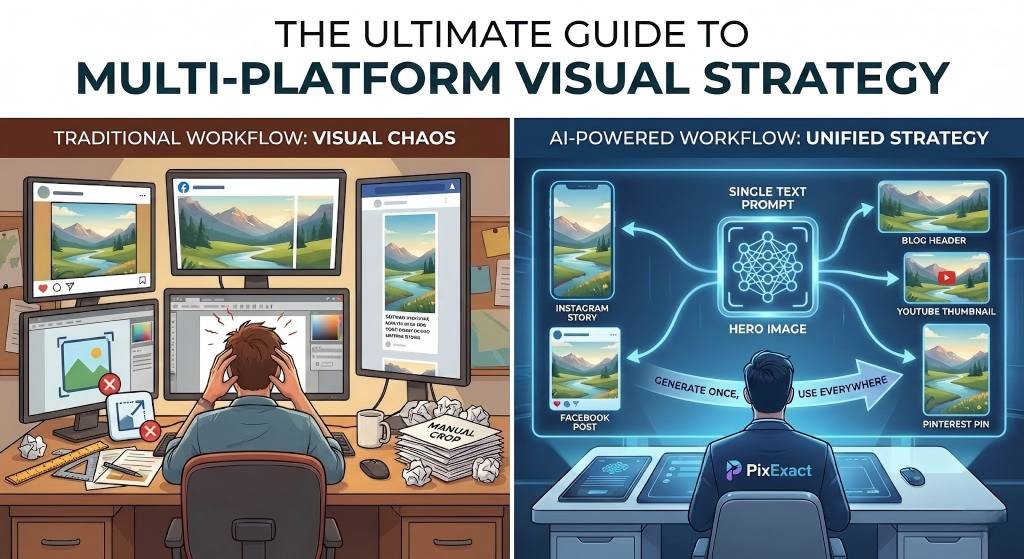
You have a great idea. Then comes the dimensional hell: that perfect image needs to be an Instagram Story, a Facebook ad, a blog header, and ten other sizes. You're stuck in a cycle of resizing, cropping, and reformatting that drains your time and shatters your brand's consistency.
Every manual crop weakens your brand. Across hundreds of posts, that weakness becomes a chasm. It's time to escape the chaos. This guide shows you how to build a powerful, unified, and efficient visual strategy using AI.
Why Your Old Workflow is Broken
The traditional way of creating visuals—relying on designers for every single size variation—is slow, expensive, and fundamentally broken. It fails in three critical ways.
-
It Wrecks Your Designs
A great image is about balance. Manual cropping destroys that balance. When you force a landscape ad into a vertical story, you have to make a choice: cut off the product or cut off the message? Either way, the original creative vision is compromised. -
It Wastes Your Time
Time is your most valuable asset. The old workflow is a black hole. A single visual concept can easily burn 8-10 hours of skilled labor, mostly on repetitive resizing. That's time you could have spent on strategy, analysis, or customer research. Instead, it's lost to tedious production work. -
It Dilutes Your Brand
Brand consistency builds trust. When customers see the same visual style everywhere, they remember you. Manual workflows create inconsistencies—the colors are slightly off, the logo moves, the style shifts. It's a death by a thousand cuts that leaves your brand looking fragmented and unprofessional.
The AI Solution: Generate Once, Use Everywhere
The solution isn't to work harder; it's to work smarter. The new paradigm is an AI-powered workflow: "Generate Once, Use Everywhere."
Instead of creating one image and destructively cutting it down, you start with one core idea—a text prompt—and generatively create a perfect, unique image for every size you need. All at once.
This is possible with tools like PixExact. You write one prompt, select all your required sizes (e.g., Instagram Story, Facebook Ad, YouTube Thumbnail), and click "Generate." The AI intelligently composes a perfect image for every single dimension, ensuring your subject is centered and your style is consistent.
Workflow Showdown: Manual vs. AI
The difference is staggering.
| Metric | Manual Workflow | AI Workflow (with PixExact) |
|---|---|---|
| Total Time | 8-10 hours | ~5 minutes |
| Output Quality | Degrades with each crop | Consistently high, optimized for each size |
| Brand Consistency | Prone to error | Mathematically perfect |
| Scalability | Low (high cost per asset) | Infinite (near-zero cost per size) |
| Skill Needed | Professional Designer | Anyone who can write a sentence |
The AI workflow cuts production time by over 99% while improving the quality and consistency of your visuals. It's a complete game-changer.
How It Works: Two Real-World Examples
Let's make this concrete. Here's how you build a full campaign in minutes with PixExact.
Example 1: Launching a New Product
The Goal: Create launch visuals for a new coffee brand, "Cosmic Cold Brew."
-
Write a Prompt (2 mins)
Forget design briefs. Just describe your vision using our text-to-image generator.
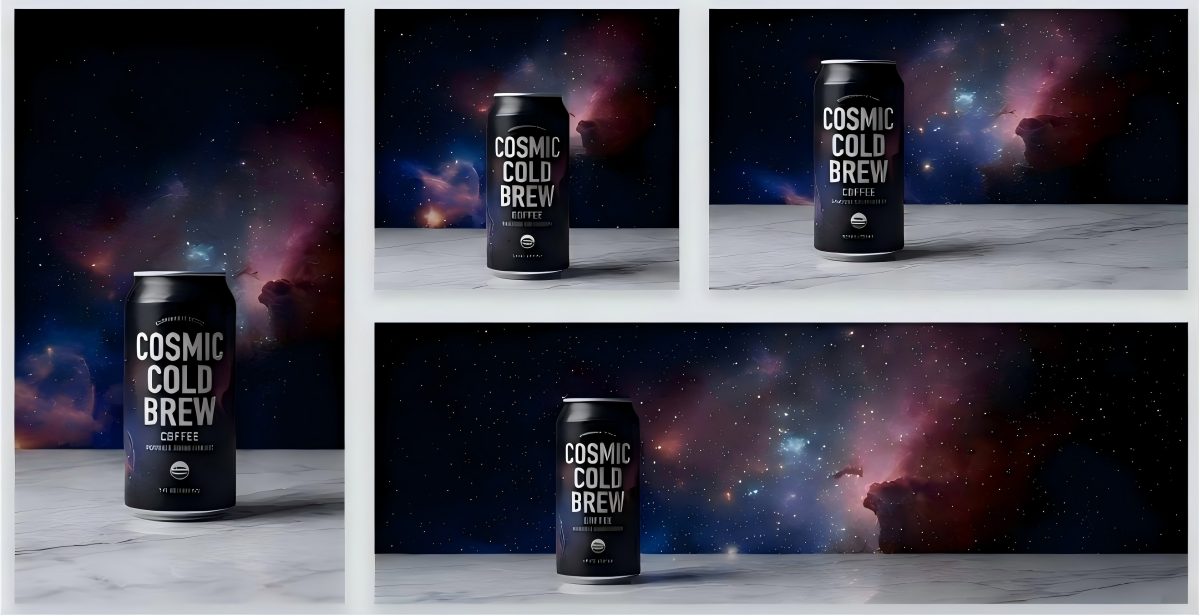
Prompt: "A sleek, minimalist can of 'Cosmic Cold Brew' coffee, glistening with condensation, on a dark marble surface. The can is black with holographic lettering, reflecting a subtle nebula and stars. Professional product photography, dramatic studio lighting, 8k." -
Pick Your Sizes (30 secs)
Select all the placements you need for the launch:- Instagram Post (Square & Portrait)
- Instagram Story
- Facebook Ad & Post
- Blog Header
-
Generate (1 min)
Click "Generate." The AI creates a perfectly composed image for every size. The Story version has space for text at the top; the Facebook Ad has space on the side. It's intelligent composition, not just cropping.
The Result: A complete, on-brand campaign pack in under 5 minutes.
Example 2: Scaling a Winning Ad
The Goal: You have a "hero image" from an ad that got a 3x higher CTR. Now, you want to use it everywhere.
-
Upload Your Winner (30 secs)
Upload your high-performing ad creative to PixExact's Image-to-Image feature. -
Pick Your New Sizes (1 min)
Select where you want to expand this creative:- Instagram Portrait Post
- Pinterest Pin
- Website Homepage Hero
Add a simple style prompt to guide the AI, like: "moody, cinematic, rainy London street style."
-
Generate (1 min)
PixExact analyzes your hero image—the colors, mood, and subject—and generates brand new, perfectly composed images for your new sizes. It's not a crop; it's a creative expansion.
The Result: You've maximized the ROI of your best creative asset, scaling its success across your entire ecosystem.
The Only 2026 Social Media Image Size Guide You Need
Using an AI tool like PixExact means you don't have to memorize these, but a smart marketer knows the rules of the game. Here is your definitive, no-fluff guide for 2026.
Download the free PDF Cheat Sheet to keep on your desktop.
| Platform | Placement | Dimensions (px) | Aspect Ratio | Pro Tip |
|---|---|---|---|---|
| Profile Photo | 320 x 320 | 1:1 | Displays as a circle. Center your logo. | |
| Feed (Portrait) | 1080 x 1350 | 4:5 | Use this. It takes up the most screen space. | |
| Feed (Square) | 1080 x 1080 | 1:1 | The safe, classic choice. | |
| Stories / Reels | 1080 x 1920 | 9:16 | Full-screen vertical. Keep text out of the top/bottom 15%. | |
| Cover Photo | 851 x 315 | 2.7:1 | Design for mobile first (640 x 360). | |
| Feed Image | 1200 x 630 | 1.91:1 | Best for sharing links. | |
| Feed Image (Square) | 1200 x 1200 | 1:1 | Better for mobile engagement. | |
| Stories | 1080 x 1920 | 9:16 | Same as Instagram. Go vertical. | |
| X (Twitter) | Header Photo | 1500 x 500 | 3:1 | Watch for your profile pic covering the bottom-left. |
| X (Twitter) | In-Stream Photo | 1600 x 900 | 16:9 | The standard for in-feed images. |
| Company Cover | 1128 x 191 | 5.9:1 | Very wide. Use simple graphics or taglines. | |
| Shared Image | 1200 x 627 | 1.91:1 | The standard for posting articles. | |
| YouTube | Channel Banner | 2560 x 1440 | 16:9 | All key info must be in the tiny central "safe area" (1235 x 338). |
| YouTube | Video Thumbnail | 1280 x 720 | 16:9 | Your most important image. Make it pop. |
| Standard Pin | 1000 x 1500 | 2:3 | The ideal ratio. Design for this. | |
| TikTok | Video | 1080 x 1920 | 9:16 | Full-screen vertical. No exceptions. |
This is Bigger Than Social Media
A unified visual strategy streamlines your entire business. The "Generate Once, Use Everywhere" workflow is an engine for efficiency across all departments.
- For E-commerce: Generate everything from main product shots to email banners from one prompt. Create a seamless customer journey from ad to checkout.
- For Ad Networks: Stop the nightmare of creating endless ad sizes for Google Display Network. Generate a full set of IAB-standard creatives in minutes and maximize your reach.
- For Content Marketing: Create consistent blog headers, in-line images, and CTA banners that elevate your brand's professionalism and build trust. Use our AI image editor to fine-tune and adjust visuals to perfection.
- For Sales Teams: Equip your team with on-brand visuals for presentations, sell sheets, and even LinkedIn messages. Empower them to sell with a unified brand voice.
Stop Producing, Start Strategizing
The digital world will only get more complex. More platforms, more sizes, more demands on your time. Sticking with the old workflow is a dead end. It chains you to the role of a production artist.
The AI workflow is your way out. It's a fundamental shift that lets you move from pushing pixels to shaping strategy. When you turn a 10-hour task into a 5-minute one, you unlock the time and mental space to do the work that actually matters: understanding your audience, telling great stories, and growing your brand.
This is the future of marketing. It's a future where your creativity is never limited by a canvas, and your brand is always consistent.
Ready to stop the chaos?
Try PixExact for free and see for yourself. Your first multi-platform campaign is just minutes away.