AI Tools for Every Game Asset You Need
From concept art to pixel sprites, level backgrounds to UI buttons — seven AI tools covering the full game art pipeline. Works for pixel and non-pixel styles alike.
Explore WorkflowsNo art experience required. Export PNG, GIF, and sprite sheets ready for Unity, Godot, and RPG Maker.

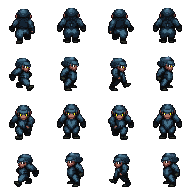
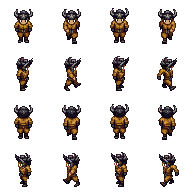
CHARACTER SPRITES
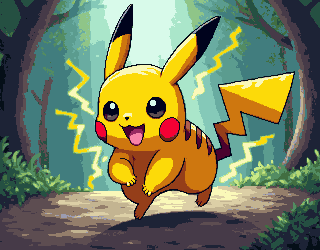
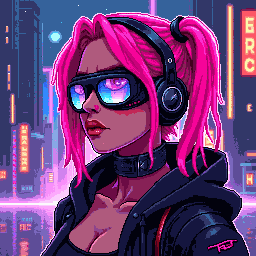
Pixel characters at 32×48, animation-ready

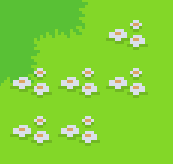
MAPS & TILESETS
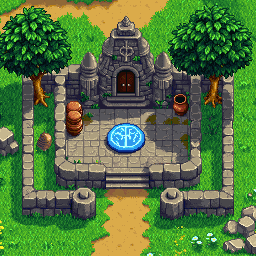
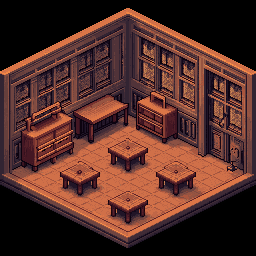
Seamless tiles and game environments

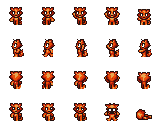
ANIMATIONS
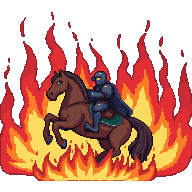
Walk cycles and sprite sheets, GIF-ready
Choose Your Workflow
Three game art workflows — pick the one that matches what you're building.
Concept Art & Level Backgrounds
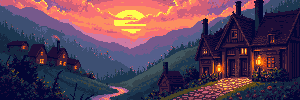
Start with a text prompt or reference image to generate a scene, then extend it to full level width — 4096×450 for side-scrollers or 4096×720 for tall panoramas.
Start WorkflowCharacters, Sprites & Animations
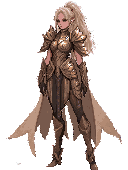
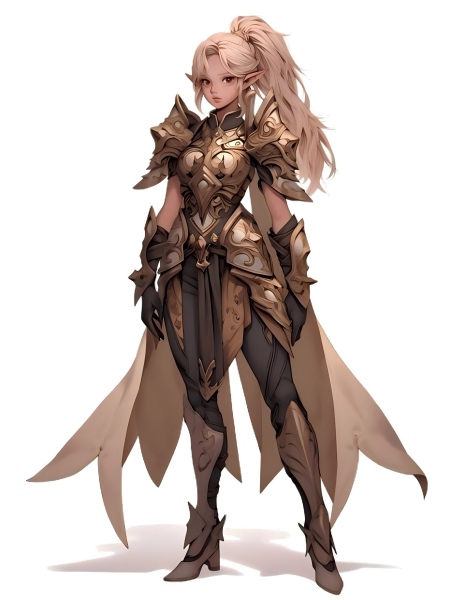
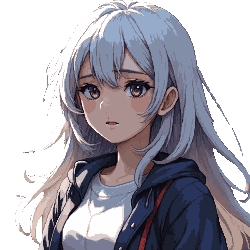
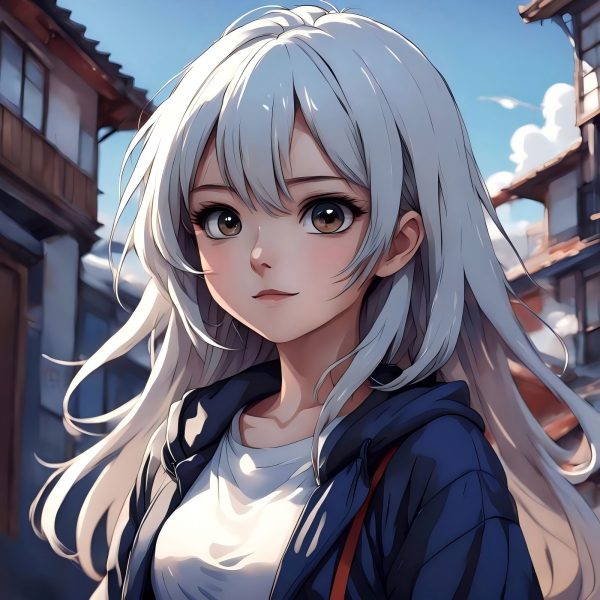
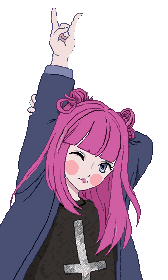
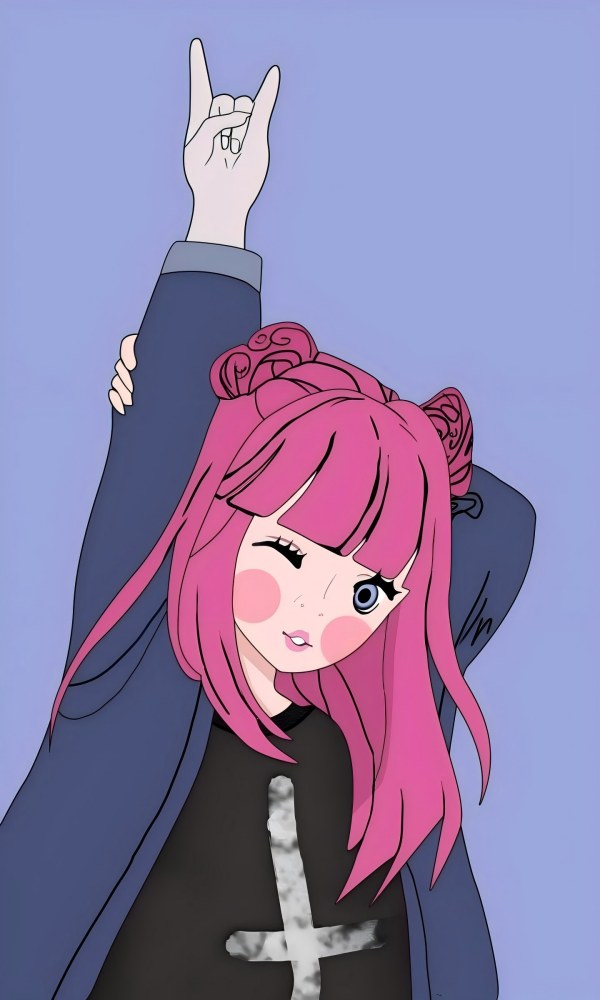
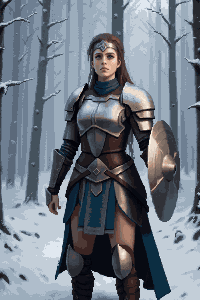
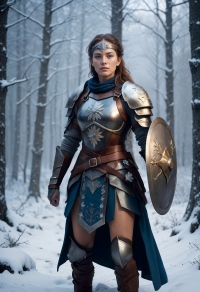
Generate a character concept, convert it to pixel style, cut out the background for a clean transparent PNG, then animate it into a sprite sheet.
Start WorkflowTilesets, Icons & UI Elements
Generate pixel tiles, icons, and UI buttons at exact game dimensions. Assemble into tilesets and export with transparent backgrounds.
Start Workflow









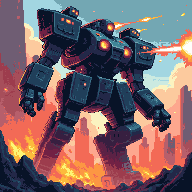

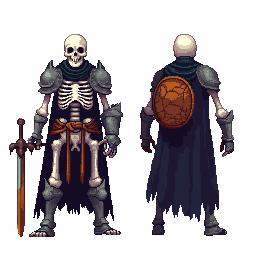
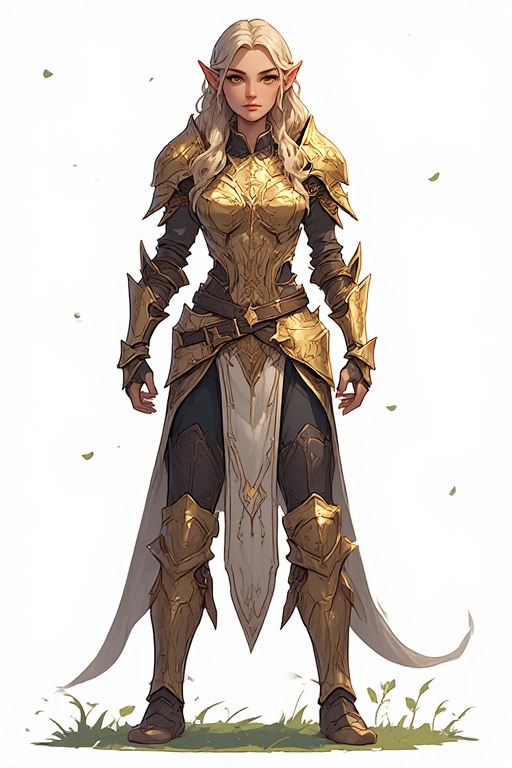
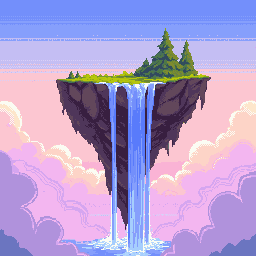
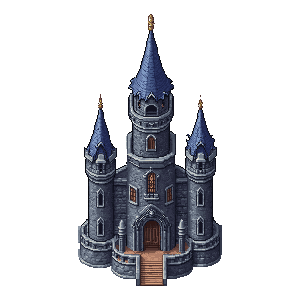



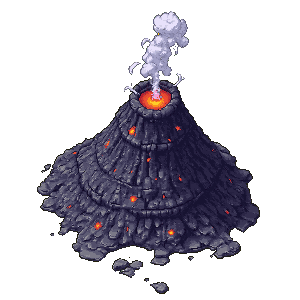







The Complete Game Asset Toolkit
Seven AI tools covering every type of game art — from concept sketch to final export.
Image Generator & Editor
Text-to-image and image-to-image in one tool. Generate concept art, scene backgrounds, character designs, and props — then edit, recolor, or refine them.
ExtendAI Image Extender
Stretch any scene into a full-width level background. Ideal for 4096×450 side-scroller backdrops or 4096×720 panoramic environments.
Cut OutBackground Remover
Isolate characters, items, and UI elements in one click. Outputs clean transparent PNG ready for any game engine.
PixelateImage to Pixel Art
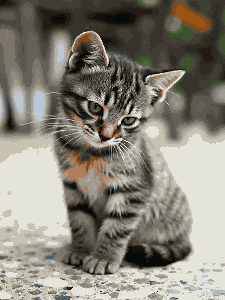
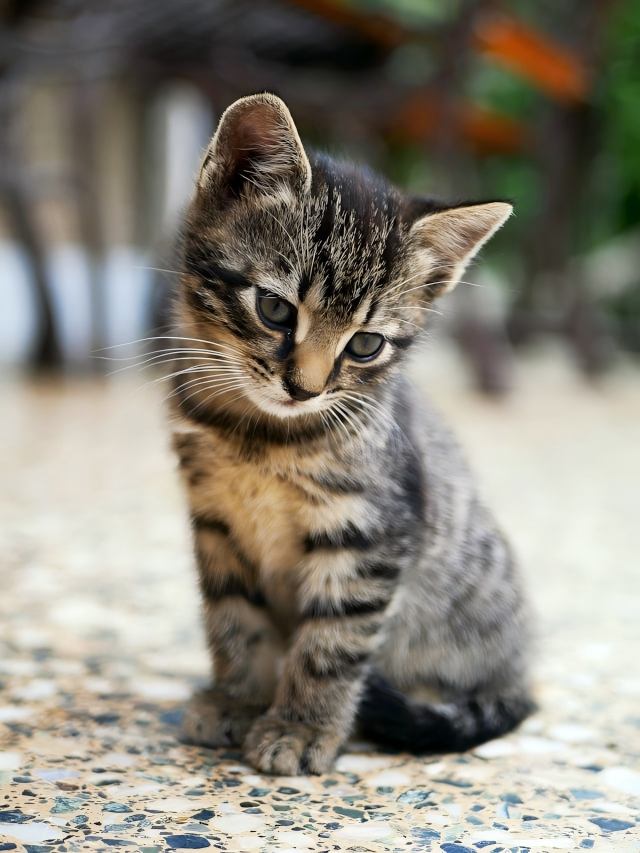
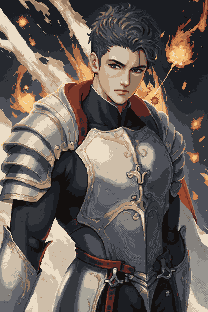
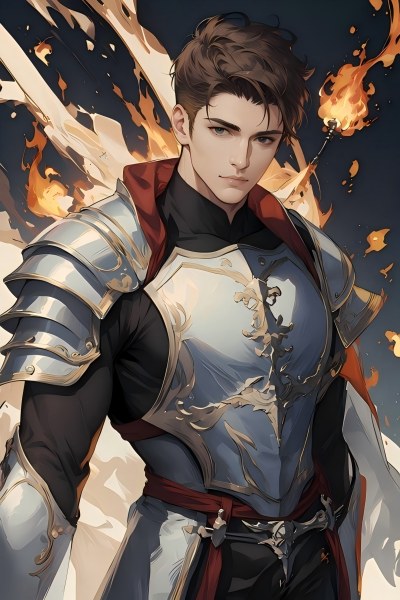
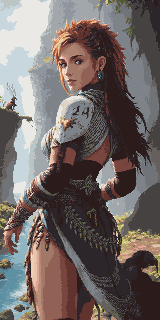
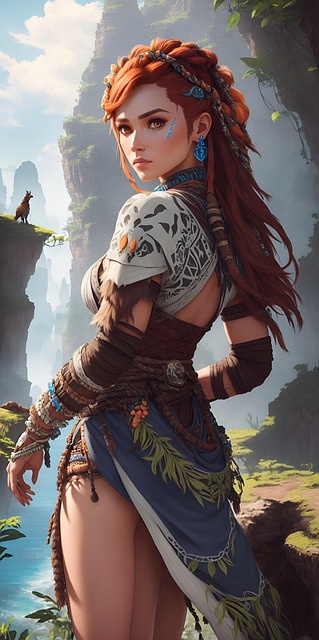
Convert any illustration or concept art into pixel art instantly. Keeps your composition, applies authentic pixel rendering at your chosen resolution.
Pixel GeneratePixel Art Generator
Generate pixel art from a text prompt at exact dimensions — 16×16 icons, 32×32 tiles, 64×64 detailed characters, and more.
TilesetPixel Tileset Generator
Build seamless tilesets for RPG maps, platformer levels, and top-down worlds. Import directly into Unity, Godot, and RPG Maker.
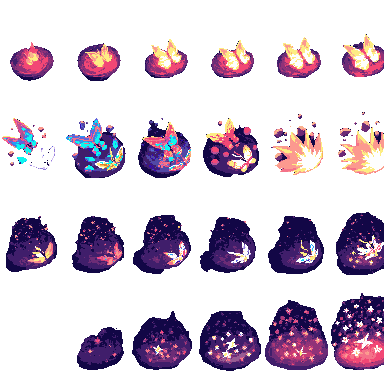
AnimatePixel Animation Maker
Turn static sprites into walk cycles, attack sequences, and VFX. Exports as GIF preview and PNG sprite sheets.
Game Assets Prompt Templates
Create a 2D side-scrolling platformer background set in [ENVIRONMENT: enchanted forest / cyberpunk city / desert ruins / icy mountain / lava cave]. Use a layered parallax composition with clear foreground, midground, and background depth. The style should be [ART STYLE], with readable shapes, atmospheric lighting, and enough empty space for gameplay elements. No characters, no UI, no text.
Create a pixel art platformer tileset for [ENVIRONMENT: grassland / dungeon / snow mountain / lava cave / cyberpunk rooftop]. Include ground tiles, edge tiles, corners, slopes, floating platforms, decorative objects, and background details. Use a consistent [COLOR PALETTE] palette and a clean game-ready pixel art style. Make the tiles seamless and suitable for level building.
Create a game character sprite sheet for [CHARACTER NAME], a [CHARACTER TYPE]. Include idle, walk, run, jump, attack, hurt, and death poses. Use a consistent [ART STYLE] style, clean silhouette, transparent or plain background, and game-ready proportions. Keep all poses consistent in scale and design.
Create a pixel art character sprite for [CHARACTER TYPE]. Use a [16-bit / 32-bit / modern pixel art] style, strong silhouette, limited color palette, clean pixel edges, and game-ready readability. The character should face [front / side / three-quarter] view and stand in an idle pose on a transparent background.
Create a game item icon set for a [GAME GENRE] game. Include [ITEM TYPES: potions, coins, keys, gems, scrolls / swords, shields, helmets, boots / food, seeds, tools], each displayed as a clean, centered icon with consistent lighting, perspective, and style. Use a cohesive [ART STYLE] style, simple background, and strong readability at small sizes.
Create a fantasy game UI kit for a [GAME GENRE] game. Include buttons, panels, health bar, mana bar, inventory slots, dialog box, menu frame, and small decorative icons. Use a cohesive fantasy style with readable shapes, polished edges, and game-ready interface design.
Create pixel art animation frames for [CHARACTER OR OBJECT]. Include [ANIMATION TYPE: idle / walk cycle / run cycle / attack / jump / explosion / coin spin / fire effect] frames with consistent scale, clean motion, and readable silhouettes. Use a game-ready pixel art style with transparent or plain background.
Generate this game asset in the same visual style as the existing assets: [STYLE DESCRIPTION]. Maintain consistent color palette, lighting direction, perspective, outline thickness, level of detail, and overall mood. The asset should feel like it belongs in the same game world.
Create Steam capsule art for a [GAME GENRE] game titled "[GAME TITLE]". Show the main character, core environment, and emotional hook of the game. Use a polished promotional art style, strong composition, cinematic lighting, and space for the game title. Make it attractive for indie game players.
Create a social media promotional image for a [GAME GENRE] game. Feature the main character, key environment, and exciting gameplay mood. Use a polished indie game marketing style, strong contrast, and space for a short headline and call-to-action.
Create a fantasy game concept art scene for a [GAME GENRE: RPG / platformer / roguelike / strategy] game. The setting is [ENVIRONMENT: enchanted forest / ancient ruins / floating island / underground dungeon], with a strong mood of [MOOD: mysterious / magical / dark / cozy / epic]. Use a cohesive art style inspired by [ART STYLE], with dramatic lighting, clear visual hierarchy, and game-ready composition.
Create a dark fantasy dungeon tileset in pixel art style. Include stone floors, cracked walls, corners, doors, torches, treasure chests, traps, stairs, skulls, and decorative props. The tiles should be seamless, readable, and suitable for a roguelike or RPG dungeon map.
Game Asset Size Reference
Standard dimensions used across game engines and genres — use these as your generation targets.
| Asset Type | Common Sizes |
|---|---|
| Level Background (horizontal) | 4096×450 / 4096×720 |
| Level Background (vertical) | 720×1280 / 1080×1920 |
| Ground / Paths | 425×135 / 1200×80 |
| Tiles | 32×32 / 64×64 |
| Sprites | 32×48 / 32×64 / 48×48 |
| UI Buttons | 192×57 / 320×50 |
| Icons / Items | 64×64 / 128×128 |
| Game Cover / Store Art | 1280×720 / 600×900 |
Built for Game Creators
Indie Developers
Ship a visually complete game without hiring a dedicated artist. Seven AI tools cover every asset type in your pipeline.
Game Jam Teams
Generate a full art set in hours, not days. Focus on gameplay mechanics while AI handles the visuals.
Pixel Art Enthusiasts
Use AI-generated pixel assets as a polished starting base, then refine with your own edits and personal style.
Concept Artists
Rapid-prototype scene moods and character designs before committing to a final art direction.
Which plan fits your workflow?
Pick by how often you create — one-time, monthly, or production-scale.
Explore More Workflows
More AI workflows built for specific creative needs.
Ecommerce Visual Toolkit
Banners, product images, social campaign packs, and video ads — everything a DTC or Shopify brand needs.
Ad Creative Workflow
Google and Meta-compliant ad creatives at exact pixel dimensions — one master image, all placements.
Frequently Asked Questions
Can I use these assets in a commercial game?
Yes. All assets generated by PixExact tools are commercial-safe. You own the output and can use it in paid games, itch.io releases, App Store titles, or game jam submissions.
What game engines support these outputs?
PNG sprites, tilesets, and transparent cut-outs work in Unity, Godot, RPG Maker, GameMaker, and Phaser. GIF and sprite sheet outputs from Pixel Animation Maker are compatible with Godot's AnimationPlayer, Unity's Sprite Animator, and most web-based game frameworks.
What is the difference between Image to Pixel Art and Pixel Art Generator?
Image to Pixel Art takes an existing image — a photo, concept art, or sketch — and converts it into pixel style while preserving the original composition. Pixel Art Generator creates pixel art from scratch using a text prompt, with no source image needed. For a typical character workflow: generate a concept in Image Generator & Editor, then convert it to pixel style with Image to Pixel Art.
How do I create a full level background?
Start in Image Generator & Editor to create your scene at a standard size (e.g., 1024×576). Then use AI Image Extender to stretch it horizontally to your target width — 4096×450 for side-scrollers or 4096×720 for taller panoramas. The AI fills in the extended areas seamlessly.
Can I make all my game assets match a consistent visual style?
Yes. Use the same style keywords across all tools — for example, 'retro 16-bit RPG, muted earth tones, dark outlines' — and the AI maintains visual consistency across backgrounds, characters, tiles, and UI elements.
Do I need any art experience to use these tools?
No. Describe what you want in plain text — 'a fantasy knight sprite, dark armor, pixel art' or 'forest grass tileset, top-down view, 32×32' — and the AI handles the rest. Use the size reference table on this page to find the exact dimensions for your asset type.
Start Building Your Game Art Today
Seven AI tools, one complete pipeline — from concept art to animated sprites, all export-ready.