
Free AI YouTube Thumbnail Maker: Create Thumbnails That Get Clicks
The AI YouTube thumbnail generator built for creators. Paste your title and description, add a photo, and get a scroll-stopping 1280×720 thumbnail in seconds — no design skills needed.

Why Creators Use This AI Thumbnail Maker
Generate in Seconds
Skip Photoshop and Canva — this AI YouTube thumbnail generator turns your idea into a polished thumbnail in under a minute.
Perfect YouTube Size, Every Time
Choose 1280 x 720, 1920 x 1080 (Full HD) or 3840 x 2160 (4K) — all locked to YouTube's 16:9 ratio and sized to clear YouTube's upload limits, whether you're on mobile (2MB) or desktop (50MB).
Built to Boost Click-Through Rate
Bold colors, dramatic lighting, and expressive faces — every thumbnail is designed to stop the scroll and earn the click.
Add Your Own Photo
Upload a selfie or channel photo and the AI thumbnail creator blends you into the scene for a more personal, authentic look.
Thumbnails for Every Type of Video
From gaming to tutorials, create scroll-stopping thumbnails for any channel.
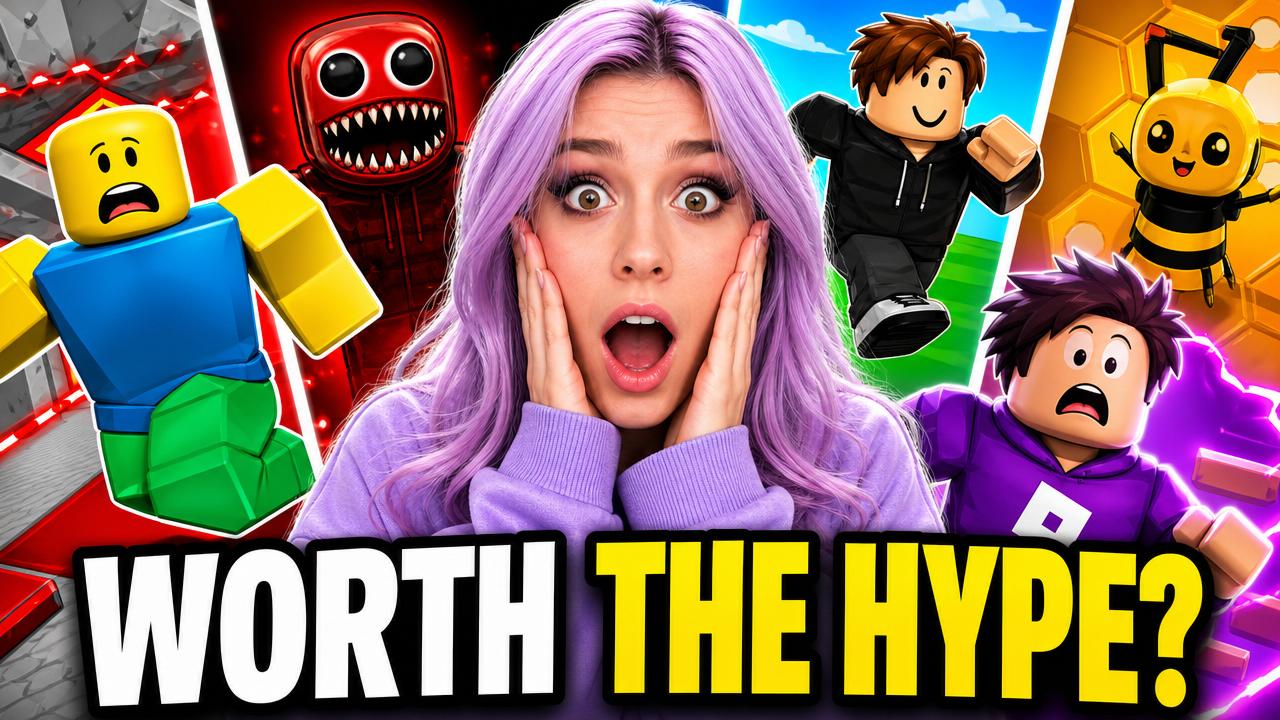
Gaming Thumbnails
Create bold, high-energy thumbnails that make your gameplay stand out in a crowded feed.

Vlogs & Lifestyle
Turn your face and your story into a warm, click-worthy thumbnail that builds a connection before viewers even press play.
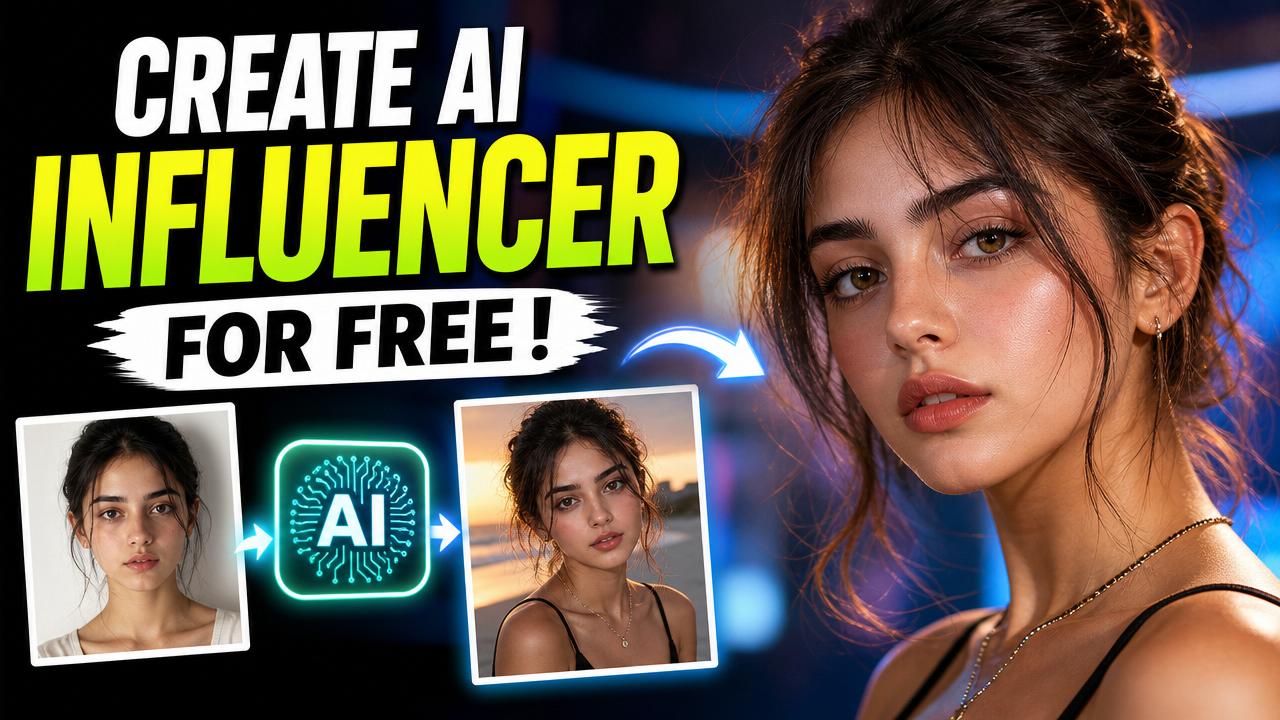
Tutorials & How-To
Highlight the value of your tutorial with clear, bold thumbnails that promise a solution.
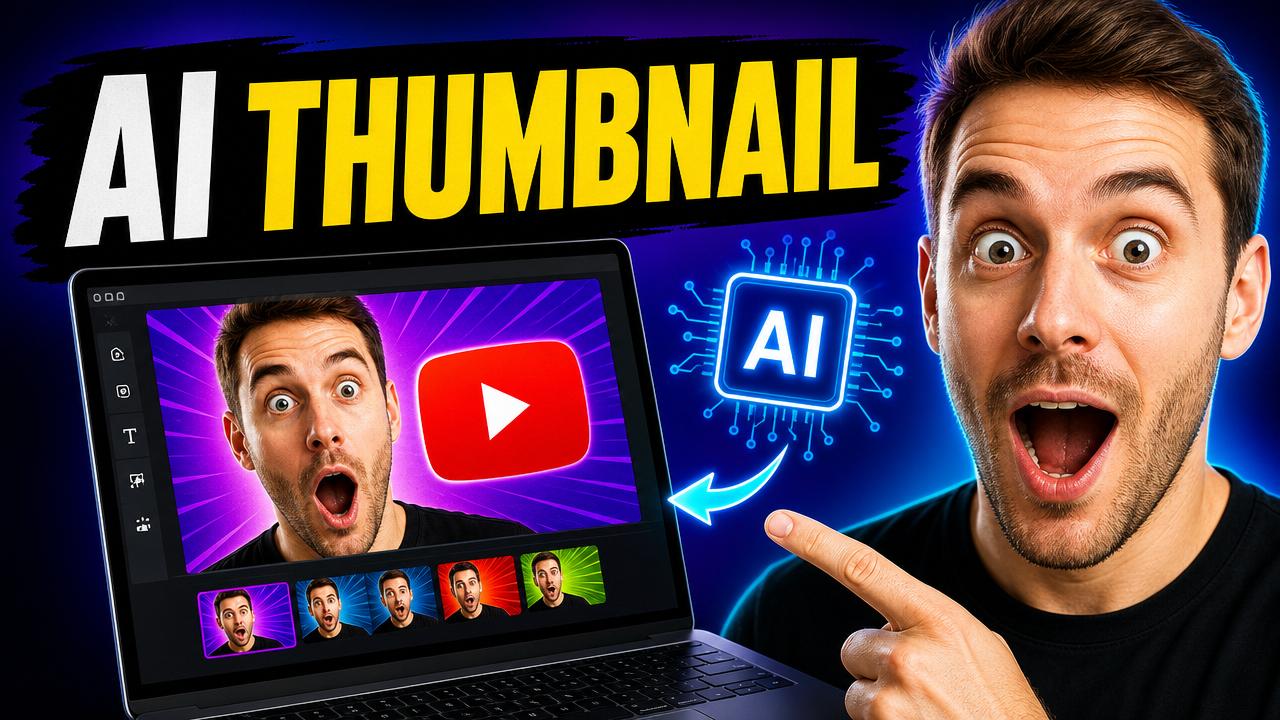
Reactions & Commentary
Exaggerated expressions and punchy text make reaction thumbnails impossible to scroll past.
How to Make a YouTube Thumbnail with AI
Paste Your Title & Description
Drop in your video's title and description — or just describe your thumbnail idea. Upload a photo if you want to appear in it.
AI Creates Your Thumbnail
Our AI analyzes your content and generates a bold, high-contrast 1280x720 thumbnail designed to grab attention on YouTube.
Download & Upload to YouTube
Download your thumbnail in seconds and upload it straight to YouTube Studio — sized and ready to go.
YouTube thumbnail size
YouTube recommends 1280 × 720 px at a 16:9 ratio (JPG, PNG or GIF). File size limits depend on your upload device — 2MB or less from mobile, up to 50MB from desktop. Since your thumbnail also doubles as the preview in embedded players, use the largest, sharpest image you can.
| Format / Use | Dimensions | Aspect ratio |
|---|---|---|
| YouTube minimum (recommended) | 1280 × 720 px | 16:9 |
| Full HD | 1920 × 1080 px | 16:9 |
| 4K UHD | 3840 × 2160 px | 16:9 |
What's the difference between aspect ratio and exact size?
Aspect ratio (16:9) describes an image's shape — the proportion of width to height. It doesn't tell you the real size. Two thumbnails can both be 16:9 while one is 1280 × 720 px and the other is 3840 × 2160 px.
Exact size (like 1280 × 720 px) locks in the precise width and height in pixels. That's exactly what YouTube expects when you upload a custom thumbnail. PixExact generates your thumbnail at the exact pixel size you choose, not just the right shape.
Tips for Higher-CTR Thumbnails
A few small tweaks to your input can make a big difference in your thumbnail's click-through rate.
Paste Your Full Title & Description
The more context the AI has about your video, the better it can capture the right mood, subject, and story in the thumbnail.
Add a Reference Photo
Upload a clear photo of yourself or your subject so the AI can include an expressive, on-brand face in the thumbnail.
Describe the Mood & Colors
Mention lighting or color cues like "bright neon" or "warm sunset" to push the AI toward a more eye-catching palette.
Generate a Few Variations
Try a couple of versions and pick the one with the boldest focal point — that's usually the one that earns the most clicks.
Built for Every Kind of Creator
YouTubers & Vloggers
Keep a consistent, high-CTR thumbnail style across every upload without hiring a designer.
Gaming Channels
Turn gameplay moments into bold, high-energy thumbnails that stand out in a crowded feed.
Educators & Tutorial Creators
Make the value of your tutorial obvious at a glance with clear, benefit-driven thumbnails.
Podcasters & Commentary Channels
Turn reactions and hot takes into expressive thumbnails that make viewers want to click play.
Frequently Asked Questions
Is this YouTube thumbnail maker free?
Yes, you can generate YouTube thumbnails for free. Paid plans unlock more generations per month and higher-resolution downloads.
Does it export the correct YouTube thumbnail size?
Yes. Generate at YouTube's recommended 1280 x 720 px, or go bigger with 1920 x 1080 (Full HD) or 3840 x 2160 (4K) — all at the 16:9 ratio YouTube's player and previews use. Just keep the final file within YouTube's upload limit: 2MB from mobile, 50MB from desktop.
Which thumbnail size should I choose?
1280 x 720 is YouTube's official recommended size and works for every channel. If your thumbnail is also embedded as a preview image on other sites or players, choose 1920 x 1080 or 3840 x 2160 for a sharper image — YouTube automatically scales it down where needed. Stick to 16:9, since that's the aspect ratio YouTube's player and previews use most.
How do I make a thumbnail from my video's title and description?
Paste your video's title and description into the prompt box — this AI YouTube thumbnail generator reads the context and creates a bold, relevant thumbnail. You can also just describe the thumbnail you want.
How does the AI create my thumbnail?
You describe your video, or paste in the title and description, and optionally upload a photo. The AI reads that context and applies proven YouTube thumbnail design principles — a bold focal point, high contrast, dramatic lighting, and minimal text — to generate an image built to stand out in a crowded feed.
Can I use my own photo or face in the thumbnail?
Yes. Upload a clear photo of yourself or your subject and the AI will blend it into the generated thumbnail for a more personal, authentic look.
Can I make YouTube thumbnails on my phone?
Yes. This YouTube thumbnail maker runs entirely in your browser, so you can generate, preview, and download thumbnails from your phone, tablet, or computer — no app to install.
What are the best practices for a good YouTube thumbnail?
A great thumbnail has one clear focal point, high-contrast colors, an expressive face if a person is in it, and only a few bold words of text — it needs to read clearly even at a tiny size in a crowded feed.
Will this actually improve my click-through rate?
Every thumbnail is generated with high-contrast colors, dramatic lighting, and clear focal points — the same principles top-performing YouTube thumbnails use to earn clicks. Results still depend on your title, content, and audience.
Can I use the thumbnails commercially?
Yes, thumbnails you generate are yours to use on your YouTube channel and anywhere else, including monetized videos.
More Tools
Explore more AI-powered tools to supercharge your creative workflow.


Ready to Boost Your Click-Through Rate?
Generate your next YouTube thumbnail in seconds — free to try, no design skills required.