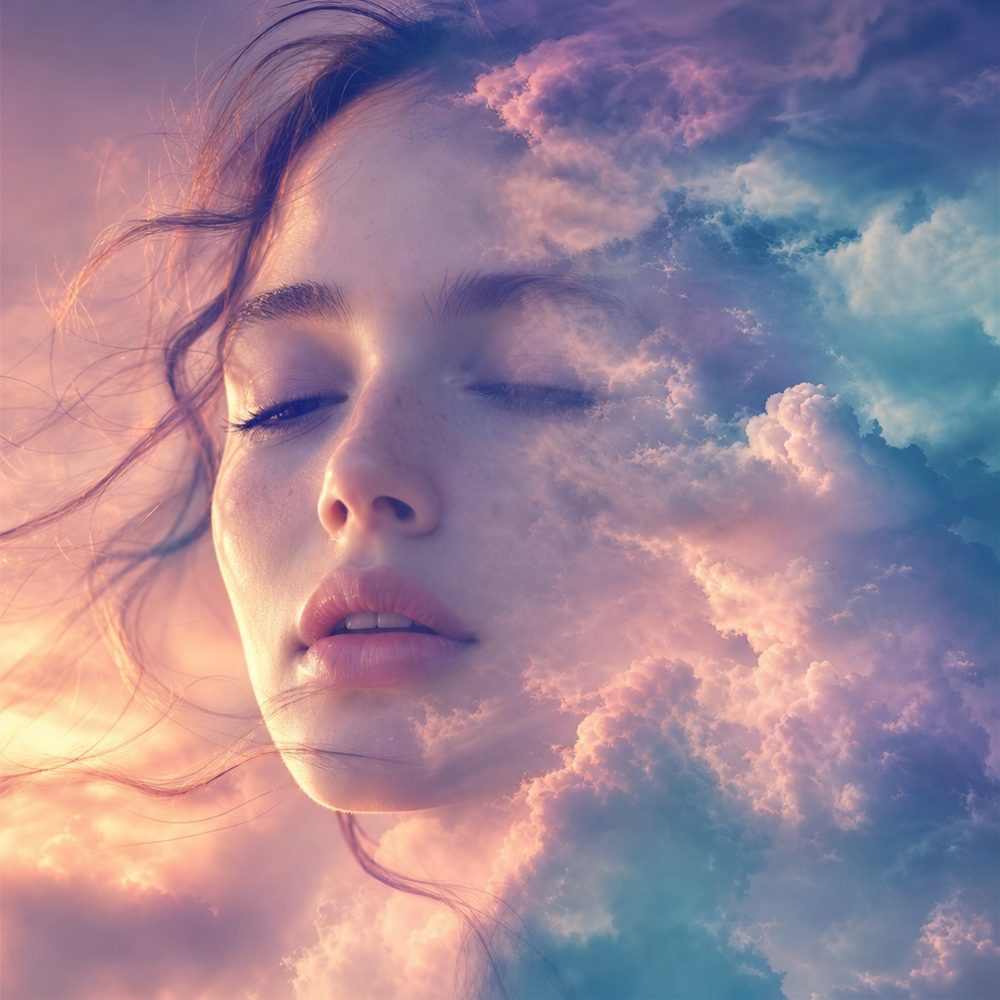

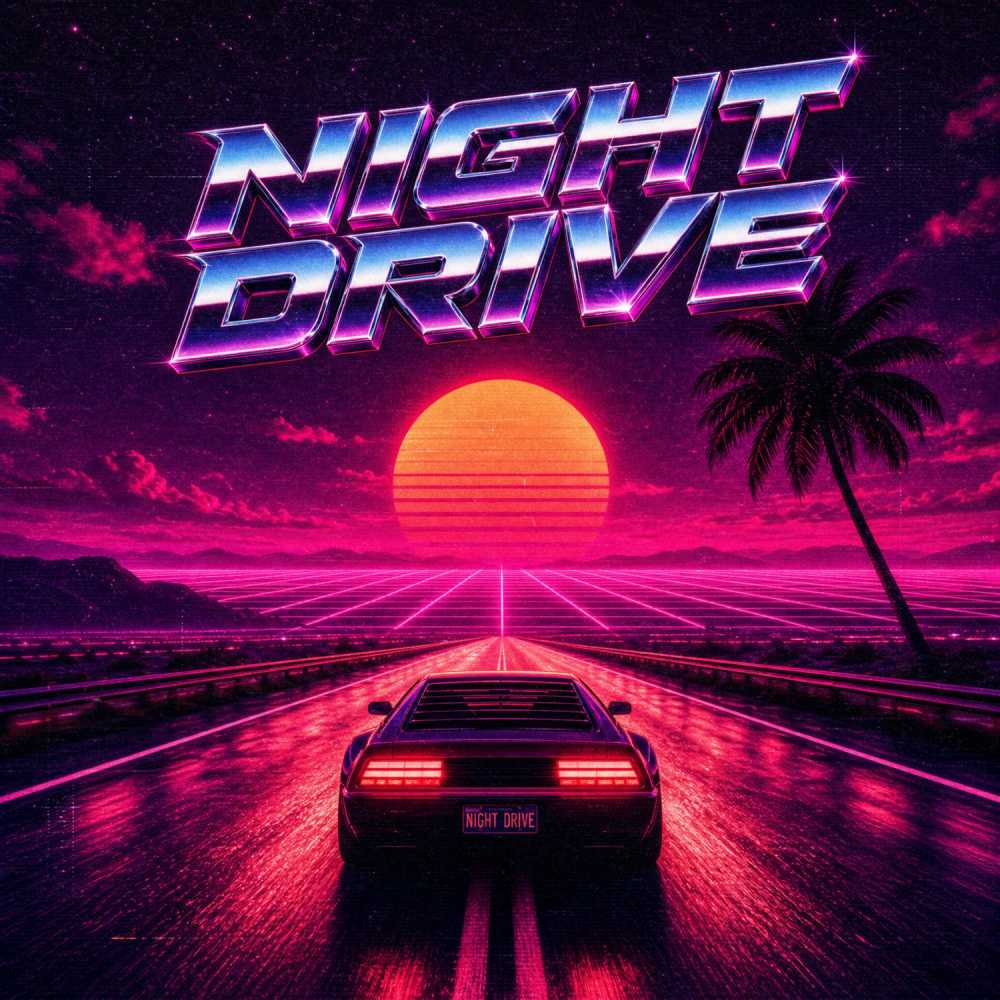
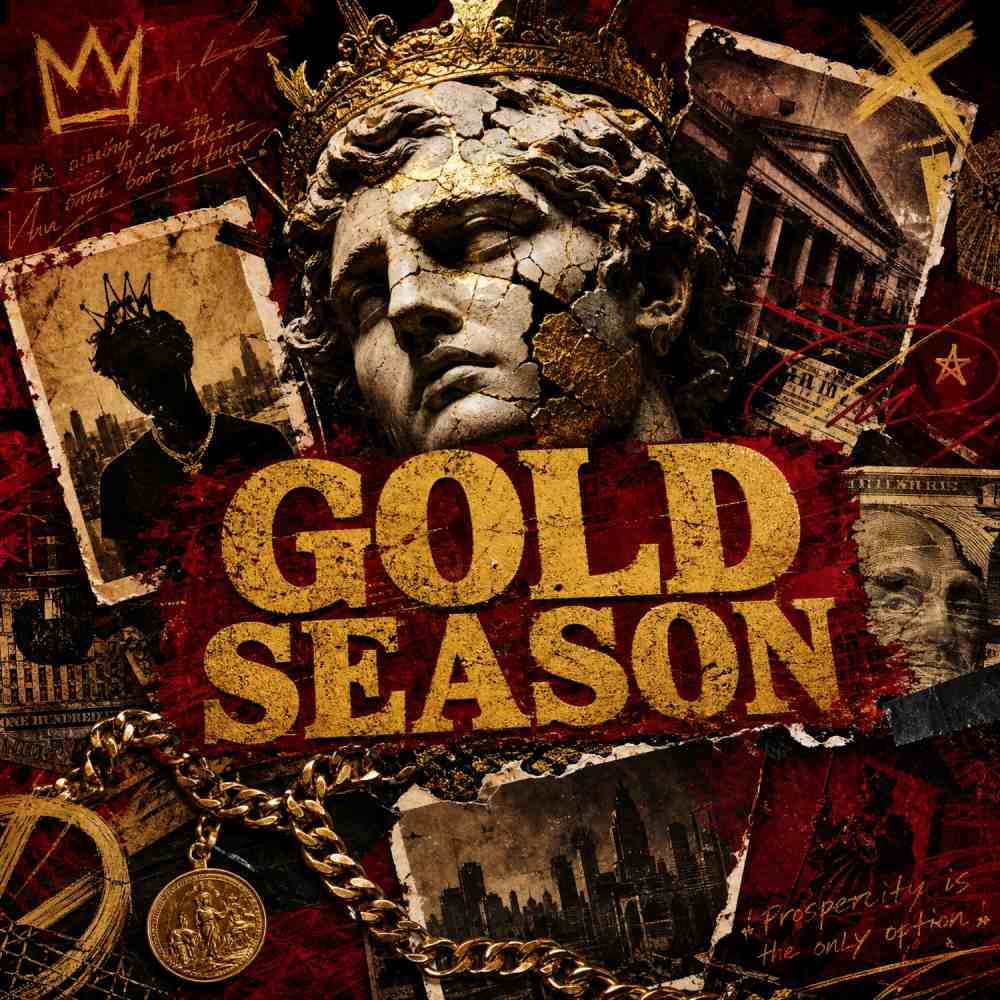
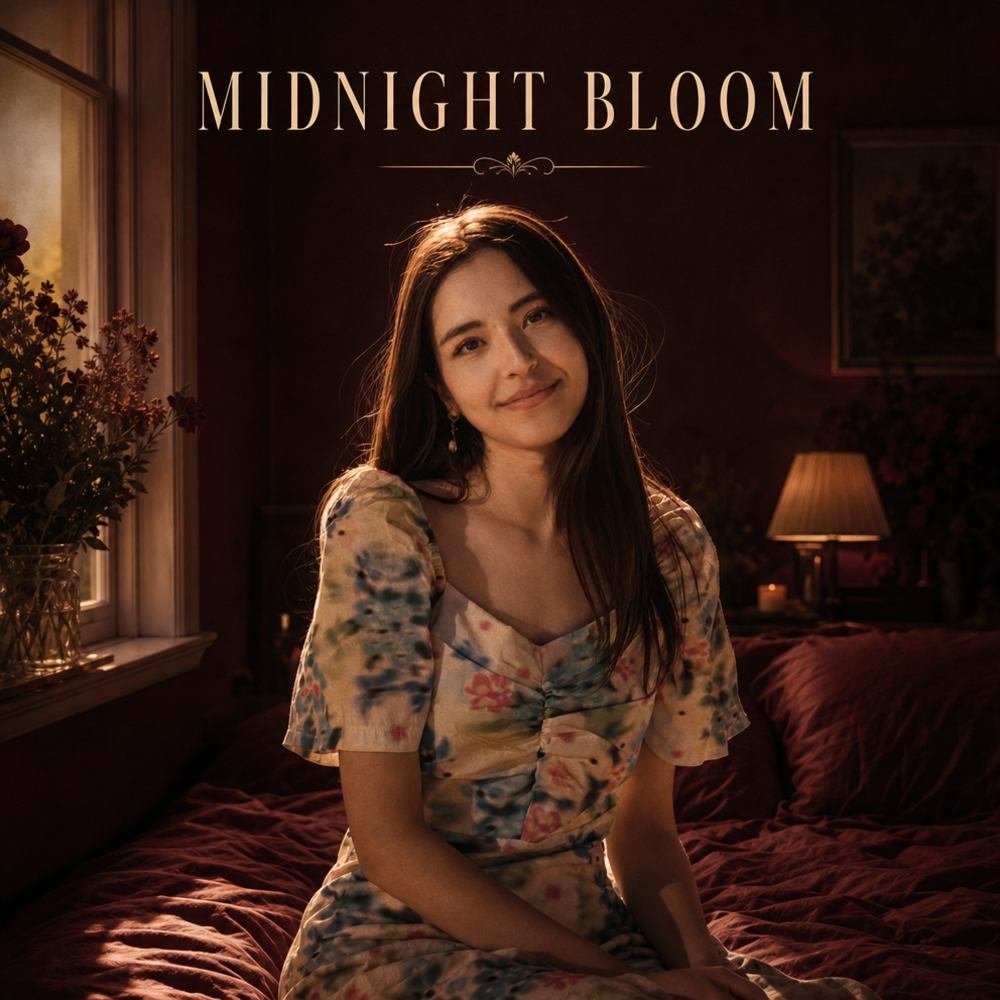

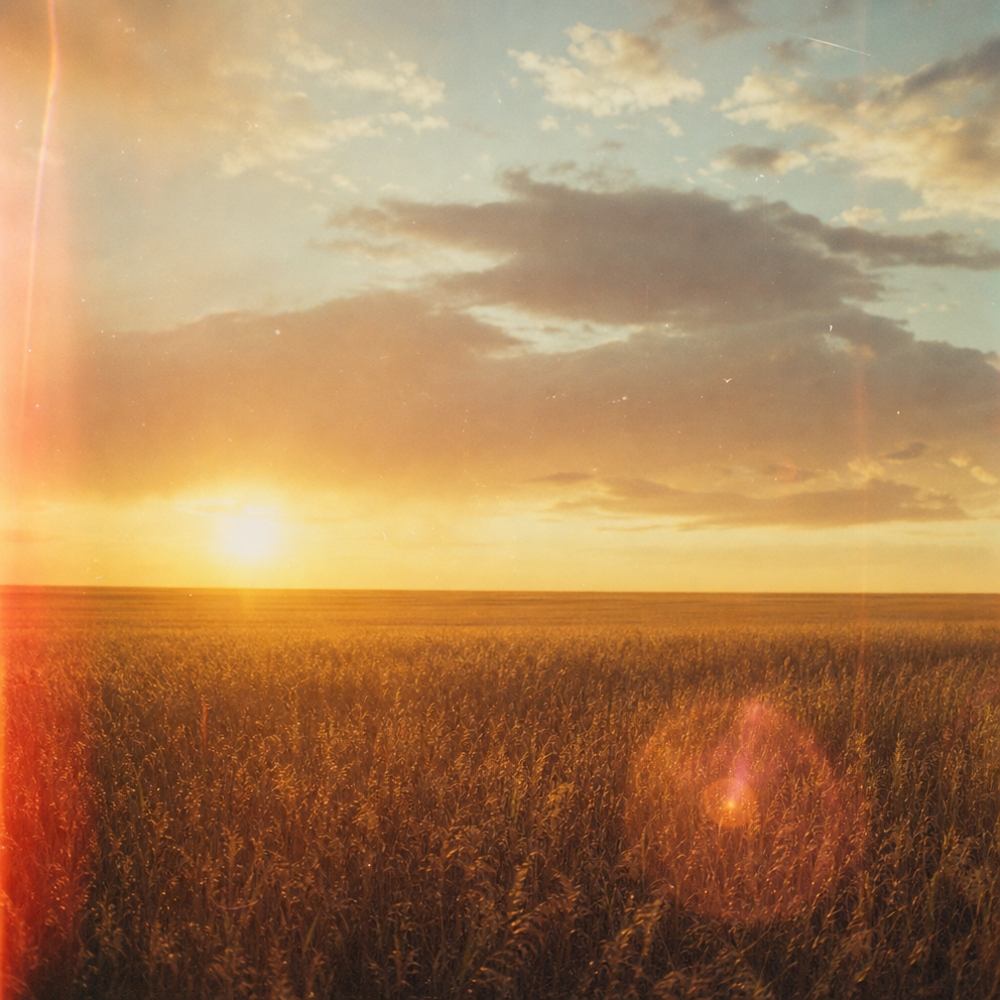
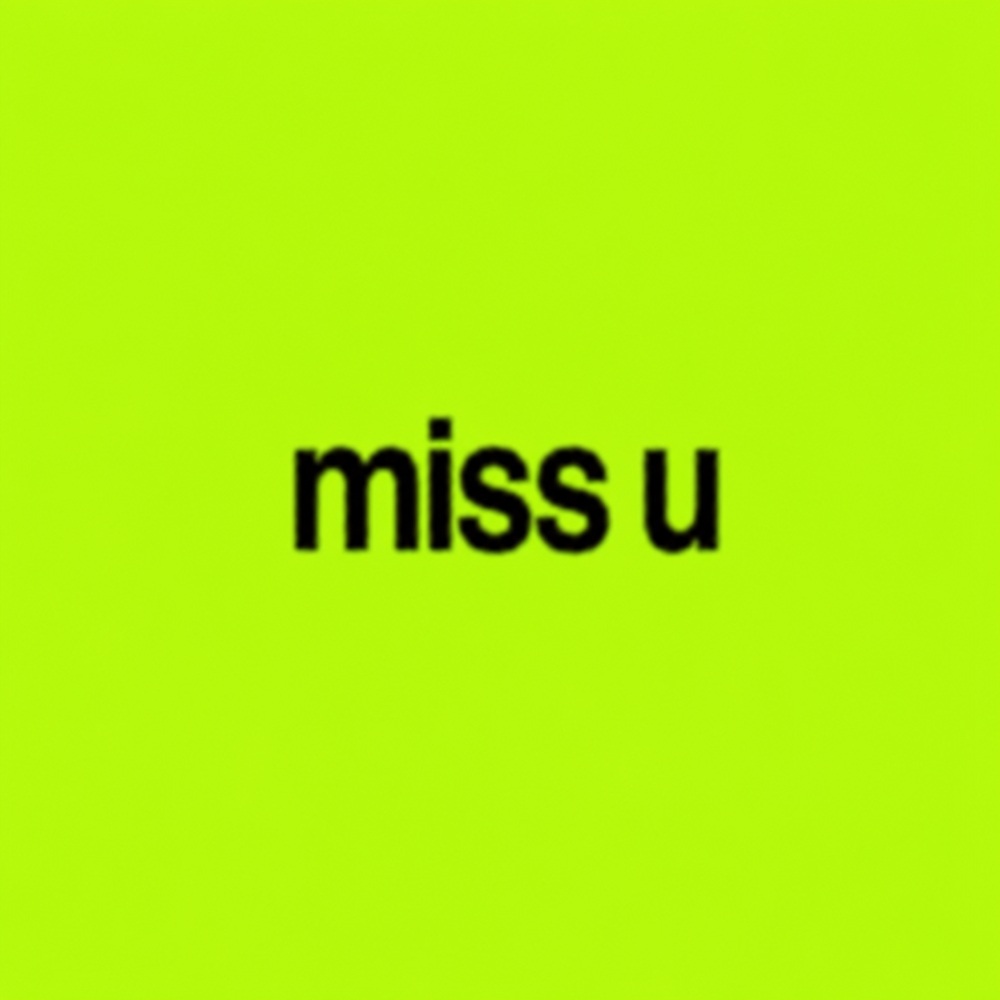

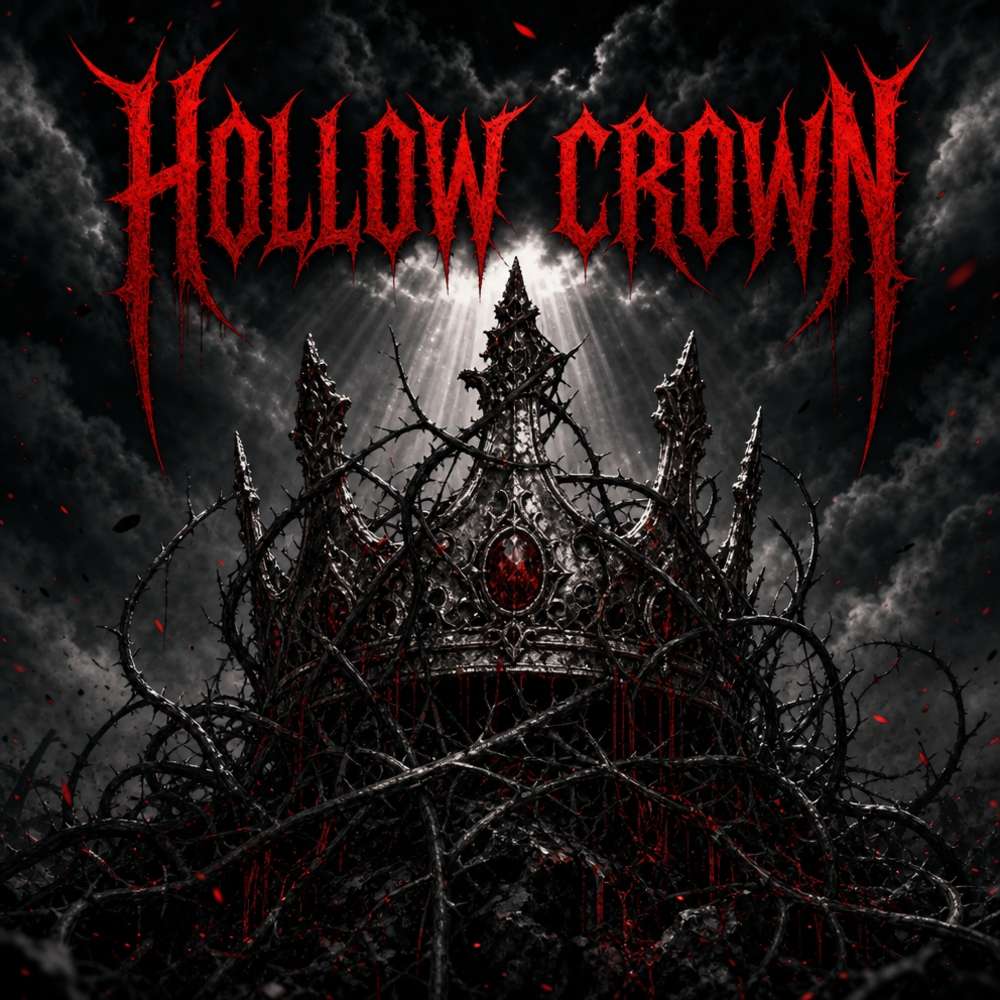
Free AI Album Cover Generator
Turn a simple idea into standout cover art in seconds. This AI album cover maker designs professional, release-ready covers for Spotify, Apple Music and beyond — no design skills required.

What Is PixExact AI Album Cover Generator?
The PixExact AI album cover generator turns your words into original cover art. Describe the mood, colors and any title text, pick an art style, and the AI designs a unique album cover in seconds — generated at full resolution up to 4096 × 4096, with no stock images and no design background needed.
It works like an album cover maker and creator in one: every result is created fresh from your idea, so the artwork captures the essence of your music instead of relying on rigid templates. One generation covers every release format — streaming covers for Spotify and Apple Music, playlist art, even 300 DPI artwork for vinyl and CD printing.
How to Make an Album Cover with AI
Create a album cover in three quick steps.
Describe your cover
Write a short prompt with the mood, colors and any album title or artist name you want on the cover art.
Choose a style and size
Pick a visual style — from minimalist to synthwave — set a square size, or upload a reference image to guide the look.
Generate and download
Generate your album cover in seconds, then download high-resolution artwork ready for any platform.
Why Use Our AI Album Cover Generator
Album cover art with a real concept
The AI reads your brief like an art director — it finds the emotion in your music, builds one strong visual idea around a single focal point, and keeps it clear even at thumbnail size, where most listeners first see your cover.
Distributor-safe cover art
Platform logos, URLs, QR codes and promo text are excluded automatically — the exact things that get releases rejected by DistroKid, CD Baby and TuneCore. Your artwork passes review the first time, so your release date stays on schedule.
Every album cover size, up to 4096 px
Generate at 3000 × 3000 for Spotify, 4000 × 4000 for Apple Music, or native 4096 × 4096 — large enough for 300 DPI 12-inch vinyl printing. Every pixel is generated, not upscaled, so fine detail stays sharp in print.
An album cover maker that renders your title
Type your album title and artist name, and the AI places them in typography that fits the mood — exact spelling, legible at small sizes, and consistent with your release metadata so distributors approve it without questions.
Album Cover Sizes for Every Platform
Most streaming services want a square image. The generator exports the right album cover size for each platform, so your artwork is accepted everywhere.
Designing for vinyl or CD? Generate at the largest size for crisp physical releases.
What Makes a Good Album Cover Stand Out
A standout album cover works like a logo for your music: one strong concept, a single clear focal point, and colors that match the mood. Keep any text legible even as a small thumbnail.
Write a clear prompt, choose a visual style that fits your genre, and add your album title so the cover art instantly signals your sound. A little iteration helps you create a cover that is truly on-brand.
Cover Art for Every Release
One generator for albums, singles, podcasts and playlists.
Albums & EPs
Design cohesive album artwork that captures the feeling of your whole project.
Singles
Create standout cover art for individual music tracks and quick releases.
Podcasts
Generate bold, readable covers that pop in every podcast directory.
Playlists
Make custom playlist covers to promote your music and set the vibe.
Frequently Asked Questions
What is an AI album cover generator?
An AI album cover generator turns a text prompt into original cover art. You describe your idea, pick a style, and the AI creates a finished album cover in seconds — no design tools needed.
How do I create an album cover?
Type a short description of your concept, choose an art style and size, then click generate. Download your favorite album cover art and you are ready to publish.
Is the AI album cover generator free?
New users get free credits to start creating album covers right away — generate, preview, and download high-resolution artwork. It is credit-based rather than fully free, so once your free credits run out you can top up to keep making covers.
Can I use the album covers commercially?
Yes. Covers you generate are yours to use for commercial music releases on streaming platforms, plus merch and promotion.
What is the recommended album cover size?
A square 3000 × 3000 px image works for Spotify and Apple Music, with a minimum of 1400 × 1400. Our presets keep your album cover size correct for every platform.
Can I customize the cover with my own images and text?
Yes. Upload a reference image to guide the style and add your album title or artist name, then customize the prompt until it is right.
Do I need design skills?
No. If you can describe what you want, this album cover creator handles the composition, color and typography for you.
How can I make my album cover stand out and stay on brand?
Focus on one strong concept and a single focal point, use colors that fit your genre, and keep your album title legible. Generate a few options to find the most on-brand cover.
How long does it take?
Most album covers are ready in under a minute, so you can iterate quickly and create several options.
More Tools
Explore more AI-powered tools to supercharge your creative workflow.


Ready to Create Your Album Cover?
Turn your sound into standout cover art with our free AI album cover generator — design professional album artwork in seconds.