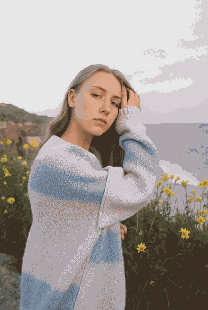
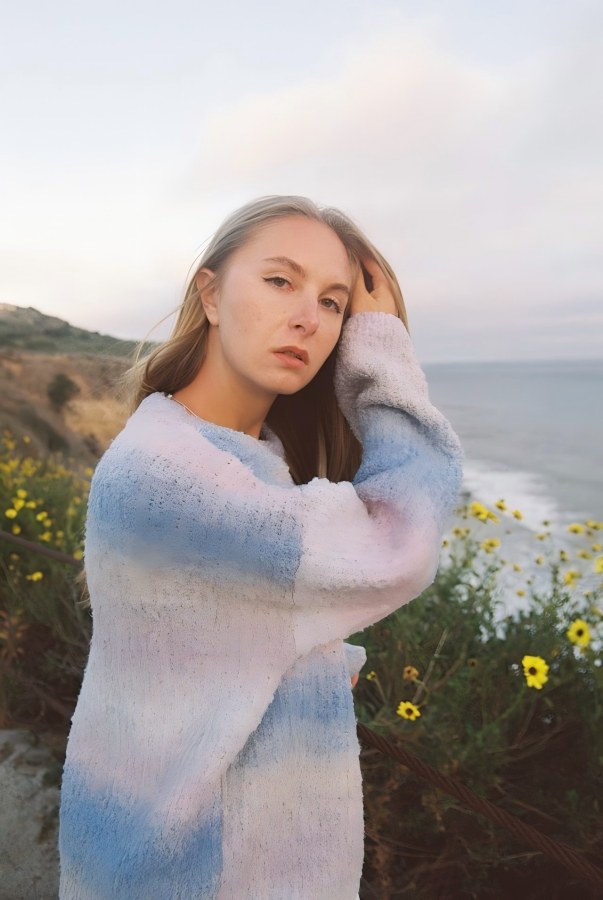
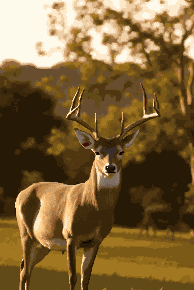
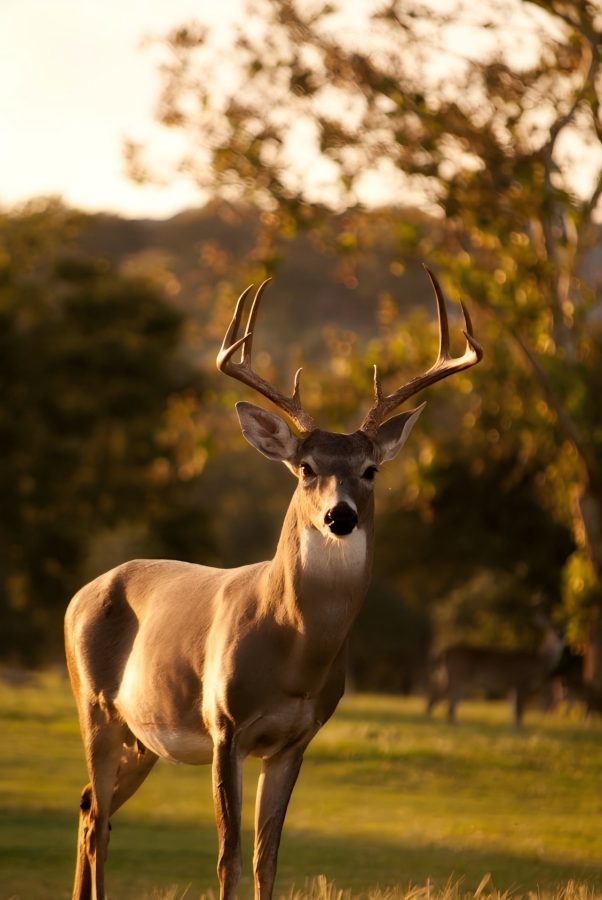
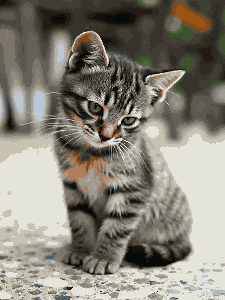
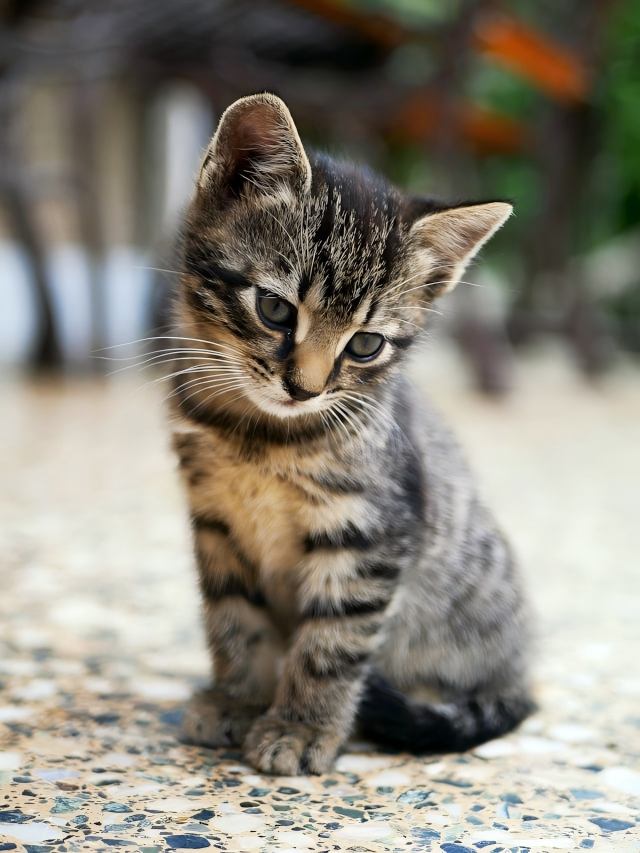
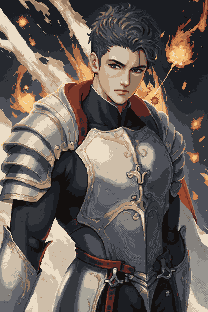
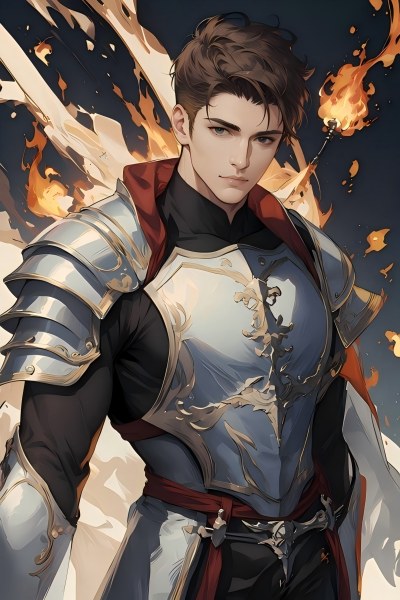
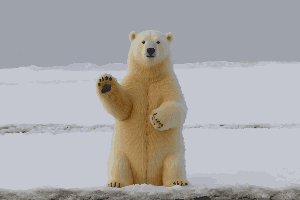
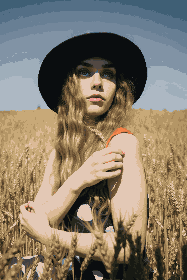
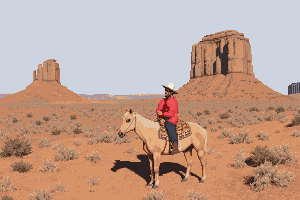
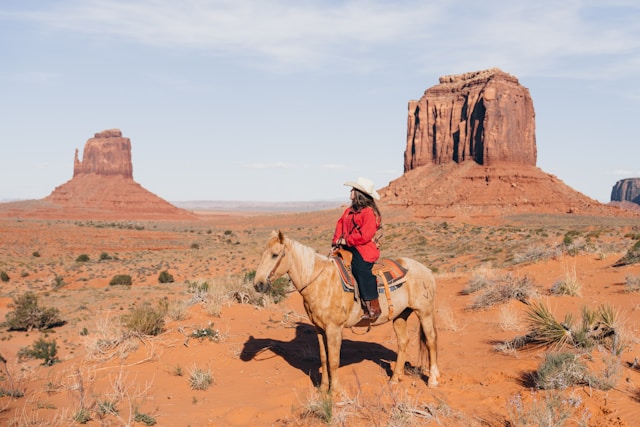
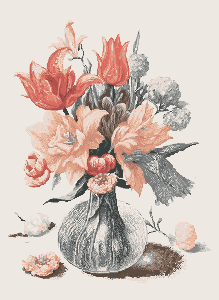
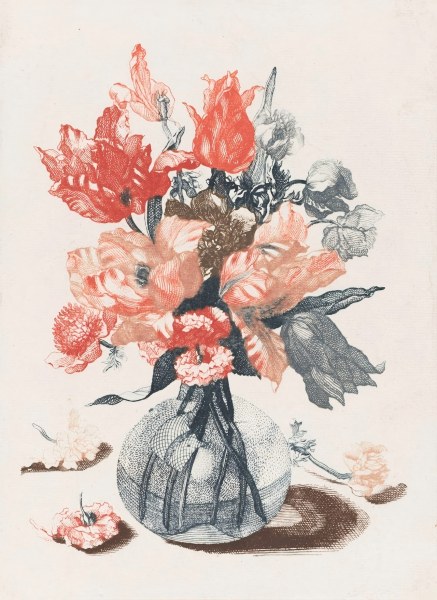
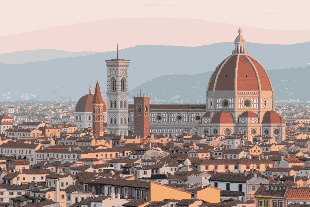
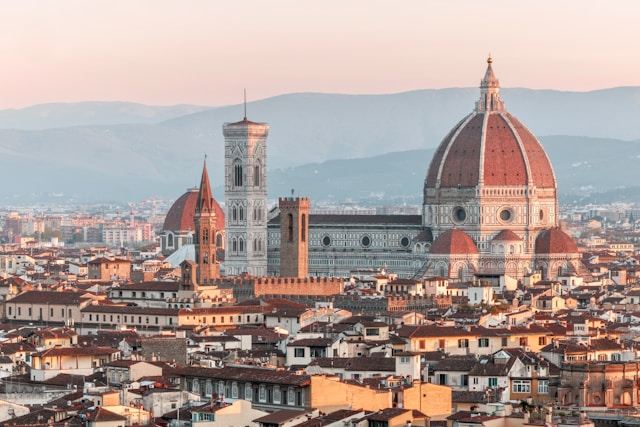
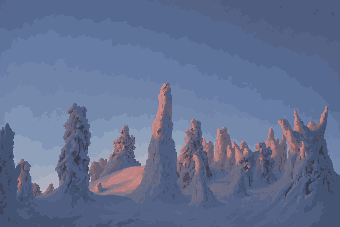
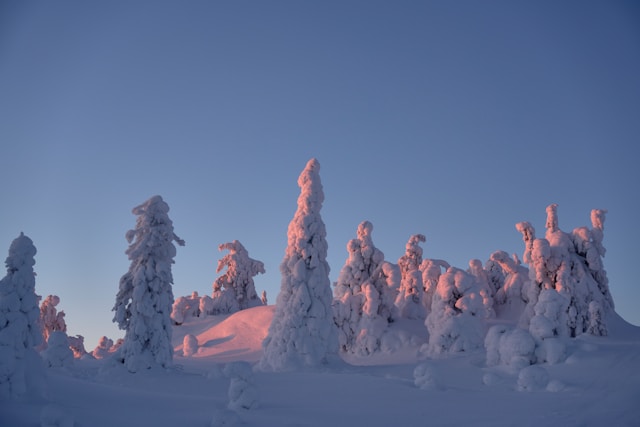
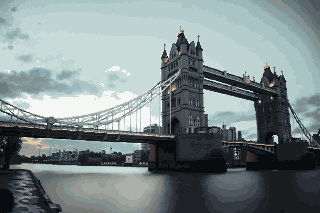
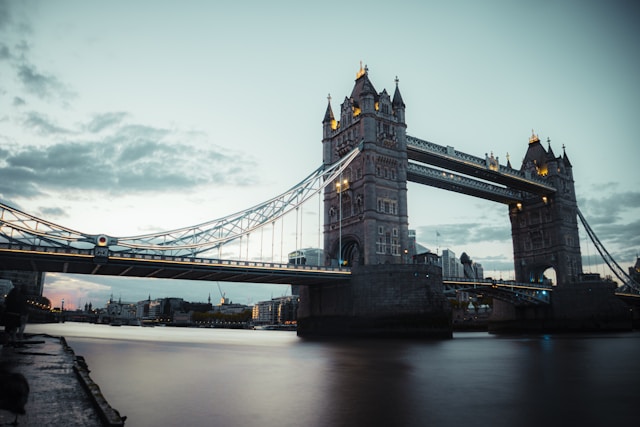
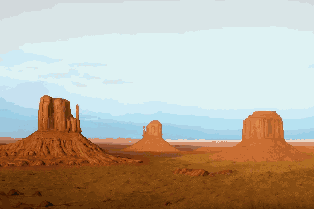
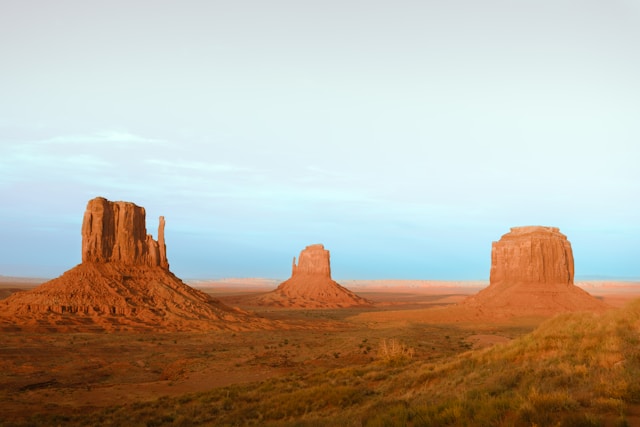
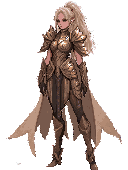
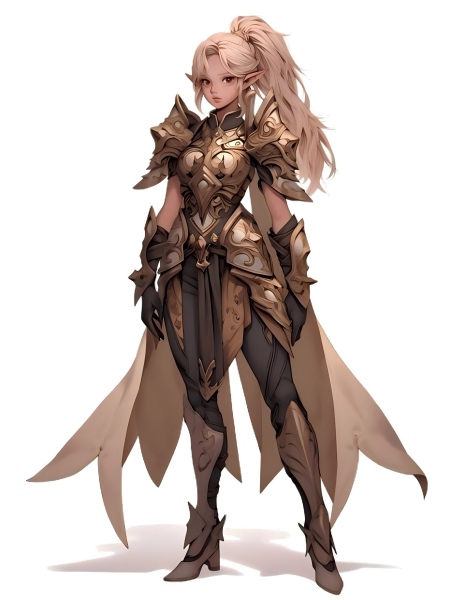
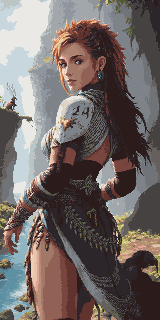
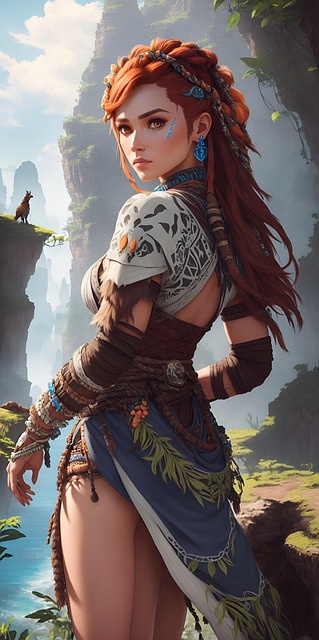
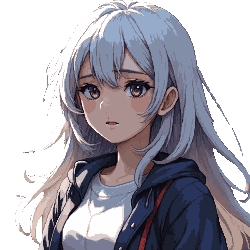
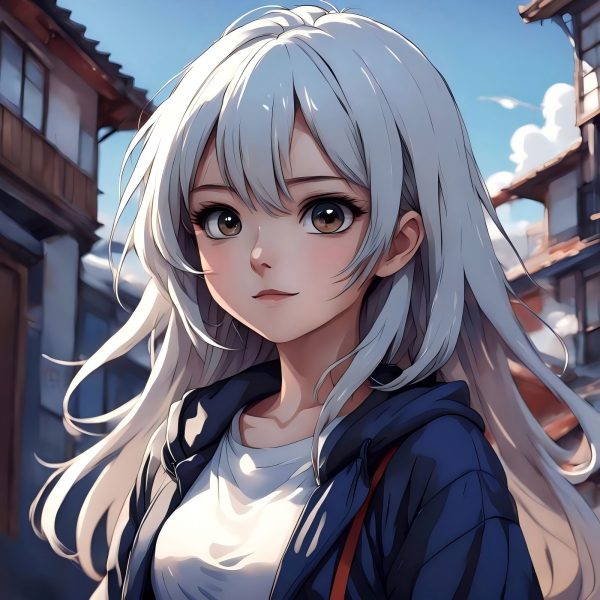
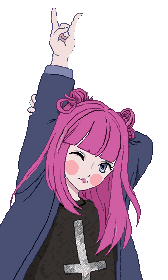
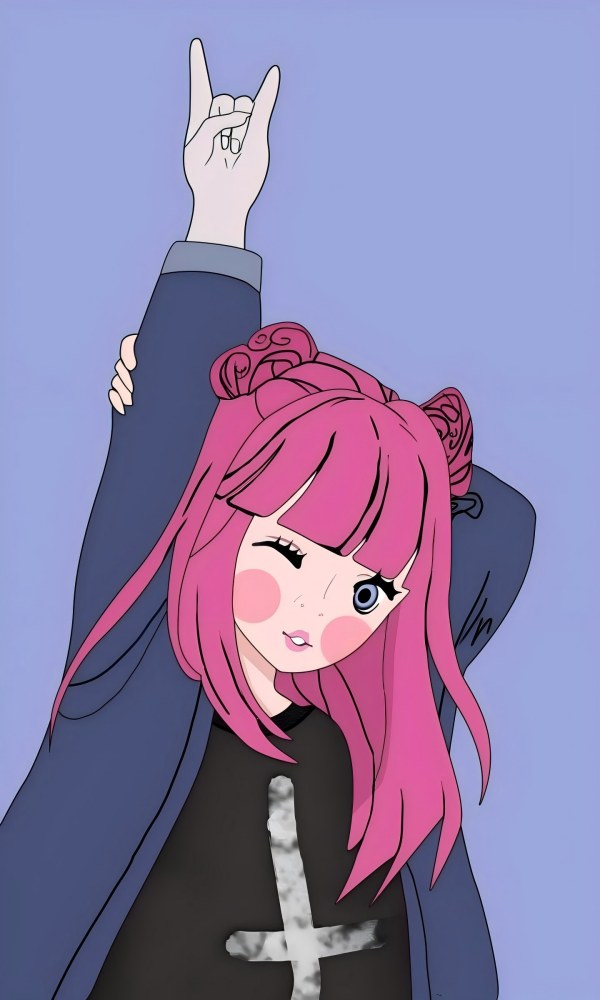
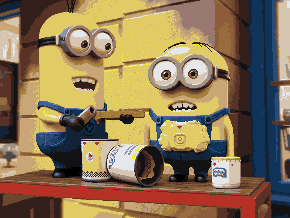
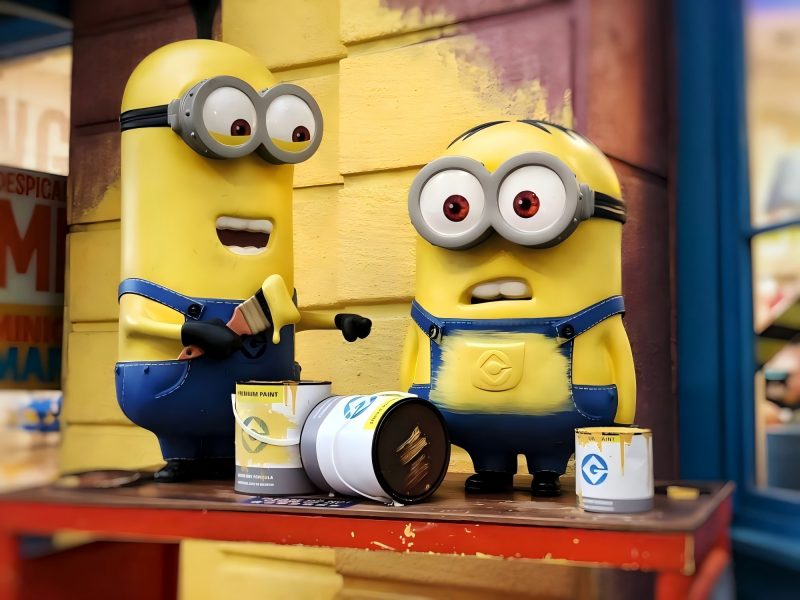
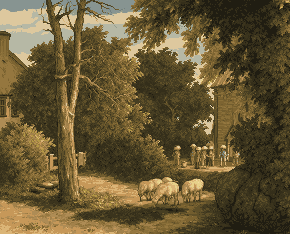
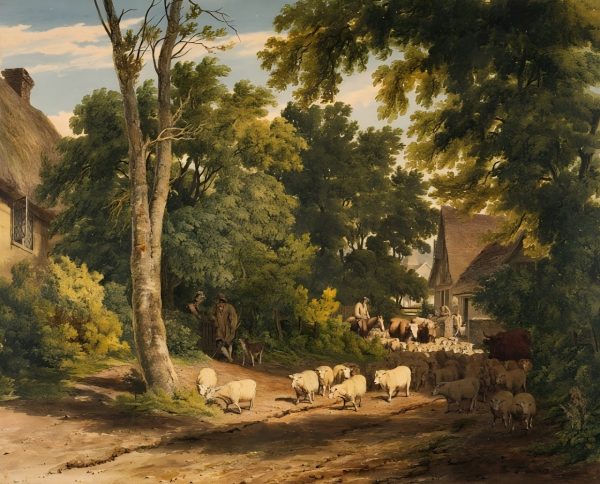
Image to Pixel Art Converter — Turn Any Photo into Pixel Art
Upload an image and let our AI turn it into pixel art in seconds. This image to pixel art AI preserves the character of your original photo while giving it an authentic retro pixel look. New users get free credits, no watermark, no software to install.

How to Convert an Image to Pixel Art
Upload Your Image
Upload your photo, JPG, PNG, or GIF, drag and drop or click to browse. The AI image to pixel art engine processes your image later.
Adjust the Pixel Size
Set the output pixel size to control the level of detail. The ratio is locked to your original image so proportions stay perfect — no stretching, no distortion.
Download Your Pixel Art
Click Generate and the AI converts your image to pixel art instantly. Preview the result, then download your pixel art as a PNG, ready for game assets, avatars, or digital art projects.
Why Use PixExact's Image to Pixel Art Converter?
AI-powered conversion that respects your original image, precise pixel placement, locked ratios, and custom palette support.
AI-Powered Pixel Art Conversion
The AI analyzes your input image and converts it to pixel art with accurate color mapping and clean pixel edges. The result is high-quality pixel art that stays true to your original photo.
Aspect Ratio Locked to Your Image
Adjust the pixel size and both dimensions scale together automatically, always matching your original image ratio. No manual math, no distorted output.
Custom Color Palette Support
Upload a color palette image to guide the conversion. The AI maps your photo's colors to the palette, letting you create pixel art that fits a specific game aesthetic or art style.
Create Pixel Art Instantly
No drawing skills, no waiting. Upload any photo and get pixel art in seconds, the AI handles the conversion automatically. No software to install, no watermark on exports.
What Can You Make with a Pixel Art Converter?
From game assets to retro avatars — pixel art opens up a wide range of creative and practical applications.
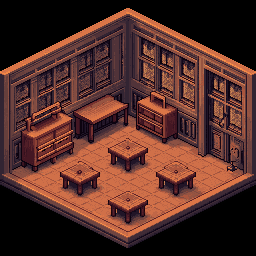
Game Assets and Sprites
Convert reference photos or character designs into game-ready pixel art sprites. Adjust the pixel size to match your game's grid — from compact 16×16 icons to detailed scene assets up to 384×384. Pixel art game developers and indie studios use this tool to prototype assets without manual drawing.
Pixel Art Avatars and Profile Pics
Convert your photo into a pixel art avatar for Discord, social platforms, or gaming profiles. The image to pixel art converter produces clean, retro-style portraits that stand out. Upload a photo once and use the pixel art across multiple platforms.
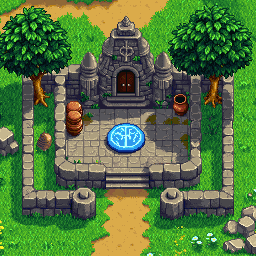
Pixel Art Village and Environment Art
Transform landscape photos, architectural references, or hand-drawn sketches into pixel art village scenes, environments, and backgrounds. The AI retains the structure of your original image while applying authentic pixel art rendering — ideal for top-down RPG maps and platformer backgrounds.
Retro and Digital Art Projects
Convert any photo into pixel art for posters, prints, merchandise, or digital art collections. Whether you're pixelating a portrait, a product shot, or an abstract graphic, the AI pixel art generator produces stunning pixel art with a genuine 16-bit retro feel — ready to export as PNG.
Frequently Asked Questions
What is an image to pixel art converter?
An image to pixel art converter is a tool that transforms a regular photo or graphic into pixel art — a digital art style made up of a visible grid of colored squares called pixels. Traditional pixel art is drawn by hand, one pixel at a time. This AI converter analyzes your original image and reconstructs it at a lower resolution, producing authentic-looking pixel art from any photo automatically.
How do I convert an image to pixel art?
Simply upload your image using the upload area at the top of this page. The tool reads the image dimensions and sets a proportional default pixel size. Adjust the pixel size sliders if needed, then click Generate. The AI converts your image to pixel art in seconds. Once complete, download the PNG file directly from the preview.
Can I control the pixel size and color palette?
Yes. The pixel size sliders let you adjust the output width and height between 16 and 384 pixels. Both sliders are linked — changing one updates the other proportionally to match your original image ratio. For color control, you can upload a custom palette image. The AI will map your photo's colors to that palette, giving you more creative control over the final pixel art output.
What types of files can I convert to pixel art?
The converter accepts JPG, PNG, and most common image formats. For best pixel art results, use a clear, well-lit photo with strong contrast between the subject and background. Portraits, landscapes, objects, and character designs all convert well.
Is the image to pixel art converter free to use?
New accounts receive free credits to try the image to pixel art AI — no credit card required. Once your free credits are used, additional credits can be purchased as needed. There are no subscription lock-ins; you pay only for what you generate. Downloads always come with no watermark.
Can I use the pixel art for commercial projects?
Yes. Pixel art you generate is yours to use in commercial projects — including commercial games, merchandise, digital products, and client work. There are no royalties or licensing restrictions on your generated output.
How does the AI turn image into pixel art?
When you upload an image, our image to pixel art AI analyzes the colors, shapes, and structure of your photo. It then reconstructs the image at your chosen pixel size, selecting the most representative color for each pixel to produce authentic-looking pixel art. The AI model runs on our servers and typically returns your pixel art within a few seconds.
What types of photos work best for pixel art?
Images with clear subjects and strong contrast convert best. Portraits with a plain background, objects with defined outlines, and scenes with distinct color areas all produce clean pixel art. Highly detailed photos at very small pixel sizes (16–32 px) will lose detail — use a larger pixel size to preserve more of the original image structure.
What is the difference between pixel art and a pixelated image?
A pixelated image is simply a photo that has been downscaled or blurred, the result looks blocky but has no artistic intent. Pixel art is a deliberate art style where each pixel is chosen for its contribution to the overall image. This converter uses AI to produce genuine pixel art: consistent pixel size, intentional color palette choices, and clean outlines — not a simple resize or blur filter.
Who uses a photo to pixel art converter?
Game developers use it to prototype sprites and game assets quickly. Designers and illustrators use it to create retro-style avatars, icons, and digital art. Gamers and content creators use it to make custom pixel art profile pictures. Hobbyists use it to turn personal photos into unique pixel art prints or bead patterns. This pixel art tool is useful for anyone who wants to create pixel art without drawing it by hand.
More Tools
Explore more AI-powered tools to supercharge your creative workflow.


Ready to Convert Your Photo into Pixel Art?
Upload an image and generate pixel art instantly with AI — no watermark, no software required. New users get free credits to start.