
More Tools
Explore more AI-powered tools to supercharge your creative workflow.


GPT Image 2 — OpenAI's Next-Generation Image Model

GPT Image 2 is OpenAI's next-generation image model — built for complex layouts, pixel-perfect text rendering, and photorealism that earlier models can't consistently deliver.
Generate at any custom dimension up to 4K, edit existing images with a text prompt, or integrate via API to automate your workflow.
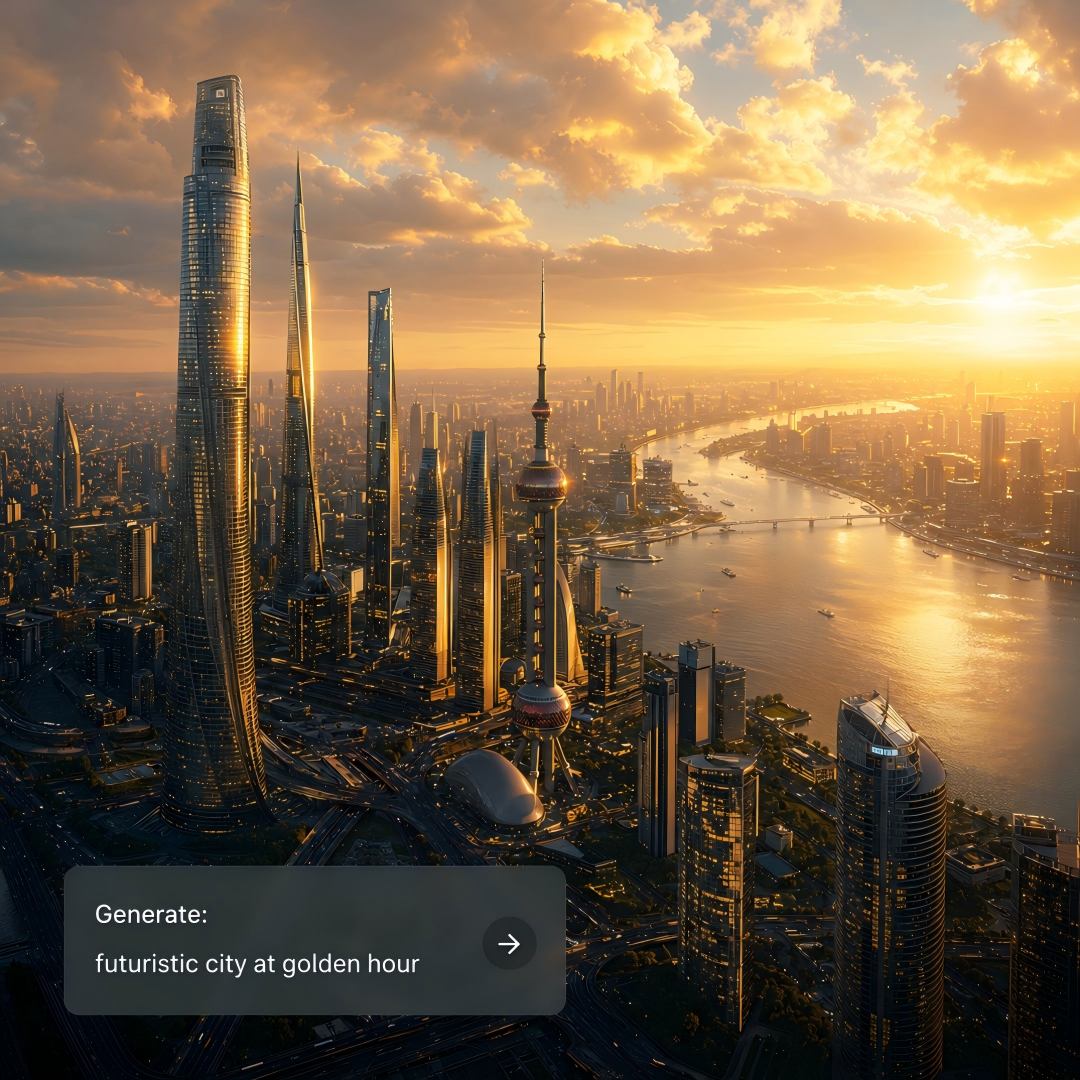
Ways to Use GPT Image 2
From marketing to e-commerce — practical use cases where GPT Image 2 delivers both visual quality and intelligence.
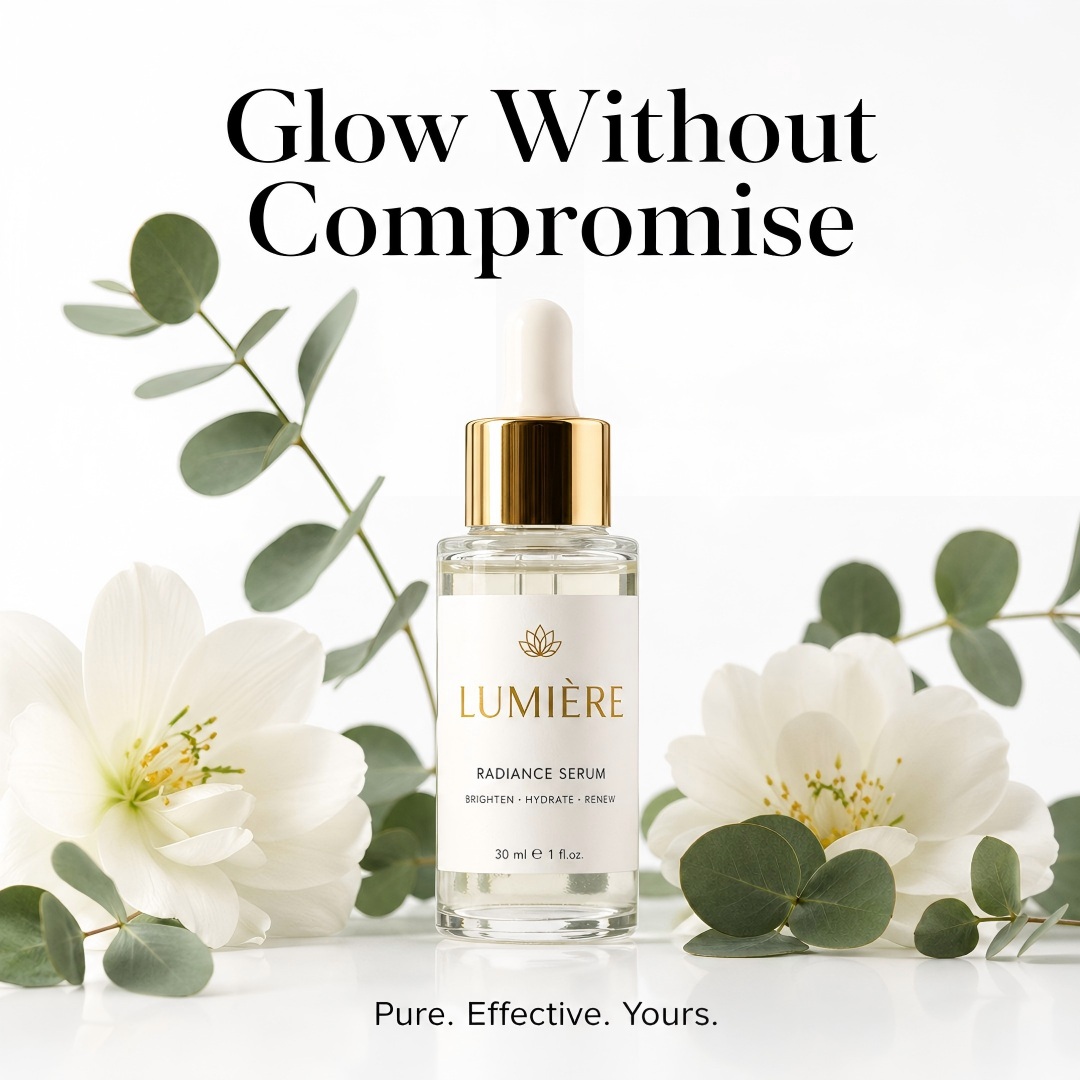
Marketing & Brand Visuals
Describe your product, target audience, and visual style in one prompt and get campaign-ready output — social posts, thumbnail creatives, banner ads, and landing page graphics, all brand-consistent. Add readable text directly in the image without a separate tool, and automate the full briefing-to-output workflow via the API for large-scale content production.
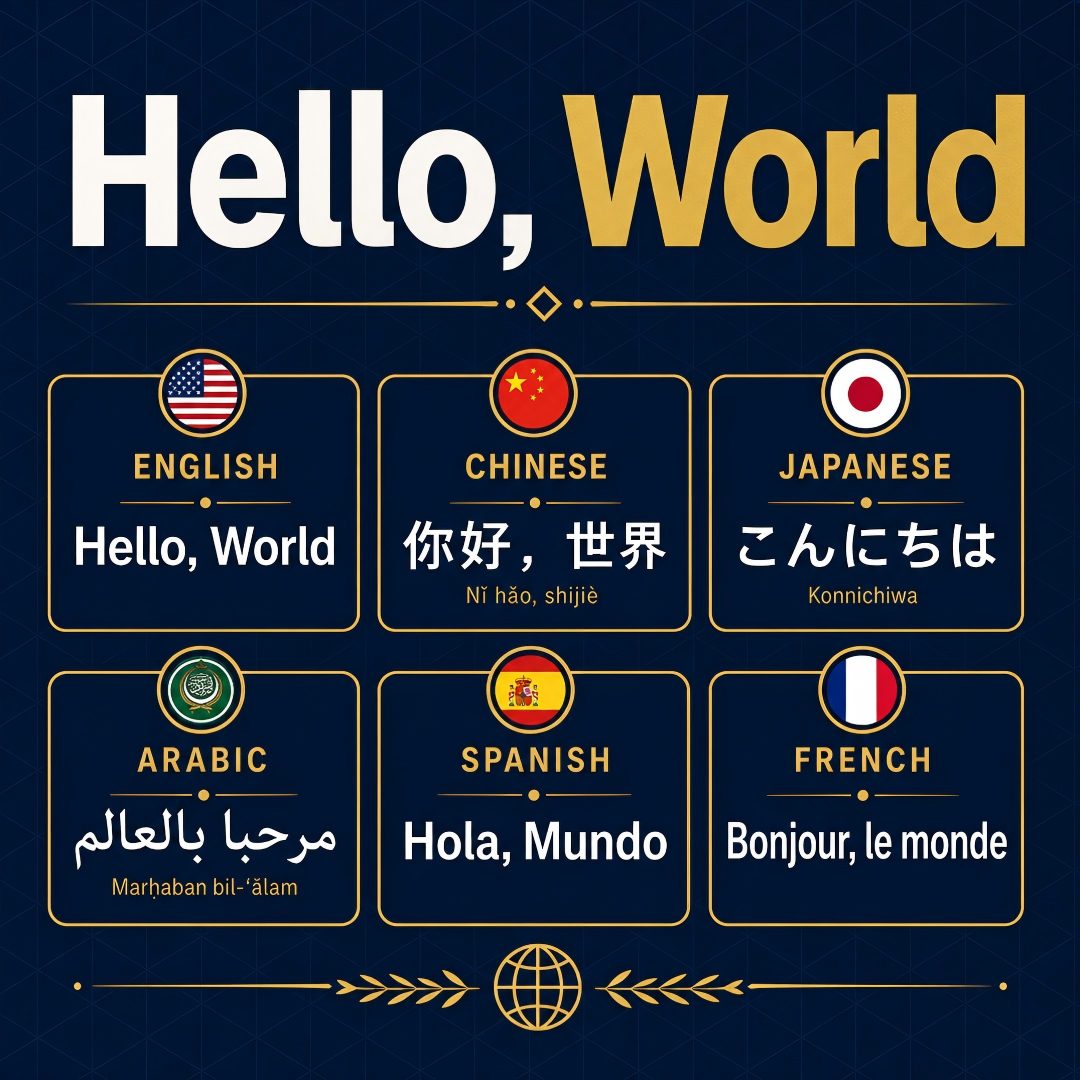
Text in Images & Typography
Most image models produce blurry, misspelled, or distorted text. GPT Image 2 renders near-perfect text with accuracy across UI labels, infographic copy, product packaging, and non-Latin scripts — with the precision that brand assets and client work demand. The model of choice for UI mockups and any output where text accuracy determines quality.
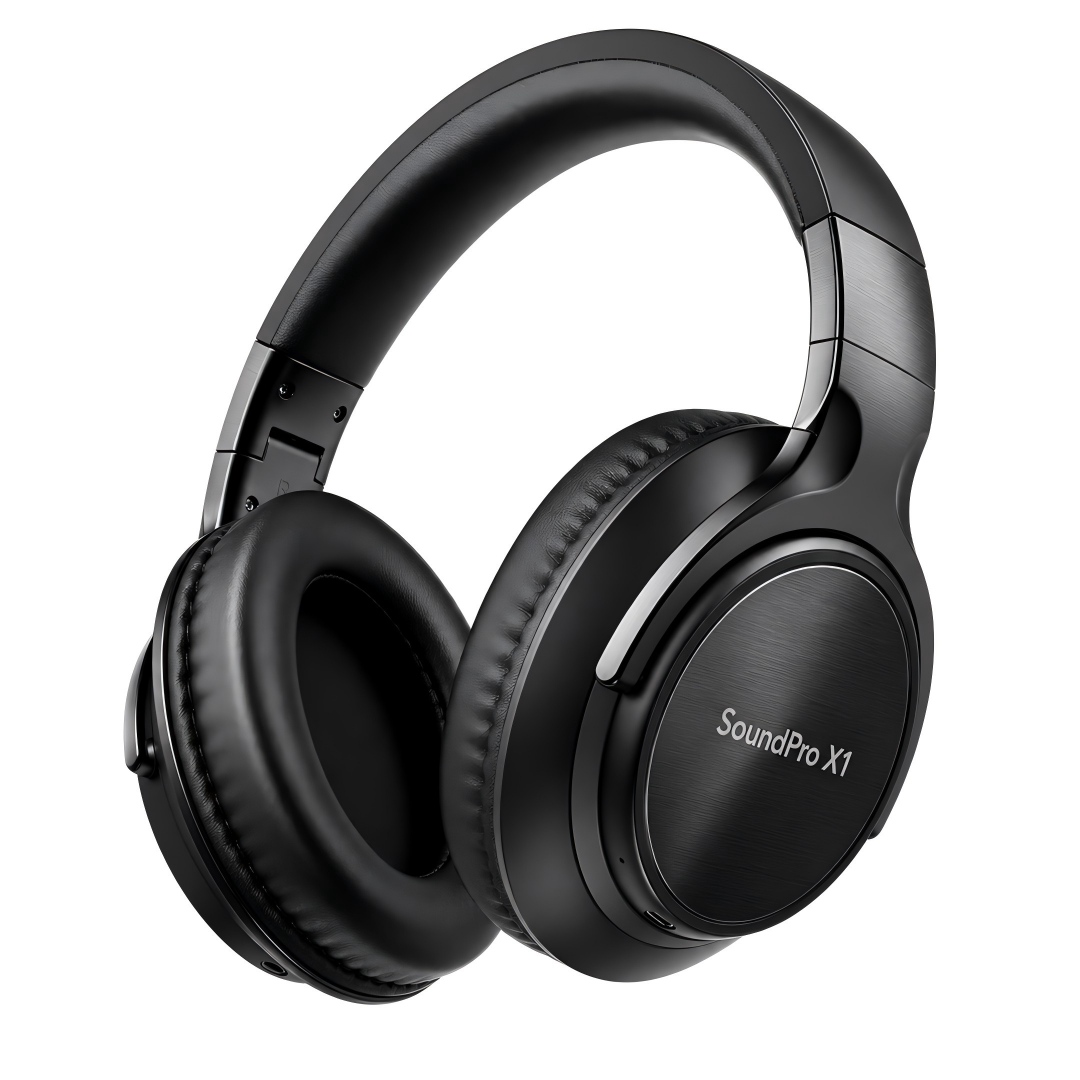
E-Commerce & Product Photography
Generate clean product shots with natural lighting, realistic materials, and commercial-grade quality — no photoshoot needed. Switch backgrounds, add lifestyle context, or create color variants in one prompt. Every product photo is ready-to-use: output at 1200×1200 for Amazon, 800×1000 for Shopify, or any custom size your e-commerce catalog requires.
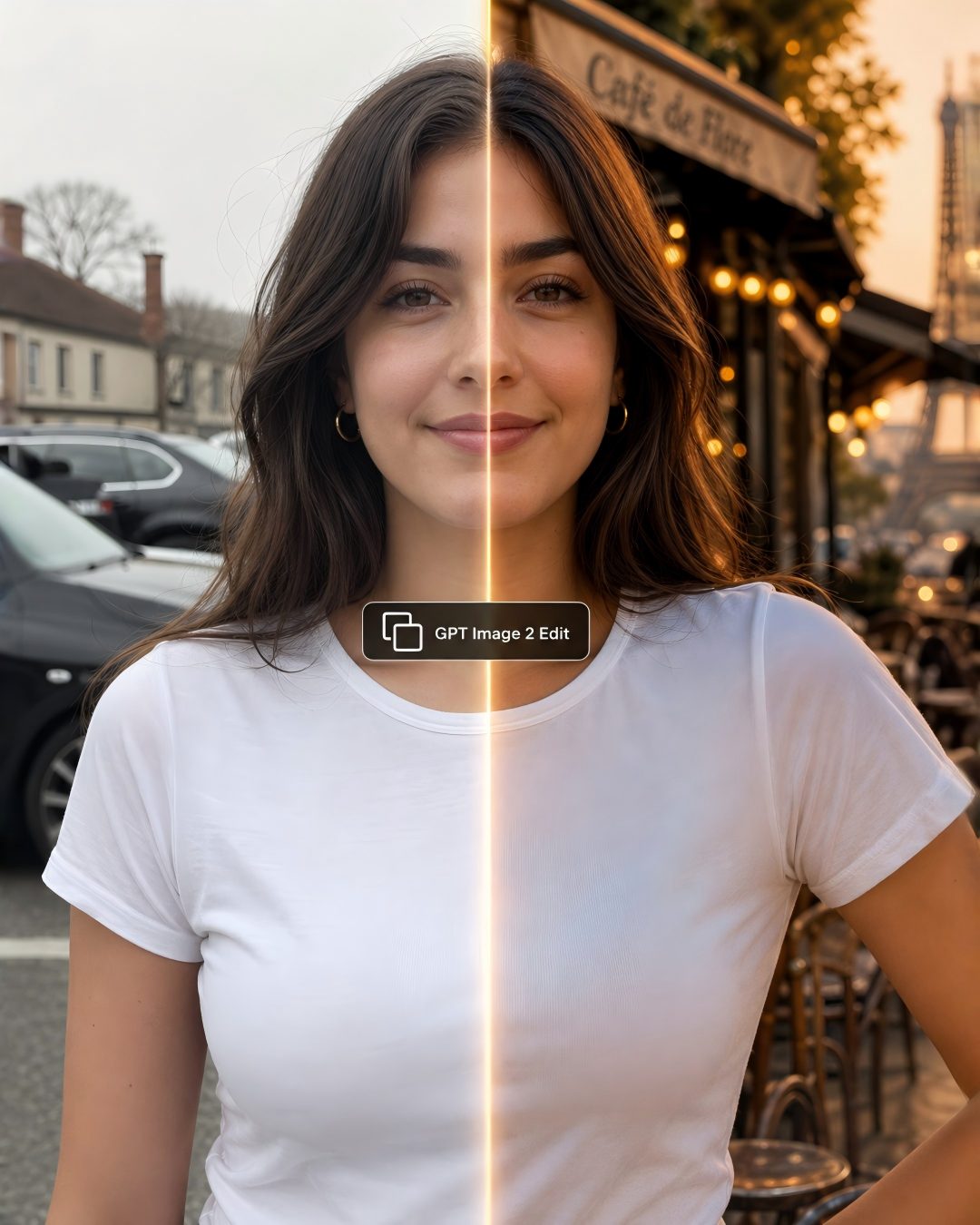
AI Image Editing & Client Presentations
Upload any image, type a prompt describing the change, and GPT Image 2 handles the rest — background replacement, logo swaps, interface redesigns, clothing changes, or style adjustments for client presentations. Unmodified areas are preserved pixel-perfectly. Ideal for product mockup updates, design automation, and API-based image editing pipelines.
What Makes GPT Image 2 the Leading AI Image Generator
From leaderboard rankings to real-world output — what sets GPT Image 2 apart from every other AI tool.
World-Aware Intelligence
GPT Image 2 draws on the same thinking mode and web search knowledge that powers ChatGPT. Reference a cultural style, a historical period, or a product category and the model understands — coherence from prompt to output, without needing lengthy context.
Pixel-Perfect Text Rendering
Handles dense text, signage, headline copy, UI labels, typography, and multilingual scripts including Latin and CJK — with text rendering accuracy that most image tools consistently fail to match. Right for product packaging, infographic design, and any layout where text precision matters.
State-of-the-Art Photorealism
Improved understanding of physics, lighting, and material properties delivers state-of-the-art photorealism. Shadows, textures, and color feel authentic — every photorealistic output is ready to use without post-processing.
Precise Image Editing
Makes targeted adjustments — swap backgrounds, change lighting, replace objects — while preserving identity, composition, and untouched areas pixel-perfectly. Modify specific regions without regenerating the whole image.
How to Use GPT Image 2 — No Design Skills Needed
Three steps from briefing to final output — generate professional AI images directly in your browser.
Write Your Prompt
Type a prompt describing your subject, visual style, and any text that should appear in the image. GPT Image 2 understands complex, multi-element descriptions without oversimplification.
Set Your Output Layout
Choose a preset aspect ratio or enter any custom pixel dimensions. PixExact supports any layout up to 4K — from ad formats and catalog images to print and platform-specific output.
Generate & Use
Hit Generate and your AI image is ready in seconds. Download full-resolution output, run multiple variations from one prompt, or upload back for image-to-image editing. For automation, access the gpt-image-2 model directly via the OpenAI API endpoint.
Frequently Asked Questions
What is GPT Image 2?
GPT Image 2 is the latest image model from OpenAI, available through the API for direct integration. It generates images from text prompts and edits existing ones with fine-grained control. Also known as ChatGPT Images 2.0 within the ChatGPT product, it's built for extreme prompt adherence, pixel-perfect text rendering, and world-aware photorealism — consistently at the top of the AI image leaderboard.
How much does GPT Image 2 cost on PixExact?
Each image generated with GPT Image 2 costs 8 credits per image on PixExact. New users receive free credits on sign-up — no API key required to start.
How does GPT Image 2 compare to GPT Image 1.5 and other AI image models?
As the direct successor to GPT Image 1.5, GPT Image 2 delivers major improvements in prompt following, text rendering accuracy, and photorealism. The improvement is real: models like DALL-E or Midjourney may still need multiple attempts on complex layouts or multilingual text — GPT Image 2 handles them reliably and consistently.
What aspect ratios and resolutions does GPT Image 2 support?
GPT Image 2 supports 1:1, 2:3, 3:2, 3:4, 4:3, 16:9, and 9:16 through the standard API. On PixExact you can generate at any custom pixel dimension — up to 4K (3840×2160) — in multiples of 16, covering any ad format, social size, or catalog photo dimension you need.
Can GPT Image 2 edit existing images?
Yes. Upload an image and describe the change using a plain text prompt. GPT Image 2 handles background replacement, lighting adjustments, object swaps, and style transfers while preserving unmodified areas. Edit specific regions without regenerating the whole image.
Can GPT Image 2 generate images with text inside?
Yes — and this is where GPT Image 2 stands apart from earlier models. Where most image tools garble characters or produce illegible output, GPT Image 2 renders text that is legible, accurate, and consistent on the first try — near-perfect text across labels, handwriting, and non-Latin scripts. Ideal for infographics, product packaging, and UI mockups where text accuracy is critical.
Is GPT Image 2 available via API?
Yes. GPT Image 2 is accessible through the OpenAI API using the gpt-image-2 model identifier. You can integrate high-quality image generation into any product or automation pipeline via the standard API endpoint. On PixExact, use GPT Image 2 without an API key directly in your browser.
Can I use GPT Image 2 for commercial projects?
Yes. Images generated on PixExact can be used for commercial purposes — advertising, product listings, client presentations, and print — subject to our Terms of Service.
Start Generating with GPT Image 2 — Free
Get free credits on sign-up and try the most capable AI image generation model at any custom dimension you need.