Gangnam Style AI Video Generator
Join the viral Gangnam Style AI trend with one group photo. Upload a picture of you and two friends, and our Gangnam Style AI turns it into a selfie-style lip-sync video that keeps your faces, outfits and background. No prompts, no editing.
What Is the Gangnam Style AI Trend?
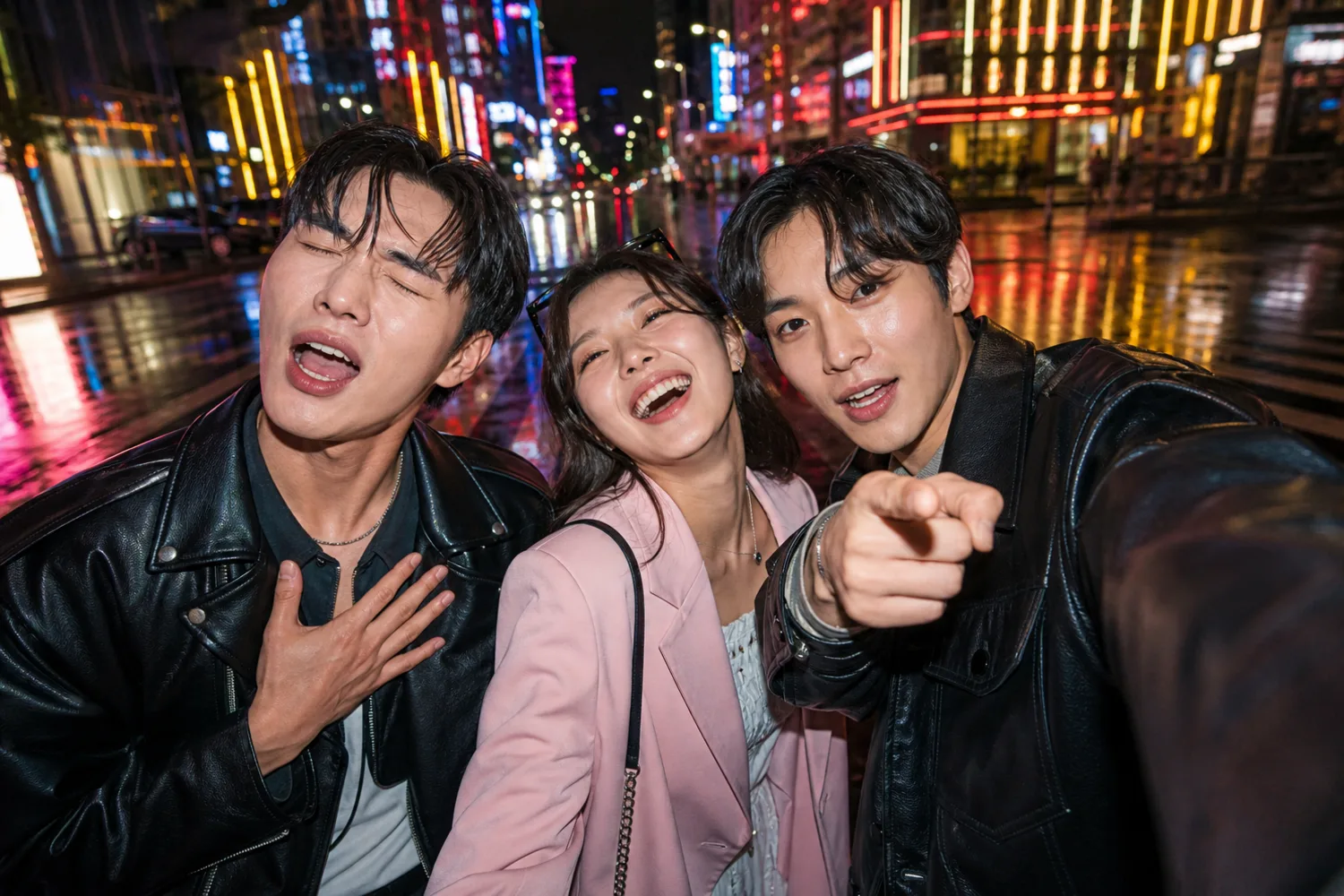
Gangnam Style is back. In early October 2026, a TikTok clip filmed in Seoul's Gangnam district showed three friends taking turns leaning into a selfie camera and lip-syncing to PSY's 2012 hit. The format was simple, funny and easy to copy, and within days people started recreating it with AI using nothing but a photo.
That's what Gangnam Style AI means today: you supply a picture of your trio, and AI makes the three of you perform the clip with the same camera moves, timing and energy. This template recreates the selfie lip-sync trend, not the 2012 horse dance, so you get the version everyone is posting right now.
How to Make a Gangnam Style AI Video
Three steps, one photo, no editing skills.
Upload a Group Photo
Pick a clear photo of exactly three people standing side by side. Upload it from your device or choose one you've used on PixExact before.
Generate the Video
Click Generate Video. The Gangnam Style AI template handles the prompt, camera moves and timing for you. Each video costs 190 credits and is usually ready in a few minutes.
Download and Share
Preview the result, download the MP4 and post it to TikTok, Instagram Reels or YouTube Shorts while the trend is hot.
Why Use PixExact's Gangnam Style AI
Built for the trend, so there's nothing to stitch, prompt or edit.
One Group Photo Is Enough
No need to crop your friends into three separate slots. Upload the group photo you already have, and the AI keeps track of who is on the left, in the middle and on the right.
Your Scene, Not a Stock Backdrop
Faces, hairstyles, outfits, location and lighting all carry over from your photo, so the video looks like it was filmed right where the picture was taken.
Follows the Viral Clip Shot by Shot
Camera movement, framing, shot order, gestures and lip-sync timing follow the original trend video, so your version is instantly recognizable.
No Prompts, No Editing
There's nothing to write or tweak. The template is fixed and tested, so the only thing you choose is the photo.
Ready in Minutes
Most videos finish in a few minutes. You get a roughly 20-second, 720p landscape video you can download right away.
Credits Back If It Fails
If a generation fails, the 190 credits go back to your account automatically. You only pay for videos you actually receive.
Gangnam Style AI Ideas: Who to Make It With
The trend works best with three people who have real chemistry. Here are four crowd-pleasers.
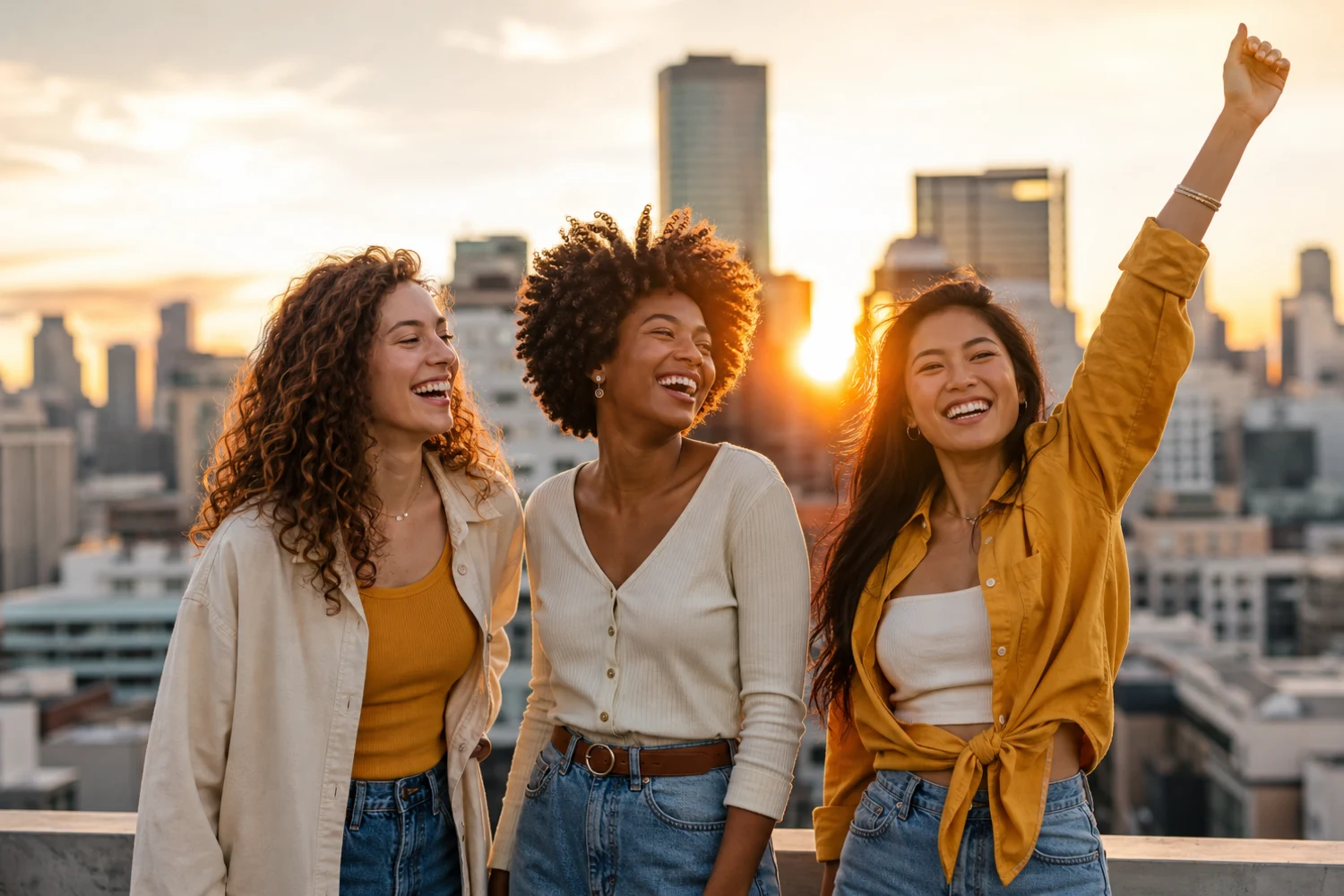
Your Best Friend Trio
The original clip starred three friends, and it's still the most popular version. Use a photo from your last night out or trip, and tag the other two when you post.
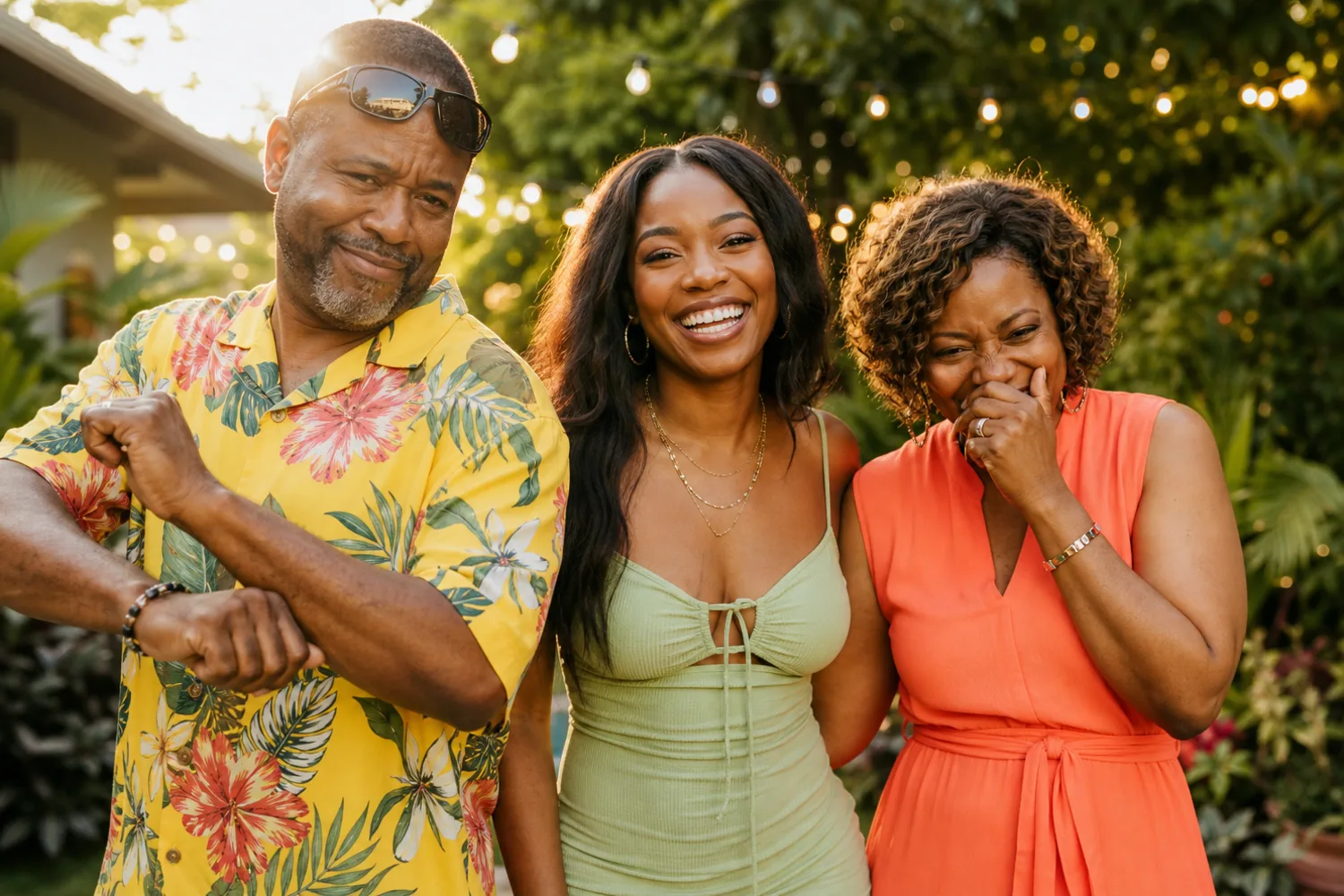
Family Trio
Half the fun of AI trend videos is seeing someone unexpected join in. You and your parents, or three siblings at a family get-together, make a video the whole group chat will replay. Just show them before you post.
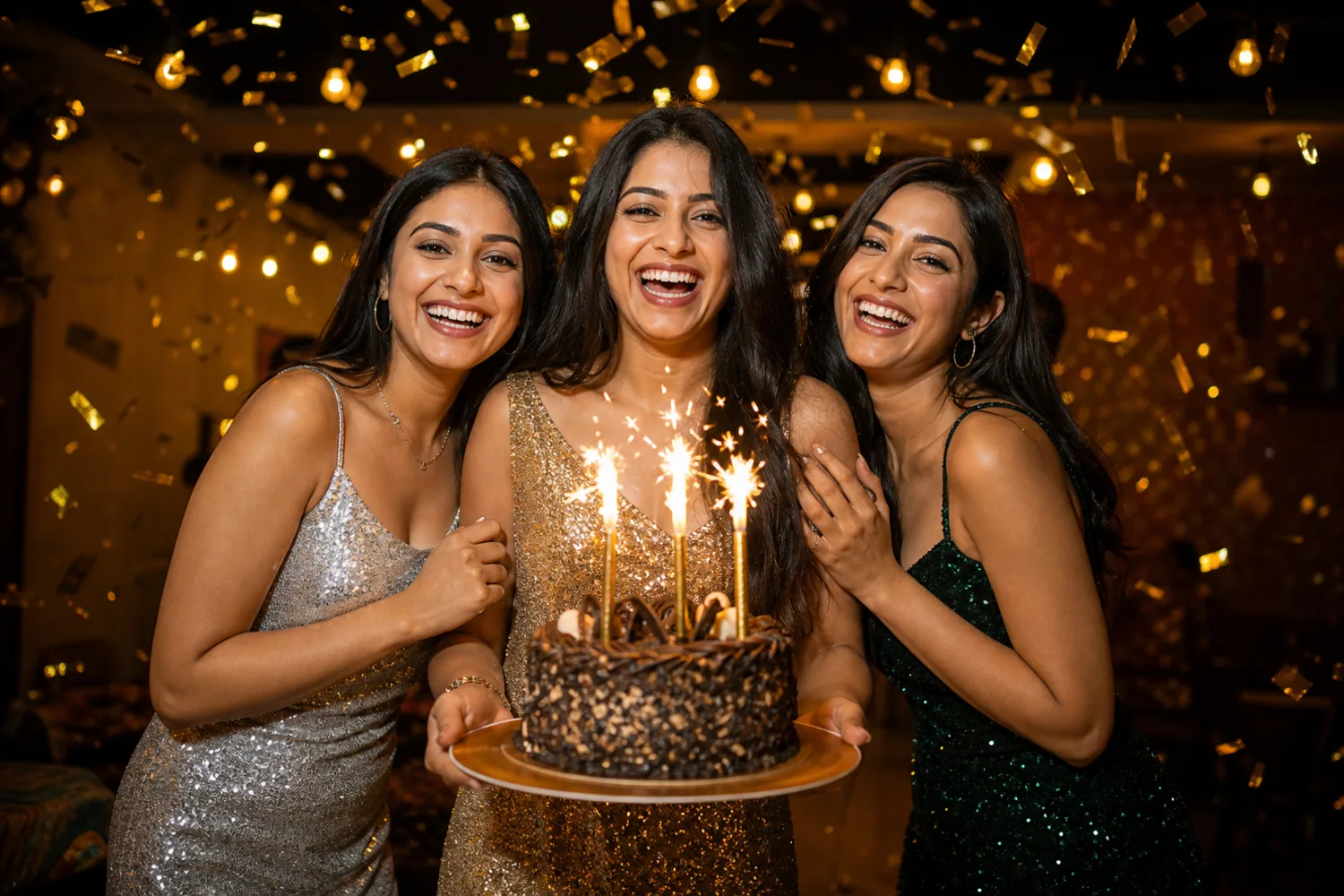
Birthday Surprise
Put the birthday person in the middle with a friend on each side, and send the video as a greeting that beats any card.
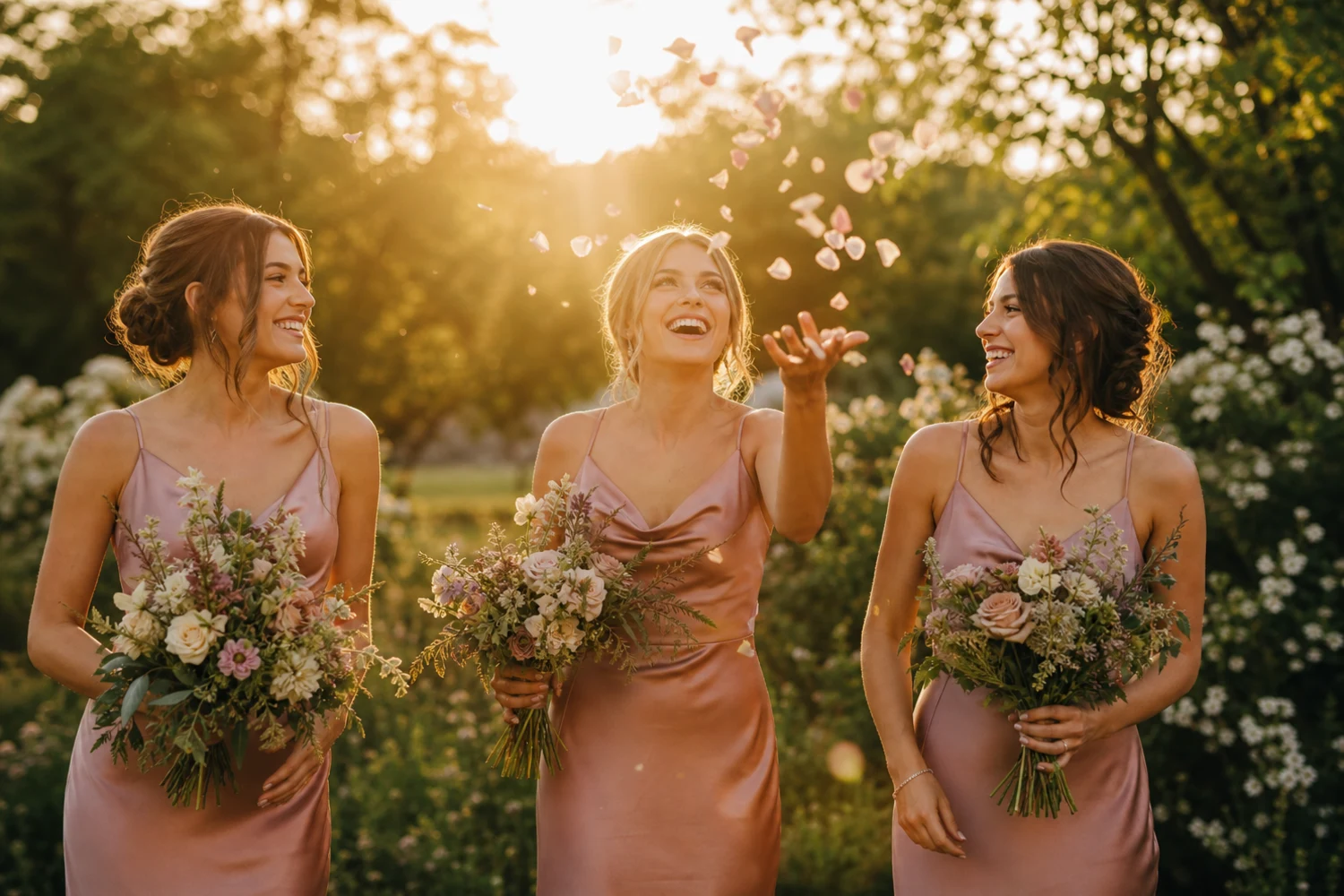
Bridesmaids and Groomsmen
Use a photo from the bachelorette, the rehearsal dinner or the big day to make a fun teaser or a thank-you video for the wedding party.
How to Choose the Best Photo for Gangnam Style AI
The photo decides how good your video looks. A minute spent picking the right one saves you a disappointing result.
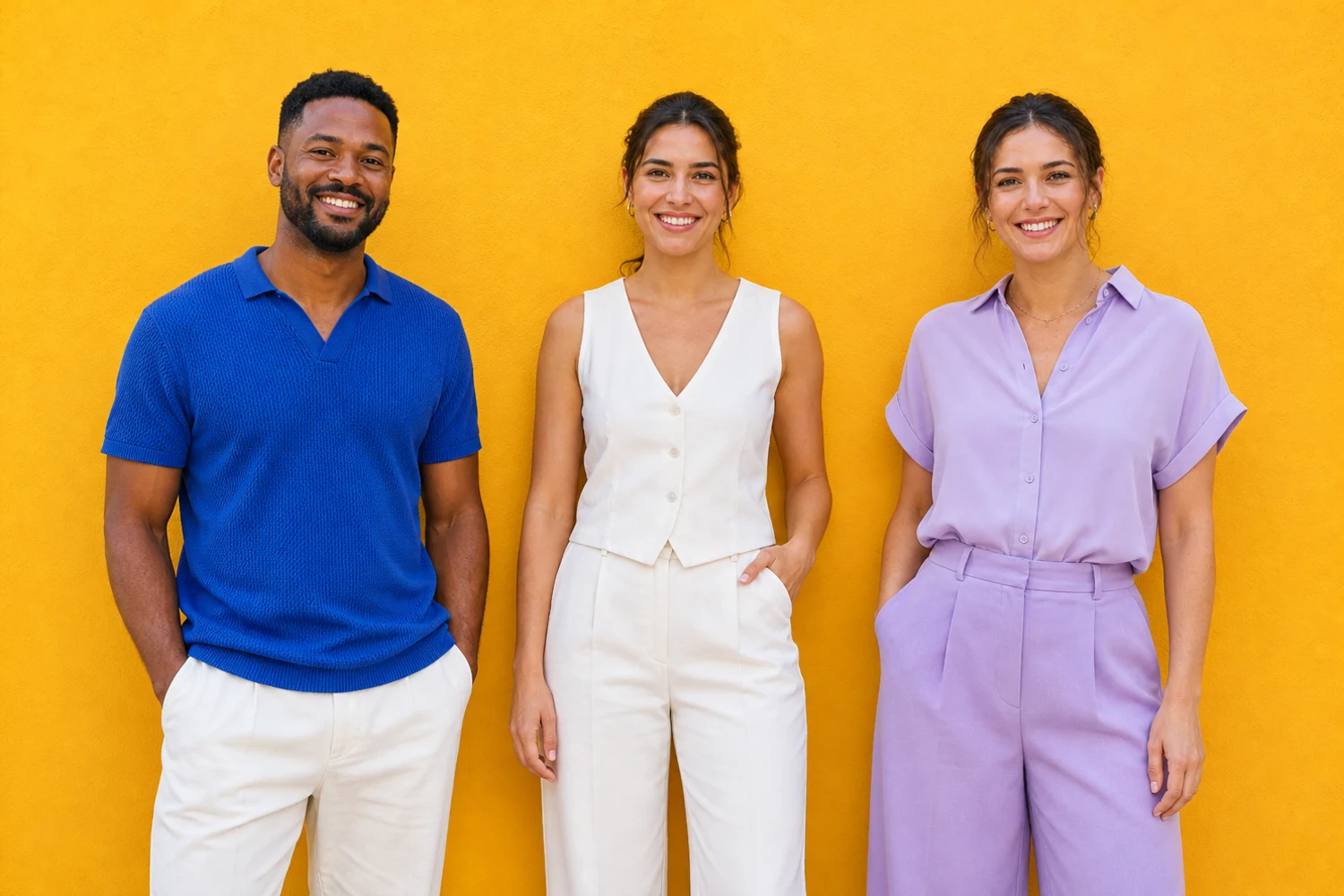
- Exactly three people, standing side by side from left to right.
- All three faces clearly visible and facing the camera, not hidden by hair, hands, sunglasses or hats.
- A little space between people. Avoid arms around shoulders, overlapping bodies or anyone half out of frame.
- Upper body or more in the shot, with some room around the edges for gestures.
- Even, bright light. Skip strong backlight, dark night shots and heavy filters or beauty effects.
- A landscape photo works best, since the video is 16:9. Aim for at least 1280×720 pixels.
- Only use photos of yourself and adults who are happy to be in the video.
Video Not Looking Right? Quick Fixes
AI video isn't perfect. These are the most common issues and how to avoid them next time.
Faces Swapped or Blended
This usually happens when people overlap or stand too close. Choose a photo where all three are clearly separated.
Someone Missing or an Extra Person
The template expects exactly three people. Crop out bystanders and avoid photos with two or four people.
Faces Don't Look Like You
Small, blurry or side-on faces give the AI too little to work with. Use a sharp, front-facing photo with good light.
Odd Hands or Bodies
Busy poses, props and cut-off limbs confuse the motion. A relaxed, simple pose gives cleaner movement.
Share Your Gangnam Style AI Video
Download the MP4 and post it to TikTok, Instagram Reels or YouTube Shorts. Add trend hashtags like #gangnamstyle, #gangnamstyleai and #gangnamstyletrend, and tag your two co-stars so the video reaches their followers too.
Platforms increasingly ask creators to label realistic AI content, so switch on the AI-generated label where it's offered. The video keeps the trend's original audio: personal accounts are usually covered by the platform's music licensing, but brand accounts, ads and monetized videos may need separate rights, and YouTube may place a copyright claim on the music.
Gangnam Style Fun Facts
A little background on the song behind the trend.
Released July 15, 2012
PSY's "Gangnam Style" came out in July 2012, poking fun at the flashy lifestyle associated with Seoul's Gangnam district.
First Video to 1 Billion Views
On December 21, 2012, it became the first YouTube video ever to pass one billion views.
It Broke YouTube's View Counter
In 2014 its views approached the 32-bit limit of 2,147,483,647, prompting YouTube to upgrade its counter to 64-bit.
A Second Viral Wave in 2026
Fourteen years later, the selfie lip-sync trend and its AI remakes brought Gangnam Style back into TikTok feeds.
Gangnam Style AI FAQ
What is Gangnam Style AI?
Gangnam Style AI refers to AI-made videos that put real people into the viral Gangnam Style trend. With PixExact's Gangnam Style AI video generator, you upload one photo of three people and get a video of them performing the 2026 selfie lip-sync trend, with their own faces, outfits and background.
Why is Gangnam Style trending again in 2026?
In early October 2026, a TikTok clip of three friends lip-syncing Gangnam Style in Seoul's Gangnam district took off. Its simple, repeatable format led thousands of people to copy it, and AI tools made it possible to join in with just a photo.
How do I make a Gangnam Style AI video?
Upload a clear photo of three people at the top of this page, click Generate Video and wait a few minutes. When it's done, preview the video and download the MP4.
Is the Gangnam Style AI video generator free?
Each Gangnam Style AI video costs 190 credits. New PixExact accounts receive free credits to explore the site, and you can top up anytime with a plan or credit pack. If a generation fails, your credits are refunded automatically.
Do I need exactly three people in the photo?
Yes. The template is designed around three people: left, middle and right. Photos with one, two or four people often lead to missing, duplicated or merged faces.
Can I use three separate photos instead of a group photo?
Not at the moment. Upload one photo with all three people in it. If you don't have one, a quick group selfie works great.
How long does it take, and how long is the video?
Most videos are ready in a few minutes, depending on demand. The result is a roughly 20-second, 720p video in landscape (16:9) format.
Does the video include the song?
Yes. The video keeps the original audio from the trend clip, so your trio lip-syncs to the same moment. "Gangnam Style" is still a copyrighted song: personal posts are usually covered by platform music licensing, while ads and other commercial uses need proper rights.
Why doesn't the video look exactly like us?
AI video can drift from the original photo, especially when faces are small, blurry or turned away. Use a sharp, well-lit, front-facing photo with the three people clearly separated for the most faithful result.
Is this the Gangnam Style horse dance?
No. This template recreates the 2026 selfie lip-sync trend, where three people take turns in front of the camera. The horse dance is the choreography from PSY's 2012 music video.
Can I use photos of kids, pets or celebrities?
Please only upload photos of yourself and adults who have agreed to be in the video. Don't use photos of children, celebrities, public figures or anyone without their permission. The template is designed for people, so pets won't give reliable results.
Can I post my Gangnam Style AI video on TikTok, Instagram or YouTube?
Yes. Download the MP4 and post it like any other video. Switch on the AI-generated label where the platform offers it, and keep in mind that YouTube may place a copyright claim on the music.
Will my photo and video be public?
On the free plan, generated videos may appear in the public PixExact gallery after review. Paid plans can switch off Public Visibility to keep creations private.
What happens if generation fails?
You'll see an error message, and the 190 credits are returned to your account automatically. You can try again right away, ideally with a clearer photo.
More Tools
Explore more AI-powered tools to supercharge your creative workflow.


Ready to Join the Gangnam Style AI Trend?
Grab a photo with your two favorite people and turn it into the video everyone's posting.