
Create 2048x1152 YouTube Banner — Fast, Optimized & YouTube-Ready
2048x1152 is YouTube's minimum accepted banner size — smaller file, faster upload, and everything you need to look great on mobile and desktop. Upload your logo, preview across devices, done in seconds.

What Is a 2048x1152 YouTube Banner?
A 2048x1152 pixel banner is YouTube's minimum accepted channel art size. Any image smaller than this will be rejected when you try to upload. At this size, your banner displays perfectly on mobile devices and standard desktop screens — making it the practical, efficient choice for creators who prioritize fast uploads and frequent updates.
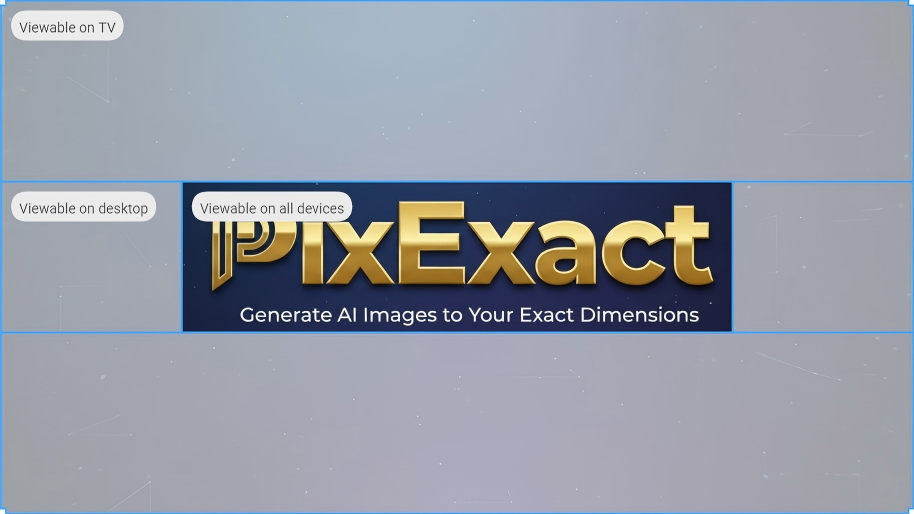
Safe Zone: 1546x423px
The center 1546x423px area is guaranteed to display on every device. Our AI automatically places your channel name, logo, and key text within this zone — ensuring nothing important is ever cropped.
Edge content may be cut off on large TVs
Full-width horizontal band across the top
Keep key content here — visible on all devices
Want the Best Quality? Upgrade to 2560x1440
2560x1440 is YouTube's officially recommended size — it displays the complete banner on Smart TVs and delivers the highest quality across all screens. Ideal for professional, business, and educational channels focused on brand presence.
Why Creators Choose 2048x1152 for YouTube
Ready in Seconds
Describe your channel and get a professional 2048x1152 banner instantly. Perfect for gaming and vlog channels that update their banner frequently — new look, zero effort.
Upload Your Logo or Profile Pic
Add your own logo or profile picture — our AI naturally integrates it into the banner design, keeping it visible within the safe zone on every device.
Safe Zone Guaranteed by AI
Even at the minimum required size, our AI ensures all critical elements — channel name, logo, tagline — automatically land within the 1546x423px safe zone. Always visible, always sharp.
Preview on Desktop & Mobile
Before downloading, see exactly how your 2048x1152 banner looks on desktop and mobile screens. Confirm your safe zone content is perfectly placed before going live.
Smaller File, Faster Upload
2048x1152 banners are naturally smaller files than 2560x1440, making them faster to upload. Ideal for creators who refresh their banner regularly for new videos, events, or seasons.
Fully YouTube-Compatible
2048x1152 meets YouTube's minimum size requirement — your banner will never be rejected at upload. Everything displays correctly on mobile and desktop, where the majority of YouTube viewers watch.
2048x1152 YouTube Banner Examples
See how gaming channels, vloggers, and content creators use 2048x1152 to create eye-catching channel art that performs across all screens.
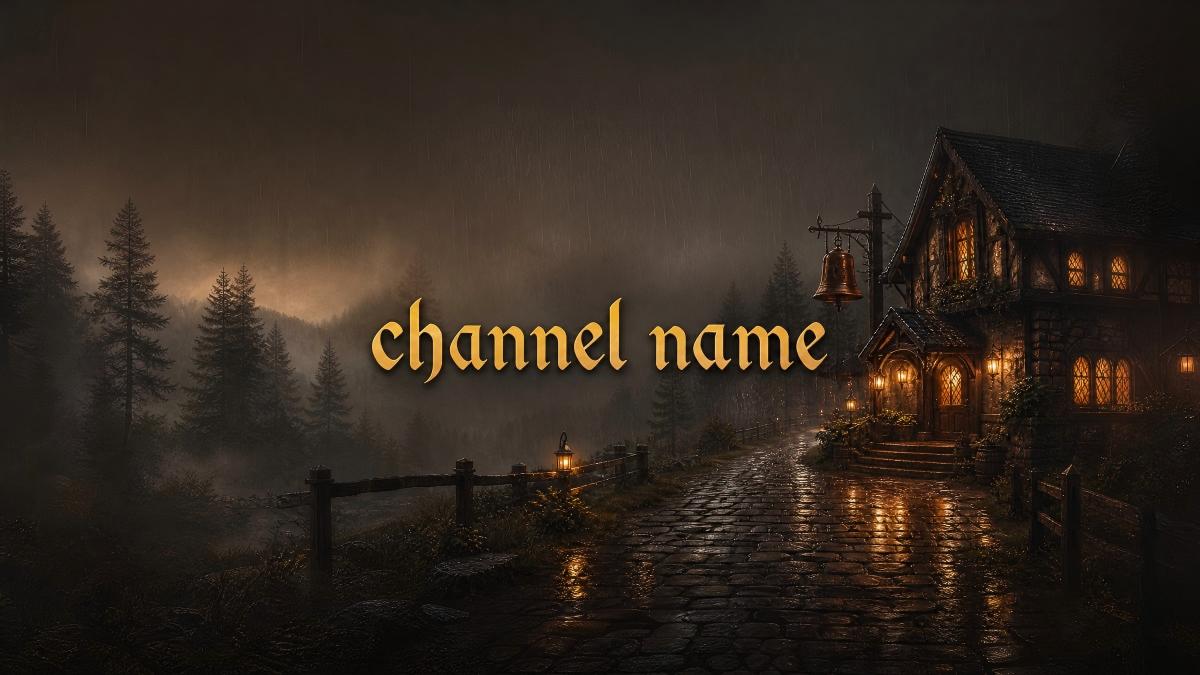
Gaming Channel Banners at 2048x1152
Gaming channels are the most natural fit for 2048x1152. High-energy gaming aesthetics — neon colors, bold typography, character art — translate perfectly at this size. The format is also ideal for frequent banner updates to match new game releases or streaming schedules.
Design Tips:
- Use bold, high-contrast colors that pop on mobile screens
- Include your gaming niche or signature game in the safe zone
- Add streaming schedule or platform icons within the safe area
- Dark backgrounds make text and characters stand out
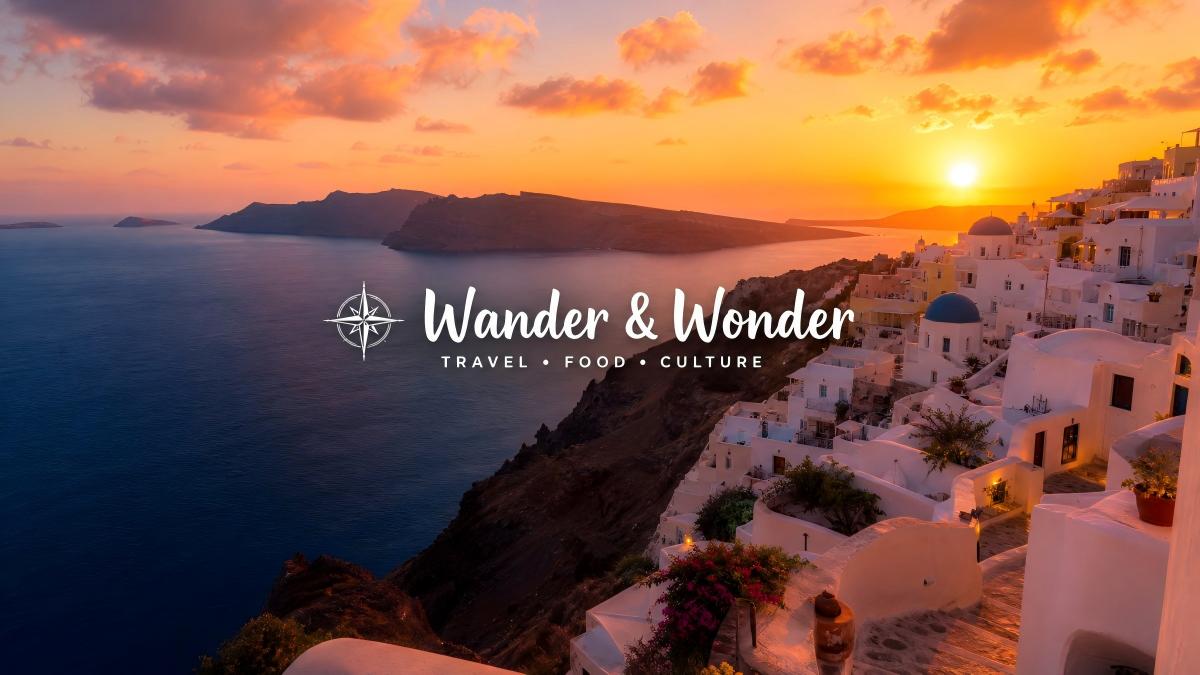
Vlog & Travel Channel Banners at 2048x1152
Vloggers and travel creators thrive at 2048x1152. The format captures the energy of travel photography and personal storytelling without overcomplicating the design. Perfect for creators who swap banners when exploring new destinations or launching new series.
Design Tips:
- Use vibrant travel photography or personal lifestyle imagery
- Keep your channel name and upload schedule in the safe zone
- Natural, warm color palettes connect with vlog audiences
- Simple, clean layouts work best for mobile-first viewers
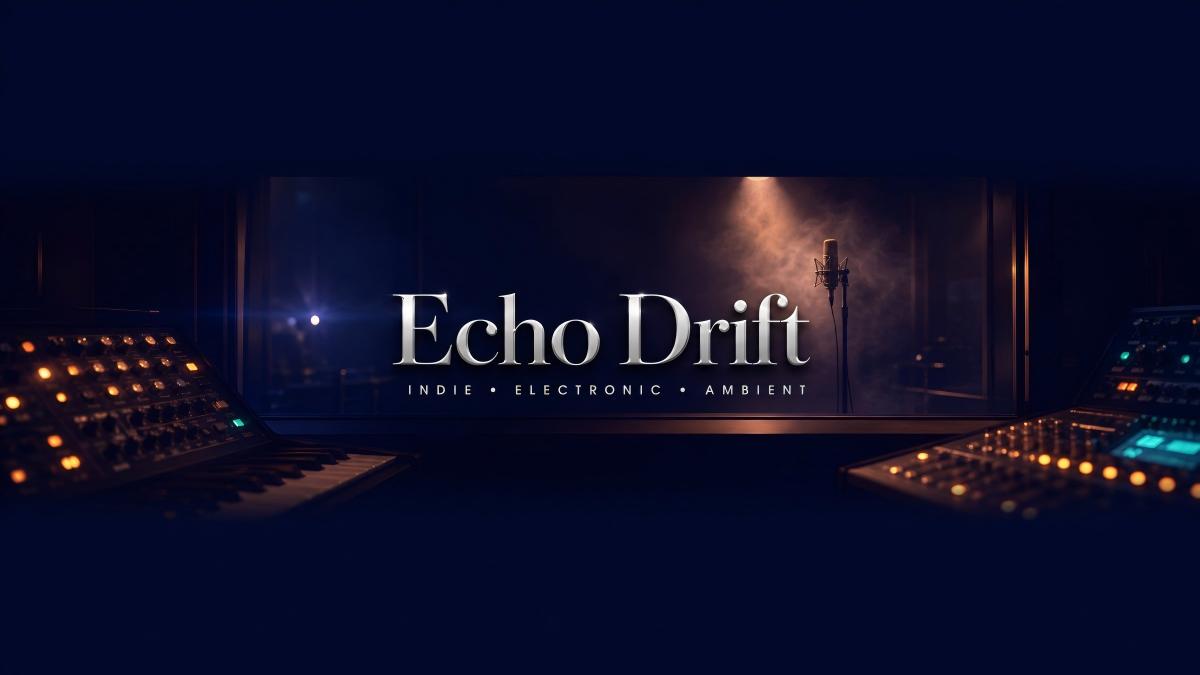
Music & Artist Channel Banners at 2048x1152
Musicians and artists use 2048x1152 to create visually striking banners that reflect their artistic identity. The size supports bold, expressive designs — from album-art aesthetics to abstract visual styles — that capture attention on mobile feeds.
Design Tips:
- Use album art or artist photography as the visual anchor
- Include your artist name and genre within the safe zone
- High visual contrast creates memorable first impressions
- Coordinate banner colors with your profile picture for brand unity

Podcast & Talk Show Channel Banners at 2048x1152
Podcast and talk show channels use 2048x1152 for clean, personality-driven banners. The format works well for host portraits, show names, and episode themes — giving potential subscribers a clear sense of the show's tone and value at a glance.
Design Tips:
- Feature the host's face or show artwork in the safe zone
- Use your show's name as the dominant text element
- A consistent color scheme builds recognizable show identity
- Include your publishing schedule to set audience expectations
The Complete Guide to 2048x1152 YouTube Banners
Everything you need to know about YouTube's minimum banner size — and how to make it look great on every screen
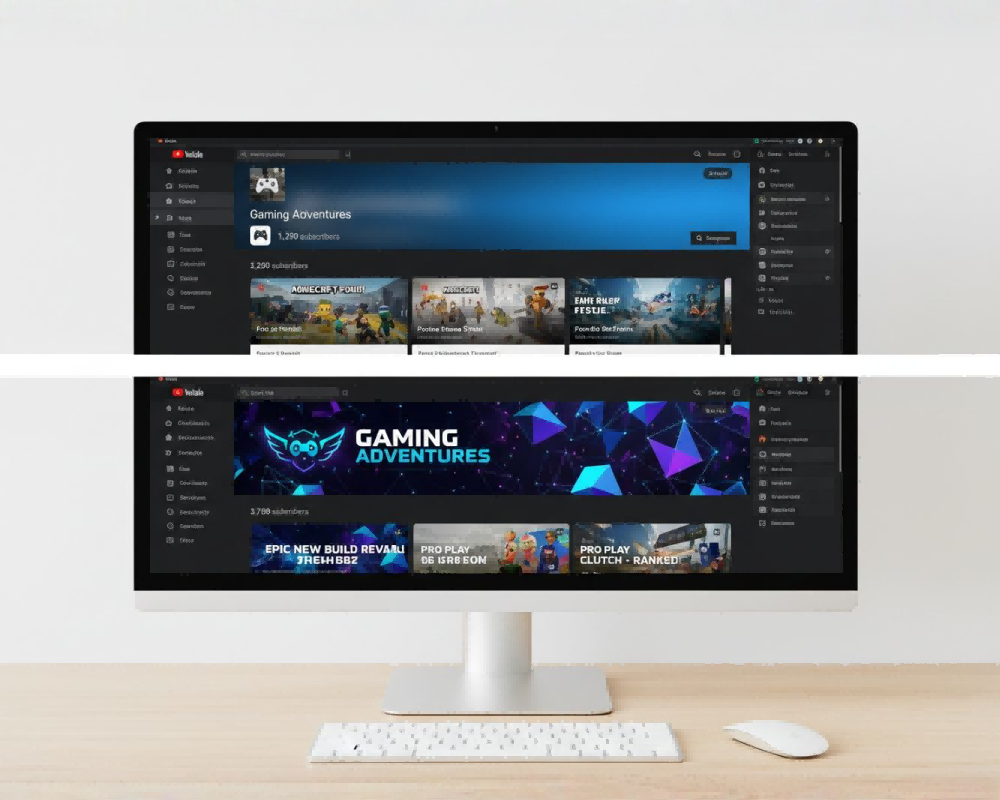
Is 2048x1152 Good Enough for YouTube?
Yes — 2048x1152 fully satisfies YouTube's requirements and looks great on mobile and desktop, where the vast majority of viewers watch. It's YouTube's minimum accepted size (anything smaller is rejected), and it's the most popular choice among gaming, vlog, music, and entertainment channels. The only limitation is that edge content may be slightly cropped on large TV screens.
Safe Zone Rules for 2048x1152 Banners
The safe zone rule is identical regardless of banner size. The center 1546x423px area is the only region guaranteed to display on all devices — including mobile, where many gaming and vlog viewers watch. Our AI automatically ensures all key content stays within this zone.
How to Make 2048x1152 Look Great
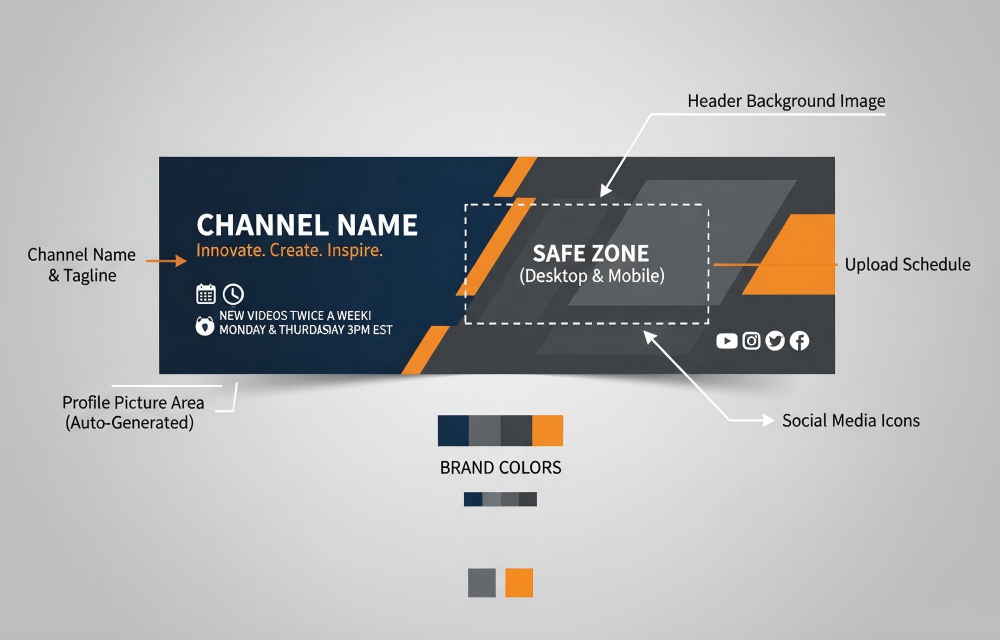
Designing well at 2048x1152 is about making the safe zone count. Since the safe zone is identical across all banner sizes, a well-designed 2048x1152 banner looks just as professional as 2560x1440 on the devices that matter most.

Gaming, Vlog & Entertainment: Why 2048x1152 Works
Gaming, vlog, and entertainment channels typically update their banners more frequently than professional or business channels. 2048x1152 is the practical choice for high-update creators — lower file size, faster uploads, and no visual difference on the screens their audiences use most.
How to Create a 2048x1152 YouTube Banner with AI
Describe Your Channel
Tell the AI about your channel — game titles, vlog style, music genre, colors, channel name. Optionally upload your logo or profile picture to include in the design.
Select 2048x1152 Size
The 2048x1152 preset is already set — YouTube's minimum required size. The AI ensures key content lands perfectly within the safe zone.
Preview & Download
Switch between desktop and mobile previews to confirm everything looks right, then download your banner and upload it to YouTube Studio in seconds.
Frequently Asked Questions
What is a 2048x1152 YouTube banner?
A 2048x1152 YouTube banner is channel art created at YouTube's minimum accepted dimensions — 2048 pixels wide by 1152 pixels tall. This is the smallest size YouTube will accept for channel banners; anything smaller will be rejected at upload. It displays correctly on mobile and desktop screens, making it a practical and efficient choice for most YouTube creators.
Is 2048x1152 good enough for YouTube?
Yes — 2048x1152 is fully YouTube-compatible and looks great on the screens where most viewers watch (mobile and desktop). It meets YouTube's minimum size requirement, so it will never be rejected at upload. The only difference from 2560x1440 is that large TV screens may crop the outer edges slightly. For gaming, vlog, music, and most entertainment channels, 2048x1152 delivers everything you need.
Will YouTube reject a banner smaller than 2048x1152?
Yes. YouTube's minimum accepted banner size is 2048x1152 pixels. If you try to upload an image smaller than this, YouTube will display an error and refuse the upload. Our AI generator creates banners at exactly 2048x1152 pixels, ensuring your banner always passes YouTube's size check.
What is the YouTube banner safe zone?
The safe zone is the center 1546x423 pixels of your YouTube banner — the only area guaranteed to display on every device, including mobile phones. YouTube crops banners differently depending on the screen: TV shows more of the image, desktop shows a wide strip, and mobile shows only the safe zone. Always place your channel name, logo, and key information within this center region. Our AI automatically keeps all important content in the safe zone.
What's the difference between 2048x1152 and 2560x1440?
Both sizes are YouTube-compatible and follow the same 1546x423px safe zone rule. The main difference: 2560x1440 is YouTube's recommended size and shows the complete image on Smart TVs, while 2048x1152 is the minimum required size with slightly cropped edges on TV screens. 2048x1152 has a smaller file size, uploads faster, and is the preferred choice for gaming, vlog, and entertainment channels. 2560x1440 is better for professional, business, and TV-oriented channels.
Can I include my channel logo in a 2048x1152 banner?
Yes — our generator lets you upload your logo or profile picture before creating your banner. The AI integrates it naturally into the design within the safe zone, ensuring it's clearly visible on all devices. This gives your banner a branded, professional look without any manual editing.
How can I preview my 2048x1152 banner on different devices?
After generating your banner, our built-in device preview lets you switch between desktop and mobile views instantly. You can see exactly how your banner appears to viewers on each screen before downloading — ensuring your safe zone content is positioned correctly and nothing important is cropped.
How do I upload a 2048x1152 banner to YouTube?
Go to YouTube Studio (studio.youtube.com) → Customization → Branding tab → click Upload under "Banner image" → select your file (JPG or PNG, max 6MB) → adjust the crop preview if needed → click Publish. Your banner goes live immediately. The smaller 2048x1152 file size means the upload typically completes very quickly.
What file format should I use for a 2048x1152 YouTube banner?
YouTube accepts JPG and PNG formats for channel banners, with a maximum file size of 6MB. PNG delivers the sharpest quality, while JPG produces smaller files — useful if you're frequently refreshing your banner. Our AI downloads banners in high-quality PNG format by default, ready to upload directly to YouTube.
Why do gaming channels use 2048x1152?
Gaming channels prefer 2048x1152 for several reasons: their audience is predominantly on mobile and desktop (where there's no visual difference from 2560x1440), they update banners frequently for new game releases or events (smaller file = faster updates), and the bold gaming aesthetic looks great at this size. Most major gaming channels on YouTube use 2048x1152 as their standard banner format.
When should I upgrade from 2048x1152 to 2560x1440?
Consider upgrading to 2560x1440 when: your channel is growing a TV audience, you're building a professional brand or business identity, you want the highest possible quality across all screens, or you're creating content for corporate, educational, or brand channel use. If your channel is primarily gaming, vlog, or entertainment and you update banners frequently, 2048x1152 remains the more practical choice.
How many 2048x1152 banners can I generate?
New users receive free credits to try the generator. Each generation uses credits based on the AI model selected. Paid plans offer generous credit packages, letting you generate as many variations as you need at 2048x1152 until you find the perfect banner for your channel.
More Tools
Explore more AI-powered tools to supercharge your creative workflow.


Create Your 2048x1152 YouTube Banner with AI Today
The fastest way to get a YouTube-ready banner for your gaming, vlog, or entertainment channel. No design skills needed.