

Outstanding Tiny Desk AI Video Generator
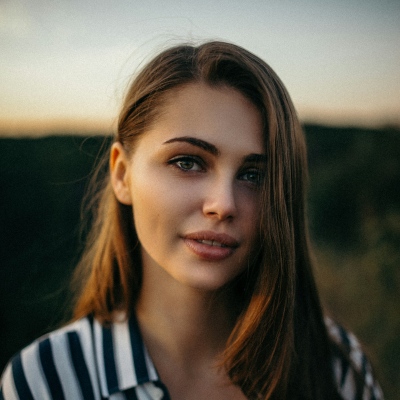
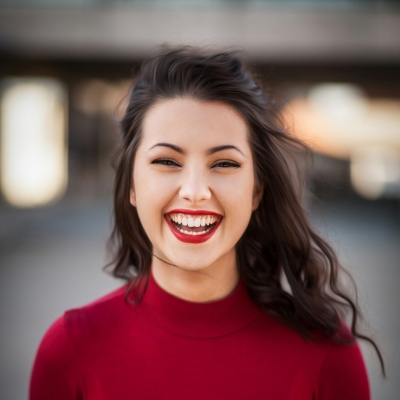
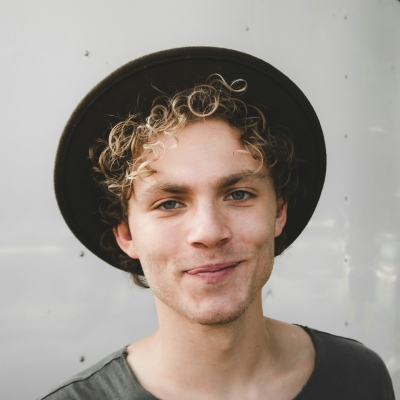
Join the Outstanding Tiny Desk AI trend with your own crew. Upload a photo of each person or one group photo, and we swap you into the viral desk concert clip with the same song, camera moves and timing. No prompts, no editing.
Outstanding Tiny Desk AI Videos Made With PixExact
Same clip, five new faces, a different story every time.
What Is the Outstanding Tiny Desk AI Trend?
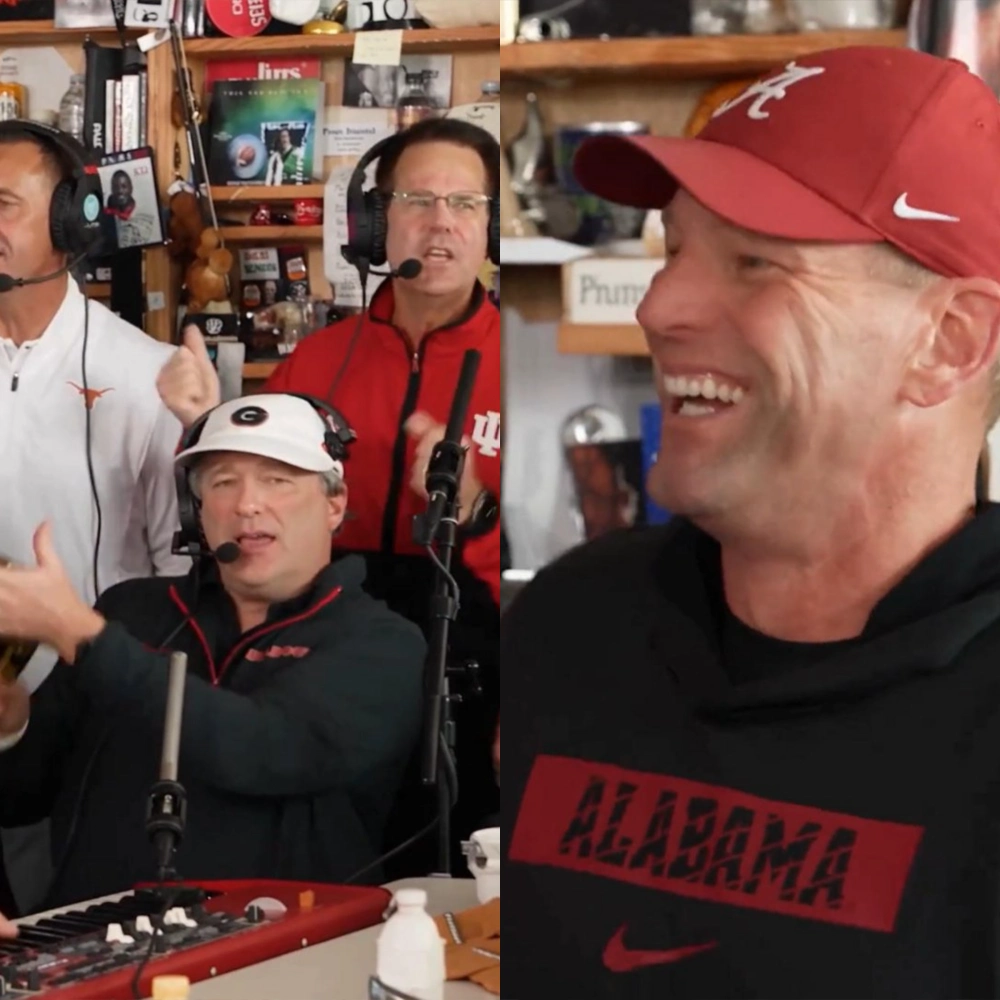
The Outstanding Tiny Desk AI trend borrows the closing moments of Charlie Wilson's NPR Tiny Desk concert from June 2023, where he and his band perform "Outstanding," The Gap Band's 1982 R&B hit. The original is pure joy: big smiles, tight harmonies and a saxophone solo.
On October 18, 2026, a TikTok creator posted an AI parody called "College Football's Week 8 All-Loss Tiny Desk Concert," recasting the band with five head coaches whose teams had just lost. A feel-good song over a terrible weekend was the joke, and it spread fast. Now fantasy leagues, offices and friend groups make their own version, usually starring whoever had the worst week.
How to Make an Outstanding Tiny Desk AI Video
Three steps. No prompts, no timeline editing.
Choose How to Upload
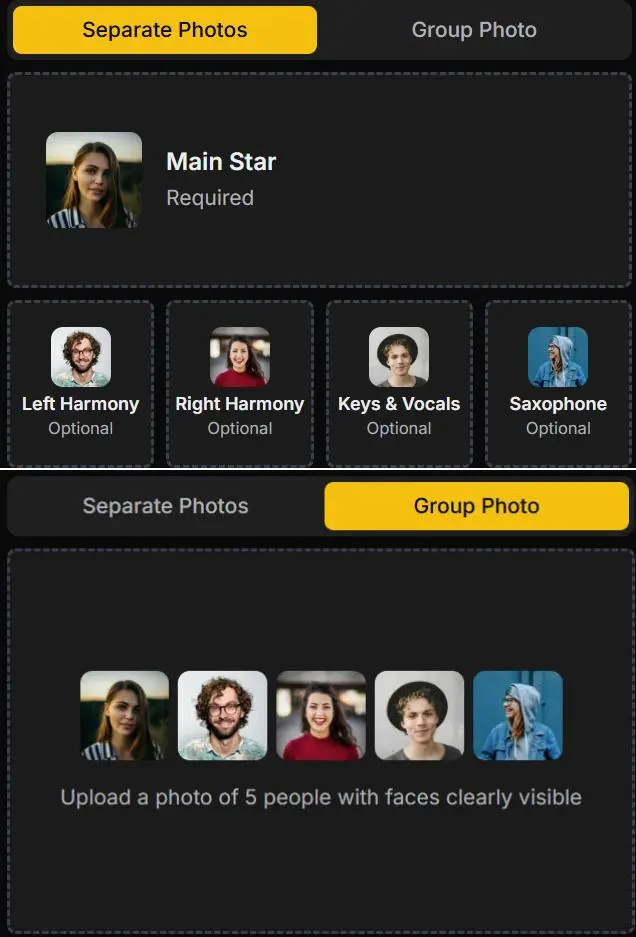
Pick Separate Photos to cast each band member one by one, or Group Photo if you already have a shot of five people standing side by side.
Add Photos and Generate
Upload at least the Main Star, fill any of the other four spots, then click Generate. Each video costs 180 credits and is usually ready in a few minutes.
Download and Post
Preview the result, download the vertical MP4 and share it on TikTok, Instagram Reels or YouTube Shorts.
Meet the Band: Who Plays Which Role
The clip has five shots and five performers. Knowing who appears where makes casting easy.
Main Star
Opens the video and gets the long laughing close-up in the middle. This is the punchline, so cast the person the video is really about.
Left Harmony
Stands at the back left in both band shots, singing backup. A good spot for the loyal sidekick.
Right Harmony
Stands at the back right, next to Left Harmony. Pick whoever brings the energy.
Keys & Vocals
Sits at the red keyboard singing lead in the band shots, and appears again in the foreground of the saxophone close-up.
Saxophone
Owns the saxophone close-up near the end. The sax stays, the face becomes yours.
Separate Photos or One Group Photo?
Separate Photos (recommended)
Upload one photo per person so every face gets full attention. Only the Main Star is required. Skip any role and the default band member shown on its card takes the spot, so you can make a solo, a trio or the full five.
Group Photo
Already have a picture of five friends? Upload it and we cast people from left to right: Main Star, Left Harmony, Right Harmony, Keys & Vocals, Saxophone. Make sure all five faces are clear and nobody is hidden behind someone else.
Why Make It With PixExact
Built for this exact trend, not a generic face swap.
The Clip Everyone Knows
We edit the real viral clip instead of inventing a new scene, so the song, camera moves and comic timing land exactly where people expect them.
Up to Five People
Cast the whole band or just one person. Every empty spot goes to a default band member.
Your Look Comes Along
Faces, hair and outfits follow your photos, not the original band's team gear.
No Prompts Needed
The template already knows every shot. You only upload photos.
Made for Vertical Video
9:16 output with the original song, ready for TikTok, Reels and Shorts.
Credits Back If It Fails
If a render fails, your credits are refunded automatically.
Who Should You Put in the Band?
The best versions star someone who just had a rough week, or a group that loves a good roast.
Fantasy League Last Place
Put the last-place manager front and center as the Main Star and fill the band with the playoff teams.
Your Team After a Loss
Rec league, pickup crew or work softball team. Cast the players who were there, with their OK.
Office Send-Off
Celebrate a teammate's last day or a shipped project with the whole team in the band.
Birthday Roast
Birthday person at the mic, friends in the band. The most "Outstanding" card you can send.
Photo Tips for a Better Tiny Desk AI Video
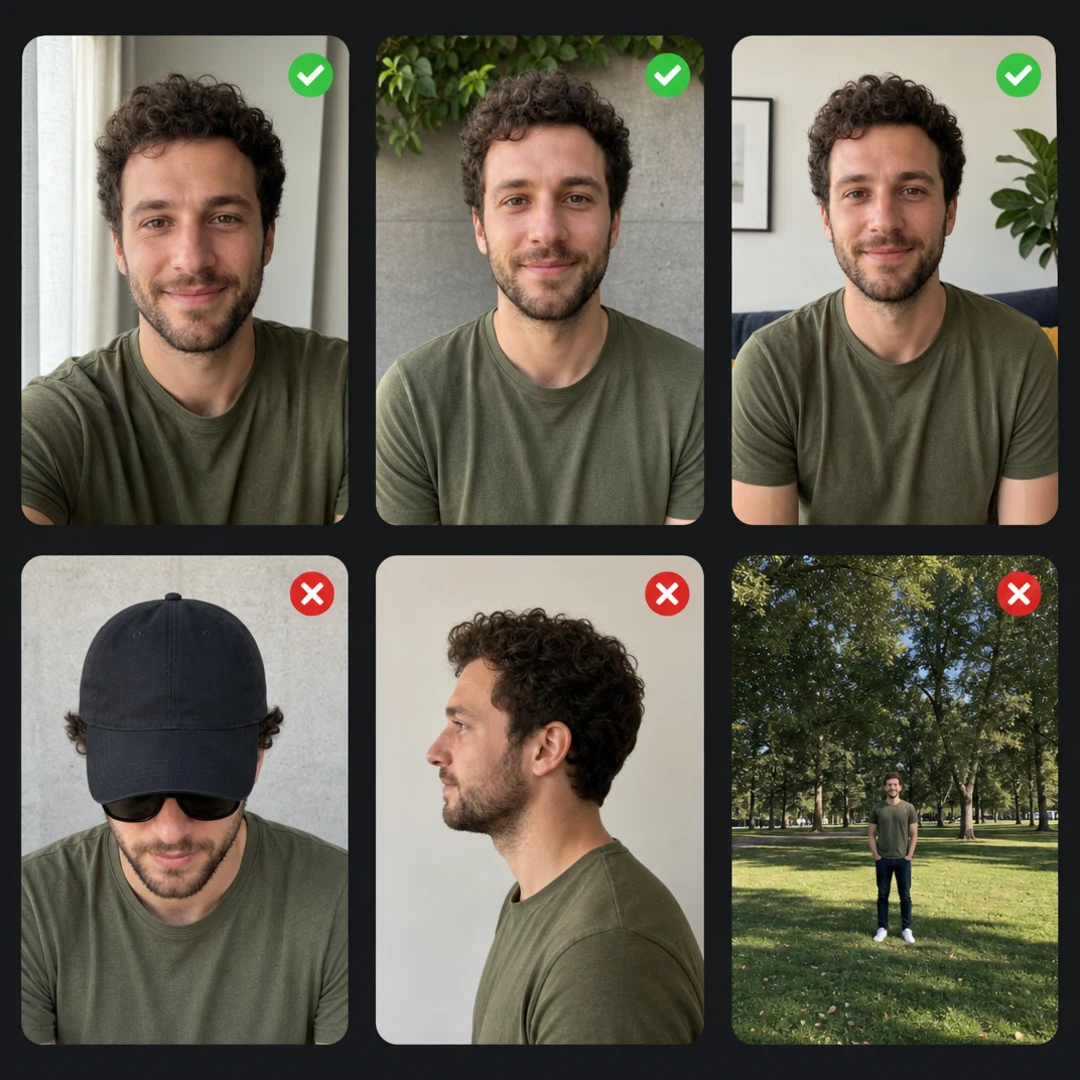
The AI can only match faces it can see clearly. A minute spent picking photos saves a second try.
- Use clear, front-facing photos. Sunglasses, low hats and side angles are the most common reason a face looks off.
- Keep the face big in the frame. Chest-up shots work better than full-body photos from far away.
- In Separate Photos mode, use one person per photo. A second face can confuse who goes where.
- Use a different person for every role. Uploading the same photo twice will not improve the result.
- For a group photo, line up five people side by side, all facing the camera, with nobody blocked.
- Natural light beats filters. Skip heavy beauty filters and AI-edited photos.
- Only use photos of people who said yes.
Before You Post
Three quick checks before your band goes live.
Label It as AI
Turn on TikTok's AI-generated content label or say it in your caption. It's a parody, so nobody should mistake it for the real thing.
If the Sound Gets Muted
Some platforms mute copyrighted songs. If that happens, add "Outstanding" by The Gap Band from the app's own sound library and line it up with the clip.
Get the Band's OK
Everyone in the video should be fine with being in it, especially if your account is public.
Outstanding Tiny Desk AI FAQs
What is Outstanding Tiny Desk AI?
It's the meme format that recasts the band from Charlie Wilson's NPR Tiny Desk performance of "Outstanding" with new faces. This generator makes that video from your own photos.
What song is in the Outstanding Tiny Desk AI trend?
"Outstanding" by The Gap Band, from their 1982 album Gap Band IV. The meme uses the live version from Charlie Wilson's 2023 Tiny Desk concert. Wilson was The Gap Band's lead singer.
Who started the Tiny Desk AI trend?
TikTok creator @theburnerfromhe11 posted "College Football's Week 8 All-Loss Tiny Desk Concert" on October 18, 2026. Sports fans, offices and friend groups followed with their own versions.
How many people can be in my video?
Up to five, one for each role. Only the Main Star is required.
What happens to the roles I leave empty?
They're played by the default band members shown on the upload cards. Fill all five spots to make the band entirely yours.
Can I use one group photo instead?
Yes. Switch to Group Photo and upload a picture of five people. Roles are assigned from left to right, so put your Main Star on the far left.
How much does it cost?
Each video costs 180 credits. If generation fails, the credits go back to your account automatically.
How long is the video?
About 19 seconds, vertical 9:16 MP4 at 720p, with the original song.
How long does it take?
Usually a few minutes. Finished videos are also saved in your assets.
Why does someone look different, or why did an extra person appear?
AI occasionally misses a face or adds someone. Clear, front-facing photos with one person each fix most cases. If a result looks off, try again with a different photo.
Is this affiliated with NPR or Tiny Desk?
No. PixExact is not affiliated with NPR, Tiny Desk Concerts, Charlie Wilson or The Gap Band. This is a parody template inspired by a fan-made meme.
Can I use photos of my friends?
Yes, as long as they agreed. Don't use anyone's face to mislead, harass or impersonate them.
Can I keep my video private?
Videos are public by default. Paid members can turn off Public Visibility before generating.
More Tools
Explore more AI-powered tools to supercharge your creative workflow.


Your Band Is Waiting at the Desk
Pick your Main Star, upload the photos and make your Outstanding Tiny Desk AI video in minutes.