Need a striking poster for an event, product launch, or social media campaign but don't want to hire a designer or wrestle with Photoshop? AI poster generators let you describe your vision in plain text and download a finished design in seconds.
The challenge: dozens of tools claim to be free, AI-powered, and the best. Most comparison articles are published by the tools themselves. This one is not.
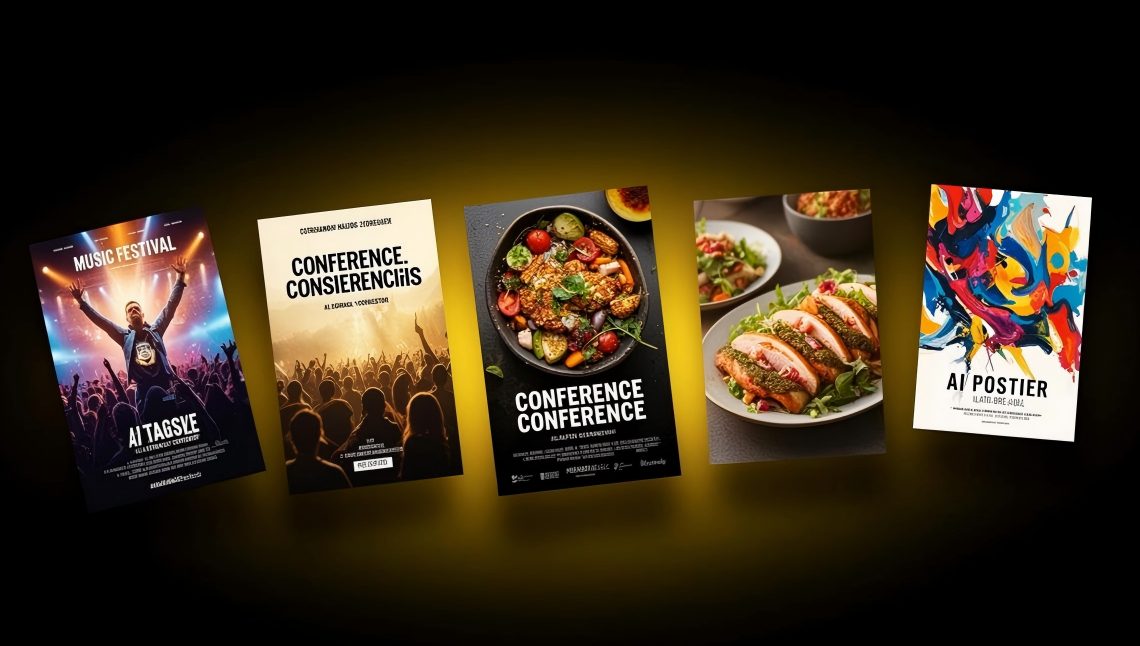
We tested seven popular AI poster generators on the same brief — a music festival poster — and compared them across output quality, size control, AI capabilities, free-tier limits, and pricing. Here is what we found.
Quick-Reference: 7 AI Poster Generators Compared at a Glance
| Tool | AI Design Method | Free Tier | Paid Starting Price | Exact Size Control | Print-Ready Export | Best For |
|---|---|---|---|---|---|---|
| PixExact | Text-to-poster from scratch; image-to-poster | Free credits on signup | Credit-based | Yes — 3 aspect ratio presets (up to 3072x4096) + any custom size up to 4096x4096 | Yes (high-res PNG) | Exact-size, unique AI-generated posters with zero templates |
| Canva | Template-first + Magic Media AI (Stable Diffusion) | Free plan (limited AI credits) | $15/mo (Pro) | No — template sizes; manual resize | Yes (PDF; Canva Print available) | Template editing with AI image generation and built-in printing |
| Adobe Express | Template-first + Firefly AI | Free plan (free daily AI generations) | $9.99/mo (Premium) | No — standard 11x17 and template sizes | Yes (PDF, JPG, PNG) | Users in the Adobe ecosystem needing commercially safe AI |
| Design.com | AI generation + brand auto-matching | Free templates available | From $3/mo | No — template-locked | Yes (PNG, JPG, PDF, EPS, SVG) | Brand-consistent posters with logo integration and vector export |
| NoteGPT | Text-to-image AI poster generation | 2 free images per day | 4 premium credits per image | Partial — 10 aspect ratio presets (no custom pixel entry) | Limited (image download) | Quick AI-generated poster images with multiple ratio options |
| PosterMyWall | Template-first + AI design/image/text tools | Free plan (watermark on downloads) | $9.95/mo (Premium) | No — template-locked with resize | Yes (high-res PDF on paid) | Event poster marketing with built-in email and social publishing |
| Venngage | AI generation + template library | Free plan (limited features) | $10/mo (Premium, annual) | No — template-locked | PDF on paid plans only | Academic, research, and corporate posters with data visualization |
How We Tested
We gave each tool the same brief:
Prompt: "Design a music festival poster for Summer Pulse Festival 2026. Dates: August 15 to 17. Location: Lakeside Park, Portland. Tagline: Three Stages. Fifty Artists. One Weekend. Tickets at summerpulse.com. Bold, energetic design with sunset gradients of orange and purple, crowd silhouettes, and modern display typography."
Target size: 24 x 36 inches (a standard large poster).
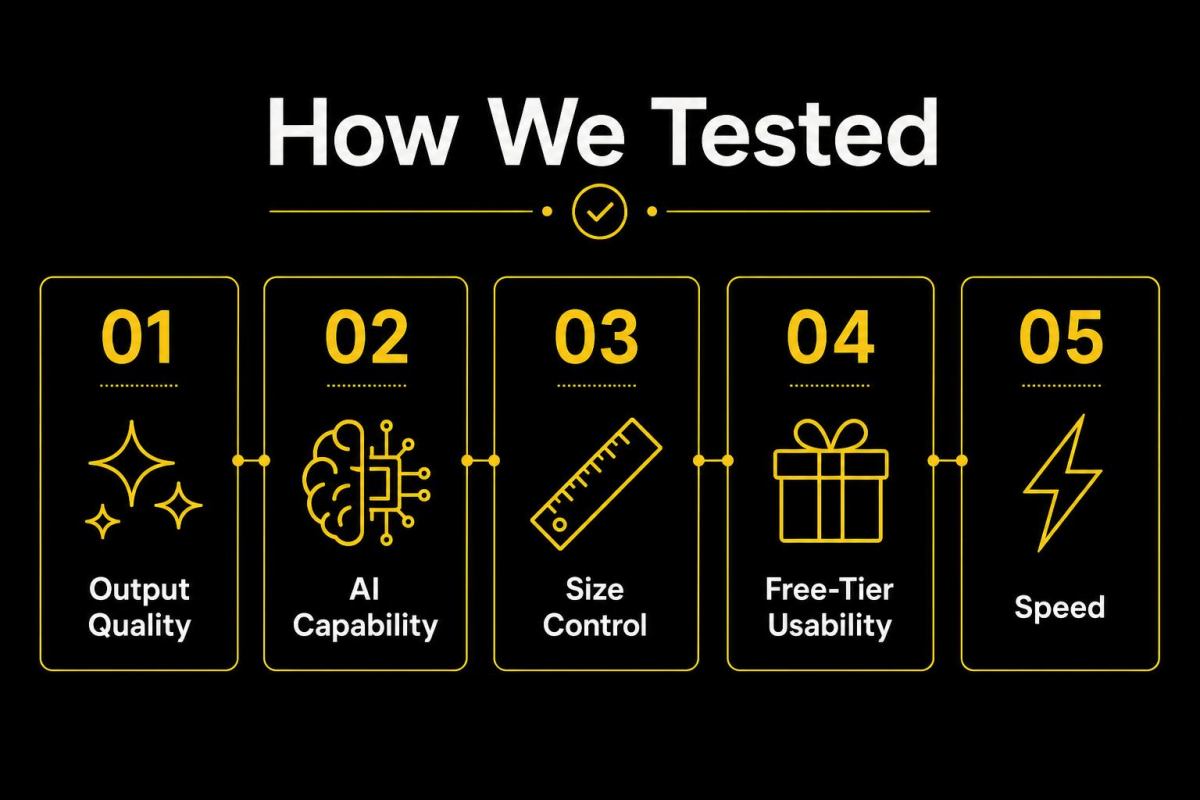
We evaluated five criteria:
- Output quality — Does the poster look professional and visually striking?
- AI capability — How much does AI actually do vs. manual editing?
- Size control — Can you specify exact dimensions for print or digital?
- Free-tier usability — Can you actually download a usable poster for free?
- Speed — How fast from prompt to download?
Detailed Comparison: Each Tool Reviewed
1. PixExact — Best for Exact-Size, Fully AI-Generated Posters
PixExact generates complete, unique posters from text prompts — no templates, no drag-and-drop editing. Every poster is created from scratch by AI, so your design is one-of-a-kind.
How it works in 3 steps:
Step 1 — Describe your poster. Write a prompt covering four elements: Purpose (what the poster is for), Content (headline, tagline, date, location, all text), Style (visual mood — cinematic, minimalist, pop art, neon, vintage), and Colors and Lighting (specific palette and lighting direction). You can also upload a reference image — a logo, existing poster, or mood board — and the AI matches the visual style for brand consistency.
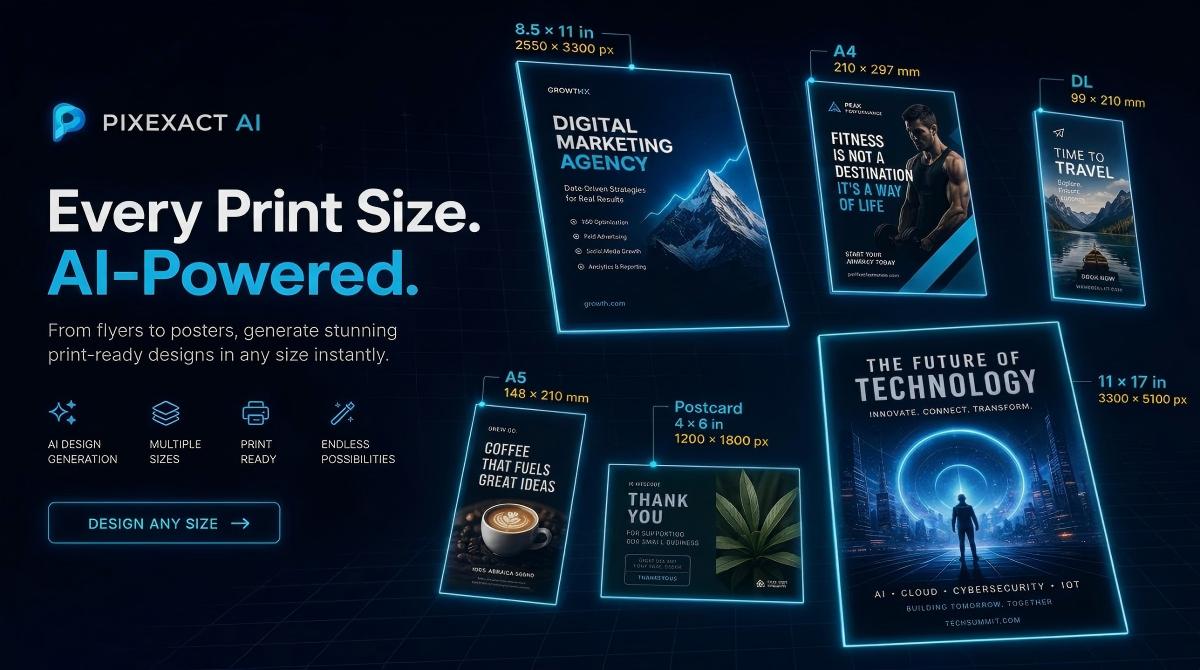
Step 2 — Choose your poster size. PixExact offers three aspect ratio presets optimized for different poster use cases:
| Preset | Pixels | Aspect Ratio | Best For |
|---|---|---|---|
| 9:16 | 1080 x 1920 | Vertical tall | Instagram Stories, TikTok, phone wallpapers, digital signage |
| 2:3 | 1664 x 2496 | Classic poster | Event posters, movie posters, wall art, print-ready A3/A2 |
| 3:4 | 3072 x 4096 | Large high-res | Premium print posters, exhibition displays, large-format wall art |
Need a non-standard size? Select Custom and enter any width and height in pixels (up to 4096 x 4096). Choose to generate 1 to 4 posters at once — the AI produces a different layout, color treatment, and composition each time.
Step 3 — Generate and download. Click Create Poster. The AI produces your design in seconds. If you want adjustments, tweak your prompt wording and regenerate, upload a different reference image, or generate 4 variations to compare. Download the high-resolution file when satisfied.
What sets PixExact apart:
- 3 aspect ratio presets plus custom pixel dimensions up to 4096 x 4096 — the only tool here with both preset convenience and custom flexibility.
- Image-to-poster: Upload a logo, product photo, or style reference, and the AI incorporates it into the design for brand consistency.
- Multi-size generation: Create the same poster in multiple sizes simultaneously from a single prompt.
- No templates: Every design is generated from scratch. You never share a layout with other businesses.
Limitations:
- No drag-and-drop editor for post-generation element-level tweaking (you refine by adjusting the prompt).
- No QR code support on the poster tool (available on the separate AI Flyer Generator).
- Learning curve on prompt writing for first-time users (see our how to create a poster with AI guide for 8 ready-to-use prompt examples).
Free tier: Complimentary credits on signup — enough to generate and download several posters.
Pricing: Credit-based system. Pay only for what you generate.
Speed: Prompt to download in under 30 seconds.
Verdict: If you need a poster in a specific size — especially for large-format printing or social media — and you want a completely unique design, PixExact is the clear choice. It is the only tool here that truly generates posters from scratch with precise dimension control.
Create Your Poster with PixExact
2. Canva — Best for Template Editing with AI Image Generation
Canva is the world's most popular design platform, and its AI poster capabilities come through Magic Media, powered by Stable Diffusion. You generate AI images from text prompts, then place them into Canva's template-based editor.
AI features: Magic Media generates poster-style images from text prompts with 20+ style presets (Watercolor, Filmic, Neon, Black and White, Concept, Vibrant, etc.). Magic Eraser removes unwanted elements. Magic Grab repositions subjects. These are image generation and editing tools layered on top of templates.
Free tier: Limited AI image generation credits on the free plan. Access to thousands of poster templates and basic editing tools. Many premium templates and stock assets require Pro. No Brand Kit on free.
Paid: Canva Pro at $15/month (or $120/year) unlocks more AI credits, premium templates, Brand Kit, background remover, Magic Switch for multi-format resizing, and Canva Print for ordering physical posters.
Size control: Template-based sizes. You can create a custom-size canvas, but Magic Media generates images — not complete posters with layout and text. You manually place the AI image into a template and add text elements yourself.
Output quality: AI-generated images are visually impressive across many styles. However, creating a finished poster requires manual work — placing the image, adding text, adjusting layout. The final quality depends on your editing skills.
Speed: 15-30 minutes for a complete poster (AI image generation is instant; layout and text editing take additional time).
Verdict: Canva is the strongest option if you want an AI-generated background image combined with manual template editing. It is not a prompt-to-finished-poster tool — you generate an image, then build the poster around it. Best for users comfortable with drag-and-drop editing.
3. Adobe Express — Best for Adobe Ecosystem Users
Adobe Express uses Firefly AI to generate poster template variations from text prompts. The AI is trained on licensed content, making outputs commercially safe by design.
AI features: Describe your poster, and Firefly generates multiple template variations you can customize. Additional AI tools include generative fill, text effects, and background removal. The standard poster size is 11 x 17 inches, with resize options available.
Free tier: Thousands of templates, free daily AI generations, Adobe Stock images, and export in PDF, JPG, or PNG. No watermark on free exports. Premium templates and advanced AI features (bulk resize, remove video background) require Premium.
Paid: Premium at $9.99/month unlocks 250 generative credits per month, all premium templates, full Adobe Stock access, brand automation, and advanced editing tools.
Size control: Standard poster sizes (11 x 17 inches is default) with template-based resize options. No custom pixel entry for AI generation.
Output quality: Clean and professional, particularly strong for corporate and marketing materials. The Firefly AI integration ensures commercially safe outputs. PDF export supports print-ready files.
Speed: 15-30 minutes for a complete, customized poster.
Verdict: The best choice if your team uses Adobe Creative Cloud. PSD and AI file import with layer recognition is a genuine differentiator. But like Canva, this is a template editor with AI assists, not a prompt-to-finished-poster generator.
4. Design.com — Best for Brand-Consistent Posters with Vector Export
Design.com differentiates itself with automatic brand matching — upload your logo, and the AI matches poster colors and design elements to your brand identity across every design.
AI features: Enter your business name and a short description, and the AI generates multiple poster designs tailored to your brand. Smart prompt refinement lets you add keywords to adjust results. A shortlisting feature (heart icon) lets you compare favorites before committing.
Free tier: Free poster templates available for full customization and download. The AI generator is free to try. Premium plans unlock additional templates, file formats, and the full design suite.
Paid: Plans start from $3/month, making it one of the most affordable options. Premium unlocks vector exports and the full suite of 50+ design tools.
Size control: Template-locked dimensions. No custom pixel entry.
Output quality: Professionally designed templates (not stock layouts). Every design comes with a royalty-free commercial license. Export in PNG, JPG (for digital) and PDF, EPS, SVG (for professional print) — the vector export options are a standout.
Additional features: Built-in poster printing service (1-200 copies, standard/glossy/matte paper, free worldwide shipping). Digital business cards, email signatures, and social media graphics auto-matched to your brand.
Speed: Under 5 minutes from prompt to download.
Verdict: The best value option for businesses that need brand-consistent posters with professional vector exports. The $3/month starting price and built-in print service make it particularly strong for small businesses that need both digital and printed posters. However, the AI generates from templates, not from scratch.
5. NoteGPT — Best for Quick, Free AI Poster Images
NoteGPT's AI Poster Generator focuses on turning text prompts into poster images. It supports both text-to-image and image-to-image generation, with 10 aspect ratio presets.
AI features: Enter a text prompt or upload an image, and the AI generates a poster-style visual. Choose from 10 aspect ratios: Auto, 1:1, 2:3, 3:2, 3:4, 4:3, 4:5, 5:4, 9:16, 16:9, and 21:9. The tool generates single images — not multi-element poster layouts with separately editable text.
Free tier: 2 free poster images per day. After that, each image costs 4 premium credits.
Size control: 10 aspect ratio presets available. No custom pixel entry. Output resolution is not specified for the free tier.
Output quality: Good for AI-generated poster art and social media graphics. Less suited for text-heavy posters where you need precise control over headlines, dates, and contact information — the AI renders text as part of the image, which can result in inconsistencies.
Speed: Under 30 seconds per image.
Verdict: A useful option for generating poster-style artwork or visual concepts quickly. The 2-free-per-day limit is reasonable for casual use. Not suitable for professional print posters or designs requiring precise text layout.
6. PosterMyWall — Best for Event Poster Marketing with Built-In Distribution
PosterMyWall is more than a poster maker — it is a full event marketing platform. Design your poster, then schedule social posts, send email campaigns, and create event landing pages, all from the same tool.
AI features: AI-powered design assistant (Create with AI) generates complete poster designs from text or audio prompts on Premium plans. Additional AI tools include AI Image Generator (text-to-image), AI Writer (copy suggestions), AI Background Remover, AI Voice, and AI Subtitles. These are available via the template editor, not as standalone generation.
Free tier: Access to 1M+ poster templates and a drag-and-drop editor. Free social media downloads available. Downloads for print include a watermark. Watermark-free high-res image downloads cost $5.99 each on the free plan. AI design tools (Create with AI, AI Image Generator, etc.) require a Premium subscription.
Paid: Premium at $9.95/month (or approximately $8.33/month billed annually) includes watermark-free unlimited downloads, 100 AI credits/month, 1 Brand Kit, 3 social accounts with Content Planner, 3,000 trackable email sends/month, and 5 event pages/month. Premium Plus at $29.95/month adds unlimited Brand Kits, 250 AI credits, unlimited social accounts, and 10,000 email sends/month.
Size control: Template-locked with one-click resize for different platforms (social media, print, digital signage). No custom pixel entry for AI generation.
Output quality: Strong for event-focused designs. The template library is the largest in this comparison (1M+ templates) covering concerts, church events, community gatherings, restaurant promotions, and school events. Exports in JPG, PNG, and high-res PDF.
Additional features: Content Planner for scheduling social posts. Email marketing with 3,000-10,000 trackable sends per month. Event landing pages with registration tracking. Built-in poster printing is not available — you download files and print elsewhere.
Speed: 10-20 minutes for a customized template-based poster.
Verdict: The strongest choice if you need an all-in-one event marketing workflow — design the poster, schedule social posts, send email blasts, and track event registrations, all in one platform. The main drawbacks are the watermark on free downloads and the fact that AI design tools require a paid plan. If you only need the poster itself, other tools offer more AI capability for free.
7. Venngage — Best for Academic, Research, and Corporate Posters
Venngage's AI Poster Generator is purpose-built for structured, information-rich posters — research presentations, conference posters, campaign materials, and corporate communications.
AI features: Enter a prompt describing your poster's purpose, audience, and key message. The AI generates a structured layout with text sections, data visualization placeholders, and professional formatting. Additional AI tools include AI Writer, AI Image Generator, AI Icon Generator, AI Translation, and Brand Kit automation.
Free tier: Free plan allows you to try all AI features. Limited exports — free users can publish designs publicly but downloading and private sharing require a paid plan.
Paid: Premium at approximately $10/month per user (billed annually; $19/month if billed monthly) unlocks unlimited designs, PNG downloads, and private sharing. Business at $24/month per user (billed annually; $49/month if billed monthly) adds PDF and PowerPoint export, Brand Kit, team collaboration, and accessible PDF downloads.
Size control: Template-locked. Standard poster sizes within templates. No custom pixel entry.
Output quality: Excellent for structured, text-heavy posters. Particularly strong for academic research posters, data-driven campaign materials, and corporate communications. The accessibility features (WCAG-compliant PDF export, alt text generator, color contrast checker) are unmatched. Less suited for visually dramatic event or entertainment posters.
Speed: 15-25 minutes for a complete poster.
Verdict: The clear winner for academic and corporate environments. If your poster needs to present research data, conference information, or structured business content with accessibility compliance, Venngage is purpose-built for that. For visually striking event or marketing posters, other tools offer more creative flexibility.
Feature-by-Feature Comparison
| Feature | PixExact | Canva | Adobe Express | Design.com | NoteGPT | PosterMyWall | Venngage |
|---|---|---|---|---|---|---|---|
| True AI generation (prompt to finished poster) | Yes | Partial (AI image + manual layout) | No (template + AI assist) | Partial (AI + template) | Yes (image only) | Partial (AI on Premium) | Partial (AI + template) |
| Aspect ratio / size presets | Yes (3 presets) | Template sizes | 11x17 + templates | Template sizes | 10 ratio presets | Template sizes + resize | Template sizes |
| Custom pixel dimensions | Yes (up to 4096x4096) | Manual canvas only | No | No | No | No | No |
| Image-to-poster (upload reference) | Yes | No | No | Logo upload (brand matching) | Yes (image-to-image) | Yes (reference images on Premium) | No |
| Multi-size simultaneous output | Yes | No | No | No | No | No | No |
| Watermark-free on free tier | Yes | Yes (on free templates) | Yes | Yes (free templates) | Yes | No (watermark on print downloads) | N/A (limited free exports) |
| Vector export (SVG/EPS) | No | No | No | Yes (SVG, EPS, PDF) | No | No | No |
| Print-ready output | High-res PNG | PDF (Pro); Canva Print | PNG, JPG, PDF, EPS, SVG | Image only | High-res PDF (paid) | PDF (Business plan) | |
| Built-in print ordering | No | Yes (Canva Print) | No | Yes (worldwide shipping) | No | No | No |
| Built-in email marketing | No | No | No | No | No | Yes (3,000-10,000 sends/mo) | No |
| Template library | None (AI-generated) | 10,000+ poster templates | 5,000+ | Thousands | None | 1,000,000+ | 1,000+ |
| Brand Kit | Via reference image upload | Pro only | Premium only | Auto brand matching | No | Premium only | Business plan |
| Learning curve | Moderate (prompt writing) | Low | Low | Low | Low | Low | Low-Moderate |
How to Choose the Right Tool
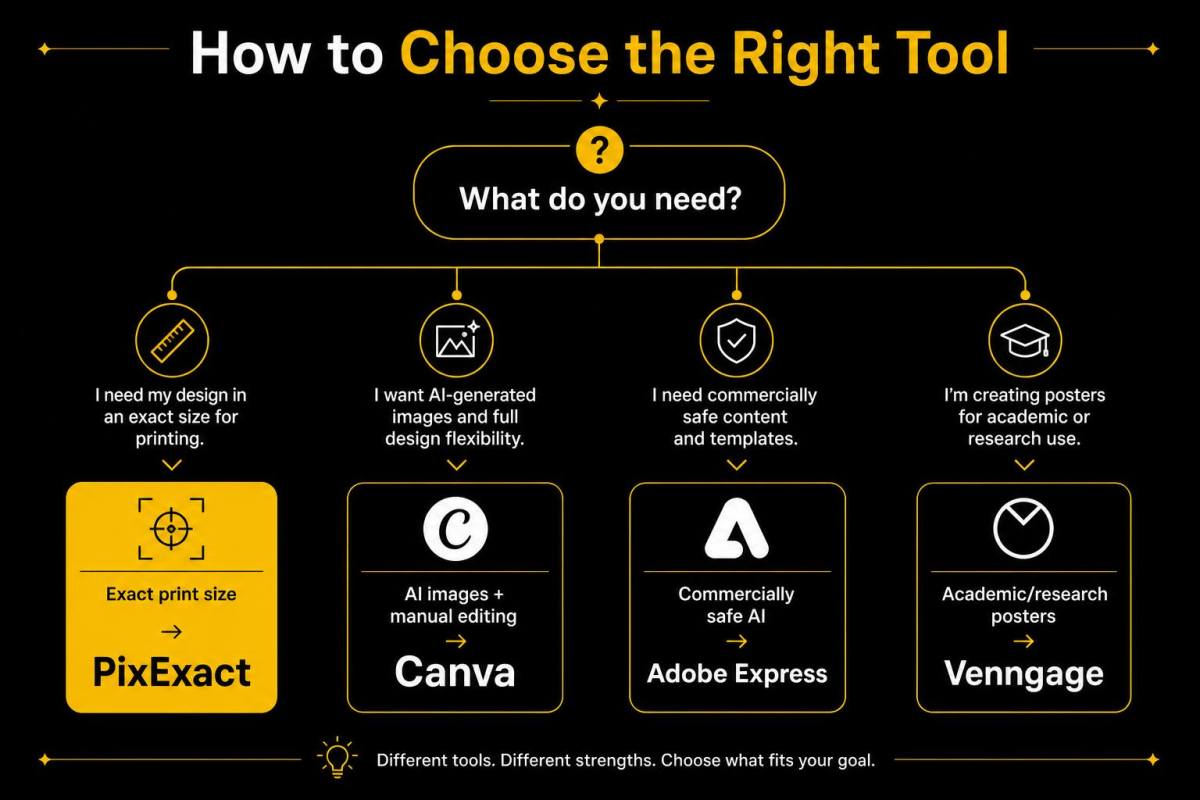
Use this decision framework:
You need a poster in a specific, exact size for printing or digital: Choose PixExact. It is the only tool with dedicated aspect ratio presets up to 3072 x 4096 pixels plus custom dimensions up to 4096 x 4096.
You want to generate AI images and build a poster around them with manual editing: Choose Canva. Magic Media produces excellent AI visuals across 20+ styles, and the template editor gives you full layout control.
You need commercially safe AI and use Adobe Creative Cloud: Choose Adobe Express. Firefly AI is trained on licensed content, and PSD/AI file import is a unique advantage.
You need brand-consistent posters with vector export and printing: Choose Design.com. Automatic brand matching, SVG/EPS/PDF export, and built-in print ordering make it ideal for businesses.
You are promoting an event and need email, social, and event pages built in: Choose PosterMyWall. Its all-in-one marketing workflow — poster design, social scheduling, email campaigns, and event landing pages — is unmatched for event promoters.
You want a quick AI poster image without spending anything: Choose NoteGPT. 2 free poster images per day with 10 aspect ratio options and no signup barrier.
You are creating a research, academic, or corporate poster: Choose Venngage. Its structured layouts, data visualization, and WCAG accessibility features are purpose-built for these use cases.
You want a completely unique poster design that no one else has: Choose PixExact. Every poster is generated from scratch by AI — no shared templates.
Frequently Asked Questions
What is the best free AI poster generator in 2026?
It depends on your needs. For fully AI-generated, unique posters with exact size control, PixExact is the top choice — it offers 3 aspect ratio presets up to 3072 x 4096 pixels plus custom dimensions. For template-based design with AI image generation, Canva offers the most comprehensive free tier. For brand-consistent posters with vector export, Design.com starts at just $3/month. For event marketing with built-in email and social tools, PosterMyWall provides an all-in-one workflow. For academic and research posters, Venngage is purpose-built.
Can I really create a poster for free with AI?
Yes. All seven tools in this comparison offer a free tier or free access. PixExact gives complimentary credits on signup. Canva and Adobe Express have generous free plans for template-based editing. NoteGPT offers 2 free poster images per day with no signup required. The main limitations on free tiers vary: PosterMyWall adds watermarks on print downloads (social media downloads are free), Venngage restricts file downloads to paid plans, and some tools cap AI generation credits.
What is the difference between an AI poster generator and a template editor?
An AI poster generator (like PixExact) creates a complete, unique design from a text description — the AI handles layout, imagery, typography, and composition from scratch. A template editor (like Canva, Adobe Express, PosterMyWall, or Venngage) gives you a pre-designed starting point that you manually customize. Some tools like Canva offer AI image generation within the template workflow, but the poster layout itself is still template-based.
Which AI poster generator gives the best print quality?
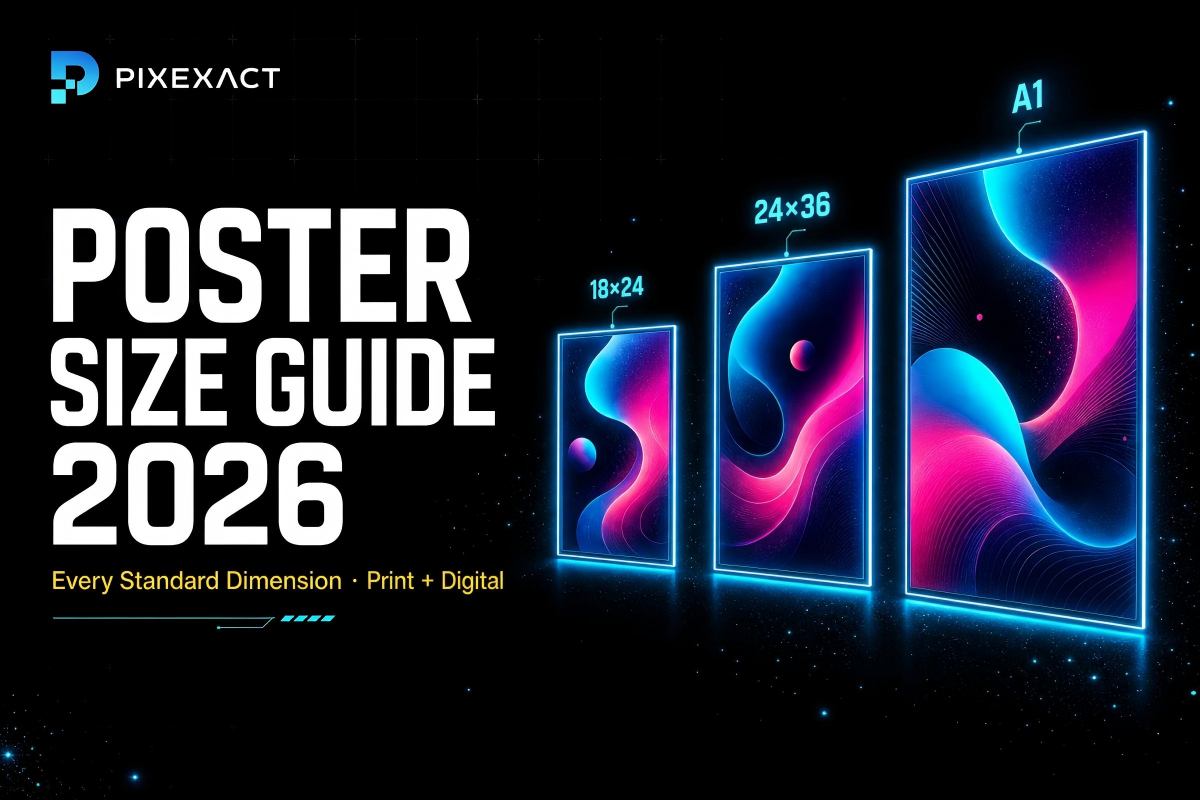
For print quality, resolution and exact dimensions matter. PixExact generates posters at up to 3072 x 4096 pixels (3:4 preset), supporting high-quality printing up to approximately 10 x 13 inches at 300 DPI or larger sizes at 150 DPI. Design.com offers vector exports (SVG, EPS, PDF) that scale to any print size without quality loss. Canva Pro exports print-ready PDFs with bleed marks and offers integrated Canva Print ordering. PosterMyWall exports high-res PDF on paid plans. For a full guide on poster dimensions, see our Poster Size Guide.
What size should my poster be?
Start with where your poster will be displayed: 18 x 24 inches for general indoor use, 24 x 36 inches for large wall displays, 27 x 40 inches for movie poster format, and 1080 x 1920 pixels for Instagram Stories and digital signage. PixExact makes this easy with dedicated presets — 9:16 for social media, 2:3 for classic posters, and 3:4 for large-format prints. For a complete breakdown of all standard poster dimensions, see our Poster Size Guide.
Do I need design skills to use these tools?
No. PixExact and NoteGPT require zero design skills — you describe your poster and the AI generates a finished design. Template editors like Canva, Adobe Express, and PosterMyWall require basic drag-and-drop skills but are beginner-friendly. Design.com and Venngage fall in between, with AI-assisted generation plus manual customization.
What is the difference between a poster and a flyer?
Posters are typically 11 x 17 inches or larger, designed for wall display and visual impact from a distance. Flyers are US Letter / A4 size or smaller, designed for hand distribution with detailed text (dates, addresses, offers, QR codes). If you need a text-heavy handout with a QR code, use our AI Flyer Generator. For a complete comparison of flyer tools, see Best Free AI Flyer Generators Compared.
Start Creating Your Poster
You have seen how the top tools compare. If you want a poster that is truly yours — unique, sized exactly to your specifications, and ready in seconds — try PixExact.
No templates. No shared layouts. No manual editing. Just describe your poster, choose your size, and download.