Best Image to Prompt Generator Tools for AI Art Creation in 2025
Creating AI-generated images starts with the right text prompt. But what if you already have an image and want to recreate something similar?
Image to prompt generators solve this problem by analyzing pictures and turning them into text descriptions that AI art tools can understand.
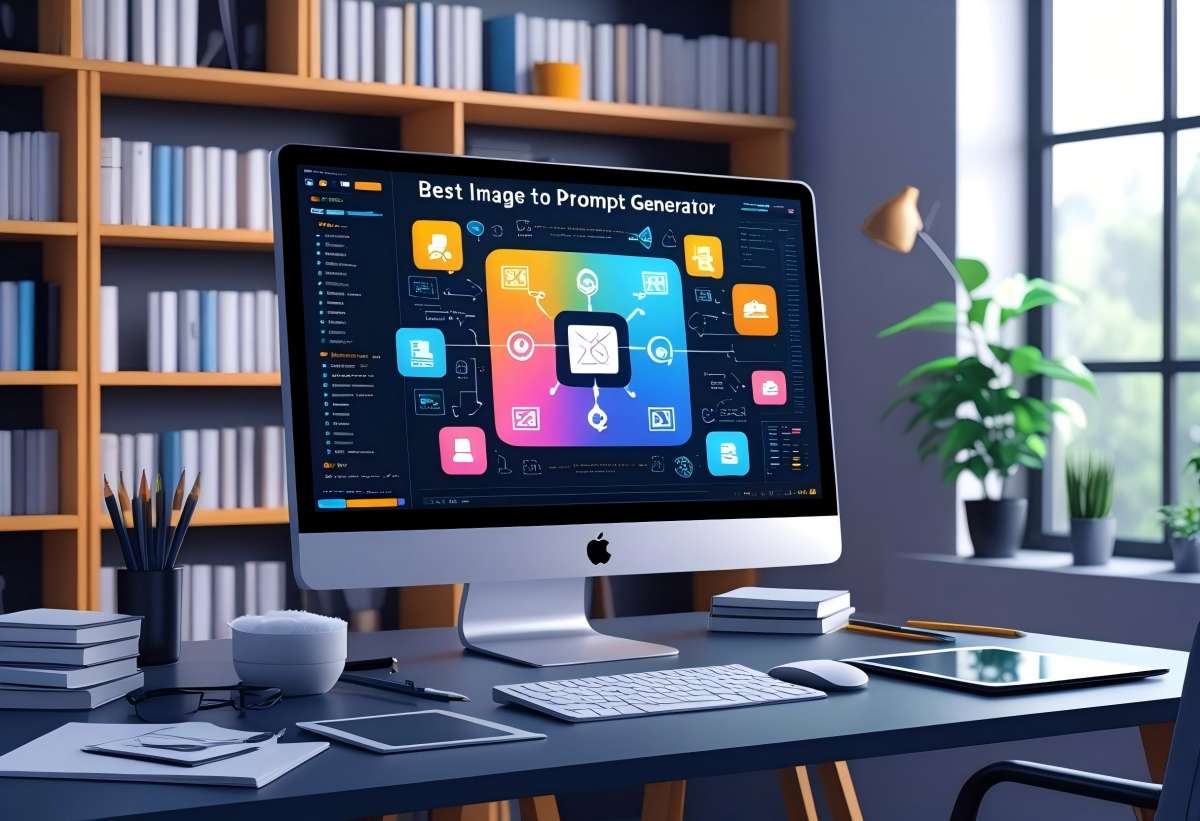
These tools let you upload any photo or artwork and instantly get detailed prompts that work with popular AI image generators like Midjourney, DALL·E, and Stable Diffusion. You can use them to learn how to write better prompts, recreate artistic styles, or generate variations of existing images.
Many options are available with different features and capabilities. Some generators focus on specific art styles while others work as free converters for multiple AI platforms.
Understanding how these tools work and which ones fit your needs will help you create better AI art. You'll also learn practical tips for getting the most accurate prompts from your images.
PixExact Image to Prompt Generator
PixExact Image to Prompt is an AI-powered tool that turns any image into detailed text prompts for AI art. You upload an image, choose a mode, and get prompts optimized for Midjourney, DALL·E, Stable Diffusion, and other generators.
The tool offers three modes: Replication for recreating an image as closely as possible, Style Extraction for capturing the look and feel to apply to new subjects, and General for broad, flexible descriptions. This lets you match the output to whether you want a near copy, a style transfer, or a loose inspiration.
You get free credits to start, no credit card required. The interface supports multiple languages and works in the browser—upload your reference image, pick your mode, and generate. Results include tips on weighting, negative prompts, and aspect ratio so you can refine prompts before using them in your preferred AI image generator.
Banana Prompts Image to Prompt
Banana Prompts offers a straightforward tool that converts images into detailed AI prompts. You can upload any image and the system analyzes its visual elements to generate text descriptions.
The tool works with popular AI image generators like Midjourney, DALL-E, and Stable Diffusion. This means you get prompts that are compatible across different platforms.
When you use Banana Prompt's image analyzer, it examines key details in your photo. The system identifies colors, compositions, styles, and subjects.
It then creates a comprehensive prompt based on these elements. You don't need technical knowledge to use this tool.
Simply upload your reference image and receive a ready-to-use prompt in seconds. The generated prompts capture specific visual details that might be difficult to describe on your own.
This helps when you want to recreate a similar style or aesthetic in your AI-generated images. Banana Prompt's interface is designed for quick results.
You can copy the generated prompt and paste it directly into your preferred AI image generator.
Image-Prompt.org
ImagePrompt.org operates as an AI-powered tool that analyzes images and creates detailed text descriptions. You can use it without creating an account or paying fees.
The platform gives you five free uses each day. This limit applies across all their image-to-text tools on the site.
When you upload an image, the AI examines the content and generates prompts you can use with various AI art platforms. The tool supports common file formats like JPG, PNG, and WEBP.
You'll find the interface straightforward to navigate. Simply upload your image and wait for the AI to process it.
The system then provides you with a text prompt based on what it detects in your picture. The daily limit means you need to plan your conversions carefully if you have multiple images to process.
For casual users who only need occasional prompt generation, five daily uses should meet basic needs. The free image to prompt generator works well for testing how image-to-prompt technology functions before committing to paid alternatives.
You can see if this type of tool fits your workflow without any financial investment.
Fluxai.studio Image to Prompt Generator
FluxAI Studio image to prompt tool] helps you turn existing images into text descriptions for AI art generation. You upload an image and the system analyzes it to create detailed prompts.
The generator examines visual elements in your image. It looks at colors, composition, lighting, and artistic style.
Then it creates a text prompt that captures these details. You can use the prompts with various AI image generators.
The tool generates descriptions that work with Flux AI models and other platforms. This makes it useful when you want to recreate similar images or use an existing picture as inspiration.
The service is free to use. You don't need special skills or technical knowledge to operate it.
Simply upload your reference image and receive a ready-to-use prompt. This tool works well when you see an image style you like but don't know how to describe it.
Instead of writing the prompt yourself, you let the AI analyze the visual elements for you.
Image2Prompt.net
Image2Prompt.net offers a straightforward way to convert your images into text prompts. You can upload images in common formats like JPG, PNG, and WEBP without any hassle.
The tool has a 4MB file size limit for uploads. You'll get better results when you use clear, high-quality images.
This free image to prompt converter works with popular AI image generators. You can use the prompts it creates with Midjourney, DALL-E, and Stable Diffusion.
The platform doesn't require a credit card to start using it. You get access to the tool without having to enter payment information upfront.
For the best output, your images should have good lighting and distinct subjects. Images with clear compositions and recognizable styles will generate more detailed and accurate prompts.
Image2PromptAI.com
Image2PromptAI.com offers a free image to prompt generator that requires no account creation. You can upload any image and receive AI-generated text prompts within seconds.
Most free platforms work with popular AI art generators like Midjourney, DALL-E, and Stable Diffusion. You simply drag and drop your image onto the website without creating an account or providing personal information.
Many no-login tools offer unlimited generations so you can convert as many images as you need. Some platforms may have daily limits, but you'll still get multiple free uses each day.
These generators analyze your uploaded images and create detailed text descriptions. The prompts capture visual elements like composition, style, colors, and subject matter.
You'll receive your prompts immediately after uploading. Clear, high-resolution images with good lighting produce the most accurate results.
Images with distinct subjects and clear compositions generate more detailed descriptions than blurry or complex photos.
Cyberpunk Style Prompt Generator by Stable Diffusion
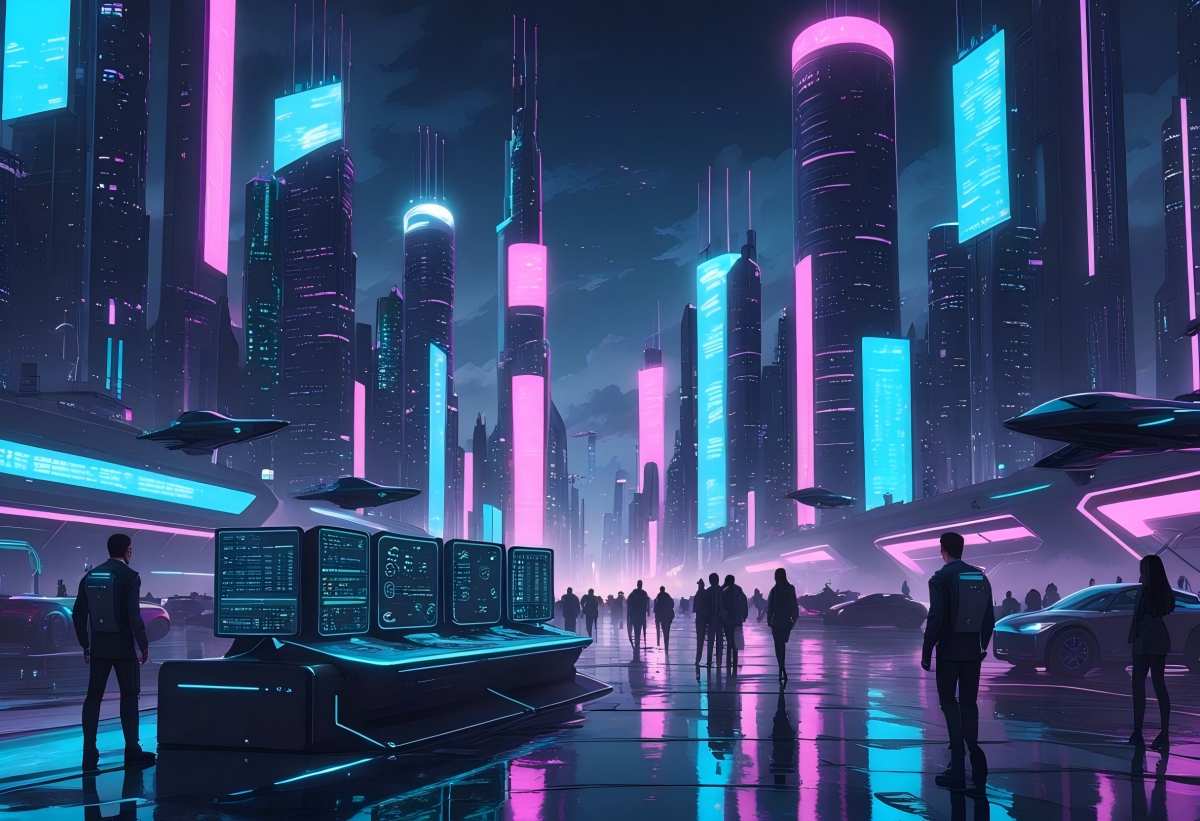
A cyberpunk style prompt generator helps you create AI images with neon-lit aesthetics and futuristic elements. These tools let you turn basic ideas into detailed prompts that work with platforms like Midjourney, Stable Diffusion, and DALL-E.
You can find specialized cyberpunk prompt libraries that give you ready-made templates. They include keywords for neon lighting, urban decay, and tech noir themes that define the genre.
Advanced prompt strategies help you craft hyper-detailed cyberpunk designs. You can specify dystopian edges, futuristic silhouettes, and color palettes that capture the mood you want.
Some generators offer instant conversion tools. You upload an image or enter text, and the tool creates professional-quality prompts without requiring an account.
Tested prompt collections show you what actually works. They include specific descriptors for dramatic lighting and neon effects that produce consistent results.
You can browse community-created prompts to see examples before building your own.
How Image to Prompt Generators Work
Image to prompt generators use neural networks and machine learning to analyze pictures and convert them back into text descriptions. These tools examine multiple visual elements to create prompts you can use with AI art platforms.
Core Technologies Behind Image to Prompt AI
The technology relies on deep learning models trained on millions of image-text pairs. When you upload an image, the AI analyzes it through multiple layers of neural networks that identify different visual components.
Image to prompt tools examine several key elements in your picture. They look at composition, lighting conditions, color schemes, and artistic style.
The AI also identifies the main subject, background details, and the overall mood of the image. The analysis happens in seconds because these systems use pattern recognition.
They compare your image against their training data to find similar visual features. This lets them generate accurate text descriptions that capture what makes your image unique.
The output is a detailed prompt optimized for platforms like Midjourney, Stable Diffusion, and DALL-E. You get specific descriptions of technical elements like camera angles, lighting types, and artistic techniques.
Accuracy and Limitations of Current Models
Current image to prompt generators work best with clear, well-composed images. They excel at identifying obvious subjects, common artistic styles, and standard photography techniques.
However, these tools struggle with abstract concepts and subtle emotions. They may miss cultural context or symbolic meanings in your images.
Complex compositions with multiple subjects can sometimes confuse the AI, leading to incomplete or inaccurate descriptions. The technology also has trouble with very niche artistic styles or unusual visual effects.
If your image contains rare elements the AI hasn't seen during training, the generated prompt might be generic. You'll often need to edit the output to better match your specific creative vision.
Tips for Creating Better AI Prompts
Strong AI prompts balance specific visual details with clear structure. Focus on what matters most in your image while keeping your instructions organized and easy for the AI to process.
Emphasizing Key Visual Elements
You need to tell the AI exactly what you want to see in your image. Start with the main subject, then add important details about appearance, setting, and style.
Key elements to include:
- Subject: The main focus of your image (person, object, scene)
- Visual style: Photography type, art style, or artistic medium
- Lighting: Natural light, dramatic shadows, soft glow, golden hour
- Colors: Dominant color palette or specific color combinations
- Mood: The feeling or atmosphere you want to create
Place your most important details at the beginning of your prompt. AI generators pay more attention to words that appear early in your instructions.
Use descriptive words that create clear mental images. Instead of writing "a nice landscape," try "a misty mountain valley at sunrise with purple wildflowers."
The more specific you are about visual elements in your prompts, the better your results will be.
Optimizing Prompt Length and Structure
Your prompt length affects the quality of your AI-generated images. Shorter prompts with focused instructions often produce better results than long, complex descriptions.
Keep your prompts between 15-40 words for most AI generators. This gives enough detail without overwhelming the system with contradictory information.
Structure your prompts this way:
- Main subject first
- Style or medium second
- Important visual details third
- Mood or atmosphere last
Separate different ideas with commas. Avoid using "and" too many times, as it can confuse the AI about which elements connect together.
Remove filler words like "a picture of" or "I want to see." Get straight to the visual description.
Instead of "Create an image of a cat sitting on a chair," write "orange tabby cat, wooden chair, soft window light." Test your prompts and adjust them based on results.
If your images miss important details, make those elements more prominent in your prompt structure.
Frequently Asked Questions
Users often want to know which tools deliver the best results, whether free options exist, and how to create better prompts for AI image generators. Cost, commercial use rights, and AI technology integration are common concerns when choosing an image to prompt converter.
What are the top-rated image to prompt generators available online?
PhotoDirector ranks as the best image to prompt generator because it offers tools beyond basic image to prompt conversion. The platform provides a full set of features for creating and editing AI-generated images.
Several other tools also receive high ratings from users. Snap2Prompt analyzes every pixel to generate detailed prompts compatible with Midjourney and Stable Diffusion.
Banana Prompt creates optimized prompts for multiple AI image generators including Flux and Nano Banana.
How can I access a free image to prompt generator without limitations?
Many image to prompt converters work without requiring signup and remain free to use forever. You can upload photos, illustrations, or screenshots to get instant prompt generation.
Image2Prompts offers free conversions that analyze subject, scene, composition, lighting, color palette, mood, and artistic style. The tool produces high-quality prompts without asking for payment or registration.
ImagePrompt.org also provides free conversions for photographs, digital art, and illustrations.
What strategies improve the effectiveness of prompts for AI image generation?
Using clear, high-resolution images helps image to prompt generators perform better when analyzing your uploaded files. The quality of your source image directly affects the detail level in your generated prompt.
You should focus on images with good lighting and clear subjects. Well-composed photographs produce more accurate descriptions of composition, style, and artistic elements.
Testing different image types helps you understand what works best for your specific AI image generator.
Which image to text prompt generators incorporate AI technology?
All modern image to prompt generators use AI technology to analyze visual elements and create comprehensive text descriptions. These tools examine composition, style, subjects, lighting, and artistic elements automatically.
The AI analyzes each pixel to identify patterns and features in your image. Advanced algorithms then convert this visual data into text prompts that work with various AI art models.
This process happens in seconds after you upload your image.
Are there any image to prompt generator platforms that do not require a subscription?
Multiple platforms offer free image to prompt conversion without signup requirements. These tools let you transform photos into detailed prompts for ChatGPT, Claude, Midjourney, and DALL-E instantly.
You can access these services whenever you need them without creating an account. The tools remain free with no hidden fees or subscription models.
This makes it easy to experiment with different images and compare results across platforms.
Can image to prompt generators be used for commercial purposes without incurring fees?
Free image to prompt generators typically allow commercial use of the prompts they generate.
You own the text descriptions created from your uploaded images.
You should check each platform's specific terms of service before using prompts commercially.
The rights to images created from those prompts depend on the AI image generator you use, not the prompt conversion tool.
Some AI image generators have restrictions on commercial use of their output.