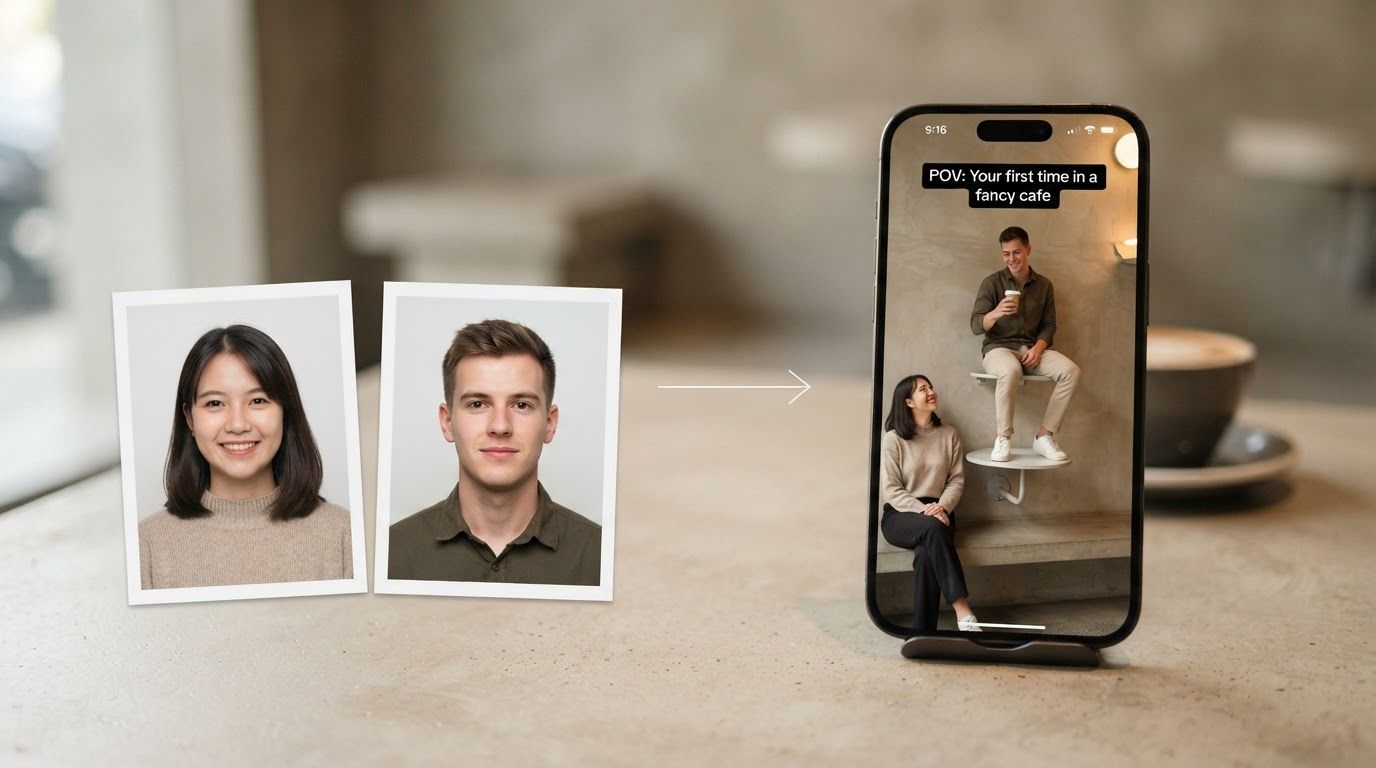
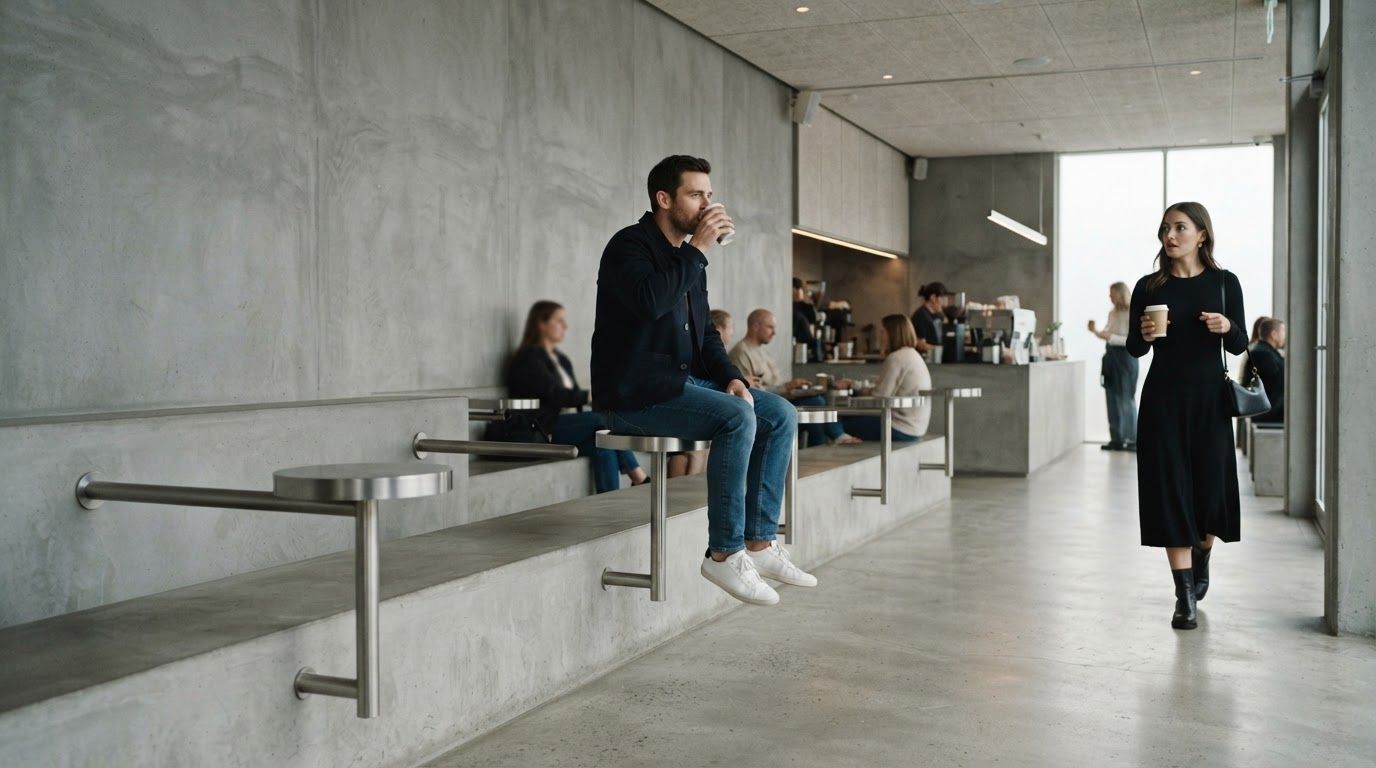
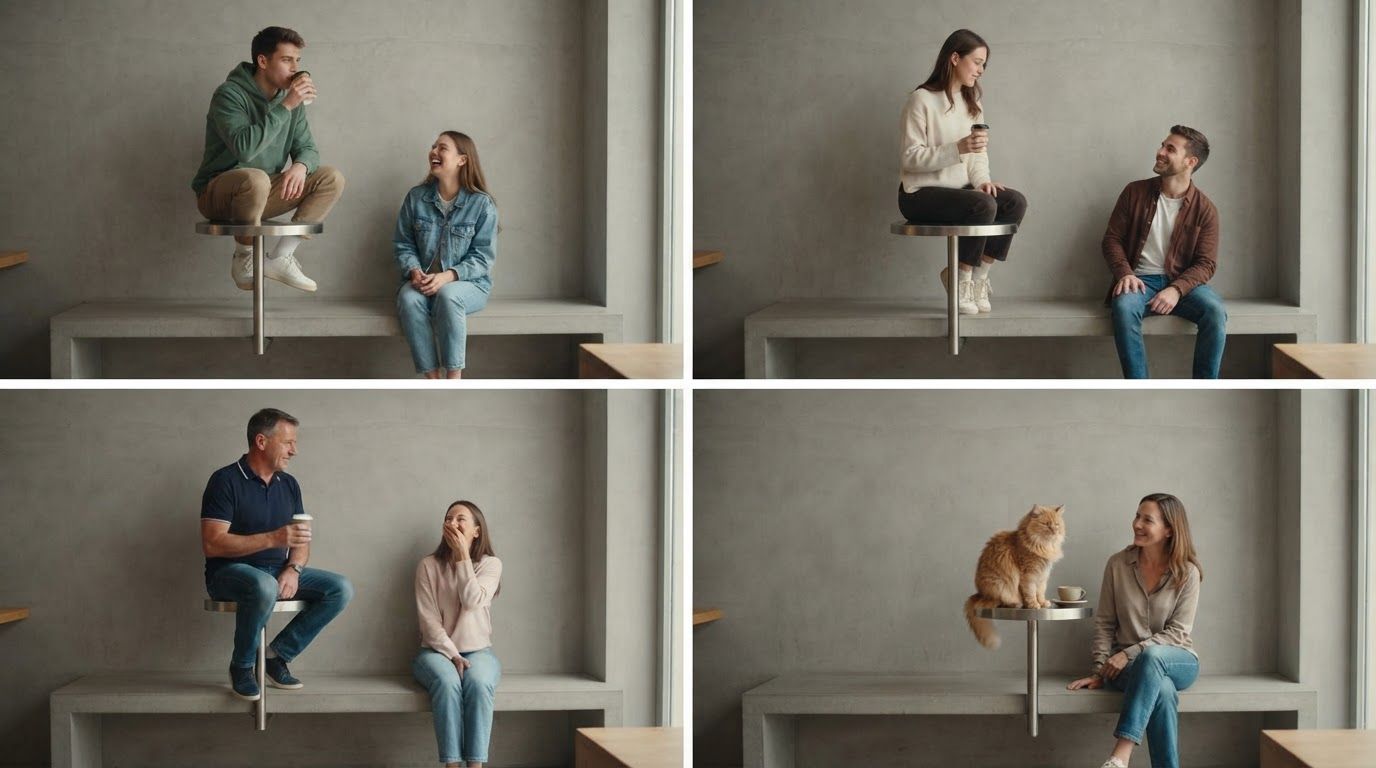
The pet versions might be the best part of the First Time in a Fancy Cafe trend. A cat perched on the wall table with a coffee, totally sure it belongs there, then hopping down the moment a guest walks in. It's the same joke, and somehow even funnier.
Here's how to put your cat or dog in the meme: which role to give your pet, how to pick a photo that actually looks like them, how two pets can star together, and what to caption it.
Can Pets Do the Fancy Cafe Meme?
Yes. Cats and dogs can play either role:
- Table Sitter: perched on the wall table with the coffee, then climbs down to the bench.
- Walk-in Guest: comes in and takes a seat on the bench next to the table.
Two pets can also star in the same video. Everything else stays the same: the concrete cafe, the wall tables, the "POV: Your first time in a fancy cafe" caption and the original sound. Only the cast changes.
Pick Your Pet Version
| Version | On the table | Walking in | Why it works |
|---|---|---|---|
| Pet on the table | Your pet | You | The classic. Full confidence, zero awareness, then a quiet hop down. |
| You on the table | You | Your pet | The self-roast. Even your pet knows how cafes work. |
| Two pets | The troublemaker | The sensible one | Sibling rivalry, cat vs dog, or the new puppy vs the cat who runs the house |
Here's a two-pet version, with the cat on the table and the dog walking in:
If your pet is the one who sits on every table at home, put them on the table. The video basically writes itself.
How to Choose the Right Pet Photo
Pet photos go wrong in different ways than human photos. Fur, fast movement and dark rooms all make it harder for the AI to tell what your pet's face looks like. Your friends recognize your pet by the face and markings, so those need to be clear.
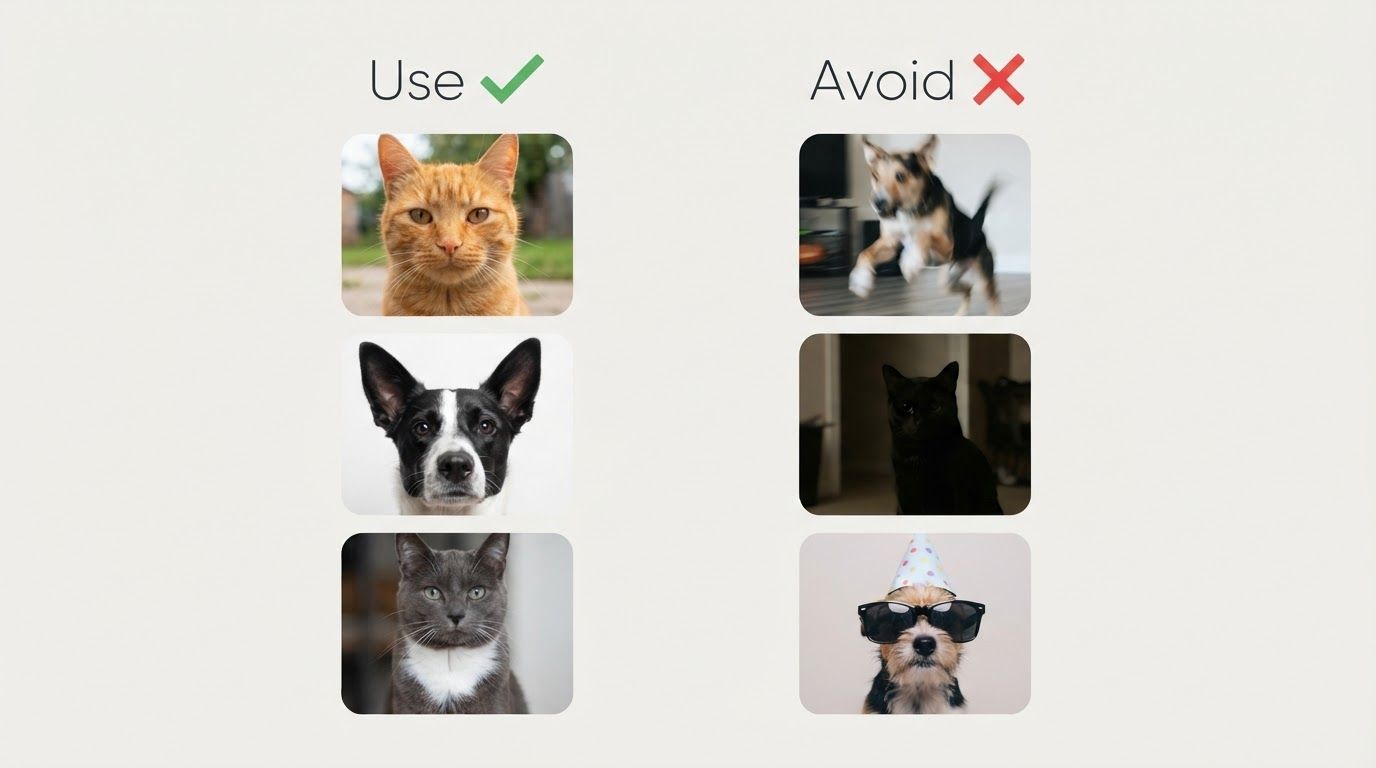
Use a photo where:
- The whole face is visible, with both eyes and both ears in the frame.
- Your pet is looking at the camera or only slightly turned.
- It's sharp. No motion blur from a wagging tail or a mid-jump shot.
- The light is good. Daylight near a window works best. Black and dark-furred pets especially lose detail in dim rooms.
- Their markings show. If your cat has a white patch or your dog has one floppy ear, pick a photo where you can see it.
Skip photos with:
- Costumes, hats, sunglasses or a cone covering part of the face
- Heavy filters that change the fur color
- Your pet tiny in the distance, or half hidden behind furniture
Tip for getting the shot: hold a treat or a squeaky toy right above your phone's camera. Most pets will look straight at it for a second, which is all you need.
How to Make Your Pet's Fancy Cafe Video
- Open the First Time in a Fancy Cafe AI Video Generator and choose Separate Photos. It's the most reliable mode for pets, because each face gets its own photo.
- Upload your pet's photo to the role you picked: Table Sitter or Walk-in Guest.
- Upload the second face: you, a friend or your other pet.
- Click Generate. It's usually ready in a few minutes.
- Download the 21-second vertical video, with the caption and original sound already in.
Each video costs 190 credits, and if a render fails, the credits are refunded automatically. For the full walkthrough, see how to make the First Time in a Fancy Cafe AI video.
If Your Pet Doesn't Look Right
| Problem | Likely cause | Fix |
|---|---|---|
| Fur color looks off | Warm indoor light or a filter | Use a daylight photo with no filter |
| Looks like a different breed | Face too small or turned away | Use a closer, front-facing photo |
| Markings are missing | They aren't visible in the photo | Pick a photo where the markings are clearly visible |
| Two pets look too similar | Similar photos of similar-looking pets | Use photos that clearly show what's different about each pet |
AI can still miss now and then. Trying again with a different photo fixes most cases.
Caption Ideas for Pet Versions
The video already says "POV: Your first time in a fancy cafe," so your post caption can add the pet's side of the story:
- "She does this at home too"
- "He's never been told no in his life"
- "Bringing my cat to brunch was a mistake"
- "The new puppy vs the cat who has lived here for ten years"
- "Even my dog has better cafe manners than me"
- "My cat at every place I take her"
Hashtags worth adding: #firsttimeinafancycafe, #fancycafe, #catsoftiktok or #dogsoftiktok, and #aivideo. Label it as AI too. It's a parody, and that keeps it clear for everyone watching.
Want more casting ideas for people and pets? See our First Time in a Fancy Cafe video ideas.
Make Your Pet's Fancy Cafe Video
Grab the clearest photo of your pet, decide who's going on the table and let the template do the rest.
Frequently Asked Questions
Can my cat or dog be in the First Time in a Fancy Cafe video?
Yes. Upload a clear photo of your pet and give them either role. The scene, caption and sound stay the same.
Can two pets be in the same video?
Yes. Upload one pet as the Table Sitter and the other as the Walk-in Guest. A cat on the table and a dog walking in is a popular combination.
Can my pet be the Walk-in Guest?
Yes. Put yourself or another pet on the table and upload your pet to the Walk-in Guest slot.
What kind of pet photo works best?
A sharp, well-lit photo with the whole face visible and your pet looking toward the camera. Avoid costumes, filters and photos where your pet is small in the frame.
Does it work with other animals?
The template is made for cats and dogs. You can try another pet with a clear, visible face, but results are less predictable.
Is the pet version free?
No. Each video costs 190 credits, the same as any other version. If generation fails, the credits are refunded automatically.