If you're running a small business, working as a solopreneur, or managing social media posts for multiple social media channels, you probably know this pattern very well: you create one square image in some design tools, then push that same social media image to Instagram, Facebook, and LinkedIn.
It's quick, but it's not smart.
On Stories, that square looks tiny. On LinkedIn, the composition feels off. Fonts and graphics get cut, your logo sometimes disappears, and your brand slowly starts to look messy. The “one-size-fits-all” approach might save you a few minutes today, but it damages your brand image and weakens your social media marketing over time.
The good news: with an AI-powered social media image generator, you can design social media visuals that are correctly sized, visually consistent, and easy to produce — even if you're not a designer.
In this tutorial, you'll learn a simple, step-by-step way to create a week's worth of social content with PixExact, your AI Design Assistant.
Case Study: A Social Media Pack for a Coffee Shop's “Drink of the Week”
To keep things easy to follow, let's use one concrete example all the way through: a local coffee shop promoting its “Drink of the Week.”
You want to post about this drink on:
-
Instagram (square and vertical posts)
-
Stories (vertical)
-
Facebook feed
-
LinkedIn feed
And you want everything to look like it belongs to the same brand: same mood, same style, same graphics and typography vibe. You don't have time to open heavy design tools, pick every font, and manually resize JPG or PNG files for each platform.
Instead, you'll use PixExact as your social media image generator and image tool:
-
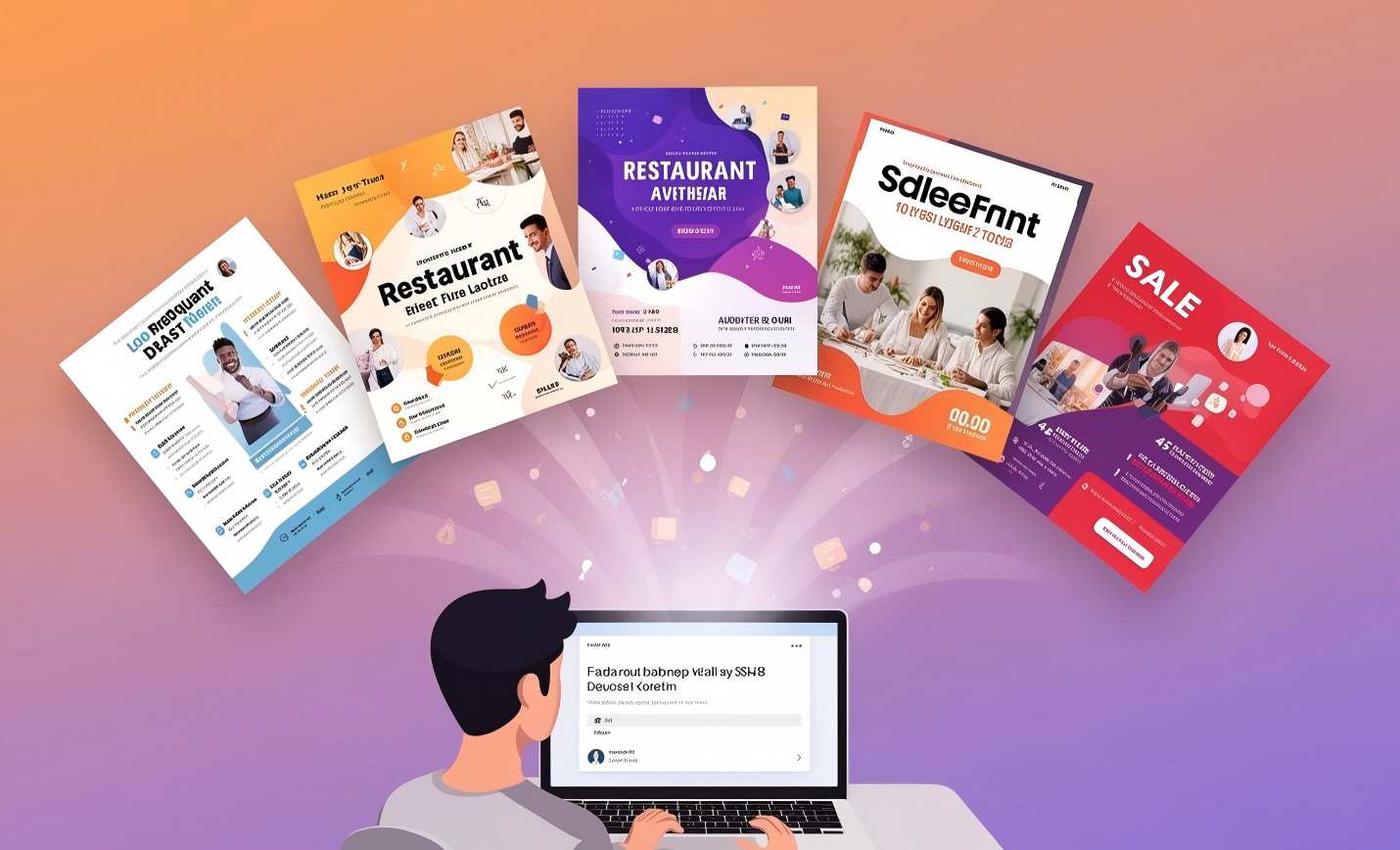
You describe your idea in a simple sentence (a text prompt).
-
The AI converts that text into AI images and social graphics.
-
You generate a mini “starter pack” of social media graphics in multiple sizes.
By the end, you'll have an entire custom social media image set that:
-
Feels on-brand
-
Fits each platform layout
-
Was made without any professional design skills
Step 1: Turn Your Idea into a Simple Text Prompt
You don't need to be an artist. You just need to describe what you want to see.
For our coffee shop's “Drink of the Week,” your core idea might be:
“A cup of pumpkin spice latte with beautiful latte art, next to a book and a pair of glasses, with warm autumn sunlight.”
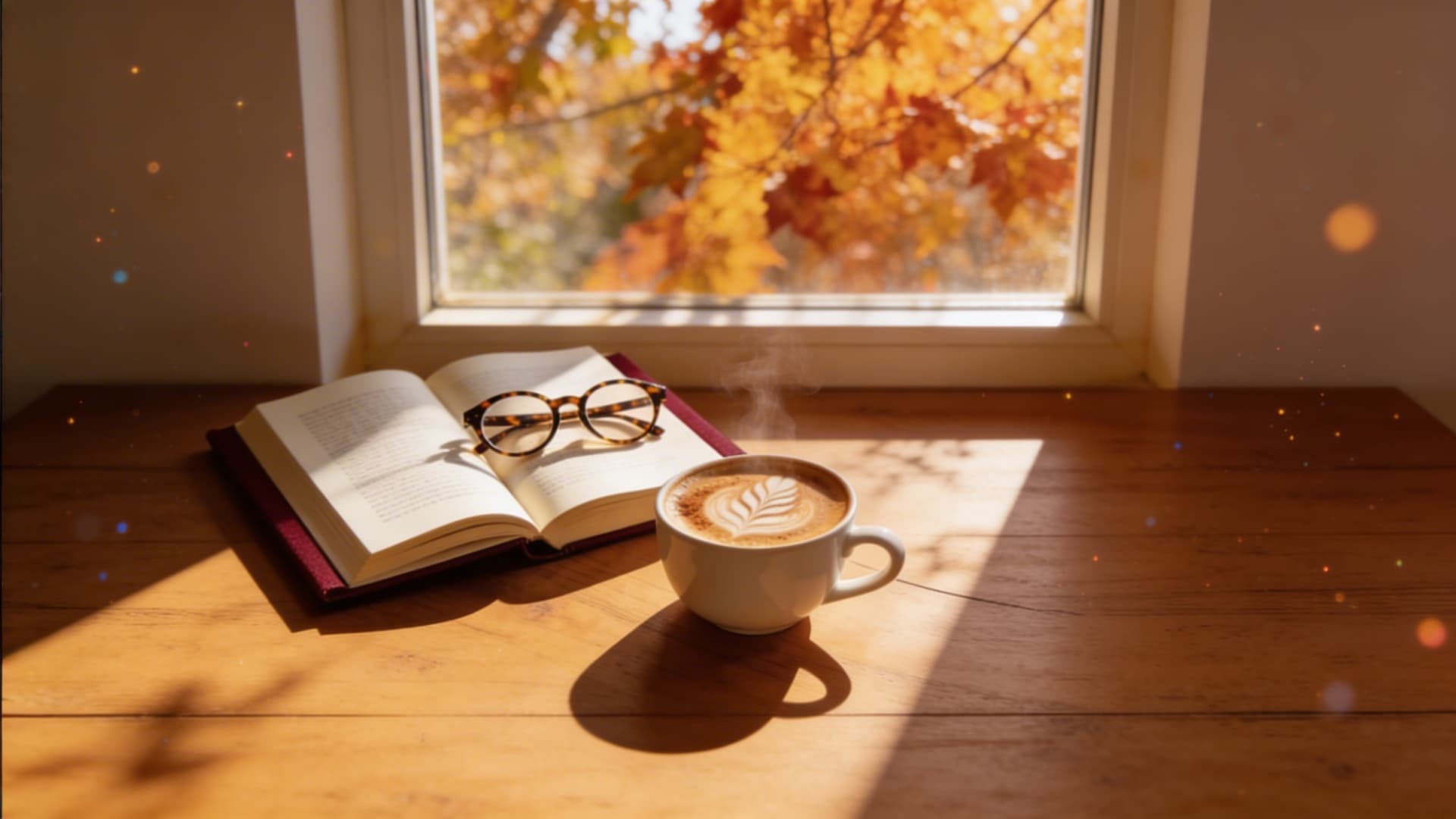
This single text prompt tells the AI a lot:
-
Subject: pumpkin spice latte
-
Setting: a cozy table with props
-
Mood: warm, autumn, relaxed
-
Style: inviting and calm, perfect for social media posts
This is how you use the AI: you write plain language, and the AI image generator translates it into stunning images and unique graphics you can build on.
You can easily adapt this approach:
-
For a yoga studio: “Sunrise yoga pose in a bright studio, soft pastel colors, calm and peaceful atmosphere.”
-
For a consulting brand: “Professional working at a laptop in a modern office, clean blue and white colors, confident and friendly expression.”
-
For an online store: “Close-up of handmade jewelry on a neutral background, soft shadows, elegant and minimal graphics.”
This first step is about helping the ai image generator visualize ideas clearly, so the ai-powered system can generate unique, eye-catching ai images that feel like they belong to your brand.
Step 2: Select Your “Social Media Starter Pack” in PixExact
Now you turn that idea into real visuals with PixExact.
PixExact is an easy-to-use ai image generator that lets you create social media graphics in exact sizes. Think of it as an all-in-one AI art generator and image generator focused on precise dimensions — no random ratios, no guesswork.
Here's what you do:
-
Open PixExact and choose Text to Image (your main ai text to image generator mode).
-
Paste your text prompt (the pumpkin spice latte sentence).
-
Switch the image mode from Single to Multi-Size.
Now you pick your social image sizes. For a simple “Social Media Starter Pack,” choose:
-
1080 x 1080 — classic square for Instagram and Facebook social media posts
-
1080 x 1350 — vertical feed post that takes more screen space
-
1080 x 1920 — Story format for Instagram and Facebook
-
1200 x 630 — a landscape style that works well on Facebook and LinkedIn
These four sizes cover most of your basic social media content needs. You are preparing a mini template library of formats, without manually creating a template in design tools.
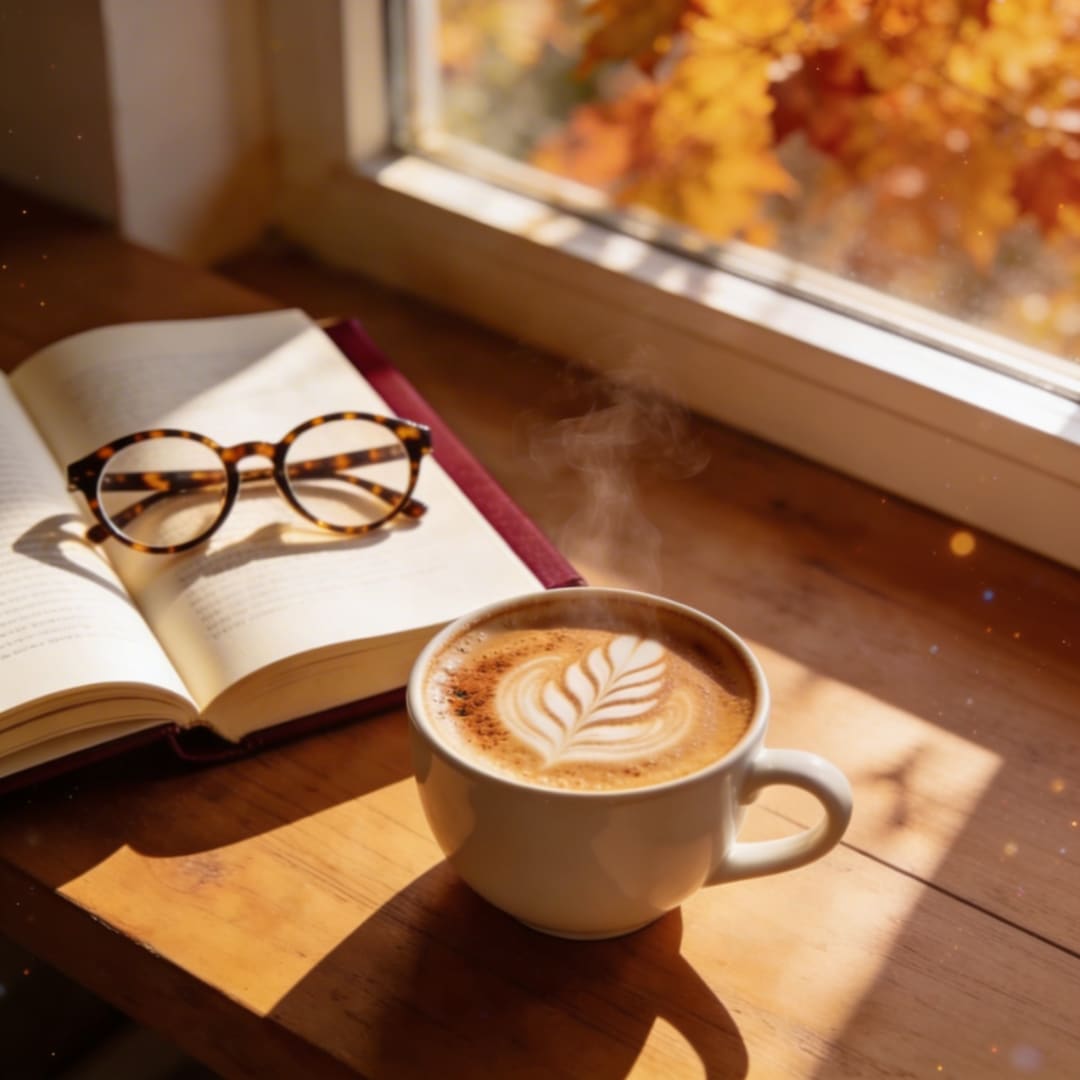
At this point, PixExact is acting like a social media content creation tool and a post generator: you define what you want, and it will soon generate multiple formats for you automatically.
Step 3: Generate and Download – Let AI Handle the Hard Design Work
Now click Generate.
Here's what happens behind the scenes:
-
The AI reads your text prompt.
-
The ai image generator creates ai-generated visuals that fit each size.
-
Instead of simply cropping or stretching, the AI composes each graphic so the main subject stays strong.
You get four different images that all show the same pumpkin spice latte scene, but they are framed differently:
-
The 1080 x 1080 version might center the cup and use the book as background interest.
-
The 1080 x 1350 version might show more of the table and the warm window light above.
-
The 1080 x 1920 Story version might leave extra space at the top or bottom so you can add text later.
-
The 1200 x 630 version might widen the scene to show more of the environment, making a perfect image for link-style previews.
Each social media image comes out looking tailor-made for its platform. It feels like you used advanced design tools and photo editing tools — but the AI did all the heavy lifting.
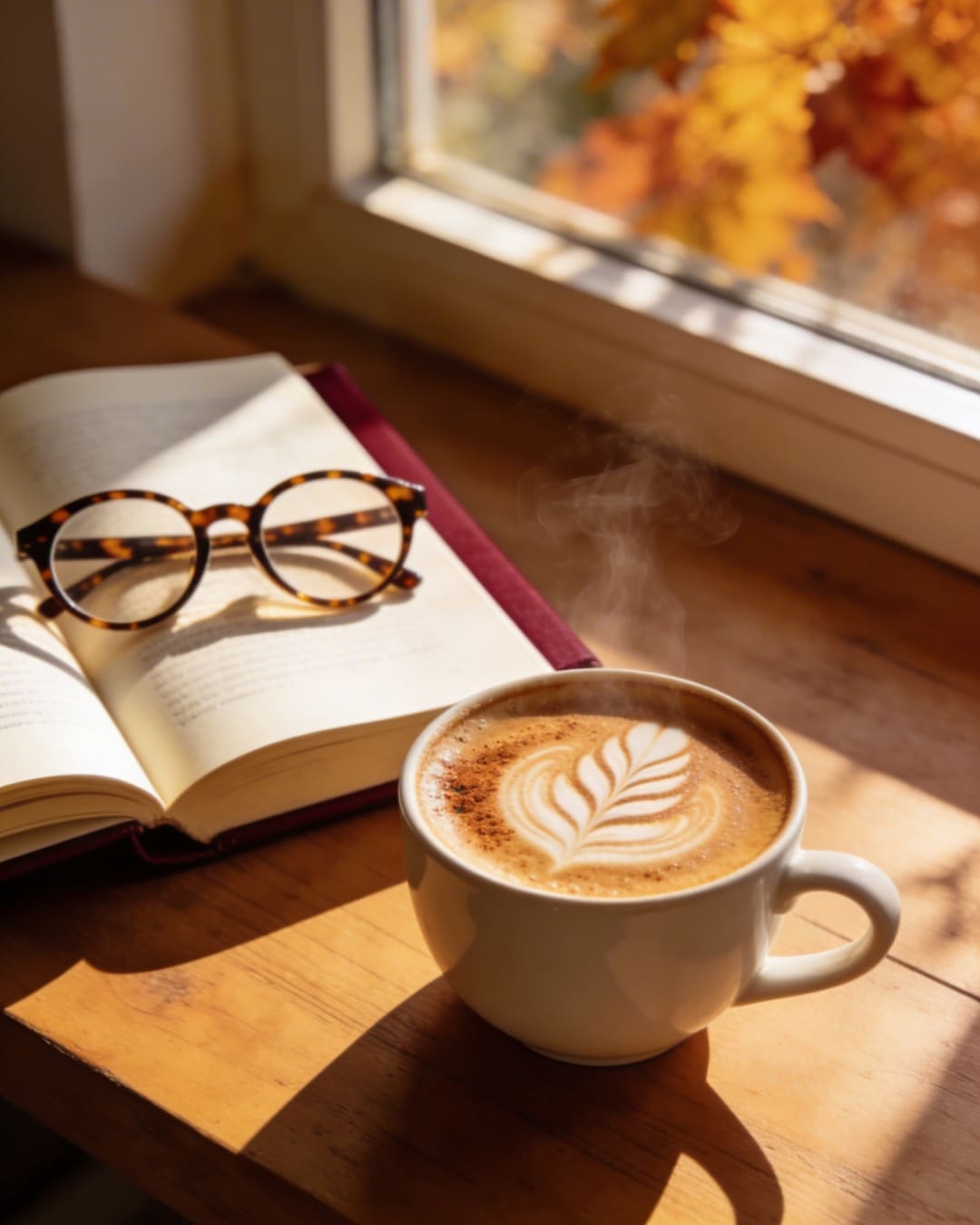
When you're happy, you download your images as JPG or PNG files. These images are ready to use, royalty-free, and designed for commercial use in your own social media marketing.
If you want, you can then:
-
Add text with your favorite fonts in lightweight editing tools.
-
Place your logo in a corner to reinforce your brand.
-
Slightly resize or upscale if needed, while keeping quality.
PixExact's editing features and precise sizing make it easy to keep everything aligned with your brand colors, logo, and typography so the graphics fit your brand.
Turning One Pack into a Week of Social Media Content
Now that you've created your little social graphics pack for “Drink of the Week,” here's how you can quickly build a week of social media content from it.
For the coffee shop example:
-
Monday:
- Post the 1080 x 1080 AI photo of the pumpkin spice latte on Instagram and Facebook, announcing “Drink of the Week.”
-
Tuesday:
- Use the 1080 x 1920 Story graphic to share a behind-the-scenes message or a quick video overlaid on top, such as a barista making the drink.
-
Wednesday:
- Use the 1200 x 630 version on Facebook or LinkedIn, linking to a blog post or menu page.
-
Thursday:
- Post the 1080 x 1350 image again with different ad copy or caption, maybe a quote or a reminder about a limited-time offer.
-
Friday:
- Combine one of the images with customer testimonials or ratings, using a small text overlay and your logo.
You've used one concept and one batch generated through free online AI-style technology (PixExact offers free AI credits for new users) to create multiple posts across multiple social media channels. You didn't need a traditional art generator, a complex social media management tool, or heavy desktop design software.
You simply:
-
Wrote one text prompt
-
Let the ai image generator generate unique visuals
-
Used them to create social posts that look coherent and professional
This workflow is perfect for various content types and different types of content — promotions, tips, quotes, product highlights, and more.
Why an AI Image Generator Is Perfect for Non-Designers
Let's recap why using an AI image generator like PixExact is so helpful when you don't have a design background or a full-time designer:
-
Easy-to-use and fast
You don't need to understand composition or typography. You focus on the idea, and the AI art generator handles the visuals. This free online style approach with an easy-to-use interface lets you create social images quickly and save time. -
Consistent, on-brand graphics
Because all your images come from the same prompt and style, your social media graphics feel like a deliberate, custom social media design, not random stock photos. -
Flexible, with room to customize
You can always customize your images afterwards — add text, place your logo, tweak the font, or use basic editing tools. You still keep creative control, while the AI handles most of the graphic work. -
All-in-one starter for social media graphics for free
With free AI credits and a simple interface, PixExact works like an all-in-one social media image generator that lets you generate unique visuals and design assets without needing separate art generator tools, complicated photo generator software, or dedicated design tools.
Using PixExact, you can convert text into ai-generated visuals, resize them for each platform, and create social content that looks like it came from a professional designer — even if you're just starting out.
A Week's Content in 15 Minutes – You Really Can Do This
Here's the full process one more time:
-
Write one clear text prompt.
Describe your idea in a single sentence, like the pumpkin spice latte example. -
Use PixExact as your AI image generator.
Open the tool, paste your prompt, switch to Multi-Size, and pick your starter pack sizes (1080x1080, 1080x1350, 1080x1920, 1200x630). -
Generate, customize, and post.
Let PixExact generate AI images, add text or your logo if you want, and upload them as social media posts across Instagram, Facebook, LinkedIn, and other social media channels.
In around 15 minutes, you can make social media visuals that look cohesive, polished, and unique. You don't need expensive design tools, a big template library, or a professional designer. You just need one good idea, a simple prompt, and an AI-powered social media image generator that understands exact sizes.
Start with one “Drink of the Week,” “Product of the Week,” or “Tip of the Week,” and you'll see how quickly you can create social content that fits your brand — and how much time you get back to actually engage with your audience and grow your business.