7 Best Free AI Video Generators in 2026
If you want to make short AI videos regularly, start with Google Flow. Its 50 daily credits can cover up to five 720p generations with Veo 3.1 Lite at the published rate. If you already have a product photo and want to download a short animation without a watermark, try PixExact. Its 10 signup credits can cover an eligible five-second clip at 480p. For a talking presenter, HeyGen offers up to three videos per month, each up to a minute long and watermarked. Google Flow credits .
Before choosing a tool, decide what you need to download. A daily allowance gives you room to revise a shot over several days. A signup bonus may be all you need for one clip. And if the result is going into an ad or a client presentation, the resolution and watermark policy matter as much as the number of credits.
The best free AI video generators at a glance
| Tool | Best for | Free allowance | What to know before exporting |
|---|---|---|---|
| PixExact | Making a watermark-free video from a product photo | 10 signup credits | Covers an eligible five-second 480p clip. Free video exports have no watermark. |
| Google Flow | Generating short clips regularly | 50 credits per day | Up to five 720p Veo 3.1 Lite generations at the published rate. Peak-hour limits and regional watermark rules apply. |
| Dreamina | Trying Seedance with daily credits | 120 credits per day for eligible US free accounts | Image and video generation draw from the same balance. Allowances vary by region. |
| PixVerse | Drafting short social videos | 60 initial credits and 30 daily credits on Basic | Basic video resolution tops out at 540p. Watermark-free export is listed as a paid-plan benefit. |
| Adobe Firefly | Trying a short shot in an Adobe workflow | Limited access to five-second video generation | Adobe’s plan comparison lists free access as limited. |
| Vidu | Trying image and reference-based animation | Signup trial credits and credits for daily logins | The number of clips depends on your balance and the selected mode. |
| HeyGen | Creating a talking-avatar explainer | Up to three videos per month, up to one minute each | Free videos carry a watermark. |
We compared free allowances, renewal schedules, and export rules. The recommendations are based on what each tool’s free option lets you make. Where a provider publishes both an allowance and a generation cost, we use those figures to estimate the number of attempts.
1. PixExact — Best for animating a product photo without a watermark
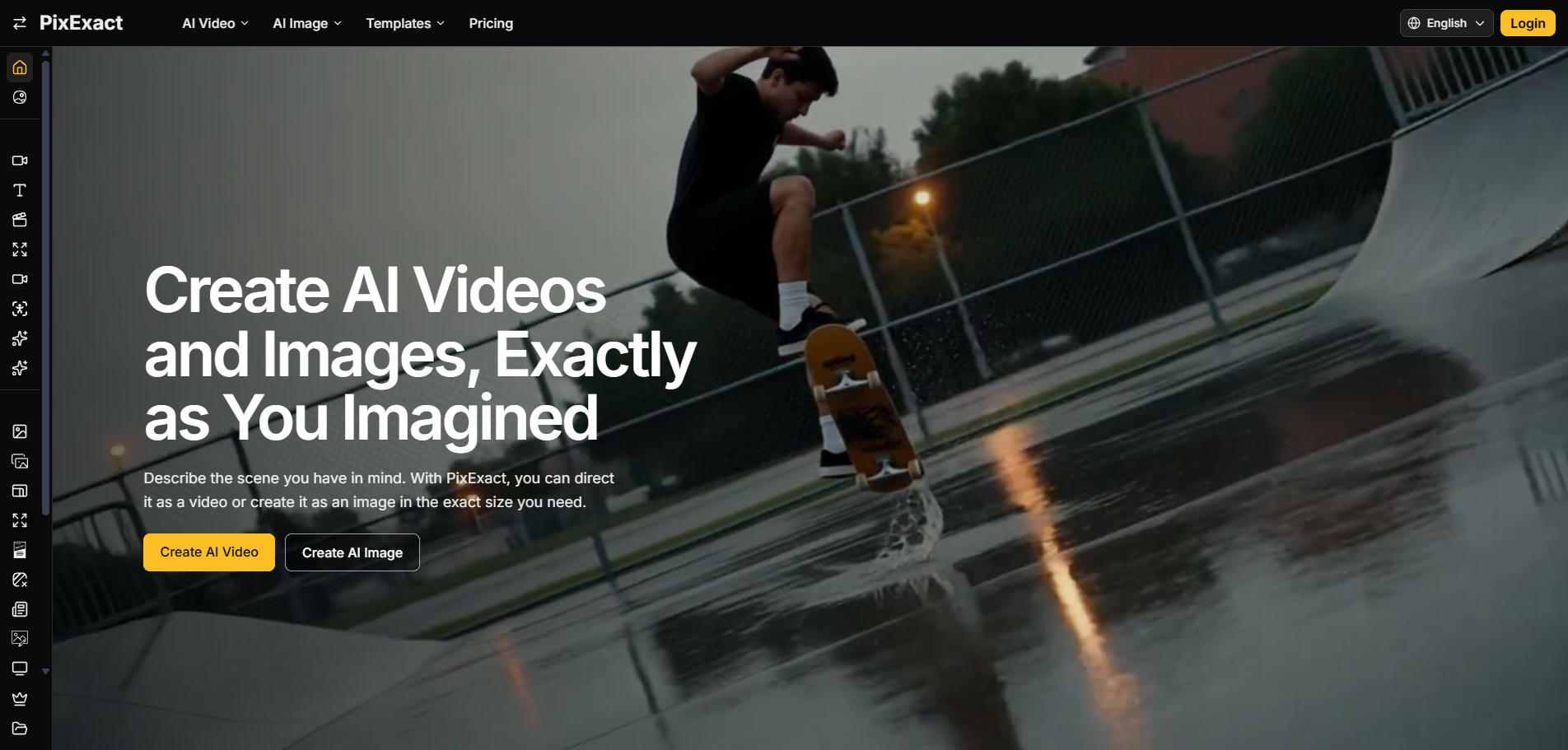
PixExact gives new users 10 signup credits, enough for an eligible five-second image-to-video clip at 480p. Videos generated with free credits download without a watermark. Upload a photo, describe the movement, and check the credit estimate before generating. The cost varies by model, duration, and resolution.
Try it with a front-facing product photo:
Slowly push the camera toward the product. Keep the package stationary, the front label visible, and the lighting steady.
Pause the export halfway through and compare the label and package shape with the original. Five seconds is enough to see whether a simple camera move works for the image.
2. Google Flow — Best for generating short clips regularly
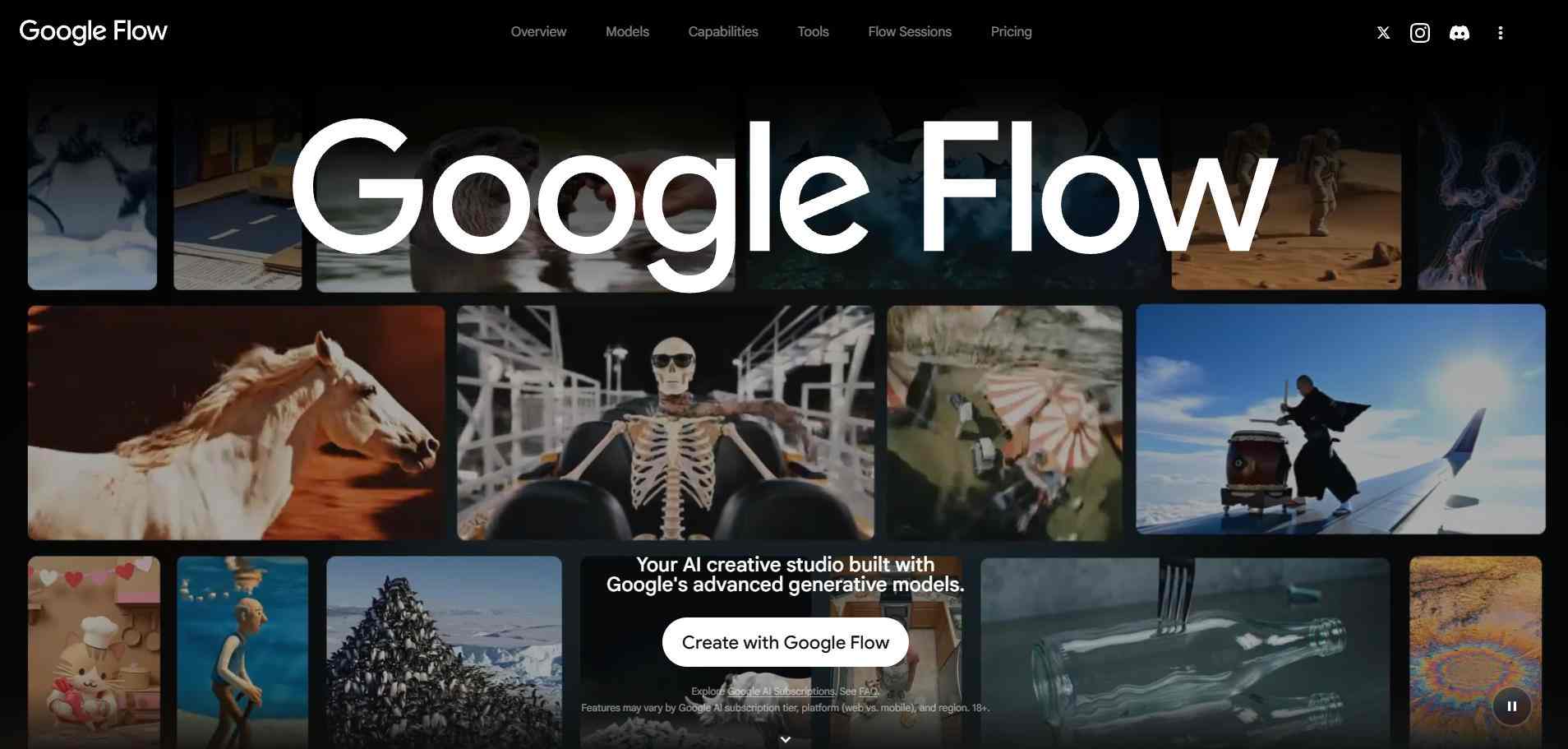
Google Flow gives users without a subscription 50 credits per day. At 10 credits per generation, Veo 3.1 Lite can make up to five clips from that allowance. The model supports 4-, 6-, and 8-second videos at 720p. Unused daily credits expire, and Google may limit video generation during peak hours.
What to watch for: Flow offers a visible watermark toggle where available. Free users in India, South Korea, and Vietnam receive a visible watermark automatically. Veo and Omni outputs also contain invisible SynthID.
Try it for: Generating a few variations of a short scene from a text prompt, or animating a still image with the web version’s Frames to Video workflow.
3. Dreamina — Best for trying Seedance with daily credits
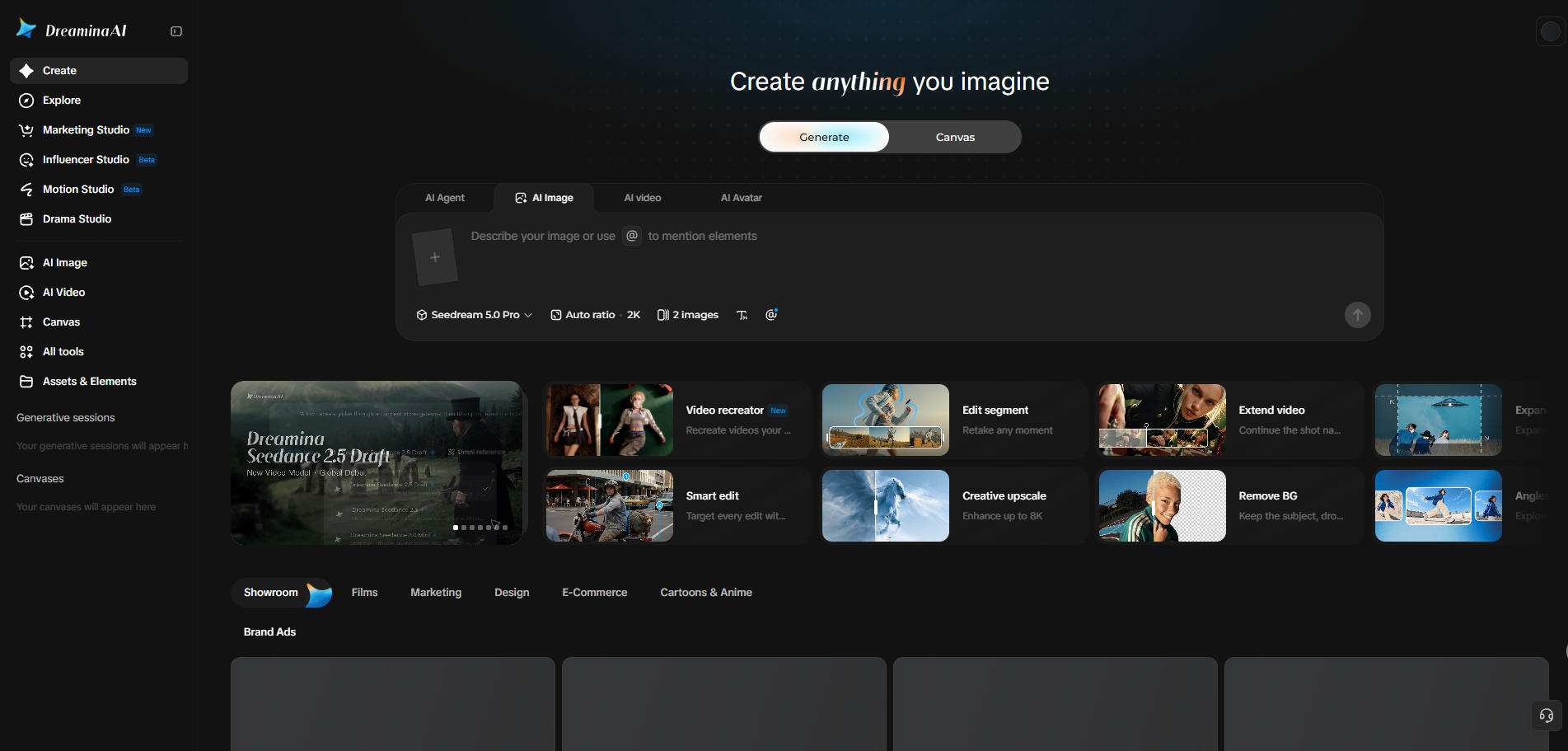
Dreamina says eligible US free accounts receive 120 daily credits for eligible image and video generation, including Seedance 2.0 workflows. Allowances vary by region, and the cost of each clip depends on the model and settings you choose.
What to watch for: If you create a still image in Dreamina and then animate it, both steps can use the same credit balance. Check the price of the video step before spending credits on image variations.
Try it for: Developing a still concept and animating it in the same workspace, especially if you want to try Seedance.
4. PixVerse — Best for short social drafts
PixVerse’s Basic plan lists 60 initial credits and 30 daily credits. Daily credits reset at 00:00 UTC and expire if unused. Basic video resolution tops out at 540p, while watermark-free export is listed as a paid-plan benefit.
What to watch for: Review the downloaded file at its intended display size. A 540p draft can help you judge timing and composition, but fine lettering may be hard to read.
Try it for: Animating an illustration, pet photo, or social post concept with one clear movement.
5. Adobe Firefly — Best for trying a five-second shot in Adobe
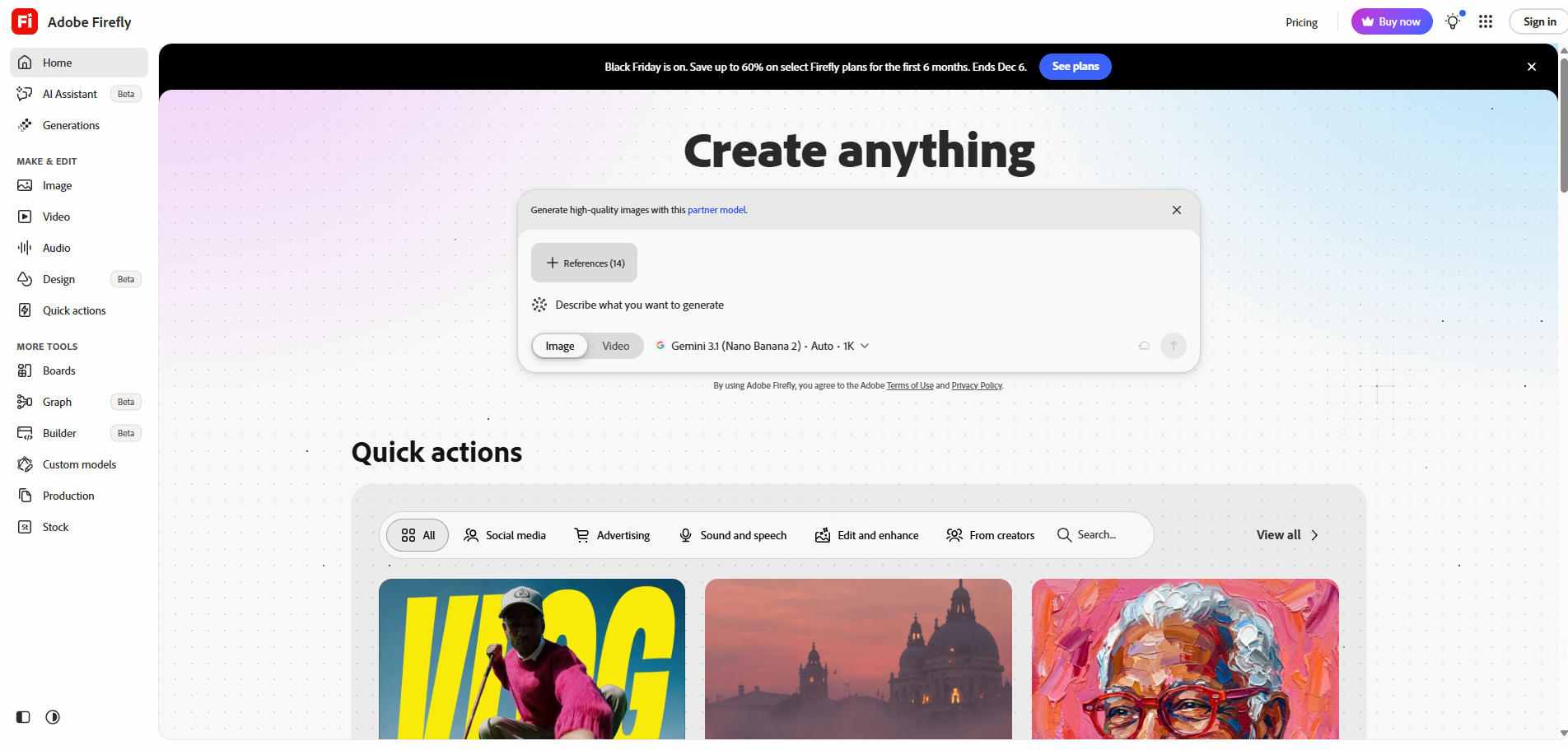
Adobe’s plan comparison lists limited access to five-second video generation on Firefly Free. Firefly also supports image-based generation, where an image can guide the opening or ending of a shot. That makes it useful for trying a short insert, transition, or product close-up in an Adobe workflow.
What to watch for: Check the allowance shown in your account before planning several shots. Adobe’s public plan comparison describes free access as limited.
Try it for: Making one extra shot to fill a gap in an edit you already have.
6. Vidu — Best for trying image and reference workflows

Vidu lists signup trial credits and says users can earn credits by logging in daily. Image to Video can animate a still, while Reference to Video can use visual references to guide a new shot. The second workflow is useful when you want to put a familiar character or prop in a different setting.
What to watch for: Check the credit quote for the mode you want to try. The signup bonus and login credits give you a way to explore, and your balance determines how many attempts you can make.
Try it for: Animating a character illustration with a small gesture, then using the same character as a reference for a different shot if your balance allows.
7. HeyGen — Best for free talking-avatar videos
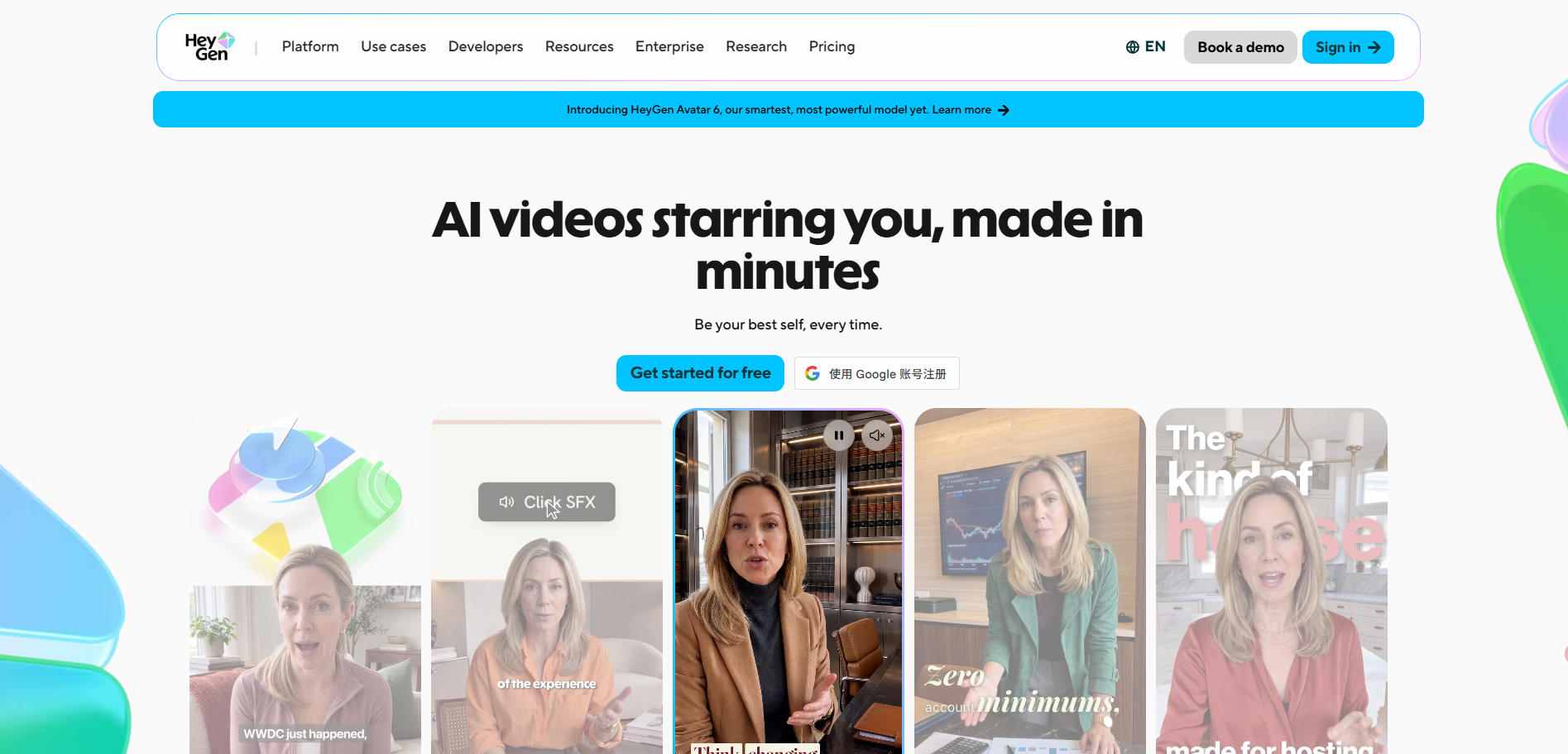
HeyGen’s Free plan includes up to three videos per month, each up to one minute, with a watermark. It gives you access to ready-made presenters for projects where someone needs to deliver a script, such as a short lesson, onboarding message, or product introduction.
What to watch for: Keep the first script short. Listen for how the presenter handles names, numbers, and pauses before using another monthly video.
Try it for: A one-minute explainer where the presenter and the message matter more than cinematic camera movement.
How to get a usable video from free credits
Pick the format you need before you generate. Use 9:16 for a vertical clip or 16:9 for a landscape edit, where the model supports it. Choose the shortest duration that shows the action clearly, then check the quoted credit cost. If you have 50 credits and a generation costs 10, you can budget for five attempts. Across different tools, compare what those attempts produce in the format you need.
After the first generation, download the clip and check three things:
- Framing. Does the subject stay in view at the intended aspect ratio?
- Fidelity. Do the face, logo, label, or product edges still match the source?
- Export. Is the resolution sharp enough, and is there a watermark on the downloaded file?
If the first version is close, change one thing on the next attempt. For example, reduce the camera movement while keeping the image and model the same. That makes it easier to work out which change helped.
Frequently asked questions
What is the best free AI video generator from text?
Google Flow is a good starting point for short text-to-video clips. Its 50 daily credits can cover up to five 720p Veo 3.1 Lite generations at the published rate. Dreamina is another option if you want to try Seedance and your regional allowance covers the selected settings.
Can I generate a free AI video without a watermark?
Yes. PixExact’s signup credits can cover an eligible five-second 480p image-to-video clip, and free video downloads have no watermark**.** Google Flow also offers a visible watermark toggle where available, with regional exceptions. Its Veo and Omni outputs retain invisible SynthID.
Can I turn a photo into a video for free?
Yes. Upload a photo to PixExact, describe the movement, and choose settings that fit your signup balance. If you want to try several versions over time, Google Flow offers a daily credit allowance and supports Frames to Video on the web with eligible models.
Is Pika free to generate videos?
Pika offers a $0 account with zero included monthly credits. Its Free plan supports watermark-free downloads, and you can purchase credit packs without subscribing. Check your available credits before starting a generation.