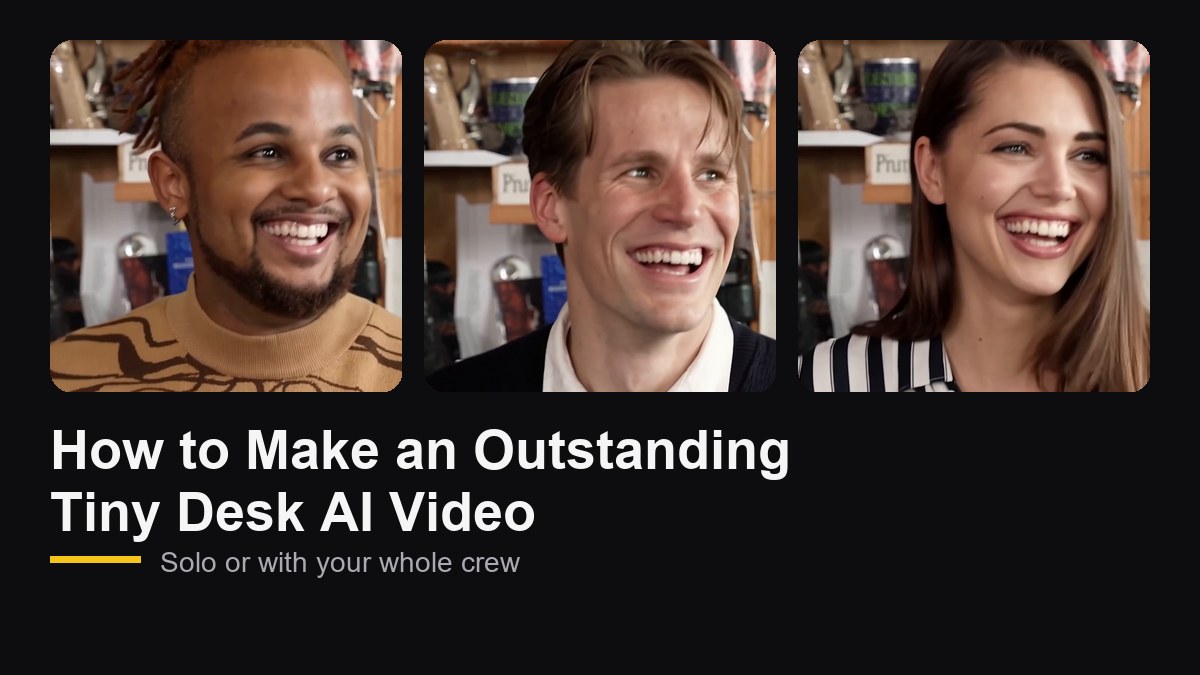
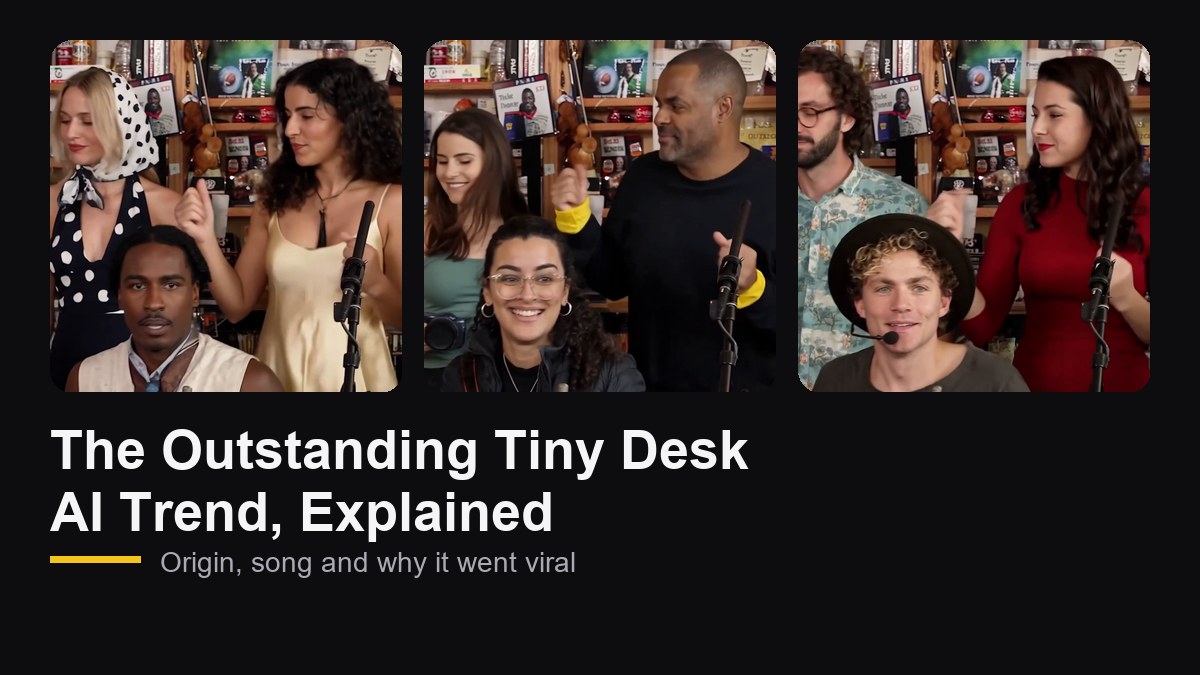
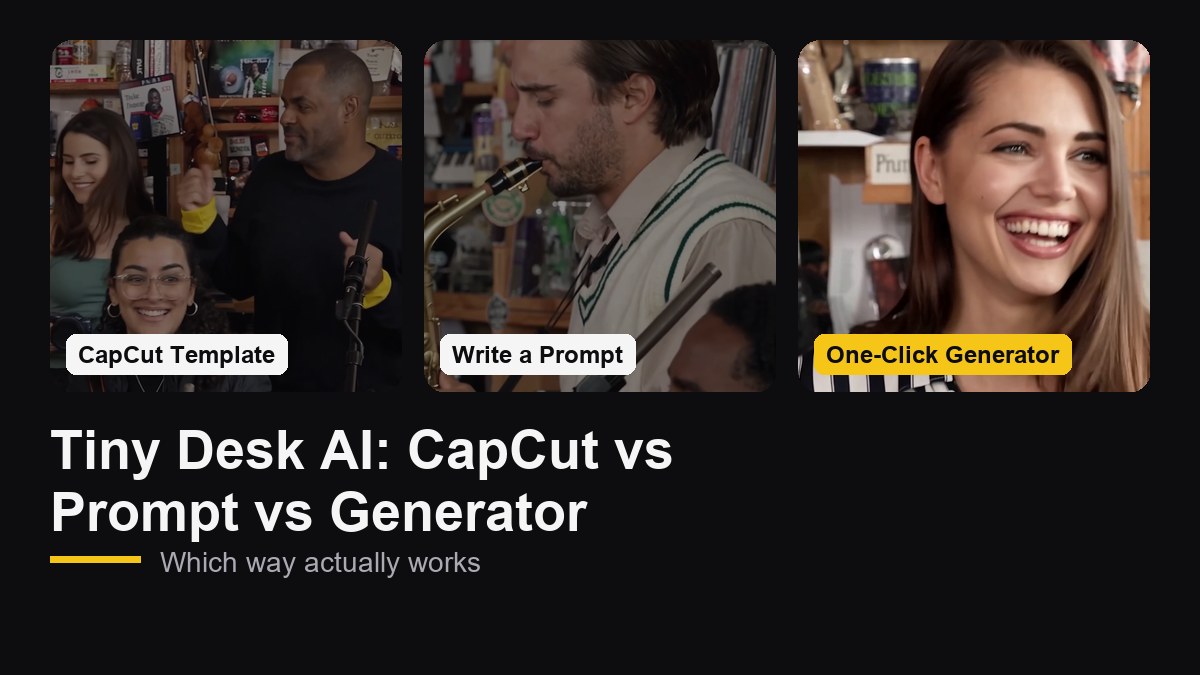
The video that started the Outstanding Tiny Desk AI trend was not funny because of the AI. It was funny because of the casting: five college football coaches who had all lost the day before, each placed in a role that fit. Its creator put it simply: "The casting was probably the nail in the coffin."
Most idea lists stop at "put your friends in it." This one goes further. For each of the 10 ideas below, you get a full plan for all five roles, plus a caption you can copy. When you are ready, open the Outstanding Tiny Desk AI video generator and cast your band.
How to Cast the Five Roles
Every Outstanding Tiny Desk AI video has the same five performers in the same five shots. Each role gets a different amount of screen time and a different kind of moment, so it pays to match the person to the part.
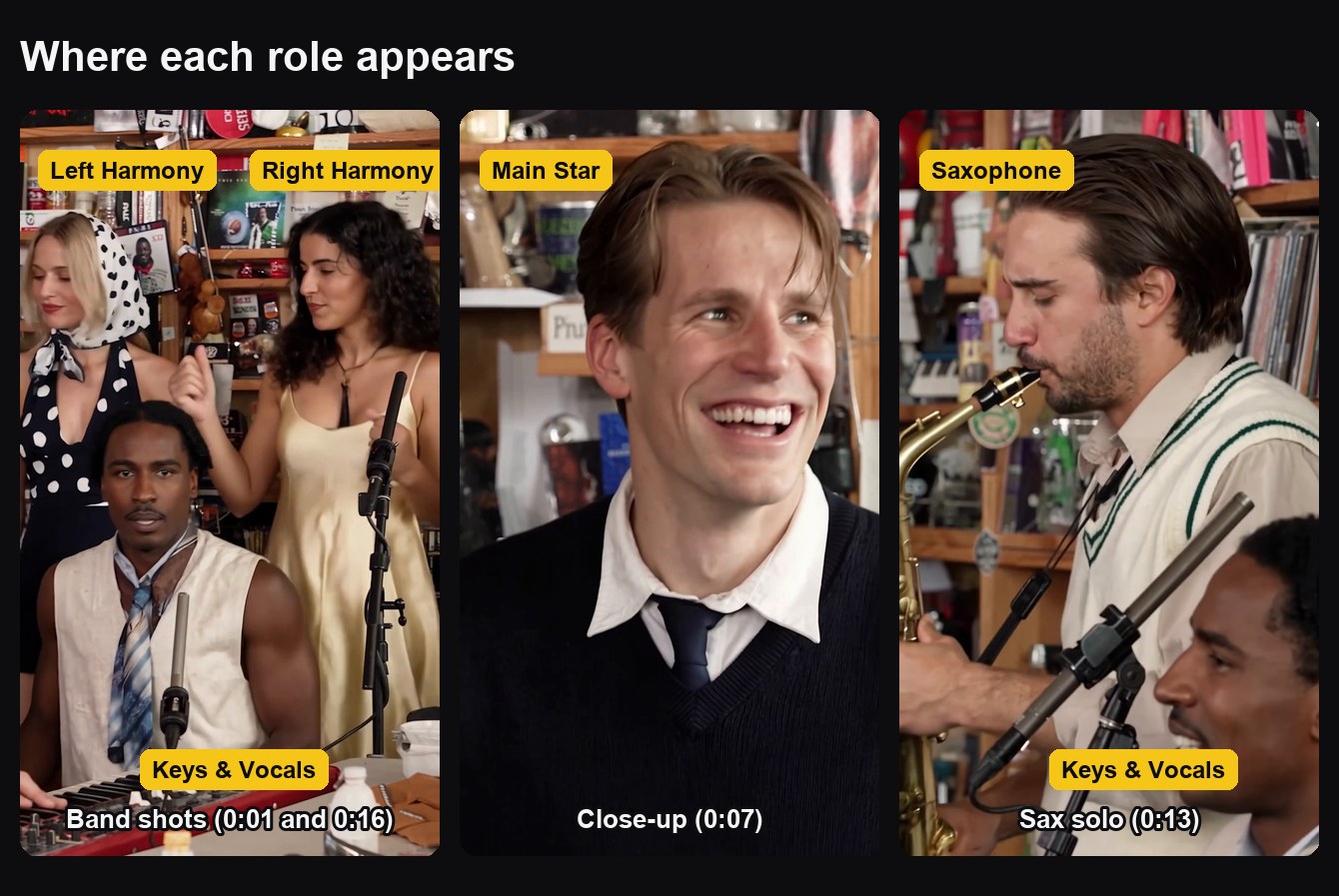
| Role | Screen time | Where they appear | Who to cast |
|---|---|---|---|
| Main Star | About 8 seconds | The opening shot and the 6-second laughing close-up | The person the video is about |
| Keys & Vocals | About 11 seconds | Both band shots, plus the foreground of the sax solo | Your second-biggest personality |
| Left Harmony | About 8 seconds | Back left in both band shots | The loyal sidekick |
| Right Harmony | About 8 seconds | Back right in both band shots | Whoever brings the energy |
| Saxophone | About 3 seconds | The sax solo close-up | The surprise reveal |
Four casting rules cover almost every situation:
- The Main Star is the punchline. Cast the person who lost, is leaving, is turning 30 or is being celebrated. Everyone else supports that joke.
- Keys & Vocals is the hype person. This role is on screen the longest and sings lead in the band shots, so give it to someone with big energy.
- The harmonies work as a pair. Two people who always show up together, agree on everything or argue about everything.
- The sax solo is the twist. Three seconds is short, but it lands hardest when it is someone nobody expects: the quiet one, the boss, the friend who never posts.
10 Tiny Desk AI Ideas With Full Casting Plans
1. Fantasy Football Last Place
The format was born in football, so this one writes itself. Every week gives you a new loser and a new reason to post in the league chat.
- Main Star: the manager in last place
- Keys & Vocals: the league commissioner
- Left Harmony and Right Harmony: the top two teams in the standings
- Saxophone: last season's champion
Caption: "Week 9 All-Loss Tiny Desk, starring our last-place king"
2. Your Team After a Loss
Rec league basketball, Sunday softball, pub quiz. Recreate the original joke with the people who were actually there.
- Main Star: the captain who called the final play
- Keys & Vocals: the loudest player on the bench
- Left Harmony and Right Harmony: the two players who always argue with the ref
- Saxophone: the one fan who came to watch
Caption: "Tuesday league All-Loss Tiny Desk. We are outstanding at losing."
3. Office Send-Off
A last day deserves more than a card everyone signs in a hurry.
- Main Star: the coworker who is leaving
- Keys & Vocals: their manager
- Left Harmony and Right Harmony: the two teammates they sat next to
- Saxophone: the most senior person who agreed to join
Caption: "Last day, first Tiny Desk. We will miss you, Sam."
4. Launch Day
For the team that finally shipped the thing.
- Main Star: the project lead
- Keys & Vocals: the lead engineer
- Left Harmony and Right Harmony: design and QA
- Saxophone: the person who fixed the bug at 2 a.m.
Caption: "v2 is live. The band played through every delay."
5. Birthday Roast
The most "Outstanding" birthday card you can send, especially for a milestone birthday.
- Main Star: the birthday person
- Keys & Vocals: their best friend
- Left Harmony and Right Harmony: their partner and their roommate
- Saxophone: a sibling
Caption: "Thirty and still the best voice in the group"
6. The Group Chat
Every group chat has the same five characters. Cast them.
- Main Star: the person who sends the most voice notes
- Keys & Vocals: the one who starts every plan
- Left Harmony and Right Harmony: the two who reply instantly to everything
- Saxophone: the lurker who reads everything and never types
Caption: "The lurker finally spoke. On saxophone."
7. Family Holiday
Thanksgiving and holiday dinners come with a built-in cast. Ask before you post, especially the older relatives.
- Main Star: the host who cooked everything
- Keys & Vocals: the aunt or uncle who tells the same story every year
- Left Harmony and Right Harmony: the cousins at the kids' table
- Saxophone: Dad
Caption: "Live from the kids' table: the family Tiny Desk"
8. Wedding Party
A fun teaser for the group chat before the big day, or a surprise for the reception slideshow.
- Main Star: the bride or groom
- Keys & Vocals: the best man or maid of honor
- Left Harmony and Right Harmony: two members of the wedding party
- Saxophone: the partner, saved for the reveal
Caption: "The wedding band we actually booked"
9. Finals Week or Graduation
For the study group that survived together.
- Main Star: the graduate, or the person who pulled the most all-nighters
- Keys & Vocals: the one who organized every study session
- Left Harmony and Right Harmony: the roommates
- Saxophone: the friend who slept through the exam and still passed
Caption: "Finals are over. Outstanding."
10. Gaming Squad Losing Streak
Ten losses in a row deserves a concert.
- Main Star: the player with the worst stats this week
- Keys & Vocals: the shot caller
- Left Harmony and Right Harmony: the duo who always queue together
- Saxophone: the one who keeps saying "one more game"
Caption: "0 and 10 this weekend. The band sounds great though."
Not Enough People? Make It a Solo
You do not need five people for any of these. Only the Main Star is required. Any role you skip is played by the default band member shown on that card, so a solo birthday video or a duo with your best friend works just as well. If you have exactly three people, cast the Main Star and the two harmonies and let the default performers cover keys and sax.
Got a trio that wants a different meme? The Gangnam Style AI video generator is built for exactly three people.
How to Write a Caption That Lands
The video already delivers the music and the laugh. The caption only needs to explain why this person, this week:
- Name the occasion in a few words. "Last place, week 9" is funnier than a full paragraph.
- Borrow the original's format. "The All-Loss Tiny Desk" is a phrase people already recognize.
- Tag the band. Everyone in the video will share it if they are tagged.
- Add a short AI note. "AI parody" at the end keeps it honest.
Hashtags like #tinydesk, #tinydeskai and #outstanding help people following the trend find your version.
Ground Rules for Casting Real People
- Ask first. Everyone in the band should know they are in it, especially if your account is public.
- Roast, do not humiliate. The format works because it is affectionate. Nobody should feel targeted.
- Stick to people you know. Do not put strangers, celebrities, athletes or politicians in your band.
- Label it. Turn on your platform's AI content label when you post.
Ready to Cast Your Band?
Pick one of the plans above, collect clear front-facing photos and upload them role by role. Our step-by-step guide covers upload modes, photo tips and posting, and the trend explainer has the backstory if your friends ask where the meme came from.
Frequently Asked Questions
Who should be the Main Star in a Tiny Desk AI video?
The person the video is about. The Main Star opens the video and gets the 6-second laughing close-up, so cast whoever lost, is leaving or is being celebrated.
Which role has the most screen time?
Keys & Vocals. This person appears in both band shots and in the foreground of the sax solo, for about 11 seconds in total. The Main Star has about 8 seconds but owns the close-ups.
What if I only have one or two people?
Only the Main Star is required. Any role you leave empty is played by the default band member shown on that card, so solos and duos work fine.
Can I use one group photo for the whole band?
Yes. Switch to Group Photo and upload a picture of five people standing side by side. Roles are assigned from left to right, so put your Main Star on the far left.
Can I make a sports version with real players or coaches?
The original went viral with real coaches, but we recommend casting your own team instead. Use photos of people who agreed to be in the video, and avoid using public figures.