






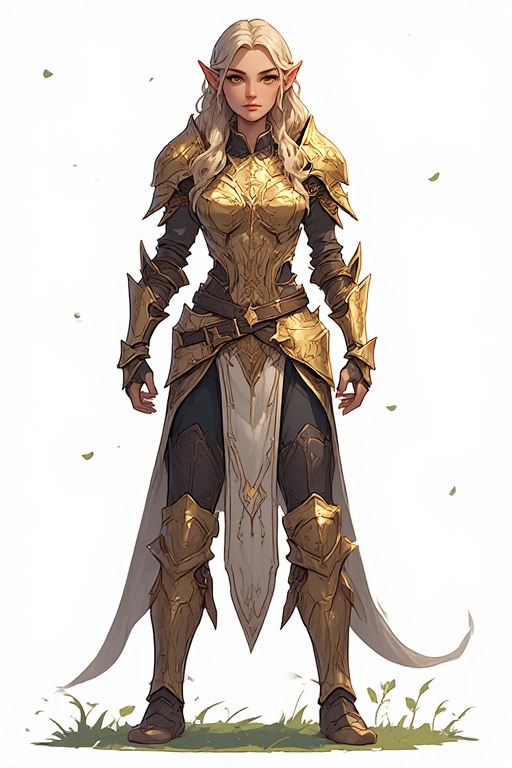
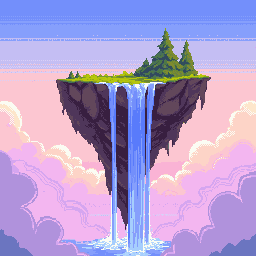
100×100 Pixel Art Generator — Social Avatars & Game Portraits
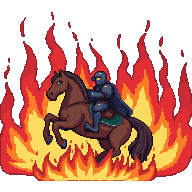
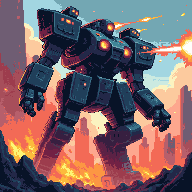
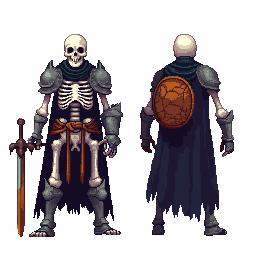
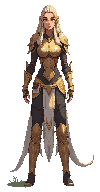
100×100 is the standard display size for profile avatars on Twitter/X, Discord, and gaming platforms. PixExact's 100x100 pixel art generator and pixel art maker creates expressive, detailed avatars and character portraits with AI — all at exactly 100×100 pixels. Type a description and get a profile-ready pixel art result in seconds.

How to Create 100×100 Pixel Art with AI
Describe Your Avatar or Portrait
Type your character concept — a pixel samurai, a fantasy mage, a sci-fi pilot — and the AI generates a fully detailed 100×100 portrait with expression and style.
Size is Pre-set to 100×100
The canvas is locked to 100×100 pixels — the exact display size used by many social platforms for profile thumbnails and avatar previews.
Generate and Export
Download your 100×100 pixel art as a transparent PNG ready to upload as a profile picture, game portrait, or NFT avatar.
Why Use a Dedicated 100×100 AI Pixel Art Generator?
100×100 is the profile picture resolution. Our AI is tuned to produce expressive, platform-ready portraits at this exact size.
Portrait-Perfect Resolution
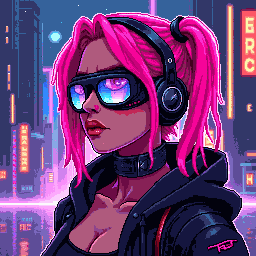
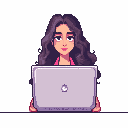
At 100×100, the AI can render detailed facial features, hairstyles, accessories, and clothing layers — everything that makes a profile avatar memorable and unique.
Platform-Ready Export
Export a transparent PNG optimized for direct upload to social media, gaming platforms, or NFT marketplaces. Native 100×100 resolution means no upscaling or compression artifacts.
Social & Game Optimized
Whether you need a retro RPG portrait for your gaming profile or a stylized avatar for your social media, our 100x100 pixel art maker covers both aesthetics seamlessly.
Fast Portrait Generation
Create multiple avatar variations to find your perfect look. Each prompt produces a unique 100×100 portrait in seconds — iterate quickly without starting from scratch.
What Can You Create with 100×100 Pixel Art?
100×100 is the profile picture size — here is how creators use it most.
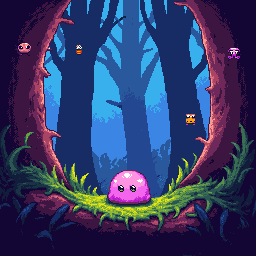
Social Media Profile Avatars
Design a custom pixel art avatar for your Twitter/X, Discord, Reddit, or Steam profile. At 100×100, your avatar has enough detail to express personality while staying sharp as a thumbnail — a unique look that stands out in any feed or chat.
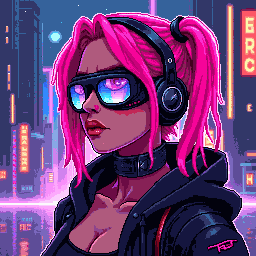
Game Character Portraits
Create portrait-style character art for RPGs, visual novels, and strategy games. 100×100 portraits work perfectly for dialogue boxes, character selection screens, and game UI profile panels where full-body sprites would be too small to read.
Community Badges & Emblems
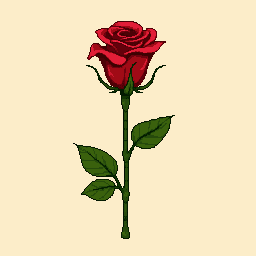
Design 100×100 emblems, clan logos, and community badges for gaming guilds, Discord servers, and online communities. The larger canvas supports intricate logo designs with text, borders, and detailed iconography.
NFT Profile Art
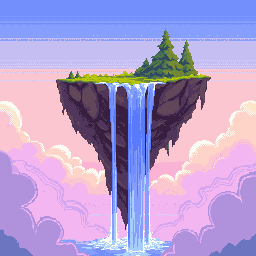
Generate 100×100 pixel art pieces for NFT profile picture collections. The resolution is large enough for detailed trait variation — background, outfit, accessories, expression — while keeping the pixel count manageable for on-chain storage.
100×100 Pixel Art Generator — FAQ
What is 100×100 pixel art?
100×100 pixel art is digital art on a 100-pixel-wide by 100-pixel-tall canvas — 10,000 pixels total. This is the standard display resolution for profile pictures on many platforms, making it ideal for social media avatars, game character portraits, and NFT profile art. The canvas supports rich detail while keeping the distinctive pixel look.
Can I use 100×100 pixel art in a game or app?
Yes. 100×100 works well for portrait panels, character selection screens, and profile displays in games and apps. Import the transparent PNG into Unity or Godot with Point (no filter) texture filtering to preserve crisp pixels. For UI displays that require circular crops, the transparent background makes masking straightforward.
Is 100×100 a good size for a social media profile picture?
Yes — many platforms display profile pictures in the 96–100px range in various UI contexts (comments, chats, notifications). Uploading a native 100×100 pixel art image ensures it displays crisply. For platform header images and full-profile views, consider scaling up using nearest-neighbor interpolation to preserve the pixel art aesthetic.
What pixel art style works best at 100×100?
Detailed character portraits with bold outlines, expressive eyes, and distinctive accessories work best. Think JRPG-style talking head portraits or stylized avatar art. The 100×100 canvas supports dithering, highlight effects, and background elements without feeling cramped. For NFT collections, establish consistent trait rules across all pieces for a cohesive set.
Does the exported 100×100 PNG have a transparent background?
Yes. All exports include a transparent background. This is especially useful for profile picture use — you can overlay the pixel art on any background color your platform uses, or keep the transparency for platforms that display circular-cropped avatars.
How many avatars can I create with this 100×100 pixel art maker?
New users receive complimentary credits upon signup to experiment with avatars and portraits. Once credits are used, additional packs are available for purchase — great for artists building NFT collections with many unique trait combinations.
More Tools
Explore more AI-powered tools to supercharge your creative workflow.


Create Your 100×100 Pixel Art Avatar Now
Social profiles, game portraits, NFT art — our 100x100 pixel art generator delivers portrait-perfect results in seconds. Describe your character and start creating.