






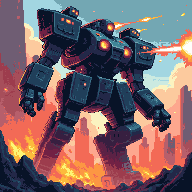

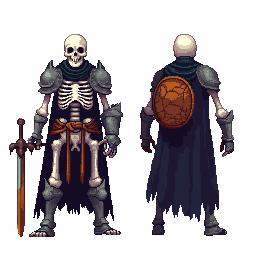
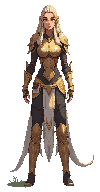
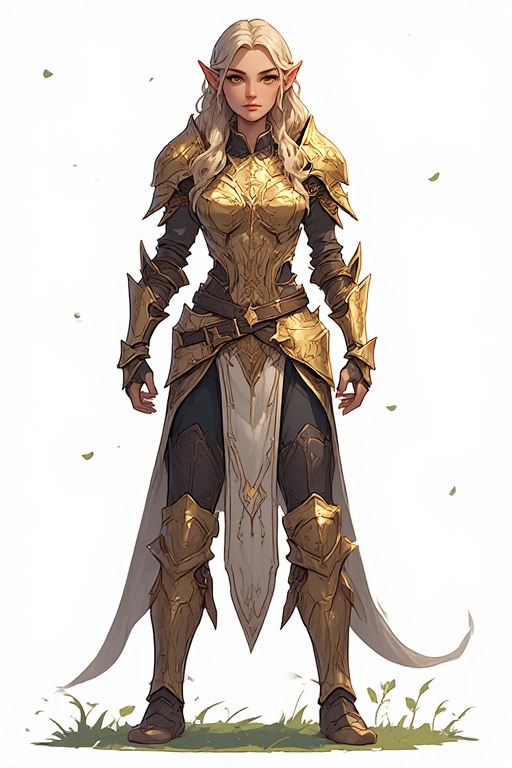
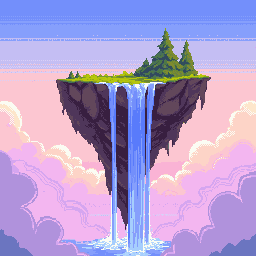
192×192 Pixel Art Generator — PWA Icons & High-Res Avatars
192×192 is the standard size for Progressive Web App (PWA) icons and high-resolution avatars — large enough for stunning detail, optimized for web and mobile display. PixExact's 192x192 pixel art generator and pixel art maker creates pixel-perfect icons, splash screen art, and large-format avatars with AI. Describe your concept and get a polished 192×192 result in seconds.

How to Create 192×192 Pixel Art with AI
Describe Your Icon or Artwork
Type your concept — an app mascot, a game splash character, a brand icon — and the AI generates it at 192×192 with full shading, detail, and style.
Size is Pre-set to 192×192
The canvas is locked to 192×192 pixels — the PWA icon standard and the optimal size for high-resolution pixel art avatars and splash screen art.
Generate and Export
Download your 192×192 pixel art as a transparent PNG ready for PWA manifests, app store submissions, avatar uploads, or high-res digital art use.
Why Use a Dedicated 192×192 AI Pixel Art Generator?
192×192 is the largest standard icon size — where pixel art becomes full-scale art. Our AI delivers stunning results at every pixel.
High-Resolution Output
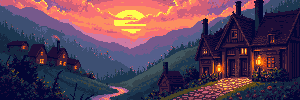
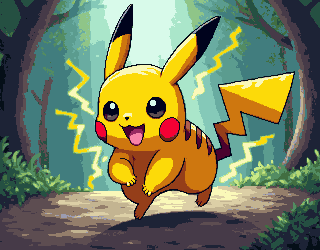
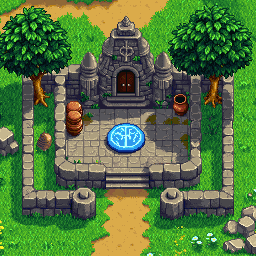
36,864 pixels on a single canvas. At 192×192, the AI can render intricate scene compositions, richly detailed characters, complex backgrounds, and subtle lighting effects that make pixel art look as good as any digital illustration.
PWA & App Ready
The 192×192 size is specified in the W3C PWA standard for app icons. Export a transparent PNG and reference it directly in your web app manifest — crisp on any device, from mobile to desktop.
Full Palette, Full Detail
At 192×192, there are no compromises. Generate characters with environmental backgrounds, multi-element scenes, and layered compositions that showcase the full artistic range of our 192x192 pixel art maker.
Large Art, Fast Results
Creating hand-crafted 192×192 pixel art would take days. With AI generation, get a detailed, polished result in seconds — then iterate and refine until it matches your vision perfectly.
What Can You Create with 192×192 Pixel Art?
192×192 is the high-resolution end of pixel art — ideal for web apps, top-quality avatars, and large-format art.
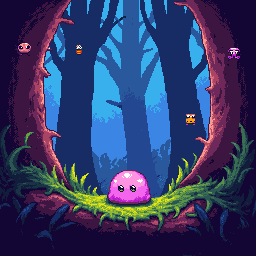
PWA & Web App Icons
The W3C Progressive Web App standard requires a 192×192 icon in the web manifest for home screen installation. Create a unique pixel art icon for your web app that stands out on any home screen — sharp, expressive, and instantly recognizable at any size.
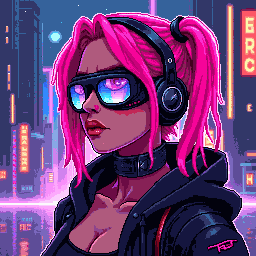
High-Res Profile Avatars
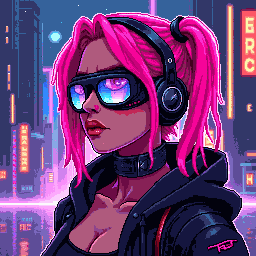
Design a high-resolution 192×192 pixel art avatar for platforms that display large profile images. The extra detail makes your avatar look stunning in full-size profile views while still reading as classic pixel art in thumbnail sizes.
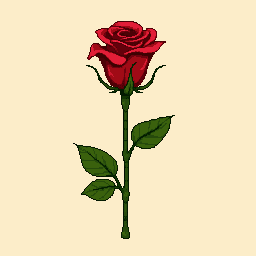
Splash Screen & Loading Art
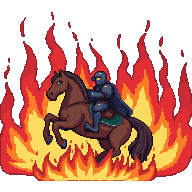
Create pixel art splash screens and loading images for mobile games, web apps, and indie projects. At 192×192, you have enough canvas to create a mini-scene — a character in their environment, a dramatic title card, or a brand mascot in action.
Large-Format NFT Artwork
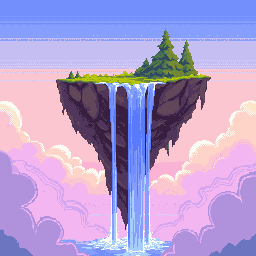
Generate large, detailed pixel art pieces for NFT collections or digital art portfolios. 192×192 supports the kind of intricate composition — foreground characters, detailed backgrounds, atmospheric effects — that commands attention in NFT galleries and digital art showcases.
192×192 Pixel Art Generator — FAQ
What is 192×192 pixel art?
192×192 pixel art is digital art on a 192-pixel-wide by 192-pixel-tall canvas — 36,864 pixels total. It is the largest commonly used standard pixel art size, required for PWA app icons and used for high-resolution avatars, splash screens, and large-format digital art. At this size, pixel art approaches the visual quality of traditional digital illustration.
Can I use 192×192 pixel art in a web app or PWA?
Yes — 192×192 is specifically required by the W3C PWA standard. Add it to your web manifest as: { 'src': '/icon-192.png', 'sizes': '192x192', 'type': 'image/png' }. This icon appears on home screens when users install your PWA. The pixel art style creates a distinctive, memorable app icon that stands out from standard app icons.
Is 192×192 too large for a game sprite?
For most 2D game sprites, 192×192 is large — better suited for title screen art, splash screens, boss portraits, and cutscene images than for animated in-game sprites. However, for still artwork, character select screens, and dialogue portrait art in high-resolution games, 192×192 delivers stunning visual quality. Many visual novels and high-res indie RPGs use this size for character portraits.
What pixel art style works best at 192×192?
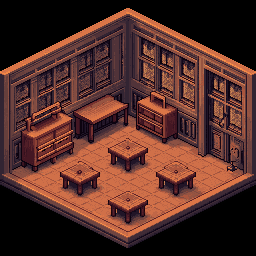
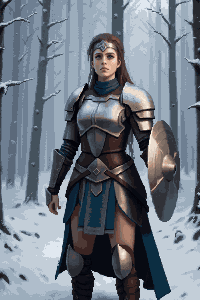
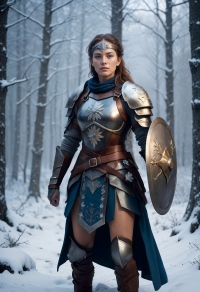
At 192×192, almost any pixel art style works — the canvas is large enough for complex compositions. Scene-based artwork with a character, environment elements, and atmospheric lighting produces especially impressive results. Character portraits with detailed backgrounds, full-body character art with environmental context, and isometric scene tiles all look exceptional at this resolution.
Does the exported 192×192 PNG have a transparent background?
Yes. All exports include a transparent background. For PWA use, you may want to add a background color directly in your image or via CSS. For avatar and art use, the transparent background lets you composite the pixel art over any background in your design workflow.
How many pieces can I create with this 192×192 pixel art maker?
New users receive complimentary credits upon signup to create their first high-resolution pixel art pieces. Once credits are used, additional packs are available for purchase — suited for web developers building app icon sets or artists creating premium large-format pixel art.
More Tools
Explore more AI-powered tools to supercharge your creative workflow.


Create High-Resolution 192×192 Pixel Art Now
PWA icons, high-res avatars, splash art — our 192x192 pixel art generator delivers stunning results in seconds. Describe your concept and let AI bring every pixel to life.