






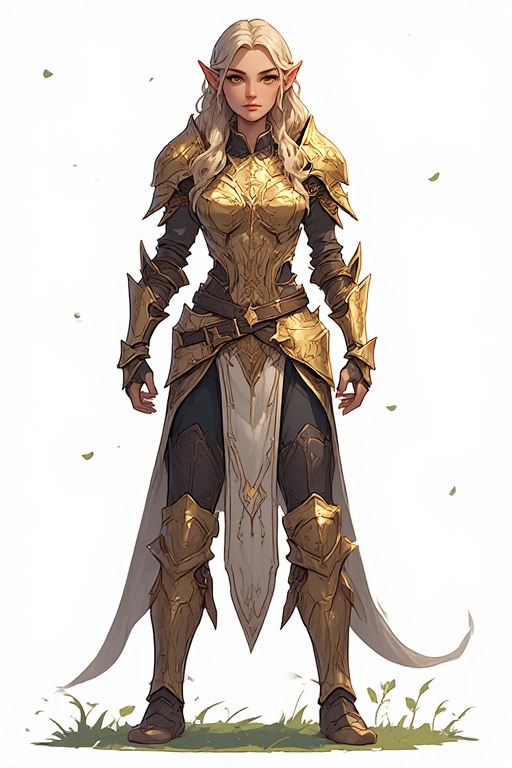
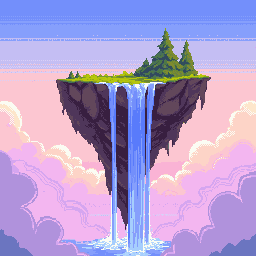
48×48 Pixel Art Generator — App Icons & Detailed Sprites
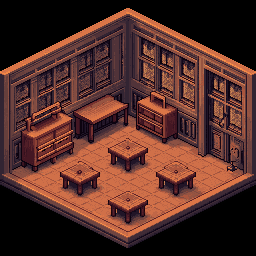
48×48 hits the sweet spot between compact icon sizes and detailed game sprites. PixExact's 48x48 pixel art generator and pixel art maker creates sharp app icons, Discord server icons, and expressive game characters with AI. Enter a prompt and get a polished 48×48 pixel art result in seconds — no design experience required.

How to Create 48×48 Pixel Art with AI
Describe Your Icon or Sprite
Type what you want — a shield icon, a dragon character, a potion item — and the AI generates it at 48×48 with the right detail level and style.
Size is Pre-set to 48×48
The canvas is locked to 48×48 pixels — a versatile resolution for app icons, platform icons, and detailed game sprites.
Generate and Export
Download your 48×48 pixel art as a transparent PNG, ready for app stores, Discord, Unity, Godot, or any design workflow.
Why Use a Dedicated 48×48 AI Pixel Art Generator?
48×48 is where icons become truly expressive. Our AI is optimized to make every pixel count at this resolution.
Crisp 48×48 Resolution
More breathing room than 32×32 means sharper details, richer color gradients, and more expressive characters — all while staying compact enough for icons and thumbnails.
Platform & Engine Ready
Export transparent PNGs ready for app stores, Discord uploads, Unity, or Godot. The 48×48 format meets standard icon specifications across major platforms.
Icons to Characters
Switch between crisp icon aesthetics for apps and expressive retro styles for games. Our 48x48 pixel art maker adapts to whatever your project needs.
Instant Generation, Zero Effort
Generate a full icon set or a batch of game sprites in minutes. Describe each asset and the AI handles the pixel work — you focus on the game.
What Can You Create with 48×48 Pixel Art?
From app stores to game engines — 48×48 is one of the most versatile pixel art sizes.
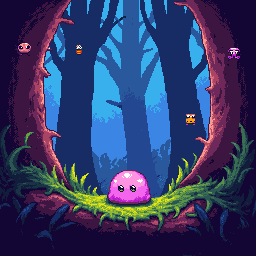
App Icons & Launcher Icons
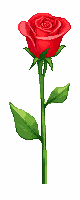
48×48 is a standard app icon size across Android, web apps, and desktop launchers. Create unique pixel art icons that stand out on any home screen or app drawer — sharp, readable, and instantly recognizable.
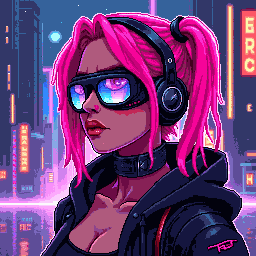
Discord Server Icons
Discord server icons display at 48×48 in most views. Design a custom pixel art icon that represents your community — a mascot, an emblem, or a thematic symbol — and upload it directly to your server settings.
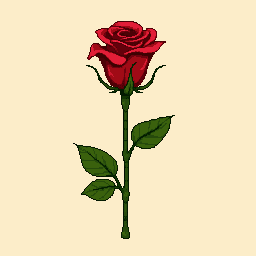
Detailed Game Sprites
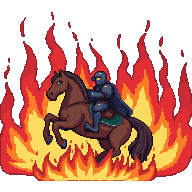
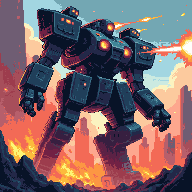
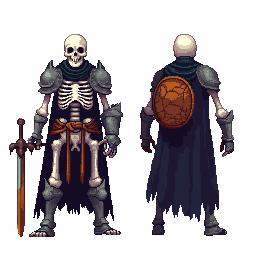
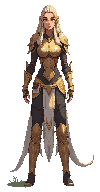
48×48 gives characters enough pixels for visible facial expressions, equipment details, and multi-frame animation planning. Perfect for action RPGs, strategy games, or any title that needs readable character art.
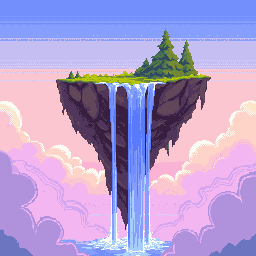
Emoji & Sticker Packs
Create custom 48×48 emoji and sticker packs for Discord, Slack, or Twitch. The larger canvas lets you add accessories, expressions, and colors that smaller sizes can't accommodate.
48×48 Pixel Art Generator — FAQ
What is 48×48 pixel art?
48×48 pixel art is digital art on a 48-pixel-wide by 48-pixel-tall canvas — 2,304 pixels total. It is a common size for app icons, platform icons, and mid-detail game sprites. The extra space over 32×32 allows for more expressive character designs and richer icon detail while staying small enough for UI use.
Can I use 48×48 pixel art in Unity or Godot?
Yes. Export the PNG with a transparent background and import it into your engine. In Unity, set Pixels Per Unit to 48 and use Point filtering to keep the crisp pixel look. In Godot, disable texture filtering on import. Both engines handle non-power-of-two sizes like 48×48 without issues.
Is 48×48 a standard size for Discord server icons?
Yes — Discord renders server icons at 48×48 pixels in the server list sidebar. Uploading a pixel art icon designed at exactly 48×48 ensures it looks crisp without upscaling or downscaling artifacts. Our generator exports at the native 48×48 resolution for a perfect fit.
What pixel art style works best at 48×48?
Game Boy Color, early PlayStation, and detailed SNES styles all work well at 48×48. The canvas is large enough for anti-aliasing tricks, dithering, and detailed accessories. For app icons, a clean, bold style with strong outlines and a simple background works best for readability at small display sizes.
Does the exported 48×48 image have a transparent background?
Yes. All exports include a transparent PNG background, making them ready for app store uploads, Discord icon settings, or game engine imports without any background removal.
How many icons can I create with this 48×48 pixel art maker?
New users receive complimentary credits upon signup. Once those are used, additional credit packs are available for purchase — a practical option for designers building complete icon sets or emoji collections.
More Tools
Explore more AI-powered tools to supercharge your creative workflow.


Create Your 48×48 Pixel Art Now
App icons, Discord server icons, game sprites — our 48x48 pixel art generator handles them all. Type your idea and get a pixel-perfect result in seconds.