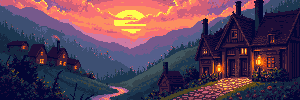
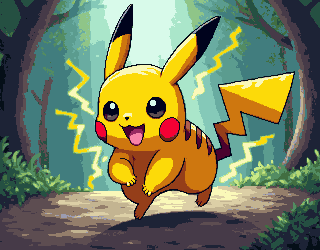

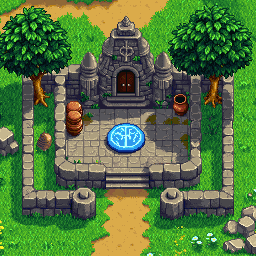

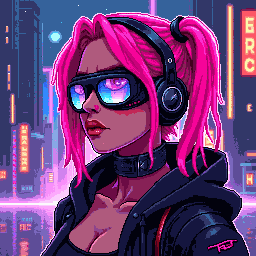


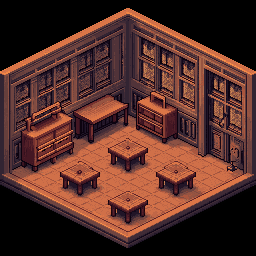

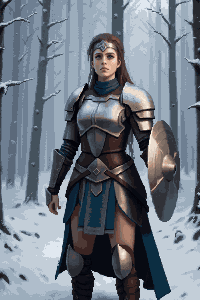
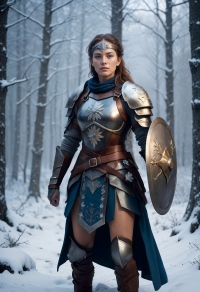


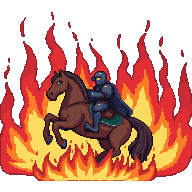

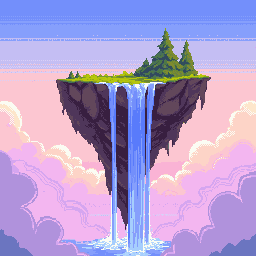
16×16 Pixel Art Generator — Classic Game Sprites & Icons
The 16×16 grid is the foundation of retro gaming — from early NES characters to modern indie game sprites. PixExact is the AI-powered 16x16 pixel art generator and pixel art maker that turns your text prompts into precise sprites, icons, favicons, and game assets in seconds. No drawing skills required.

How to Create 16×16 Pixel Art with AI
Describe Your Sprite
Type what you want — a warrior character, a flame icon, a sword item — and our AI interprets your prompt at the 16×16 pixel resolution.
Size is Pre-set to 16×16
No configuration needed. The canvas is locked to 16×16 pixels, the perfect resolution for game sprites, favicons, and retro icons.
Generate and Export
Instantly generate your 16×16 pixel art and download it as a transparent PNG ready for Unity, Godot, Aseprite, or direct use as a favicon.
Why Use a Dedicated 16×16 AI Pixel Art Generator?
16×16 is the most iconic pixel resolution. Our tool is optimized for this grid to give you crisp, readable results every time.
Pixel-Perfect 16×16 Output
Every pixel counts at this scale. Our AI produces clean, recognizable sprites at 16×16 — no blurry scaling, no wasted pixels, no manual dot-placing.
Game-Engine Ready
Export transparent PNG files that drop straight into Unity, Godot, Tiled, or Aseprite. Zero post-processing needed — import and play.
Authentic Retro Styles
Generate NES-style sprites, Game Boy aesthetics, classic RPG characters, or modern indie game assets — all at the authentic 16×16 resolution.
Instant Generation, No Skills Needed
Skip hours of manual pixel-by-pixel drawing. Describe your idea and get a polished 16×16 sprite in seconds — no drawing skills needed.
What Can You Create with 16×16 Pixel Art?
The 16×16 format is small but mighty — here are the most popular ways creators use it.
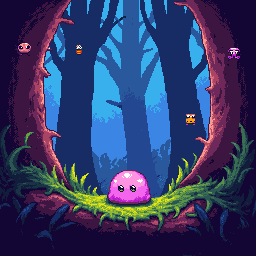
Retro Game Sprites
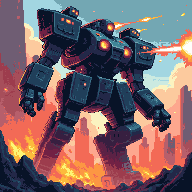
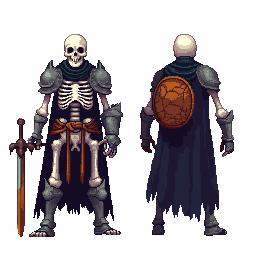
Build classic RPG characters, platformer heroes, or arcade enemies at the iconic 16×16 size. Ideal for NES-style games, Game Boy aesthetics, and any retro-inspired 2D game project.
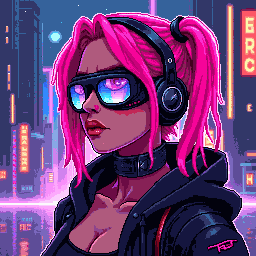
Favicons & App Icons
16×16 is the standard favicon size displayed in browser tabs. Create unique, sharp pixel art favicons for websites, bookmarks, and small-format app icons that stand out at any size.
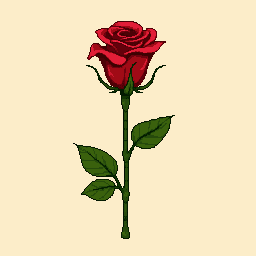
Retro Emojis & Discord Stickers
Design custom 16×16 pixel art emojis for Discord servers, Slack workspaces, or Twitch channels. The compact size makes them sharp and instantly recognizable as thumbnails.
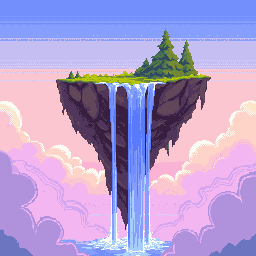
Game Map Tiles & Icon Sets
Create 16×16 tile assets for top-down dungeons or side-scrolling platformers. Also perfect for building consistent icon packs for inventory items, UI elements, and HUD icons.
16×16 Pixel Art — FAQ
What is 16×16 pixel art?
16×16 pixel art is digital art on a canvas exactly 16 pixels wide and 16 pixels tall — 256 pixels total. It is the classic resolution for NES/Game Boy sprites, favicons, and retro icons. Our 16x16 pixel art generator lets you create these instantly with AI, so you get clean, recognizable sprites without manual dot-placing.
Can I use 16×16 pixel art in Unity or Godot?
Yes. Download the PNG with a transparent background and import it directly into Unity, Godot, or any 2D game engine. In Unity, set Pixels Per Unit to 16 and texture filtering to Point (no filter) to keep the crisp pixelated look. In Godot, set the import mode to Lossless and disable filtering.
Is 16×16 the right size for a website favicon?
Yes — 16×16 is the standard favicon size displayed in browser tabs and bookmark lists. Download the PNG and reference it as a favicon in your HTML, or convert it to .ico format with any free online converter for broader browser compatibility.
What art style works best at 16×16?
Styles with bold outlines, limited color palettes, and strong silhouettes work best. Think NES sprites, Game Boy monochrome, or classic SNES RPG characters. Avoid highly detailed or photorealistic prompts — the AI automatically simplifies them into clean pixel shapes suited for this tiny canvas.
Does the exported PNG have a transparent background?
Yes. All exported pixel art images include a transparent background (alpha channel), making them ready to overlay on any background in your game, website, or design project without any extra editing.
How many sprites can I make with this 16x16 pixel art maker?
New users receive complimentary credits upon signup to try the generator. Once credits are used, additional packs are available for purchase — ideal for game devs and professional projects.
More Tools
Explore more AI-powered tools to supercharge your creative workflow.


Generate Your 16×16 Pixel Art Now
No software to install, no drawing skills needed. Type your idea and get a perfect 16×16 pixel art sprite in seconds with PixExact's AI generator.