






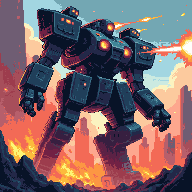

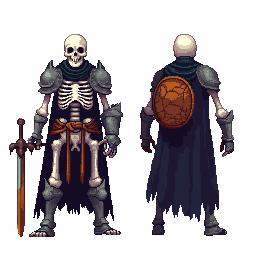
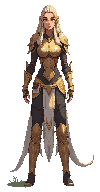
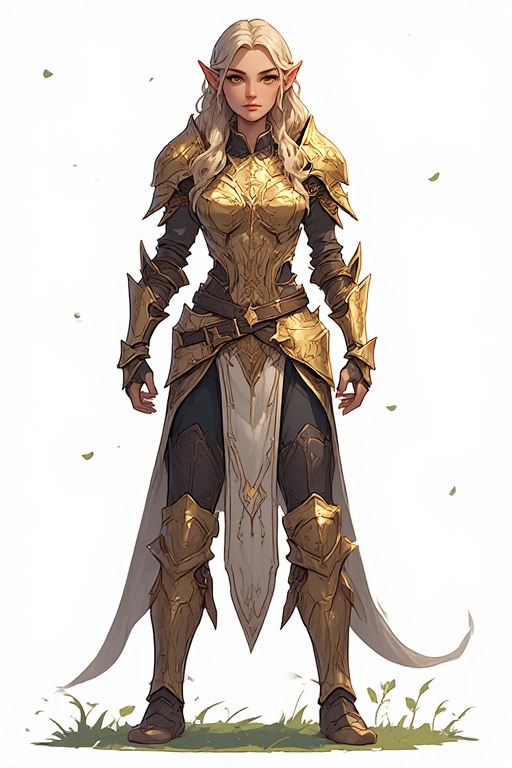
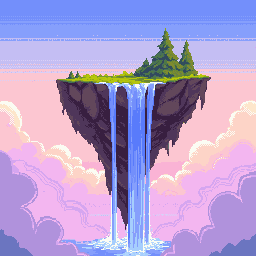
2D Game Assets Generator — AI Pixel Art Sprites, Tiles & Icons
PixExact is the AI-powered 2D game assets generator and pixel art maker built for indie developers, game jam participants, and solo creators. Generate sprites, tilesets, item icons, and UI elements in any pixel art style — choose your canvas size, describe the asset, and get game-ready PNG in seconds. No art background required.

How to Generate 2D Game Assets with AI
Describe Your Game Asset
Tell the AI what you need — 'fire mage character sprite', 'stone dungeon floor tile', 'glowing health potion icon' — and it generates the asset in your chosen pixel art style.
Choose Your Asset Size
Select the pixel canvas that fits your game's tile grid — 16×16 for icons, 32×32 for sprites, 64×64 for characters, or any size up to 384×384. Match your game engine's tile size for seamless integration.
Generate and Import
Download game-ready transparent PNG files and import directly into Unity, Godot, RPG Maker, or any 2D game engine. No post-processing needed.
Why Use an AI 2D Game Assets Generator?
Hand-crafting pixel art game assets takes weeks. Our AI 2D game assets maker cuts that to seconds — without cutting quality.
Game-Optimized Art Styles
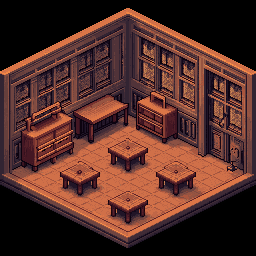
Choose from RPG sprites, platformer tiles, isometric assets, top-down map tiles, item icons, UI elements, and more. Every style is tuned for real game production — not just decoration.
Engine-Ready Export
All assets export as transparent PNGs that import directly into Unity, Godot, Tiled, LDtk, or RPG Maker. Pick your tile size to match your engine's grid — no resizing or reformatting needed.
Multiple Art Styles
From classic NES sprites to modern indie pixel aesthetics, isometric game art, and Minecraft-style textures — our 2D game assets maker covers every pixel art style your game might need.
Rapid Asset Production
Prototype a full game's worth of assets before committing to a visual style. Generate character variants, tile sets, and icon packs in minutes — ideal for game jams where every hour counts.
What 2D Game Assets Can You Generate?
From characters to environments to UI — our AI covers every asset type your 2D game needs.
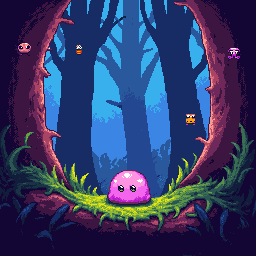
Character Sprites
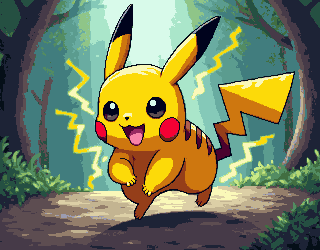
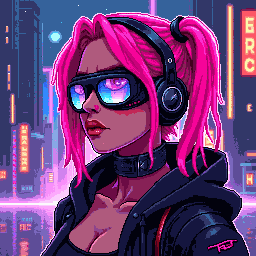
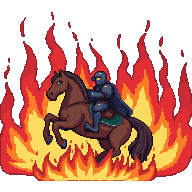
Generate player characters, NPCs, enemies, and bosses in any pixel art style. Choose your sprite size (16×16 for minimal retro, 64×64 for detailed characters), describe the character concept, and get a game-ready sprite with a transparent background.
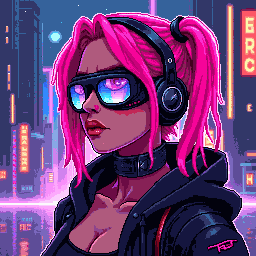
Tilesets & Map Tiles
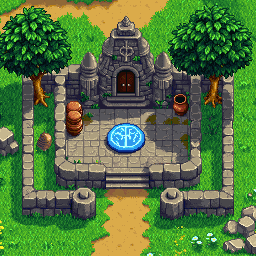
Create seamless terrain tiles, dungeon walls, platformer blocks, and environmental assets for your game maps. Choose your tile grid size (32×32 or 16×16), describe the terrain type, and the AI generates tiles that fit together naturally.
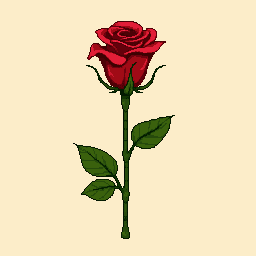
Item & Equipment Icons
Build a complete item library — weapons, armor, potions, crafting materials, currencies, and key items. At 32×32 or 48×48, each icon is detailed enough to be recognizable at a glance in any inventory or shop UI.
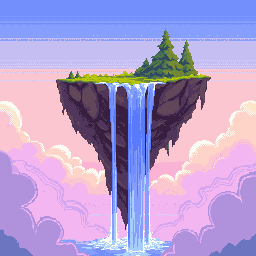
Game UI Elements
Design pixel art UI components — health bars, skill buttons, menu frames, achievement icons, and HUD elements. Consistent pixel art UI gives your game a cohesive visual identity from title screen to gameplay.
2D Game Assets Generator — FAQ
What are 2D game assets?
2D game assets are the visual building blocks of a 2D game — sprites (characters, enemies), tilesets (terrain, walls, floors), item icons (weapons, potions, equipment), and UI elements (health bars, menus, buttons). In pixel art games, these assets are typically small, tile-sized images with transparent backgrounds that are combined at runtime to build the game world.
Are the generated assets compatible with Unity and Godot?
Yes. All generated assets export as transparent PNG files that import directly into Unity, Godot, RPG Maker, Tiled, LDtk, or any other 2D game editor. In Unity, use Point (no filter) texture filtering and set Pixels Per Unit to match your tile size. In Godot, disable texture filtering on import. Both engines handle any pixel size from 16×16 to 192×192.
What size should I choose for my game assets?
Match your game's tile grid size: 16×16 for minimal retro games (NES/Game Boy style), 32×32 for SNES/GBA style and the most common indie game size, 48×48 or 64×64 for detailed characters and portraits, 128×128 for high-quality character art and boss sprites. Consistency matters — pick one tile size and use it for all sprites and tiles in a category.
What pixel art styles are available for game assets?
Our generator supports a wide range of styles specifically optimized for 2D game production: RPG sprites, platformer characters, top-down map tiles, isometric assets, Minecraft-style item textures, skill icons, UI elements, environment tiles, and more. Describe the style in your prompt (e.g., 'SNES RPG style', 'top-down dungeon tile', 'isometric stone block') for best results.
Do the exported game assets have transparent backgrounds?
Yes. All generated 2D game assets include transparent backgrounds (PNG alpha channel). Characters, items, and UI elements can be placed over any background in your game engine without any background removal. For tilesets, you can optionally describe a specific background color in your prompt if you need opaque tiles.
How many 2D game assets can I generate with this maker?
New users receive complimentary credits upon signup to prototype their game's visual style. Once credits are used, additional credit packs are available for purchase — designed for indie developers who need to produce dozens or hundreds of unique game assets for a complete project.
More Tools
Explore more AI-powered tools to supercharge your creative workflow.


Generate Your 2D Game Assets Now
Characters, tilesets, item icons, UI elements — our AI 2D game assets generator delivers game-ready pixel art in seconds. Describe your asset and start building your game.