






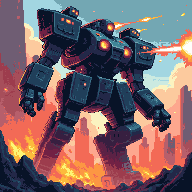

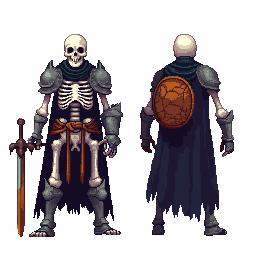
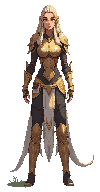
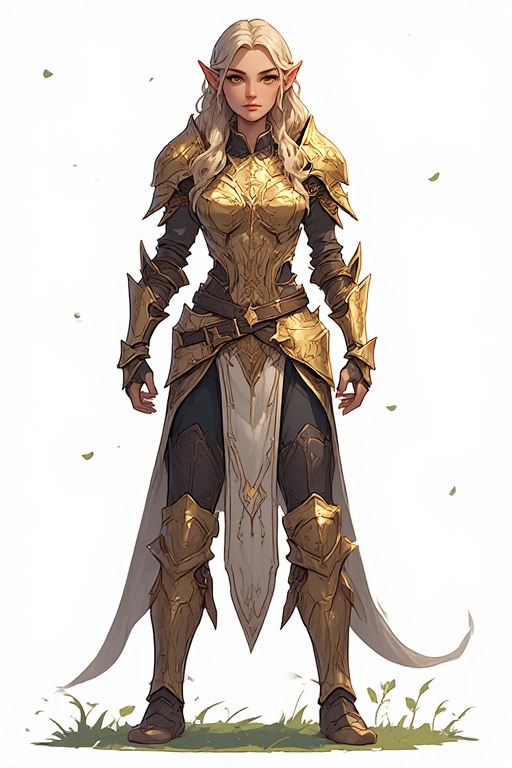
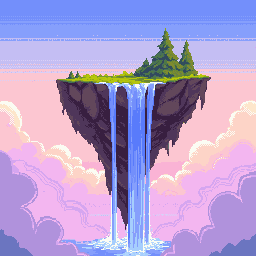
32×32 Pixel Art Generator — Game Sprites & Tilesets
32×32 is the gold standard for 2D game sprites — four times the detail of 16×16, still perfectly retro. PixExact's 32x32 pixel art generator and pixel art maker turns your text prompts into SNES-style characters, RPG tiles, and game icons in seconds. No drawing skills, no software — just describe your idea and generate.

How to Create 32×32 Pixel Art with AI
Describe Your Sprite or Tile
Type what you need — a knight character, a grass tile, a sword icon — and the AI renders it at 32×32 with the right retro style and palette.
Size is Pre-set to 32×32
The canvas is locked to 32×32 pixels — the most popular resolution for 2D game sprites, tilesets, and in-game icon sets.
Generate and Export
Download your 32×32 pixel art as a transparent PNG. Import directly into Unity, Godot, Tiled, or Aseprite with zero post-processing needed.
Why Use a Dedicated 32×32 AI Pixel Art Generator?
32×32 is the backbone of 2D game development. Our AI is tuned for this grid — delivering sharp, balanced sprites and tiles every time.
Pixel-Perfect 32×32 Output
Four times the detail of 16×16 without losing the retro look. Our AI fills every pixel intentionally — clean edges, consistent palette, zero blur.
Game-Engine Ready
Transparent PNGs drop straight into Unity, Godot, Tiled, or Aseprite. Works with any 2D engine using a 32×32 tile grid — import and play immediately.
SNES & Classic RPG Styles
Generate characters and tiles in authentic SNES, GBA, or classic RPG aesthetics. The AI understands retro constraints and applies them naturally at 32×32.
Instant Results, No Skills Needed
Prototype a full sprite sheet's worth of assets in minutes. Describe each piece and the AI delivers polished 32×32 results ready for your game.
What Can You Create with 32×32 Pixel Art?
32×32 is the backbone of 2D game development — here are the most popular ways creators use it.
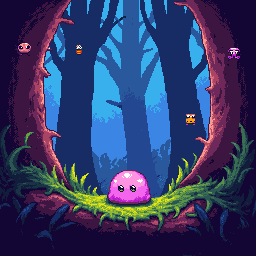
SNES-Style Game Sprites
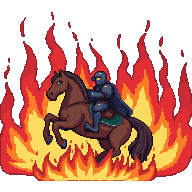
Create detailed RPG heroes, platformer characters, and arcade enemies at the classic 32×32 size. Ideal for games inspired by Super Mario, Final Fantasy, Zelda, and the golden era of 16-bit gaming.
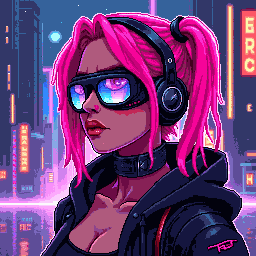
Tilesets & Map Tiles
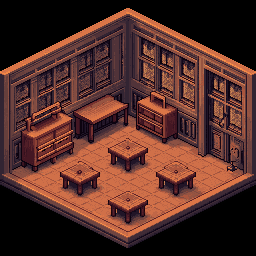
Design seamless 32×32 terrain tiles — grass, stone, water, lava — for top-down RPGs, dungeon crawlers, and platformer backgrounds. The 32×32 grid is the standard for Tiled, LDtk, and RPG Maker.
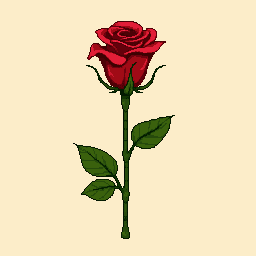
Pixel Emojis & Custom Stickers
Design expressive 32×32 pixel emojis for Discord, Slack, and Twitch. The extra resolution over 16×16 allows more nuanced expressions, accessories, and color detail in each icon.
UI Icons & HUD Graphics
Build consistent icon sets for game HUDs, inventory systems, and action bars. 32×32 is the standard for in-game item icons, skill buttons, and toolbar graphics across most 2D frameworks.
32×32 Pixel Art Generator — FAQ
What is 32×32 pixel art?
32×32 pixel art is digital art on a canvas 32 pixels wide and 32 pixels tall — 1,024 pixels total. It is four times the area of 16×16, giving room for recognizable faces, detailed costumes, and multi-color shading. It is the most common sprite size for SNES-era games, indie 2D RPGs, and tile-based engines.
Can I use 32×32 pixel art in Unity or Godot?
Yes. Export the PNG with transparency and import it into Unity or Godot. In Unity, set Pixels Per Unit to 32 and texture filtering to Point (no filter). In Godot, set the tile size to 32×32 in your TileSet resource and disable texture filtering on import to keep crisp edges.
Is 32×32 the right size for a game tileset?
Yes — 32×32 is the standard tile size for most 2D editors including Tiled, LDtk, and RPG Maker. It offers enough detail for readable terrain while keeping memory usage low. For seamless tiles, describe the edges in your prompt (e.g. 'seamless grass tile') and the AI will produce edges that tile correctly.
What art style works best at 32×32?
SNES and GBA styles work excellently — defined outlines, 16–32 color palettes, clear silhouettes. Classic RPG, platformer, and top-down dungeon styles are also a strong match. Avoid hyper-realistic prompts; the AI automatically adapts your description to the retro aesthetic that 32×32 demands.
Does the exported 32×32 PNG have a transparent background?
Yes. Every exported image includes a transparent background (alpha channel), so you can layer sprites over game backgrounds without any manual removal — just import and use.
How many 32×32 sprites can I make with this pixel art maker?
New users receive complimentary credits upon signup to start building their sprite library right away. Once credits are used, additional packs are available for purchase — ideal for indie devs creating full asset sets.
More Tools
Explore more AI-powered tools to supercharge your creative workflow.


Build Your 32×32 Sprite Library Now
Stop drawing pixel by pixel. Describe your characters, tiles, and icons — our 32x32 pixel art generator delivers polished, game-ready assets in seconds.