







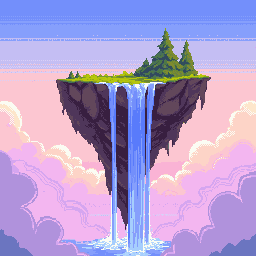
50×50 Pixel Art Generator — Avatars & Profile Icons
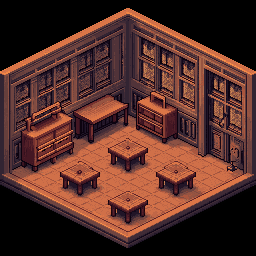
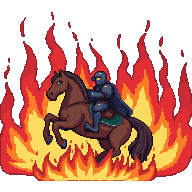
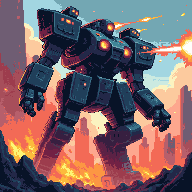
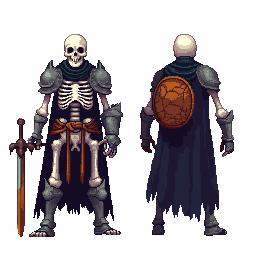
50×50 is a popular size for social media thumbnails, game token icons, and profile badges. PixExact's 50x50 pixel art generator and pixel art maker uses AI to turn your text descriptions into sharp, expressive pixel art at exactly 50×50 pixels. Perfect for profile pictures, game assets, and custom sticker art — no drawing skills required.

How to Create 50×50 Pixel Art with AI
Describe Your Avatar or Icon
Type what you want — a cat wizard, a flame badge, a robot face — and the AI generates pixel-perfect art at the 50×50 resolution.
Size is Pre-set to 50×50
The canvas is locked to 50×50 pixels — a compact square format ideal for social media thumbnails, game tokens, and profile art.
Generate and Export
Download your 50×50 pixel art as a transparent PNG, ready for social platforms, game engines, or design tools.
Why Use a Dedicated 50×50 AI Pixel Art Generator?
50×50 is compact enough for thumbnails yet detailed enough to express personality. Our AI delivers sharp, readable results at this size every time.
Social-Ready 50×50 Format
Designed for the square crop used by social media platforms and game UIs. Our AI fills 50×50 with balanced composition — readable at thumbnail size and attractive at full view.
Universal Compatibility
Export transparent PNGs that work on any platform — social media uploads, game engine imports, web apps, or print. The 50×50 format requires no resizing for most use cases.
Avatar-Optimized Styles
From retro pixel portraits to bold character icons, our 50x50 pixel art maker adapts to your style. Generate consistent avatar sets for game characters or social profiles.
Instant Avatar Creation
Generate a full set of character avatars or profile icons in minutes. Describe each one and the AI produces a polished 50×50 result — ready to upload.
What Can You Create with 50×50 Pixel Art?
Small but expressive — 50×50 is the go-to size for social media profiles, game tokens, and custom badge art.
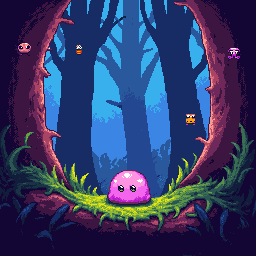
Social Media Avatars
Create a unique pixel art avatar for Twitter/X, Reddit, forums, or gaming communities. The 50×50 square format displays sharply as a profile thumbnail and holds up at larger display sizes with its pixel charm.
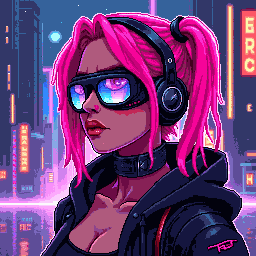
Game Item & Token Icons
Design 50×50 icons for in-game currencies, collectible items, achievement tokens, and inventory slots. The compact size keeps UI clean while providing enough detail for recognizable item art.
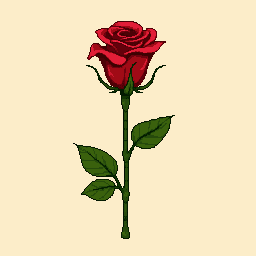
Profile Badges & Achievements
Build a set of 50×50 badge icons for community platforms, leaderboards, or game achievement systems. Consistent pixel art badges give any community or game a distinctive visual identity.
Custom Sticker Packs
Design expressive 50×50 pixel art stickers for messaging apps, Discord, or Telegram. The square format is optimized for sticker packs and the pixel aesthetic makes each design instantly recognizable.
50×50 Pixel Art Generator — FAQ
What is 50×50 pixel art?
50×50 pixel art is digital art on a 50-pixel-wide by 50-pixel-tall canvas — 2,500 pixels total. It is slightly larger than 48×48 and commonly used for social media thumbnails, game token icons, and profile badges. The square format makes it ideal for any UI element that requires a uniform compact icon.
Can I use 50×50 pixel art in a game engine?
Yes. Unity and Godot both handle non-power-of-two sizes like 50×50. In Unity, set texture filtering to Point (no filter) and adjust Pixels Per Unit to 50. In Godot, disable filtering on import. For grid-based games, consider whether 50×50 fits your tile system or if 48×48 or 64×64 would align better with your grid.
Is 50×50 a good size for a social media profile picture?
Yes — many platforms display profile thumbnails at or near 50×50 pixels in certain views (comment sections, chat lists, notifications). Designing natively at 50×50 ensures your pixel art looks crisp without upscaling artifacts. For best results across all views, also check the platform's full-size recommendation (usually 400×400) and scale up using nearest-neighbor interpolation.
What pixel art style works best at 50×50?
Bold character portraits with strong outlines, limited palettes, and expressive faces work best at 50×50. Think Game Boy Color sprites or early mobile game art. Avoid overly complex backgrounds — the small canvas rewards simplicity. A centered subject with a clean or transparent background reads best as a profile icon or avatar.
Does the exported 50×50 PNG have a transparent background?
Yes. All exports include a transparent background, making them ready for social platform uploads, game engine imports, or sticker app submissions without manual background removal.
How many avatars can I create with this 50×50 pixel art maker?
New users receive complimentary credits upon signup to create their first avatars and icons. Once credits are used, additional packs are available for purchase — a practical choice for creators building full character rosters or badge collections.
More Tools
Explore more AI-powered tools to supercharge your creative workflow.


Create Your 50×50 Pixel Art Now
Avatars, game icons, profile badges — our 50x50 pixel art generator delivers pixel-perfect results in seconds. Type your idea and start creating.