Discuss The Marketing Value Of AI Influencers And Virtual Avatars In 2026
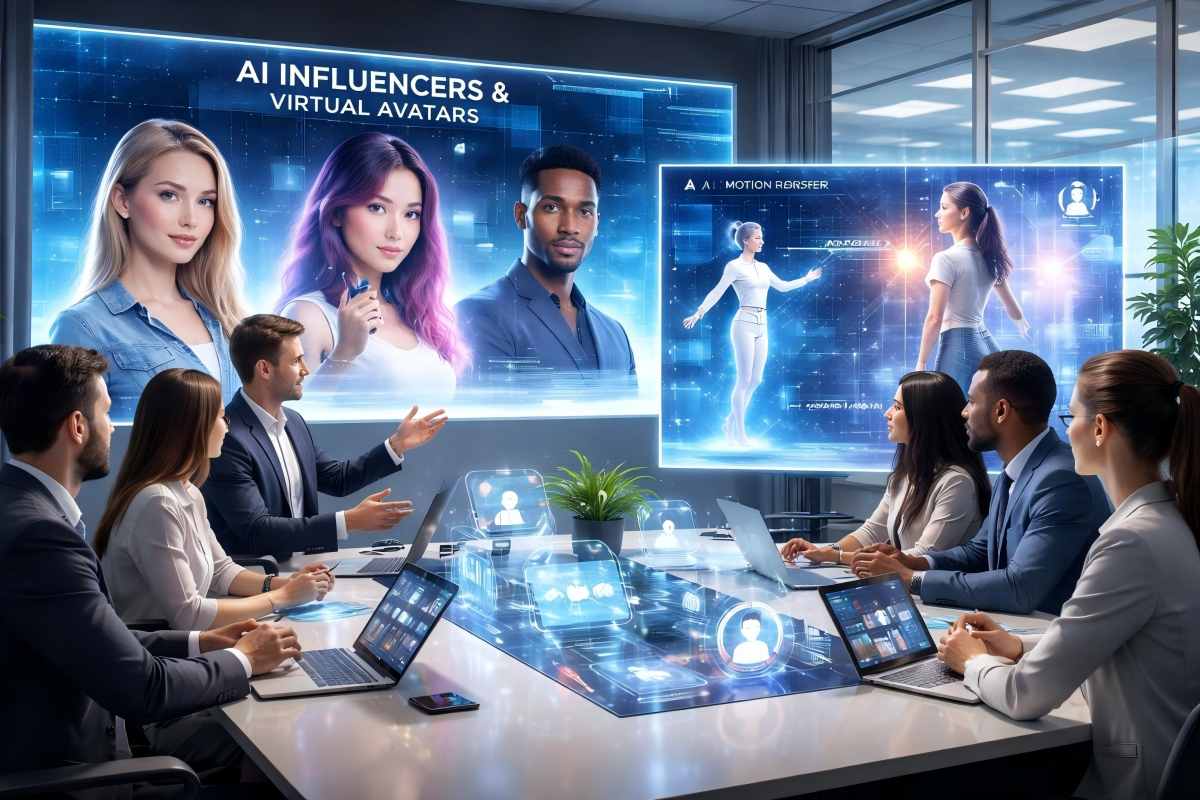
AI influencers and virtual avatars have become valuable marketing tools in 2026. Brands now use these digital personalities to reach audiences without the unpredictability of human partnerships.
The cost savings are significant. While traditional influencer campaigns can cost thousands per post, AI avatars require only initial setup costs.
You can deploy them across multiple platforms simultaneously. They create content 24/7 without scheduling conflicts or creative disputes.
Key Marketing Benefits:
- Consistent brand messaging across all channels
- Instant content localization in multiple languages
- Complete creative control over personality and tone
- No reputation risks from personal controversies
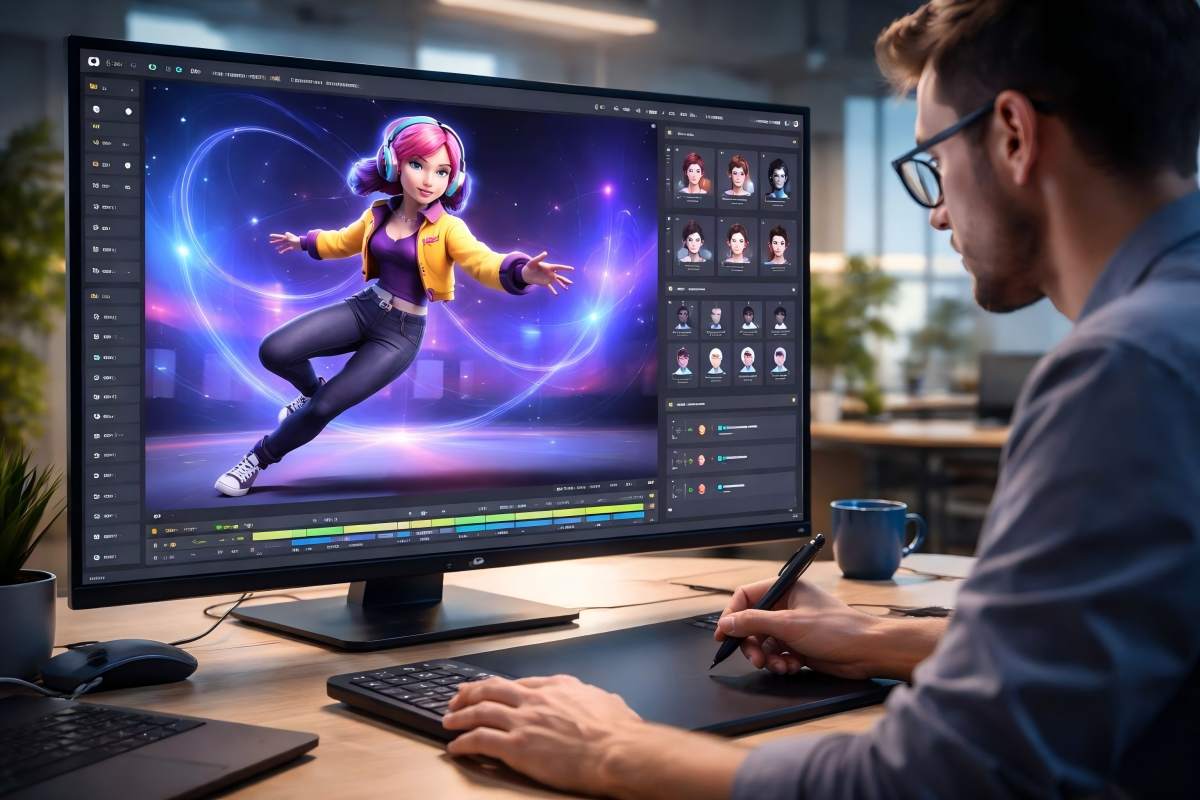
Your brand mascot animation can now evolve into a full-fledged digital spokesperson. Animators are using motion transfer technology to bring these characters to life with realistic movements and expressions.
This transforms static brand mascots into engaging personalities that connect with audiences. Virtual avatars excel at personalization.
You can create different versions for specific audience segments while maintaining brand consistency. Each avatar can speak directly to its target demographic with tailored messaging and cultural relevance.
The data integration capabilities set AI influencers apart from traditional marketing. You can track every interaction, measure emotional responses, and adjust strategies in real time.
Production efficiency matters for your bottom line. Teams of animators can now create weeks of content in days using AI motion transfer tools.
You maintain high production values while dramatically reducing turnaround times. Trust depends on transparency.
Audiences accept AI influencers when you clearly disclose their synthetic nature. Your virtual brand ambassadors succeed when they deliver authentic value rather than attempting to deceive viewers.
The technology works best as an honest extension of your brand identity.
Showcase How PixExact Helps Brands Produce High-Quality Dynamic Content For Digital Spokespersons Efficiently
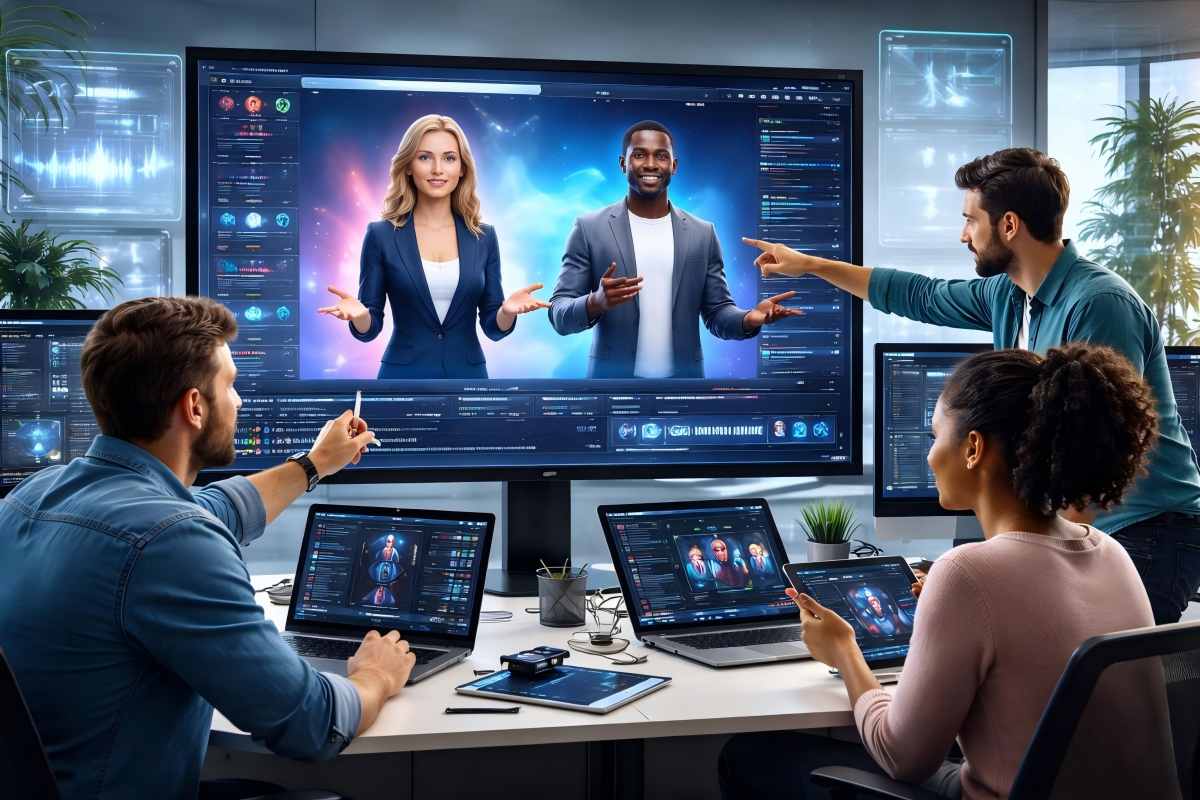
Creating content for digital spokespersons used to require expensive studios and motion capture equipment. PixExact changes this with its ai motion transfer technology that lets you create professional videos in minutes.
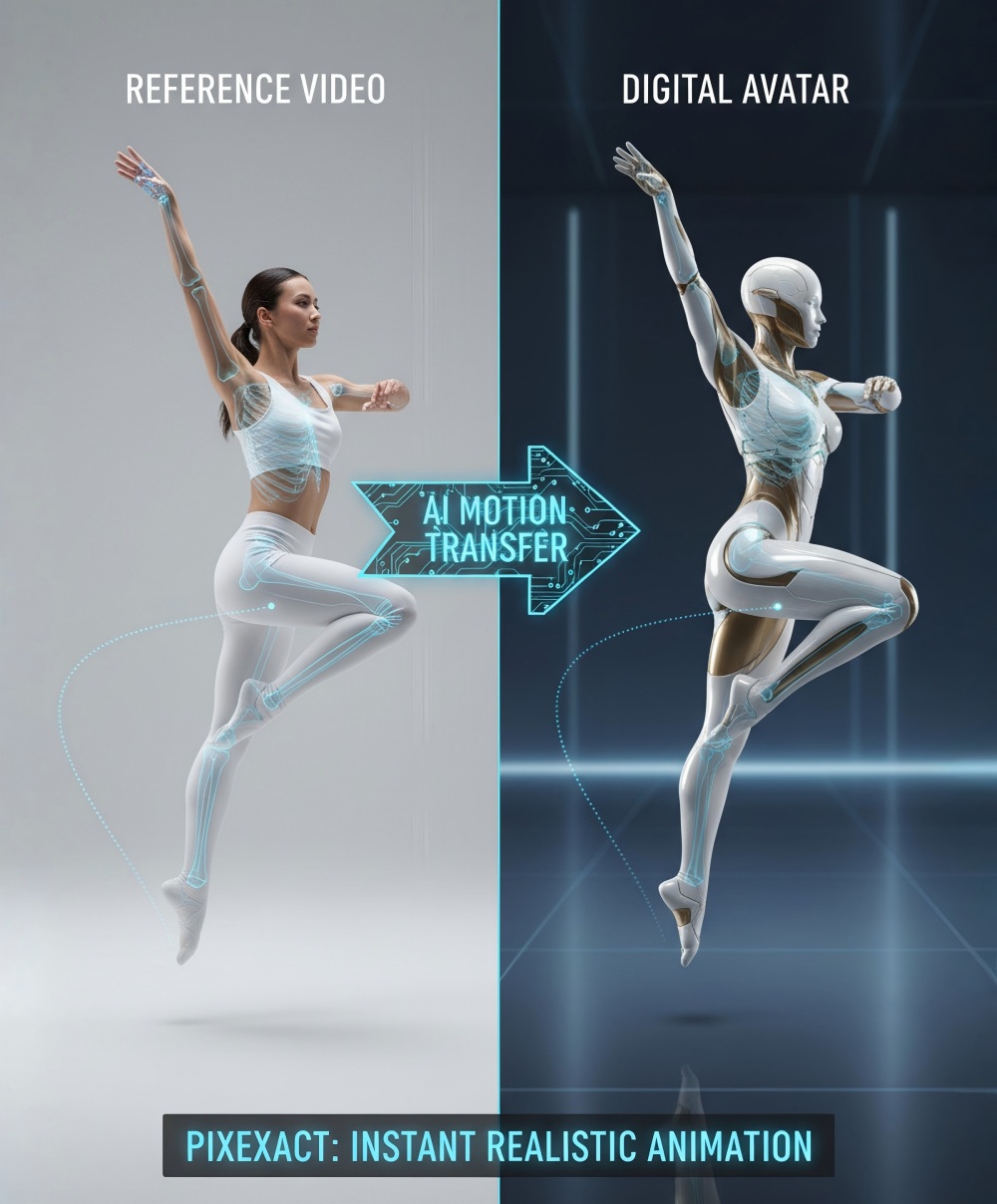
You can upload a reference video of any dance move or gesture. The platform's ai motion capture system analyzes the movement and applies it to your digital spokesperson.
This means you can make your brand ambassador perform complex choreography without hiring dancers or renting studio space. The ai video generator works through a simple process:
- Upload your spokesperson image - Use any high-quality photo of your digital influencer
- Add your motion reference - Choose from trending dance moves or custom gestures
- Generate your video - The AI processes both inputs and creates smooth motion
- Download in 4K - Get commercial-ready content without watermarks
PixExact supports multiple creation methods. You can use video-to-video transfer to copy exact movements from one person to another.
The text-to-video option lets you describe the motion you want in words. Both methods maintain the quality brands need for marketing.
The platform includes motion control animation features that give you precise adjustments. You can fine-tune timing, speed, and camera angles.
The lip sync technology ensures your spokesperson's mouth movements match your audio perfectly. Motion transfer ai processing happens in the cloud.
You don't need powerful computers or technical skills. The system handles the heavy computing while you focus on creative decisions.
For brands running multiple campaigns, PixExact lets you reuse your digital spokesperson across different content. Change the background, swap the motion, or adjust the video generation style.
Each output maintains consistent quality and brand identity. Your videos come with full commercial rights.
Use them in ads, social media posts, or product demos without licensing concerns.
Highlight "Commercial Rights Support" And "4K Output" As Enterprise-Level Benefits
When you scale your AI motion transfer projects for business use, you need features that match professional standards. Two key benefits set enterprise solutions apart from basic tools.
Commercial rights support protects your business from legal issues. Many AI tools restrict how you can use generated content.
You might not be able to sell videos or use them in paid campaigns. Enterprise-level platforms give you full commercial rights to your motion control video output.
This means you can use your AI influencer content in advertisements, social media campaigns, and client projects without restrictions. 4K output quality matters for professional content.
Your audience expects sharp, clear videos across all devices. Low-resolution content looks unprofessional and hurts your brand image.
Here's what 4K brings to your motion control AI projects:
- Professional presentation - Your virtual spokesperson looks polished on large screens and high-end displays
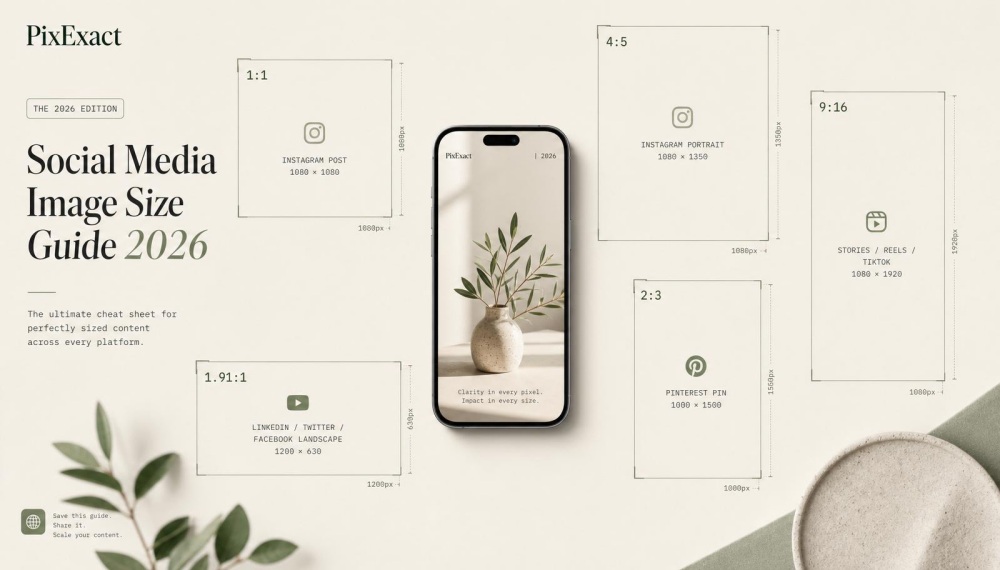
- Platform flexibility - You can use the same content across YouTube, Instagram, LinkedIn, and other channels
- Future-proofing - High-resolution content stays relevant as display technology improves
- Brand credibility - Quality output signals that your company invests in professional tools
These features work together to support serious content marketing. You create ai motion control videos that look professional and come with proper licensing.
Your team can produce content at scale without worrying about quality drops or usage restrictions. The combination of commercial rights and 4K output removes barriers that stop many businesses from adopting AI video tools.
You get the speed and efficiency of AI with the quality and legal protection your brand requires.
Frequently Asked Questions
AI motion transfer tools help you create professional videos by letting you upload reference video clips and apply those movements to your own characters. These platforms work without coding knowledge and offer both free and paid options for different skill levels.
What are the best free tools available for motion transfer using AI?
SoftOrbits offers a free motion transfer AI tool that lets you apply realistic movements to static characters instantly. The platform provides motion video templates that you can use without paying for basic features.
PixExact gives you access to AI motion transfer technology with options for free trials. You can test the motion control features before committing to a paid plan.
Free tools typically have limits on video length or quality. Most platforms let you process short clips of 3-30 seconds and may add watermarks to your output unless you upgrade.
How can I use an AI-powered app to transfer motions to a video?
You start by choosing your AI video tools platform and creating an account. Upload reference video footage that shows the movements you want to copy, such as dance moves or hand gestures.
Next, you upload a still image or character that will perform the actions. The AI mimic motion technology analyzes the reference video and extracts the movement patterns from it.
The system then applies those movements to your character while keeping their appearance intact. You can preview the result and download your finished video once the processing completes.
Are there any online platforms that provide AI motion transfer services?
PixExact offers motion control AI services that work directly in your browser. The platform supports full-body capture and handles complex movements like martial arts and dance sequences.
Kirkify provides AI motion transfer for business users who need consistent presenters across multiple videos. You record one demonstration and apply it to different brand characters without filming again.
PixiGenie runs on Kling AI technology to transfer motion and expressions from videos to character images. These online platforms eliminate the need to download software or install programs on your computer.
Is there a way to generate videos that mimic specific motions using AI technology?
AI mimic motion generator tools let you extract movements from any reference video and apply them to your images. You can use dance videos, action sequences, or gesture clips as your source material.
The mimic motion technology works by tracking body movements frame by frame. The AI identifies key points like shoulders, elbows, hips, and knees to understand how the person moves.
Your character then performs these exact movements with smooth transitions. The system handles timing and spacing automatically so the final video looks natural and realistic.
Can I control video motion with AI without having programming skills?
All major motion transfer platforms work through simple web interfaces that require no coding. You use buttons and menus to upload reference video files and images instead of writing commands.
The AI handles the technical work of analyzing motion and applying it to your characters. You just need to select your files and adjust basic settings like video length or quality.
PixExact and similar tools are built for content creators and marketers who focus on results rather than technical details. The platforms guide you through each step with clear instructions.
What steps are involved in transferring motions to a still image using AI?
Start by selecting a high-quality still image of your character with a clear view of their body. The image should show the full figure if you want to transfer full-body movements.
Upload a reference video that contains the motions you want to apply. Choose footage between 3-30 seconds that clearly shows the movements without camera shake or obstructions.
The AI processes both files and creates a motion path from the video. It then applies this path to your still image, turning it into an animated video that performs the movements while maintaining your character's appearance and identity.