Flyers, posters, and brochures are the three most common printed marketing materials. Every business uses at least one of them. Yet many people use the terms interchangeably — printing a "flyer" when they actually need a poster, or designing a "brochure" when a simple flyer would do the job better and cost far less.
The differences matter. Choosing the wrong format wastes money, misses your audience, and weakens your message. A poster crammed with paragraph text fails. A flyer trying to do the job of a brochure looks cluttered. A brochure handed out on a street corner gets ignored.
This guide breaks down the real differences between flyers, posters, and brochures — covering purpose, size, content, cost, and distribution — so you can pick the right format for every campaign. We also show you how to create flyers and posters in seconds using AI.
Quick Comparison: Flyer vs Poster vs Brochure at a Glance
| Feature | Flyer | Poster | Brochure |
|---|---|---|---|
| Primary purpose | Promote a specific offer, event, or service | Attract attention from a distance; build visual impact | Educate and inform with detailed content |
| Typical sizes | Postcard (4x6 in), Half Letter (5.5x8.5 in), US Letter (8.5x11 in), A5, A4 | 11x17 in, 18x24 in, 24x36 in, A3, A2, A1 | Letter/A4 folded into bi-fold, tri-fold, or Z-fold |
| Number of sides | 1 (single-sided, sometimes double) | 1 (single-sided) | Multiple panels (4, 6, or 8 panels) |
| Content density | Low to medium — headline, key details, CTA | Very low — headline, image, minimal text | High — paragraphs, sections, detailed information |
| Viewing distance | Hand-held (1-2 feet) | Wall or display (3-15+ feet) | Hand-held (1-2 feet) |
| Distribution | Handouts, mailboxes, door hangers, countertops, inserts | Walls, windows, bulletin boards, easels, digital screens | Racks, reception desks, trade shows, mail |
| Typical cost per unit | Low ($0.03-0.15) | Medium ($0.50-3.00) | Medium to high ($0.25-2.00) |
| Design complexity | Low | Low to medium | Medium to high |
| Shelf life | Short (days to weeks) | Medium (weeks to months) | Long (months to a year) |
| Best for | Time-sensitive promotions, local marketing, quick announcements | Brand awareness, events, wayfinding, decoration | Product catalogs, service menus, company overviews |
What Is a Flyer?
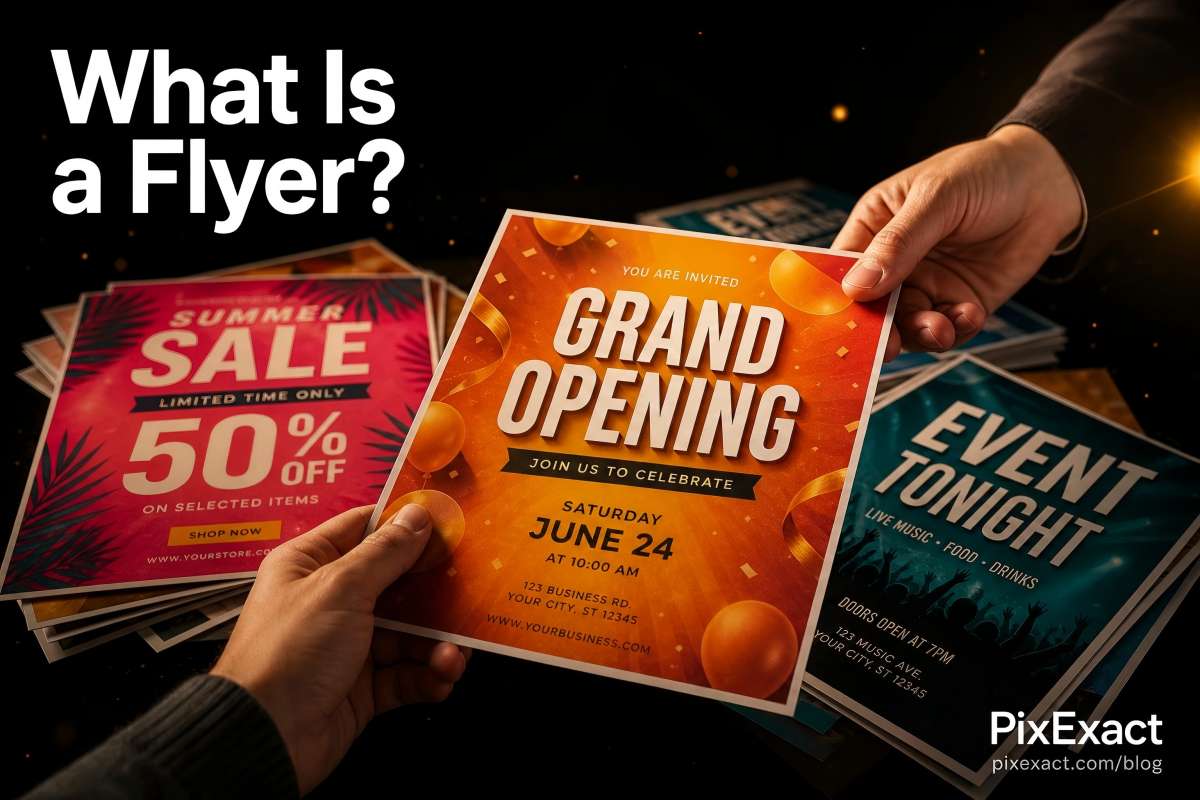
A flyer is a single-page printed sheet designed to promote one specific message — a sale, an event, a service, or an announcement. Flyers are meant to be read at arm's length, handed directly to someone, or placed where people can pick one up.
Key characteristics of a flyer:
- Single-sided or double-sided, unfolded
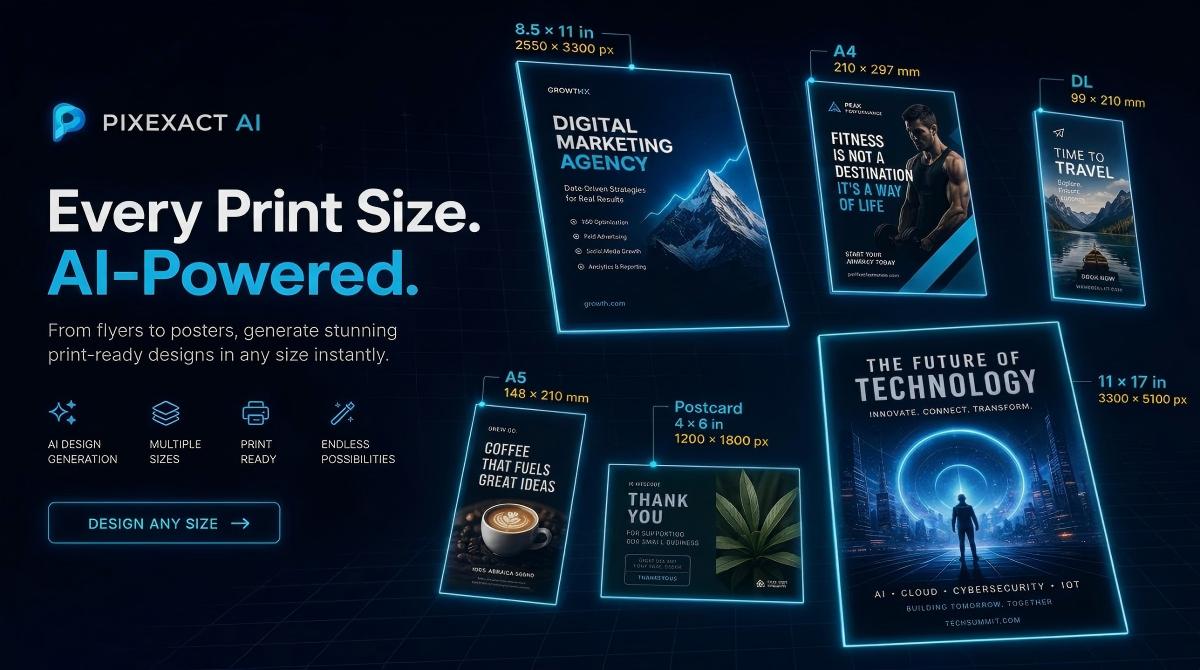
- Compact sizes: most commonly US Letter (8.5 x 11 in), A5, Half Letter, or Postcard
- Content is brief and action-oriented: a headline, 3-5 key details, and a clear call to action
- Designed for mass distribution at low cost
- Short lifespan — typically tied to a specific date, sale, or event
Common flyer use cases:
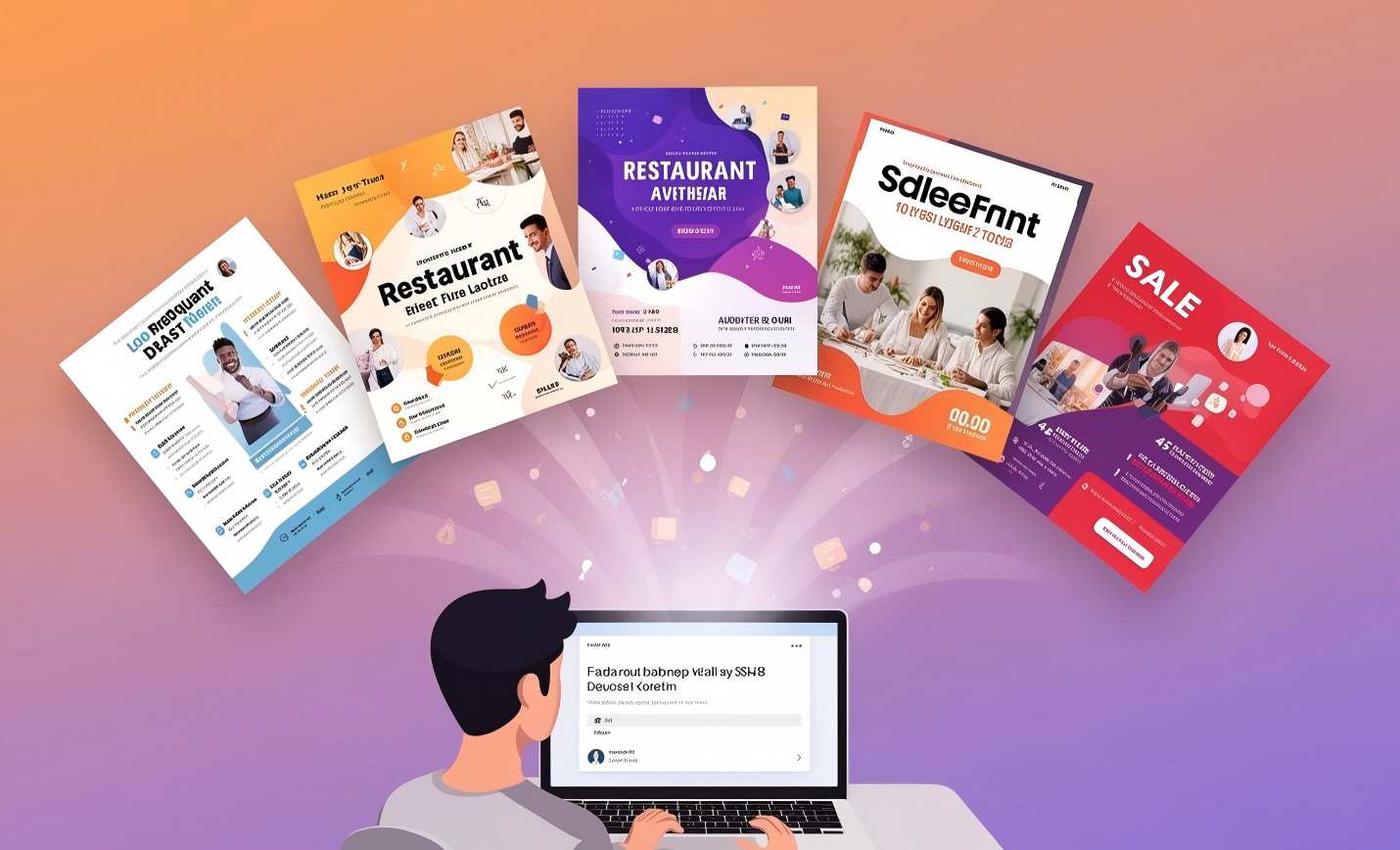
- Restaurant grand opening or menu promotion
- Seasonal sale announcements for retail stores
- Real estate open house invitations
- Fitness studio class schedules and free trial offers
- Church event announcements
- Hiring and recruitment notices
- Community event promotion
- Home service business advertising (plumbing, cleaning, landscaping)
- Lost pet alerts
- Product launch announcements
Flyers are the workhorse of local marketing. They are cheap to print, fast to distribute, and effective when the goal is a single, clear action: visit this store, attend this event, call this number.
For standard flyer dimensions with pixel calculations and bleed specs, see our Flyer Size Guide.
What Is a Poster?
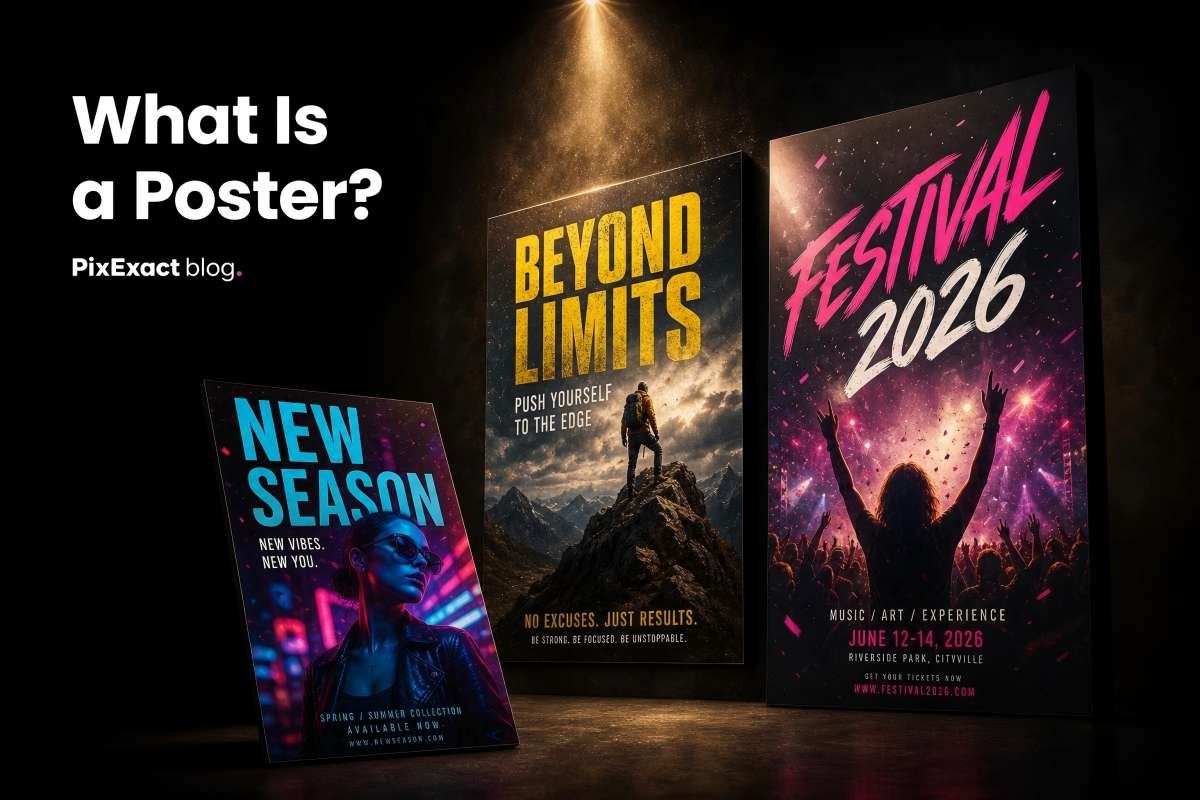
A poster is a large-format, single-sided print designed to be seen from a distance. Unlike flyers, posters are not handed out — they are displayed on walls, in windows, on easels, or on digital screens. Their job is to grab attention with bold visuals and communicate a message in seconds.
Key characteristics of a poster:
- Single-sided, large format
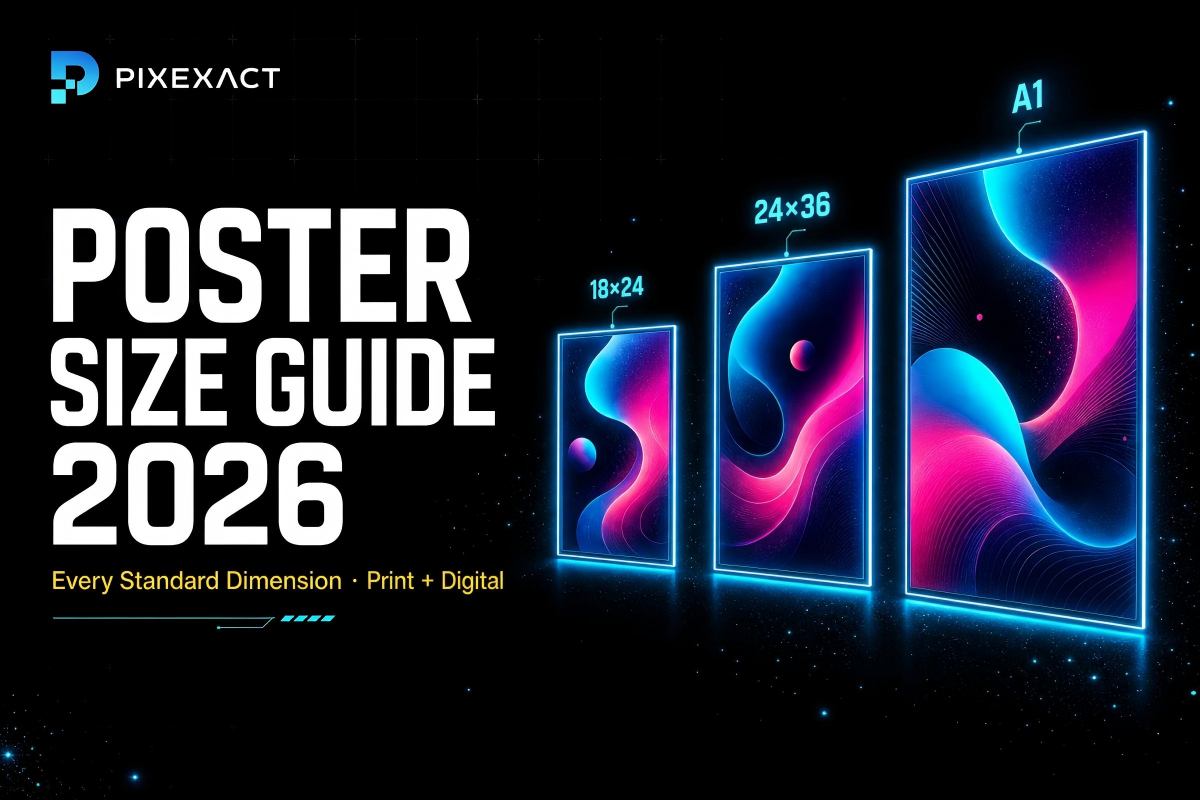
- Common sizes: 11x17 in, 18x24 in, 24x36 in (US); A3, A2, A1, A0 (ISO)
- Content is minimal — a strong headline, one dominant image, and very little body text
- Designed for visual impact at viewing distances of 3 feet or more
- Longer lifespan than flyers — often displayed for weeks or months
Common poster use cases:
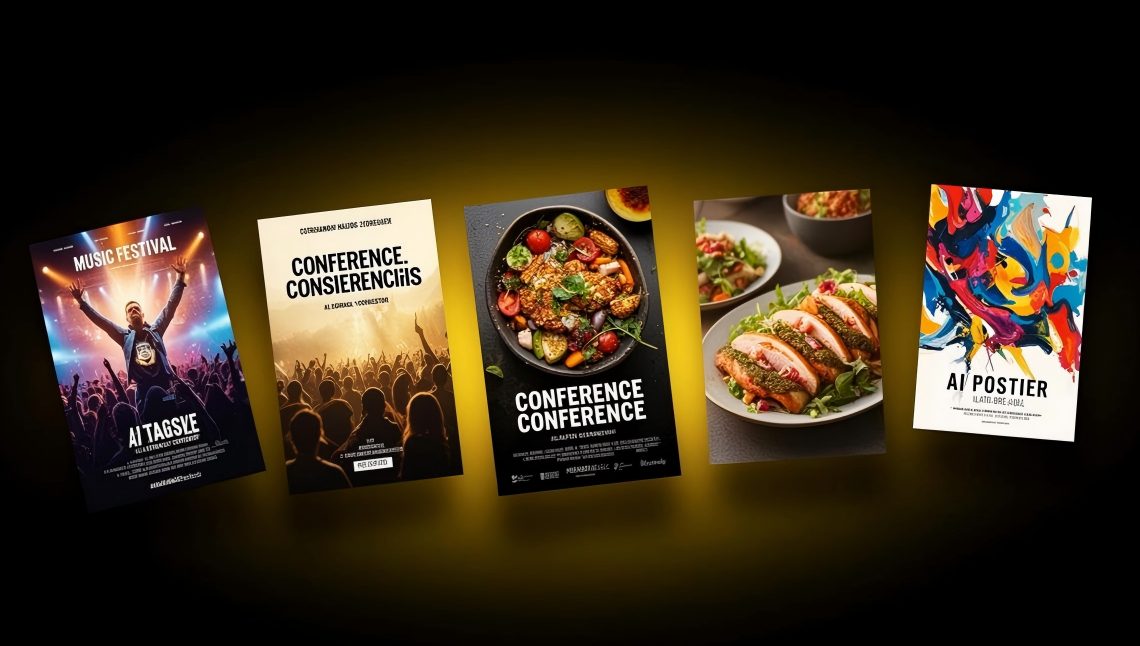
- Concert and music event promotion
- Movie and film advertising
- Conference and workshop announcements
- Brand awareness campaigns
- In-store promotional displays
- Digital signage content
- Wall art and decoration
- Wayfinding and directional signage
- Trade show booth backdrops
- Social media visual content (Instagram Stories, TikTok)
The fundamental difference between a poster and a flyer is viewing distance. A flyer is designed to be read in your hands. A poster is designed to be read from across a room. This distinction drives every design decision — font size, image scale, text density, and layout.
For standard poster dimensions with pixel calculations and viewing distance recommendations, see our Poster Size Guide.
What Is a Brochure?
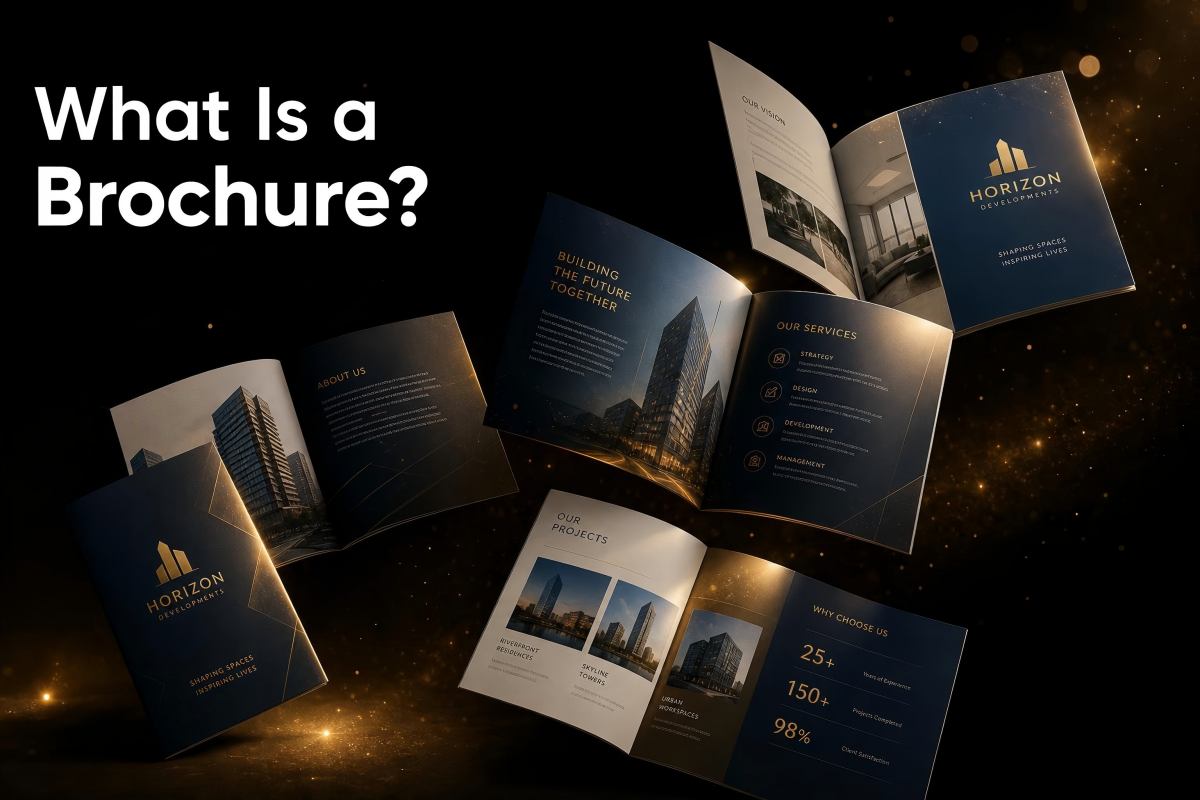
A brochure is a multi-panel printed document that folds to create multiple pages of content within a single sheet. Brochures are designed to educate, inform, and persuade through detailed content — far more information than a flyer or poster can carry.
Key characteristics of a brochure:
- Multi-panel: bi-fold (4 panels), tri-fold (6 panels), Z-fold, gate fold, or accordion fold
- Base size is typically US Letter (8.5 x 11 in) or A4, which folds down to a smaller format
- Content is detailed — paragraphs of text, multiple sections, product descriptions, pricing tables, testimonials
- Higher production cost due to double-sided printing, folding, and often heavier paper stock
- Longer shelf life — often kept as a reference for weeks or months
- Distributed in controlled settings: reception desks, trade show booths, display racks, direct mail
Common brochure use cases:
- Company overviews and capability sheets
- Product catalogs and service menus
- Real estate property detail sheets
- Tourism and travel guides
- Medical and healthcare information
- Educational program descriptions
- Hotel and restaurant menus
- Non-profit mission and donation information
Brochures serve a different stage of the marketing funnel than flyers or posters. While flyers and posters generate initial awareness and drive a single action, brochures provide the detailed information a prospect needs to make a decision.
Detailed Comparison: When to Choose Each Format
Purpose and Message
Use a flyer when your message is simple and action-oriented. One event. One sale. One phone number. The reader should understand the message in 5 seconds and know exactly what to do next.
Use a poster when your goal is visual impact and brand presence. You want to stop people in their tracks, create an emotional response, or establish a mood. The message is communicated through imagery first, text second.
Use a brochure when you need to explain, educate, or present multiple pieces of information. Product features, pricing tiers, service descriptions, company history — anything that requires the reader to spend 2-5 minutes absorbing content.
Size and Format
| Format | Common Sizes | Folded Size | Panels |
|---|---|---|---|
| Flyer | Postcard (4x6 in), Half Letter (5.5x8.5 in), US Letter (8.5x11 in), A5, A4 | N/A (unfolded) | 1-2 (single or double-sided) |
| Poster | 11x17 in, 18x24 in, 24x36 in, A3, A2, A1 | N/A (unfolded) | 1 (single-sided) |
| Brochure | US Letter (8.5x11 in) or A4 base | 3.67x8.5 in (tri-fold) or 5.5x8.5 in (bi-fold) | 4-8 panels |
Content Density
Flyer content checklist (keep it brief):
- Headline (5-10 words)
- Event/offer details (date, time, location, price)
- 1-2 sentences of supporting text
- Call to action (visit, call, scan QR code)
- Contact information
Poster content checklist (keep it minimal):
- Headline (3-7 words)
- One dominant image or graphic
- Date, time, location (if event-based)
- Optional tagline or short supporting line
- Logo or brand mark
Brochure content checklist (go deep):
- Cover panel with headline and hero image
- 2-4 sections of detailed body text
- Product/service descriptions with features and benefits
- Pricing tables or comparison charts
- Testimonials or case studies
- Contact information, map, QR code
- Call to action on back panel
Cost Comparison
| Factor | Flyer | Poster | Brochure |
|---|---|---|---|
| Design cost (freelancer) | $50-150 | $100-300 | $200-500 |
| Design cost (AI tool) | Under $1 per design | Under $1 per design | Not available via AI (multi-panel) |
| Print cost per unit (500 qty) | $0.03-0.15 | $0.50-3.00 | $0.25-2.00 |
| Paper stock | 80-100 lb text (standard) | 80-100 lb text or cardstock | 80-100 lb gloss text or cover stock |
| Turnaround time | Same day to 3 days | 2-5 days | 3-7 days |
Key cost insight: Flyers are by far the most cost-effective format for mass distribution. A print run of 1,000 flyers typically costs $30-80. The same quantity of posters costs $500-3,000 depending on size. Brochures fall in between at $250-1,000 for 1,000 units, with additional cost for folding.
Distribution Methods
| Distribution Method | Flyer | Poster | Brochure |
|---|---|---|---|
| Hand-to-hand | Yes (primary method) | No | Sometimes (trade shows) |
| Mailbox / door hanger | Yes | No | Yes (direct mail) |
| Bulletin boards | Yes | Yes | No |
| Walls and windows | Sometimes | Yes (primary method) | No |
| Display racks | Sometimes | No | Yes (primary method) |
| Package inserts | Yes (Postcard/A6 size) | No | Sometimes |
| Digital screens | No | Yes | No |
| Email attachment | Yes (as image/PDF) | No | Yes (as PDF) |
| Social media | Yes (as image) | Yes (as image) | No (too text-heavy) |
Decision Framework: Which Format Do You Need?
Use this quick decision tree:
Is your message a single event, offer, or announcement with one call to action?
- Yes: Use a flyer.
Do you need the material to be seen from across a room or displayed on a wall?
- Yes: Use a poster.
Does your audience need detailed information to make a decision (features, pricing, comparisons)?
- Yes: Use a brochure.
Do you need both awareness and detail?
- Use a poster for awareness (displayed) plus a flyer or brochure for detail (handed out).
Are you promoting on social media?
- Instagram Stories, TikTok: Use a poster (vertical, visual-first).
- Instagram Feed, Facebook: Use a flyer (more text-friendly at smaller viewing size).
Real-World Scenarios: Choosing the Right Format
| Scenario | Best Format | Why |
|---|---|---|
| Coffee shop grand opening | Flyer | Single event, one offer, needs mass distribution (mailboxes, countertops, door hangers) |
| Music festival announcement | Poster | Visual impact, needs to be seen from a distance on walls and social media |
| Law firm service overview | Brochure | Multiple practice areas to explain, kept in reception area for months |
| Church Easter service | Flyer | Specific date and time, handed out after Sunday service and posted in community |
| Product launch for e-commerce brand | Flyer (package insert) + Poster (social media) | Flyer as physical insert, poster as Instagram/TikTok visual |
| Real estate open house | Flyer | Address, price, date, agent contact — all fits on one page |
| University conference | Poster (on-site) + Brochure (attendee packet) | Poster for directional and room signage, brochure for detailed agenda |
| Restaurant seasonal menu | Brochure (bi-fold) | Multiple items with descriptions and prices need organized panels |
| Gym free trial promotion | Flyer | One offer, one CTA, distributed at local businesses and online |
| Art gallery exhibition | Poster | Visual-first, needs to capture the artistic mood from across the street |
How to Create Flyers and Posters with AI
You can create professional flyers and posters in seconds using PixExact — no design skills, no templates, no manual editing.
Creating a Flyer
- Open the PixExact AI Flyer Generator.
- Describe your flyer using the four-part prompt framework: Goal, Details, Audience, Style.
- Select your size: 6 standard print presets (Postcard, A6, Half Letter, A5, US Letter, A4) at 300 DPI, or Custom up to 4096 x 4096 px.
- Click Generate Flyer.
- After generation, click the edit button to upload your real QR code.
- Download the print-ready file.
Example prompt: "Create a grand opening flyer for Sunrise Coffee at 88 Main Street. Opening Saturday, July 12. Free coffee for the first 100 visitors. Hours 7 AM to 7 PM. Warm and inviting with earthy brown and cream colors, coffee photography style. Include a QR code linking to our website."
For a full walkthrough, see How to Make a Flyer with AI.
Creating a Poster
- Open the PixExact AI Poster Generator.
- Describe your poster: Purpose, Content, Style, Colors and Lighting.
- Select your size: 3 aspect ratio presets (9:16 at 1080x1920 px, 2:3 at 1664x2496 px, 3:4 at 3072x4096 px) or Custom up to 4096 x 4096 px.
- Click Create Poster.
- Download the high-resolution file.
Example prompt: "Design a vibrant music festival poster for Summer Sound Festival 2026. June 20-22 at Riverside Park, Austin. Tagline: Three Days. Twenty Bands. One Unforgettable Weekend. Sunset gradients of orange, pink, and purple, bold typography, crowd silhouettes."
For a full walkthrough, see How to Create a Poster with AI.
What About Brochures?
Brochures require multi-panel layouts with precise fold lines, sequential content flow across panels, and double-sided printing alignment. This level of structural complexity is best handled by dedicated layout tools (InDesign, Canva's brochure templates) rather than AI image generation. PixExact focuses on single-page formats — flyers and posters — where AI generation delivers the strongest results.
Frequently Asked Questions
What is the difference between a flyer and a poster?
A flyer is a small, single-page handout (typically US Letter or A5 size) designed to be read at arm's length. It contains event details, offers, and a call to action. A poster is a large-format display piece (typically 18x24 in or larger) designed to be seen from a distance. It relies on bold visuals and minimal text to grab attention. The core difference is viewing distance: flyers are hand-held, posters are wall-mounted.
What is the difference between a flyer and a brochure?
A flyer is a single unfolded page with brief, action-oriented content — one message, one CTA. A brochure is a folded, multi-panel document with detailed content — product descriptions, pricing, company information. Flyers are for quick promotions; brochures are for in-depth education.
When should I use a poster instead of a flyer?
Use a poster when your material needs to be seen from a distance (3 feet or more), when visual impact matters more than detailed information, or when you are displaying on walls, windows, or digital screens. If people will hold the material in their hands and read the details, use a flyer instead.
Can I use the same design for a flyer and a poster?
Not effectively. A flyer designed for hand-held reading at 8.5 x 11 inches will have text too small to read when displayed as a poster across a room. Conversely, a poster with 72-point headlines will look oversized and sparse when printed at flyer dimensions. Create separate designs optimized for each viewing distance.
Which is cheaper to print: flyers, posters, or brochures?
Flyers are the cheapest by a significant margin. A print run of 1,000 standard flyers costs approximately $30-80. The same quantity of posters costs $500-3,000 depending on size. Brochures fall in the middle at $250-1,000 for 1,000 units, with additional cost for folding.
What size flyer or poster should I choose?
For flyers: US Letter (8.5 x 11 in) for bulletin boards and displays, Half Letter (5.5 x 8.5 in) for handouts and mailbox drops, Postcard (4 x 6 in) for direct mail. For posters: 18 x 24 in or 24 x 36 in for wall displays, 11 x 17 in for smaller spaces. See our Flyer Size Guide and Poster Size Guide for complete dimension references.
Can AI generate brochures?
Currently, AI image generators produce single-page designs — ideal for flyers and posters. Brochures require multi-panel layouts with fold alignment, sequential content flow, and double-sided print coordination, which is best handled by dedicated layout software. PixExact's AI Flyer Generator and AI Poster Generator cover the single-page formats where AI delivers the best results.
Choose the Right Format for Your Next Campaign
Now you know the differences. Flyers for quick, actionable promotions. Posters for visual impact and awareness. Brochures for detailed information and education.
Ready to create yours? Start with the format that matches your goal:
Create a Flyer with AI — describe your promotion, pick a size, download in seconds.
Create a Poster with AI — describe your vision, choose an aspect ratio, download a stunning poster.
Related Guides
- Flyer Size Guide: Standard Dimensions for Print and Digital
- Poster Size Guide: Every Standard Dimension for Print and Digital
- How to Make a Flyer with AI: Step-by-Step Guide
- How to Create a Poster with AI: Complete Tutorial
- AI Flyer Templates for Small Business: 10 Ready-to-Use Ideas
- AI Poster Ideas for Events: From Concerts to Conferences
- How to Design a Flyer That Converts: AI-Powered Tips
- Best Free AI Flyer Generators Compared
- Best Free AI Poster Generators Compared
- Instagram Post Size: Exact Dimensions and Best Formats